Acer Aspire One ZG5 Keyboard Replacement

What you need

    1. Acer Aspire One ZG5 Keyboard Replacement, Acer Aspire One ZG5 Keyboard Replacement: step 1, image 1 of 1
      • Turn the netbook upside down with the battery at the top, away from you.

      Add Comment

    2. Acer Aspire One ZG5 Keyboard Replacement: step 2, image 1 of 1
      • Unlock the battery by sliding the switch located near the left hinge to the left "unlocked" position.

      Add Comment

    3. Acer Aspire One ZG5 Keyboard Replacement: step 3, image 1 of 1
      • Slide the latch located on the opposite hinge from the lock while pushing the battery up.

      Add Comment

    4. Acer Aspire One ZG5 Keyboard Replacement: step 4, image 1 of 1
      • Turn the netbook over and open the display so that the keyboard is facing you.

      Add Comment

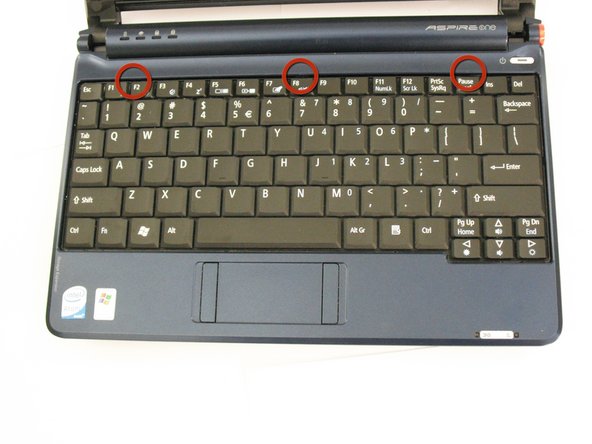
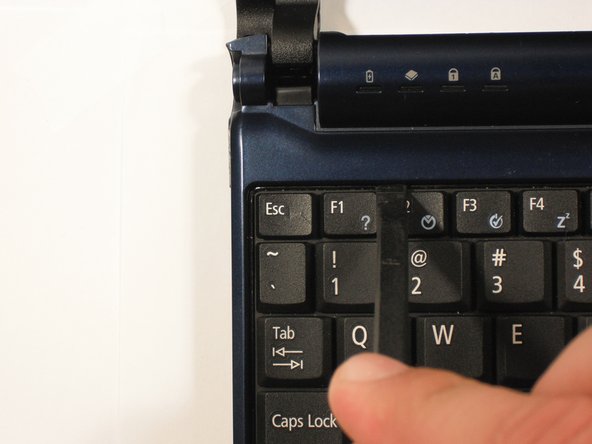
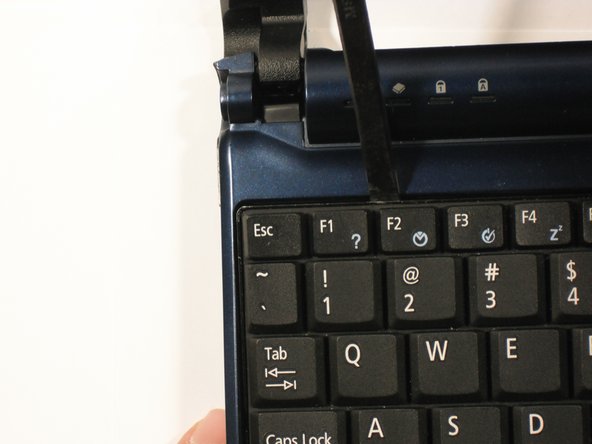
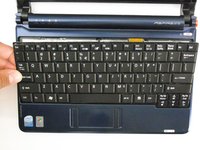
    5. Acer Aspire One ZG5 Keyboard Replacement: step 5, image 1 of 3 Acer Aspire One ZG5 Keyboard Replacement: step 5, image 2 of 3 Acer Aspire One ZG5 Keyboard Replacement: step 5, image 3 of 3
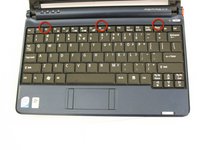
      • There are three tabs located on the top of the keyboard.

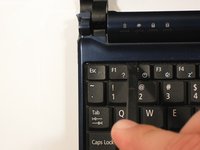
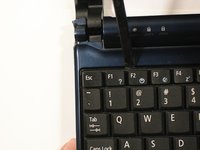
      • Start with the spudger pointing towards the display and pry up to push each tab off the keyboard.

      • As you move to the next tab, ensure the previous tab doesn't reset itself.

      Add Comment

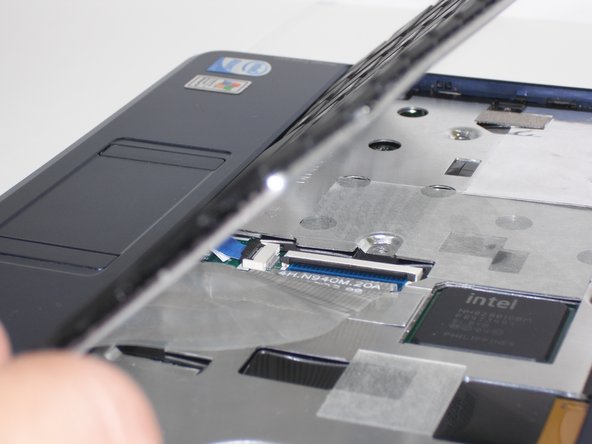
    6. Acer Aspire One ZG5 Keyboard Replacement: step 6, image 1 of 2 Acer Aspire One ZG5 Keyboard Replacement: step 6, image 2 of 2
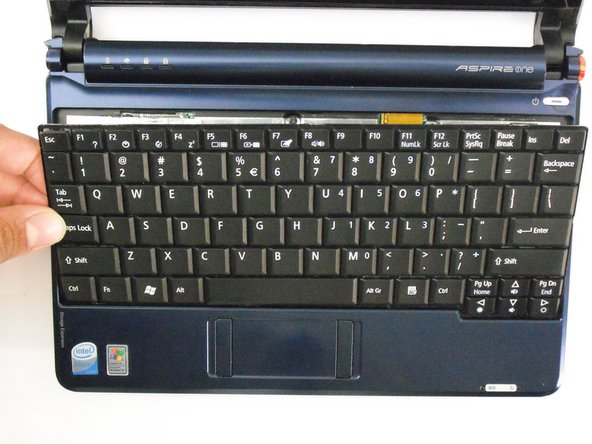
      • Lift top of keyboard up. If it doesn't lift easily, there may be tabs on the sides - use the tool to ease them aside and/or shift the keyboard from side to side.

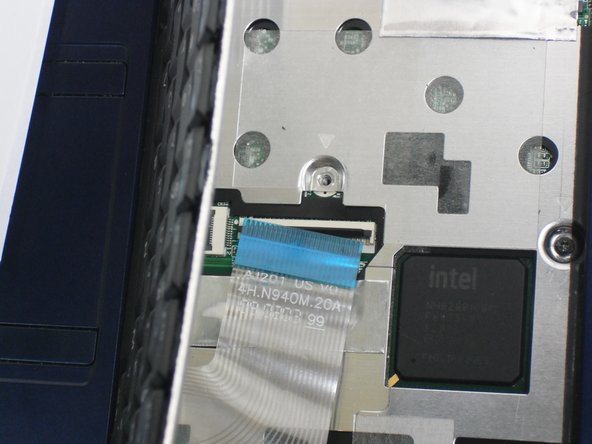
      • There is a short ribbon cable connecting the keyboard to the netbook.

      Add Comment

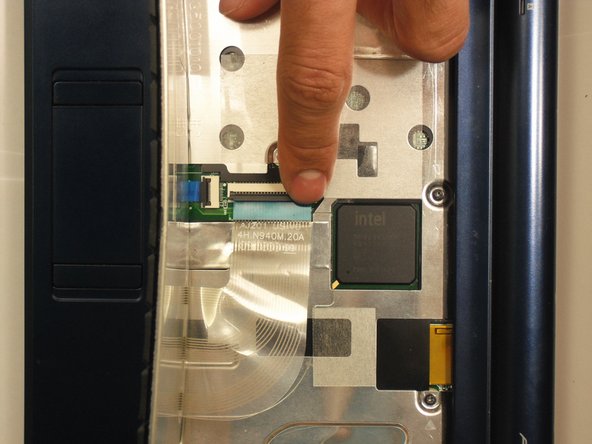
    7. Acer Aspire One ZG5 Keyboard Replacement: step 7, image 1 of 2 Acer Aspire One ZG5 Keyboard Replacement: step 7, image 2 of 2
      • Disconnect the ribbon by lifting the black plastic hinge and removing the clear blue cable.

      Add Comment

Conclusion

To reassemble your device, follow these instructions in reverse order.

Cancel: I did not complete this guide.

System

Member since: 09/24/09

2,562 Guides authored

0 Guide Comments

Add Comment

View Statistics:

Past 24 Hours: 0

Past 7 Days: 0

Past 30 Days: 0

All Time: 27