
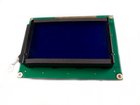
Akai MPK25 LCD Replacement

Last updated on Aug 28, 2015
Views: 53
View statistics:
- Past 24 Hours:
- 0
- Past 7 Days:
- 0
- Past 30 Days:
- 1
- All Time:
- 53
Comments: 0
No one has left comments on this guide. Will you be first?
Go to guide commentsCompleted: 0 1
No one has marked this guide "completed." Will you be the first?
1 person has marked this guide "completed." It's you — great job!
Favorites: 0 1
No one has favorited (and subscribed to) this guide. Will you be the first?
1 person has favorited (and subscribed to) this guide — and that's you!
 Markup Problems
This guide has markup that is either not properly set or is missing from some images.
Introduction
Go to step 1 ↓Use this guide to replace a screen that is scratched, cracked, or broken.
-
-
-
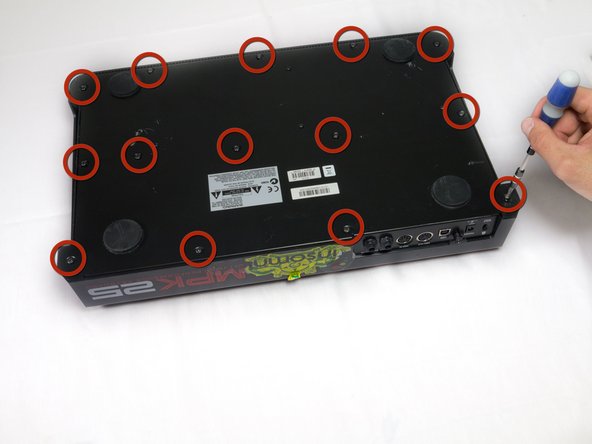
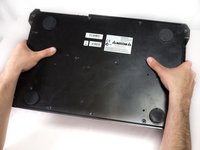
Flip the device over. Using a Philips #2 screw driver, remove the fourteen 10.3 mm black screws holding the back panel in place.
-
-
-
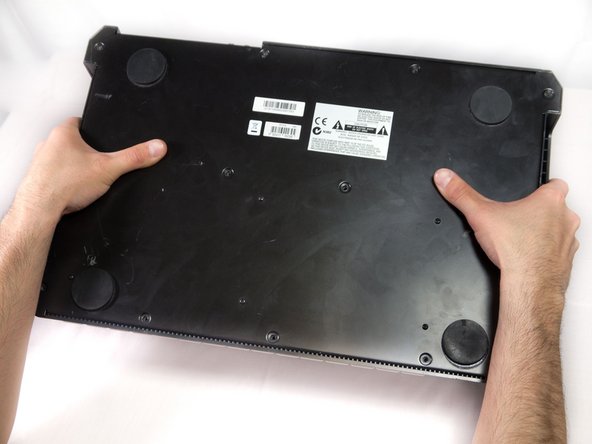
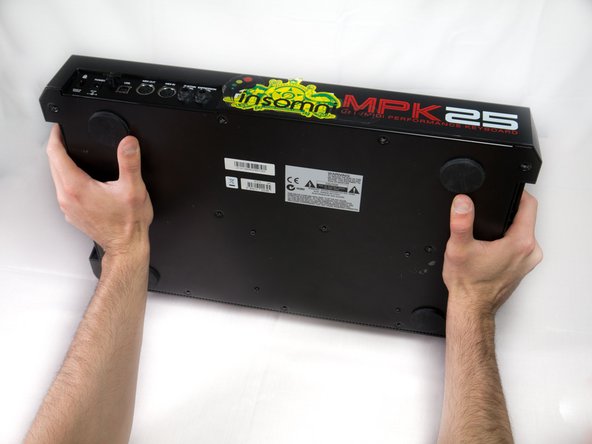
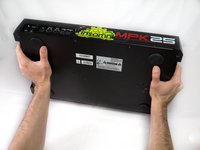
Carefully flip the device to the front making sure you secure the face plate and the chassis together.
-
-
-
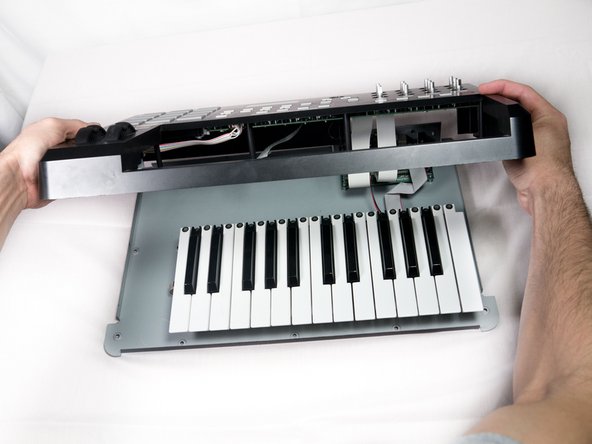
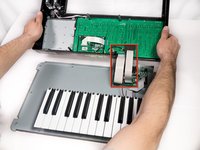
Rotate the device 180 degrees and carefully remove the face plate by slightly lifting the screen side towards you and then sliding the bottom out from under the keys.
-
-
-
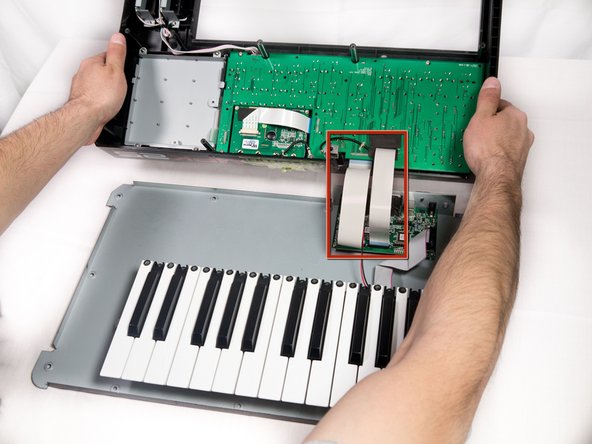
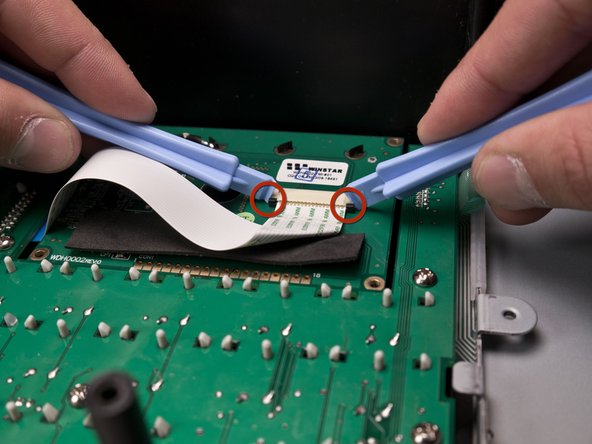
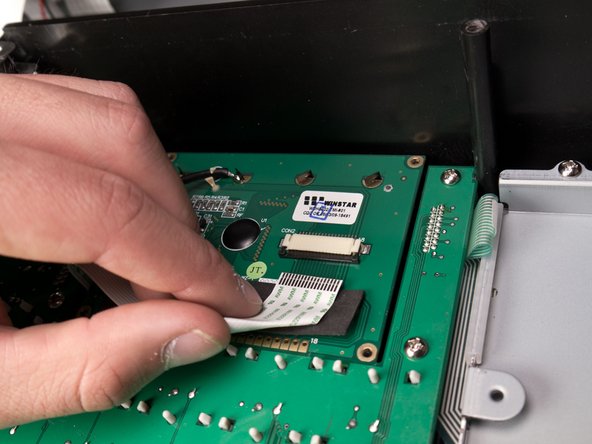
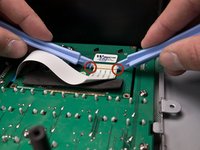
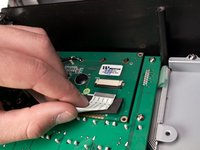
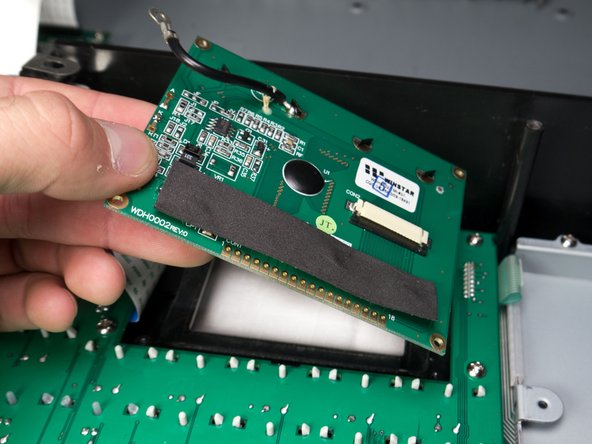
Using two plastic opening tools, slide the black locking mechanism on the ZIF connector towards you. This will remove the ribbon cable connecting the motherboard to the screen.
-







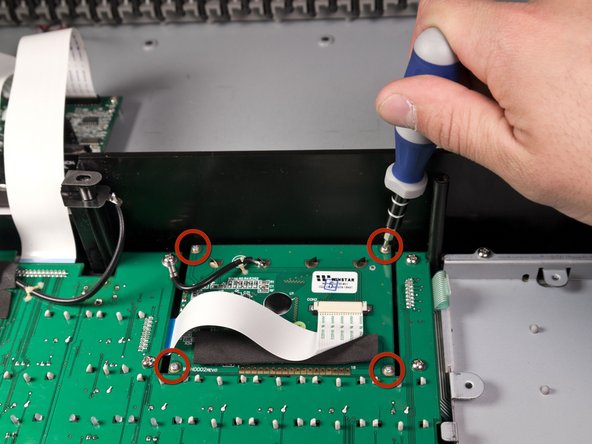
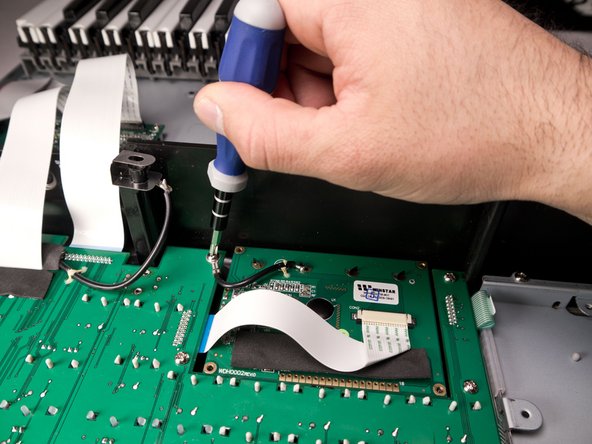
To reassemble the display, follow these instructions in reverse order.

