Canon EOS 30 Remote Control Socket Replacement

What you need

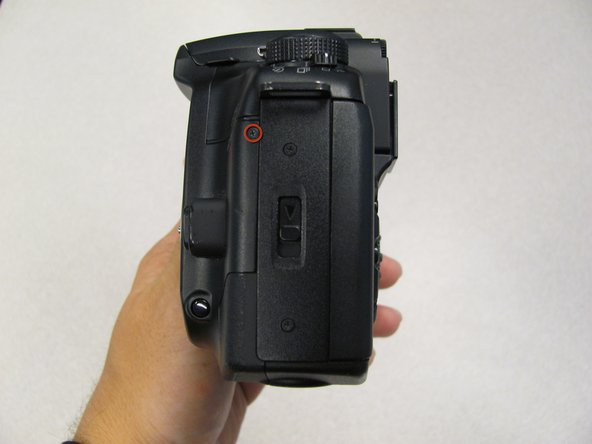
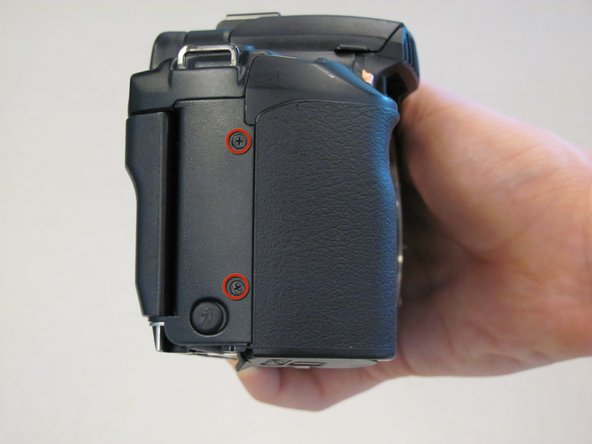
  1. Canon EOS 30 Remote Control Socket Replacement, Canon EOS 30 Remote Control Socket Replacement: step 1, image 1 of 1
    • Remove two 4.8 mm black screws on the front of the camera.

    Add Comment

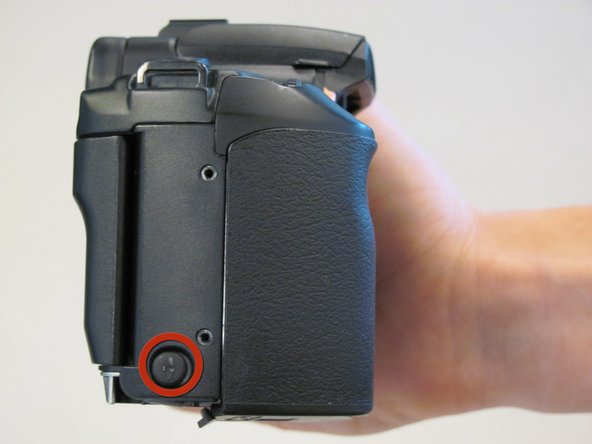
  2. Canon EOS 30 Remote Control Socket Replacement: step 2, image 1 of 1
    • Remove one 4.3 mm black screw under the lens ring and one 4.8 mm black screw on the bottom of the camera.

    Add Comment

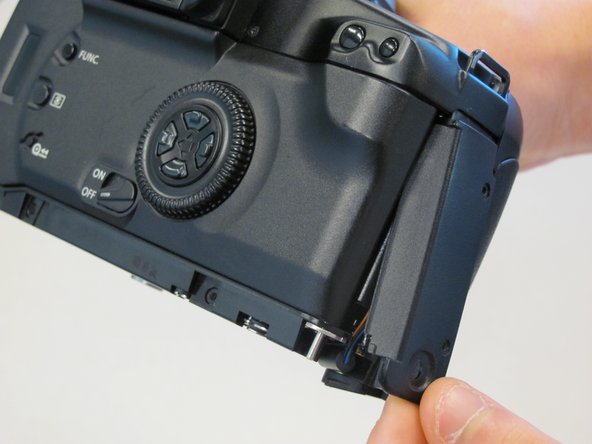
  3. Canon EOS 30 Remote Control Socket Replacement: step 3, image 1 of 1
    • Remove one 4.8 mm black screw on the left side.

    Add Comment

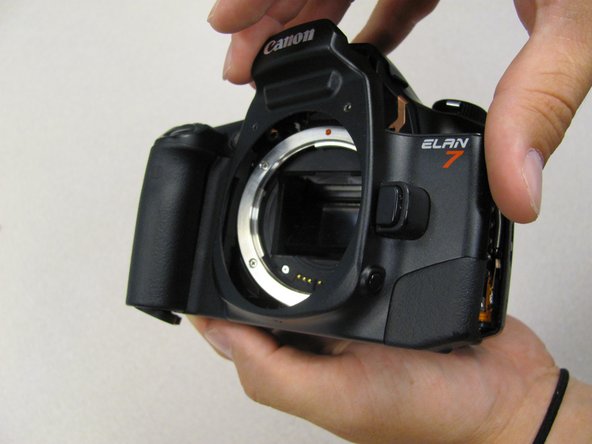
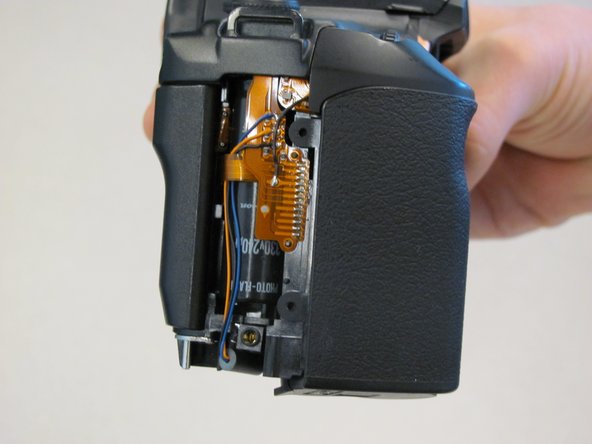
  4. Canon EOS 30 Remote Control Socket Replacement: step 4, image 1 of 1
    • Remove the front panel by lifting out the side opposite the grip.

    Add Comment

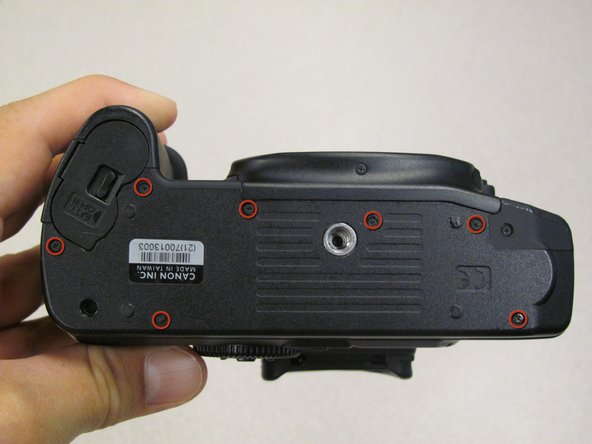
  5. Canon EOS 30 Remote Control Socket Replacement: step 5, image 1 of 1
    • Remove seven 4.25 mm black screws on the bottom panel.

    Add Comment

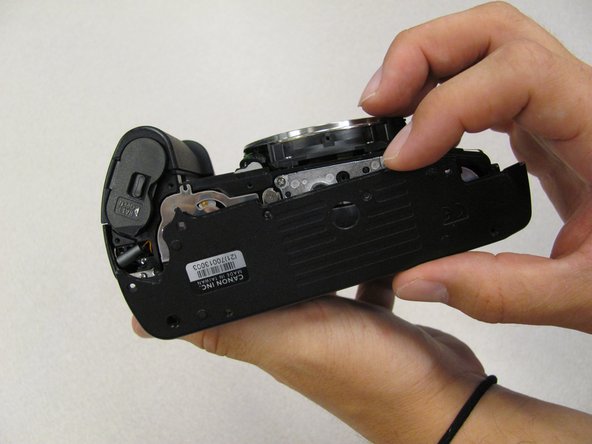
  6. Canon EOS 30 Remote Control Socket Replacement: step 6, image 1 of 1
    • Remove the bottom panel.

    Add Comment

  7. Canon EOS 30 Remote Control Socket Replacement: step 7, image 1 of 1
    • Remove two 6.5 mm black screws from the panel.

    Add Comment

  8. Canon EOS 30 Remote Control Socket Replacement: step 8, image 1 of 1
    • Remove plastic Remote Control Socket cap by pulling it straight out.

    Add Comment

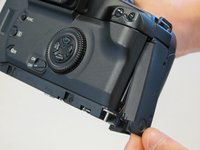
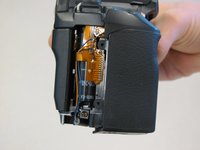
  9. Canon EOS 30 Remote Control Socket Replacement: step 9, image 1 of 2 Canon EOS 30 Remote Control Socket Replacement: step 9, image 2 of 2
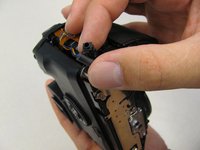
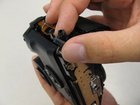
    • Slide panel toward bottom of camera to remove.

    Add Comment

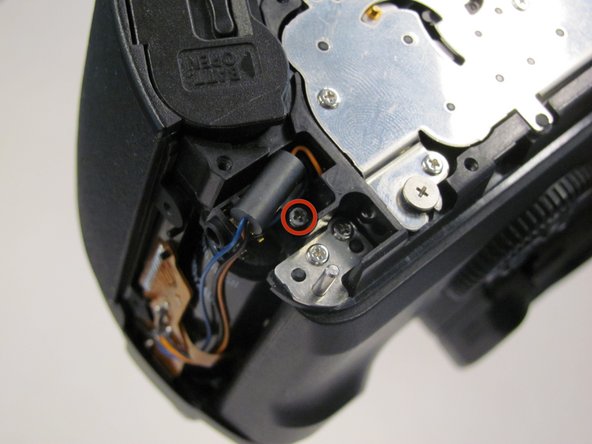
  10. Canon EOS 30 Remote Control Socket Replacement: step 10, image 1 of 1
    • Remove one 4.8 mm silver screw securing Remote Control Socket to camera.

    Add Comment

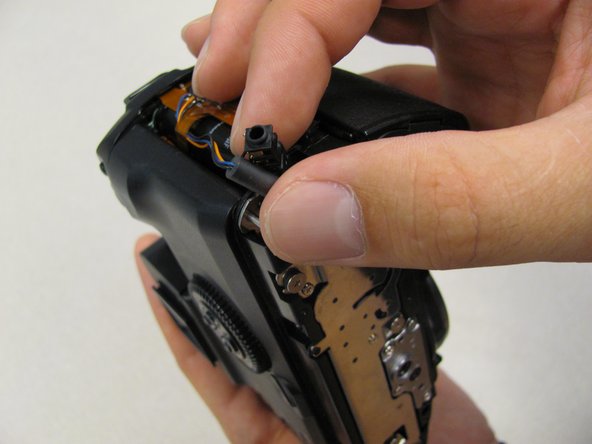
  11. Canon EOS 30 Remote Control Socket Replacement: step 11, image 1 of 2 Canon EOS 30 Remote Control Socket Replacement: step 11, image 2 of 2
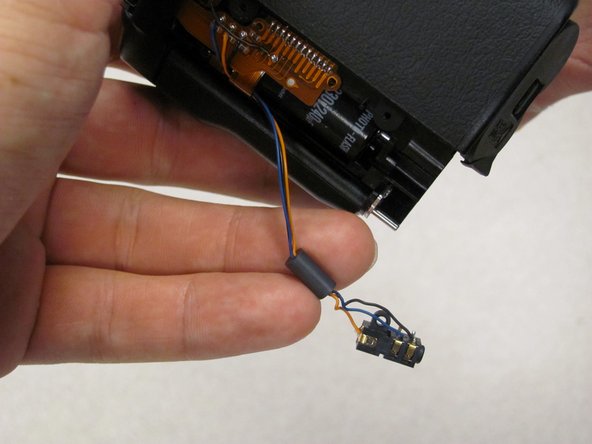
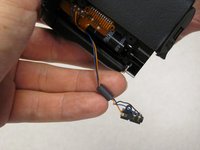
    • Remote Control Socket is now secured by 3 wires.

    • Desolder connections to replace Remote Control Socket.

    Add Comment

Conclusion

To reassemble your device, follow these instructions in reverse order.

Cancel: I did not complete this guide.

System

Member since: 09/24/09

2,562 Guides authored

0 Guide Comments

Add Comment

View Statistics:

Past 24 Hours: 0

Past 7 Days: 0

Past 30 Days: 4

All Time: 21