
Canon PowerShot A550 Internal Battery Replacement

Last updated on Sep 17, 2016
Views: 68
View statistics:
- Past 24 Hours:
- 0
- Past 7 Days:
- 0
- Past 30 Days:
- 4
- All Time:
- 68
Comments: 0
No one has left comments on this guide. Will you be first?
Go to guide commentsCompleted: 0 1
No one has marked this guide "completed." Will you be the first?
1 person has marked this guide "completed." It's you — great job!
Favorites: 0 1
No one has favorited (and subscribed to) this guide. Will you be the first?
1 person has favorited (and subscribed to) this guide — and that's you!
Introduction
Go to step 1 ↓The internal battery is vital for powering your Canon Powershot A550. This guide will show you how to remove and replace your internal battery so that your camera may function properly with a new power supply.
What you need
-
-
-
Open the compartment labeled CARD/BATT. located at the bottom of the camera by moving the dark gray button down and sliding the cover to the right.
-
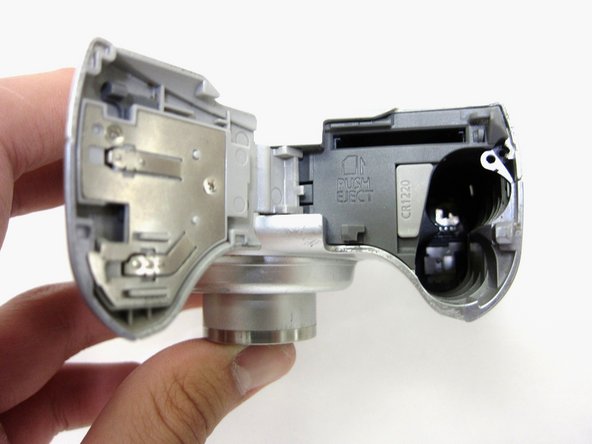
The opened compartment should look like this.
-
-
-
Use tweezers to remove the internal battery by sliding it up and out of its compartment.
-
The internal battery can now be replaced.
-
-



To reassemble your device, follow these instructions in reverse order.

