Canon PowerShot S80 Speaker Replacement

What you need

    1. Canon PowerShot S80 Speaker Replacement, Canon PowerShot S80 Speaker Replacement: step 1, image 1 of 2 Canon PowerShot S80 Speaker Replacement, Canon PowerShot S80 Speaker Replacement: step 1, image 2 of 2
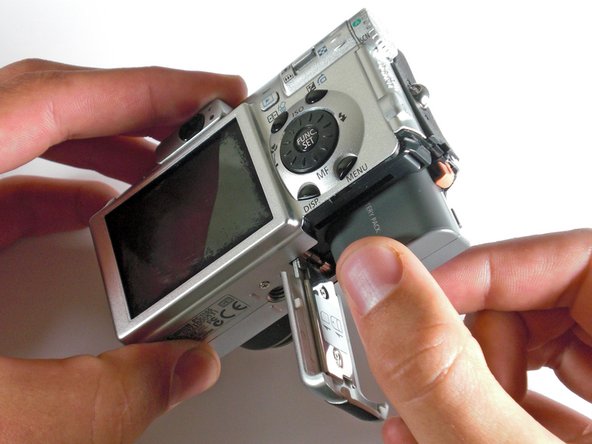
      • Remove the knot on the wrist lanyard.

      • Remove the battery and memory card.

      Add Comment

    2. Canon PowerShot S80 Speaker Replacement: step 2, image 1 of 2 Canon PowerShot S80 Speaker Replacement: step 2, image 2 of 2
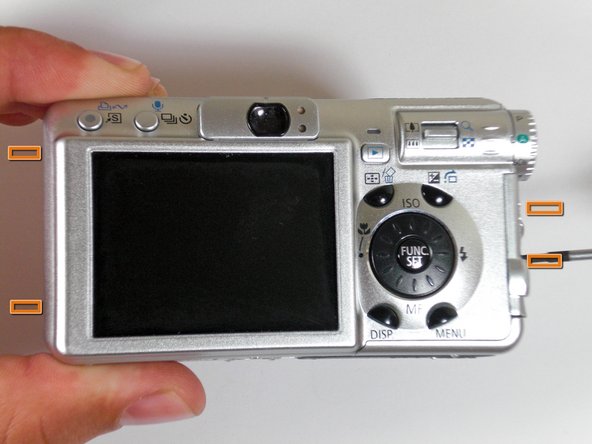
      • Remove all screws from sides of outer casing.

      • Begin removing the screws on the bottom of the outer casing.

      • Remove the rest of the screws from the outer casing.

      Add Comment

    3. Canon PowerShot S80 Speaker Replacement: step 3, image 1 of 3 Canon PowerShot S80 Speaker Replacement: step 3, image 2 of 3 Canon PowerShot S80 Speaker Replacement: step 3, image 3 of 3
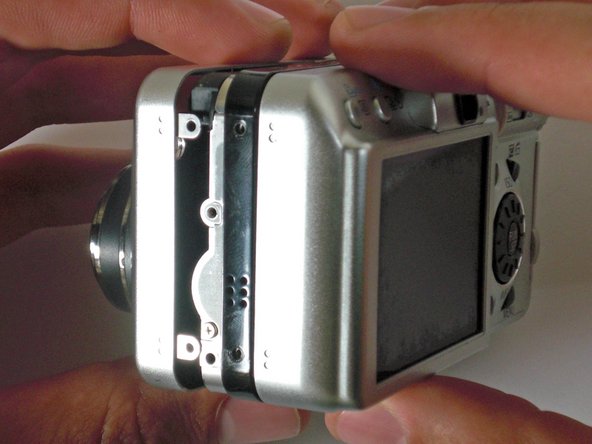
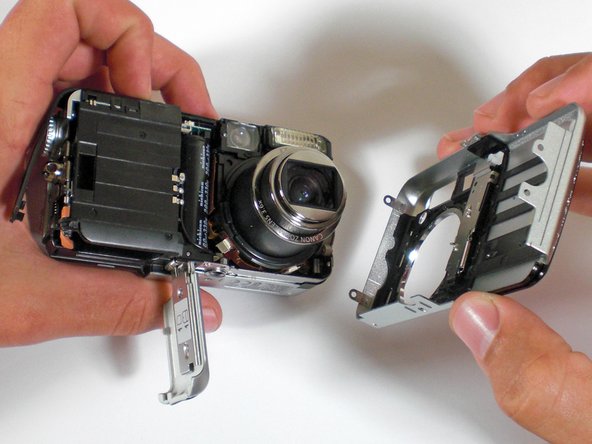
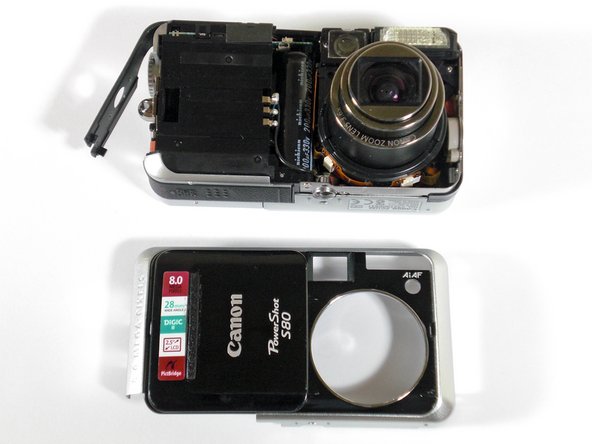
      • Gently pull the front cover off the camera.

      Add Comment

    4. Canon PowerShot S80 Speaker Replacement: step 4, image 1 of 3 Canon PowerShot S80 Speaker Replacement: step 4, image 2 of 3 Canon PowerShot S80 Speaker Replacement: step 4, image 3 of 3
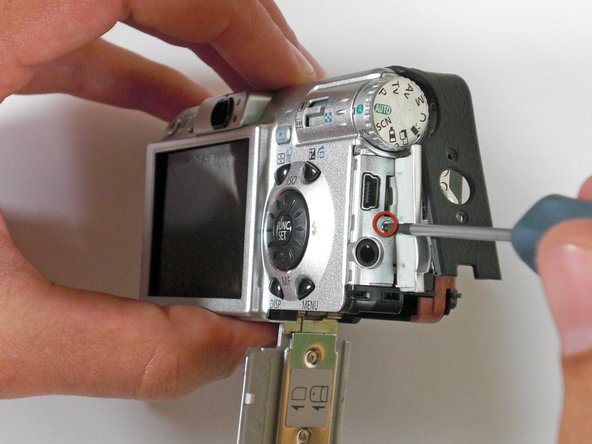
      • Open the "A/V Out Digital" cover slide, and remove the screw inside.

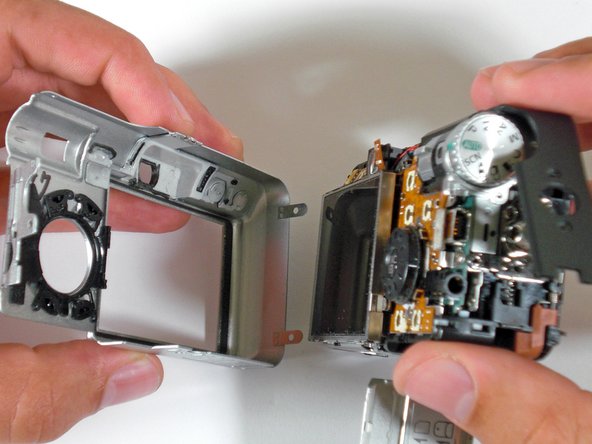
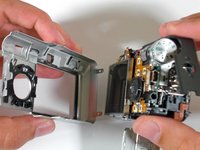
      • Gently pull off the back casing.

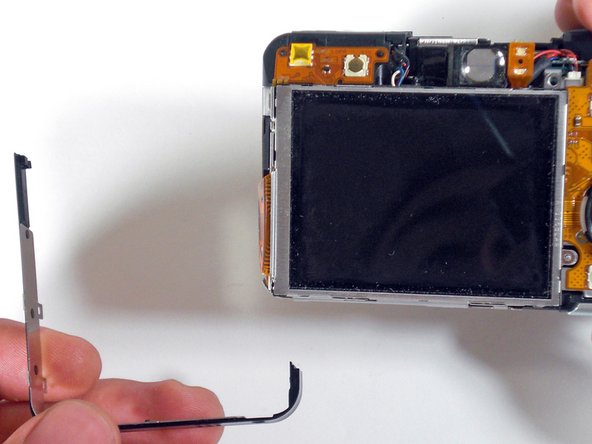
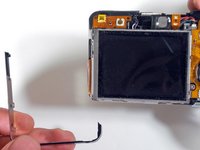
      • Remove the black "L" shaped piece of metal.

      Add Comment

    5. Canon PowerShot S80 Speaker Replacement: step 5, image 1 of 1
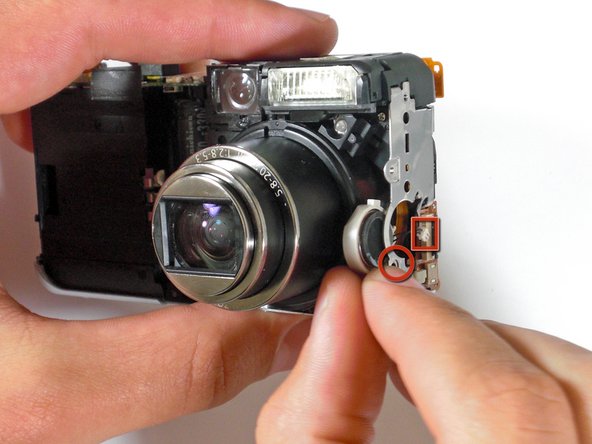
      • Remove the screw and unplug the wire lead.

      • Gently remove the speaker from the camera body.

      Add Comment

Conclusion

To reassemble your device, follow these instructions in reverse order.

Cancel: I did not complete this guide.

System

Member since: 09/24/09

2,562 Guides authored

0 Guide Comments

Add Comment

View Statistics:

Past 24 Hours: 0

Past 7 Days: 0

Past 30 Days: 3

All Time: 42