
Compact Disc (CD) Drive

Last updated on Sep 13, 2018
Views: 131
View statistics:
- Past 24 Hours:
- 0
- Past 7 Days:
- 1
- Past 30 Days:
- 7
- All Time:
- 131
Comments: 0
No one has left comments on this guide. Will you be first?
Go to guide commentsCompleted: 1 2
1 person has marked this guide "completed." Will you be next?
2 people have marked this guide "completed." Including you — great job!
Favorites: 0 1
No one has favorited (and subscribed to) this guide. Will you be the first?
1 person has favorited (and subscribed to) this guide — and that's you!
Introduction
Go to step 1 ↓Source: Dismantling Guide for IT Equipment, which was elaborated within the SRI project and financially supported by SECO and UNIDO, June 2015

World Resources Forum (WRF)
Mathias Schluep, St. Gallen / Switzerland

Dismantling and Recycling Centre (DRZ)
Markus Spitzbart, Vienna / Austria

Institute for Materials Science & Technology (Empa)
Fabian Blaser, St. Gallen / Switzerland
Health and Safety
Dismantling a compact disk drive doesn’t include any harmful steps nor does the compact disk drive contain any hazardous materials. Nonetheless workers should wear personal protection equipment like gloves, goggles, apron and robust shoes.


-
-
-
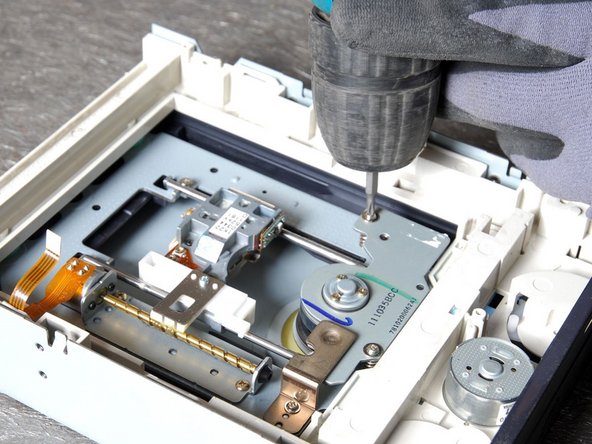
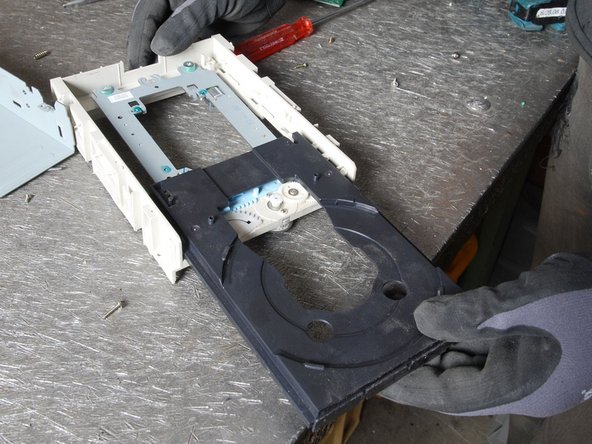
Remove the front part of the casing, the CD tray and tray frame.
-
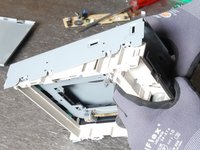
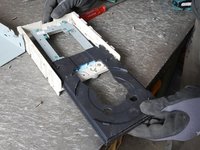
Use the clips indicated in the small pictures to separate the fractions.
-
-
-
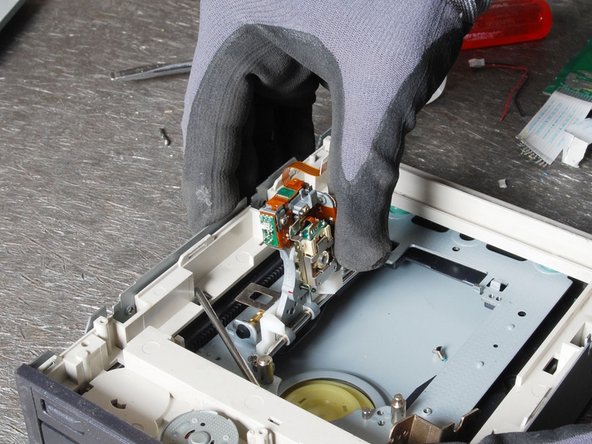
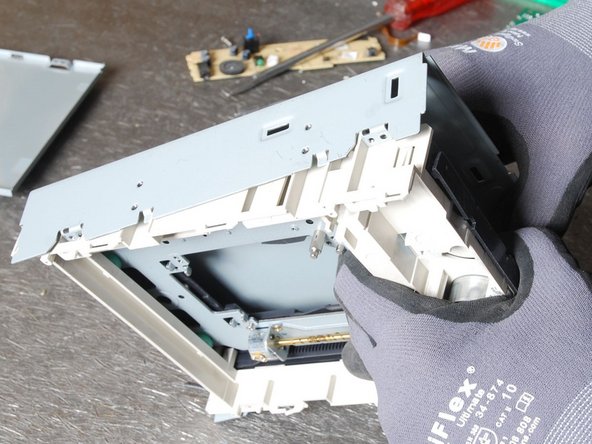
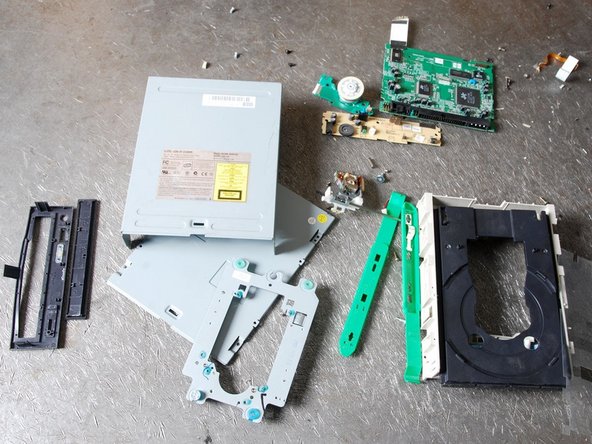
Remove and separate the remaining materials and put them to the adequate fractions.
-
Make sure the plastic parts are completely free of metal pieces.
-


Cancel: I did not complete this guide.
One other person completed this guide.

