
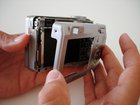
Disassembling Sony Cyber-shot DSC-W5 Back Cover

Last updated on Apr 11, 2016
Views: 15
View statistics:
- Past 24 Hours:
- 0
- Past 7 Days:
- 0
- Past 30 Days:
- 2
- All Time:
- 15
Comments: 0
No one has left comments on this guide. Will you be first?
Go to guide commentsCompleted: 0 1
No one has marked this guide "completed." Will you be the first?
1 person has marked this guide "completed." It's you — great job!
Favorites: 0 1
No one has favorited (and subscribed to) this guide. Will you be the first?
1 person has favorited (and subscribed to) this guide — and that's you!
Introduction
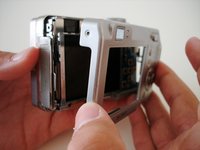
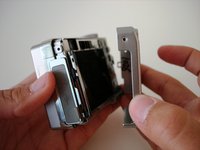
Go to step 1 ↓We will be taking off the back cover, or case, of the camera to gain access to the internal components including the speaker, LCD screen, lens, and motherboard.
What you need
-
-
-
Remove Memory Stick Pro from the card reader slot on the bottom of the camera.
-
Remove both batteries.
-
-
-
Remove the single visible screw from both sides of the camera.
-
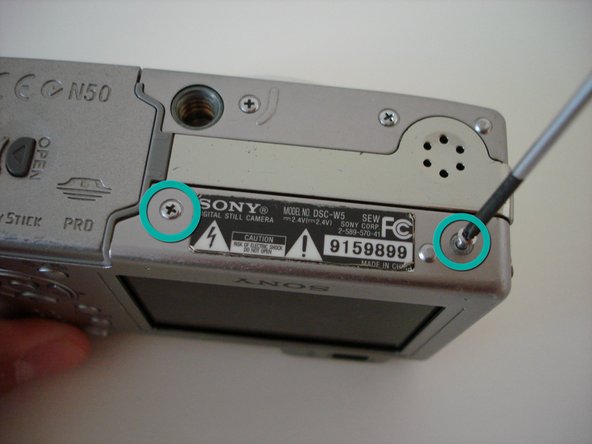
Remove the two screws that are adjacent to the warning label, which is on the underside of the camera.
-
-




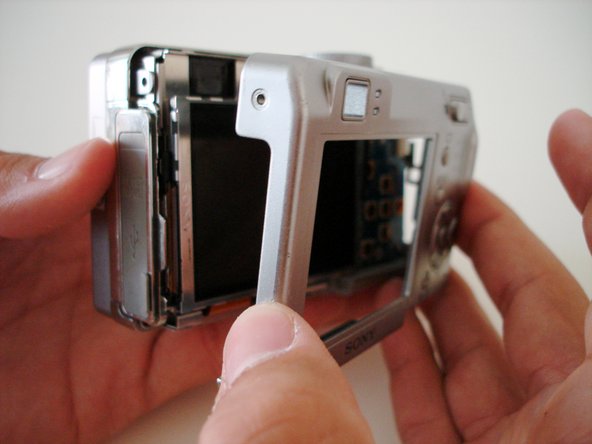
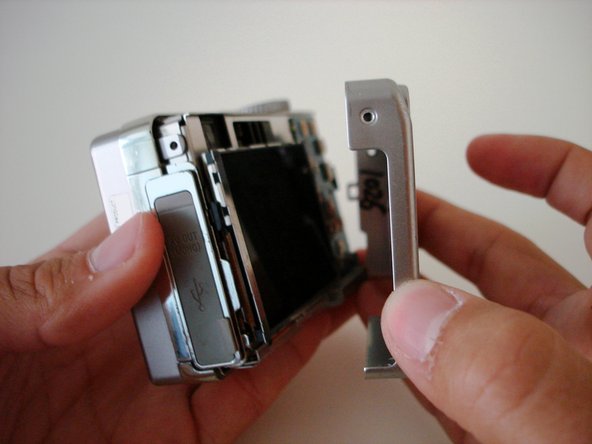
To reassemble your device, follow these instructions in reverse order.

