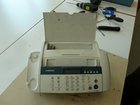
Fax Machine

What you need

  1. Fax Machine, Fax Machine: step 1, image 1 of 1
    • Remove all paper from the fax machine.

    Add Comment

  2. Fax Machine: step 2, image 1 of 1
    • Break off the lid.

    Add Comment

  3. Fax Machine: step 3, image 1 of 1
    • Remove the front panel.

    Add Comment

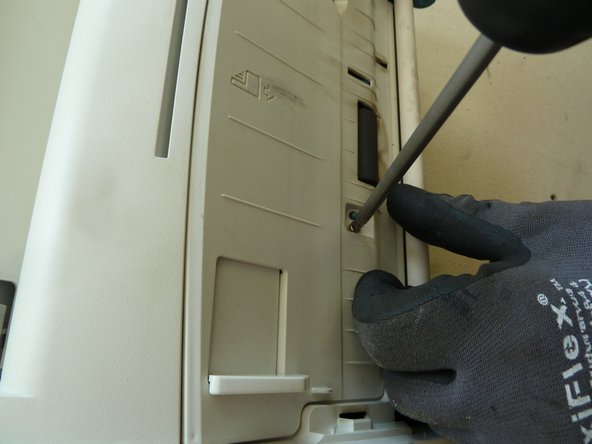
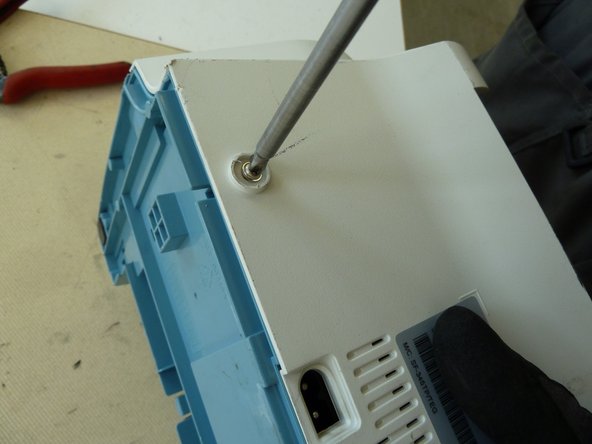
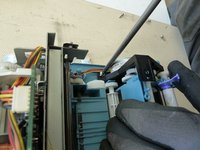
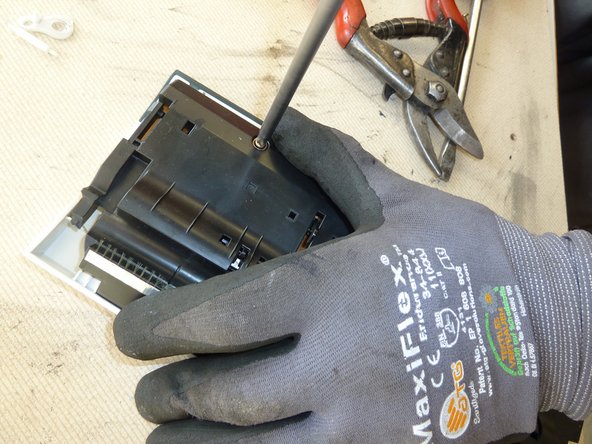
  4. Fax Machine: step 4, image 1 of 2 Fax Machine: step 4, image 2 of 2
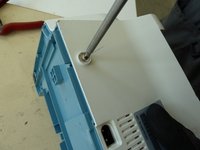
    • Unscrew the case.

    Add Comment

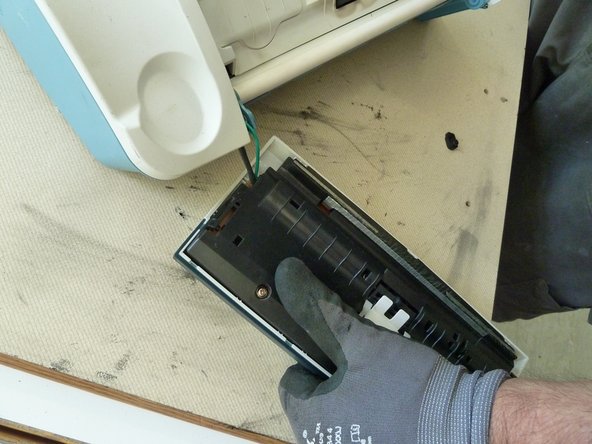
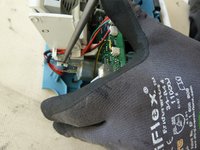
  5. Fax Machine: step 5, image 1 of 2 Fax Machine: step 5, image 2 of 2
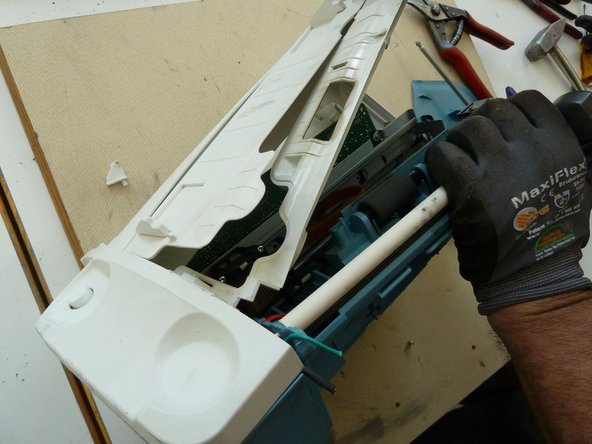
    • Open the case.

    Add Comment

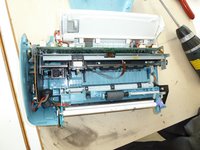
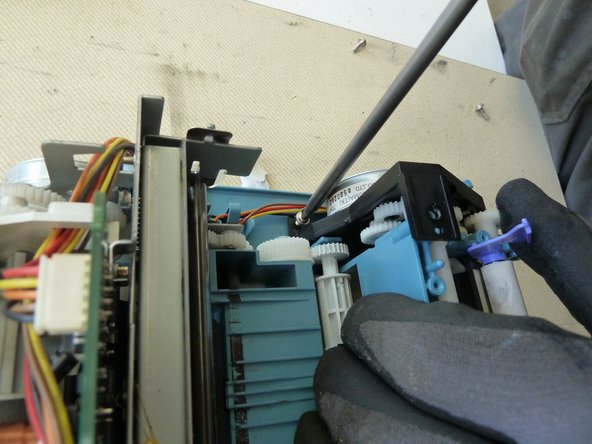
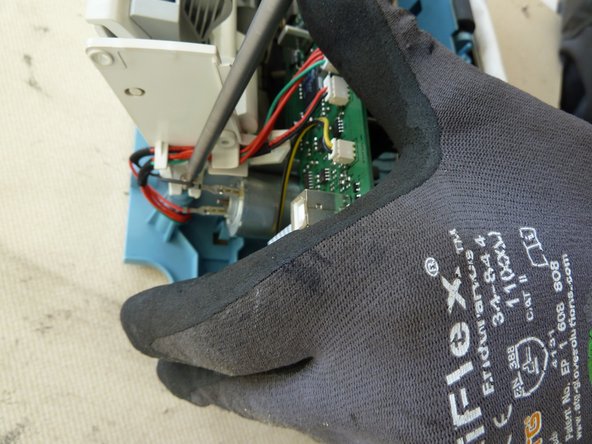
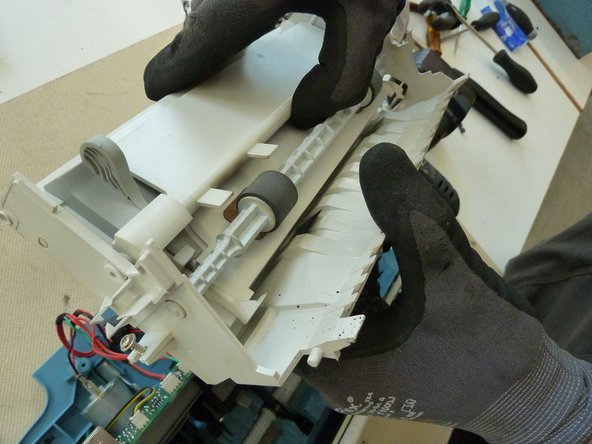
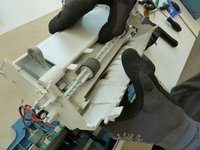
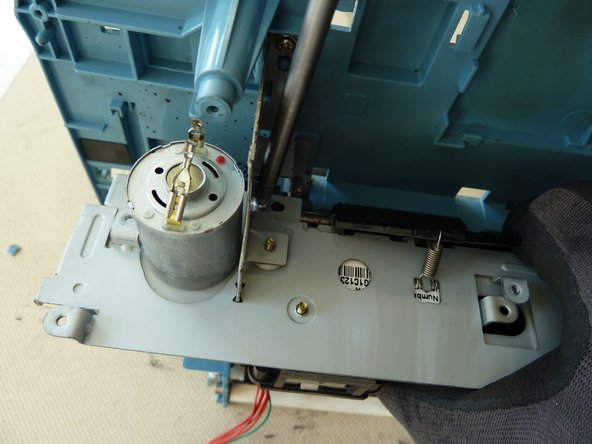
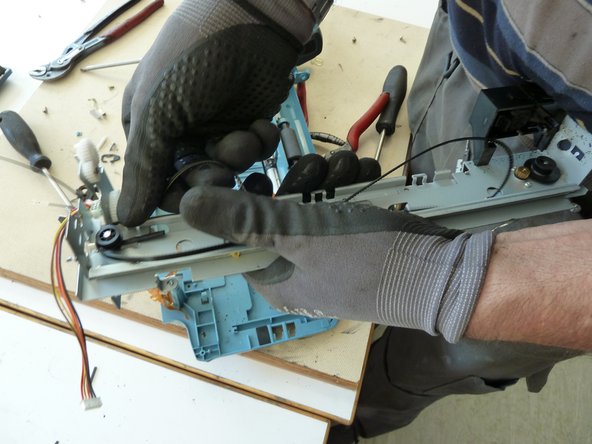
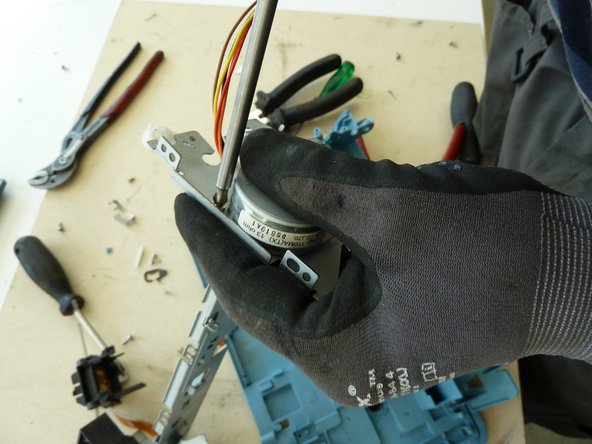
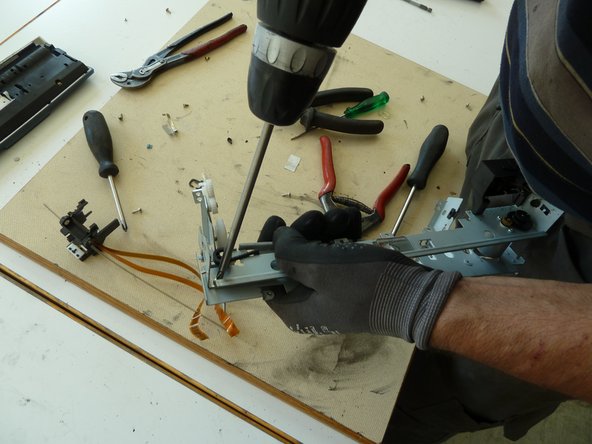
  6. Fax Machine: step 6, image 1 of 3 Fax Machine: step 6, image 2 of 3 Fax Machine: step 6, image 3 of 3
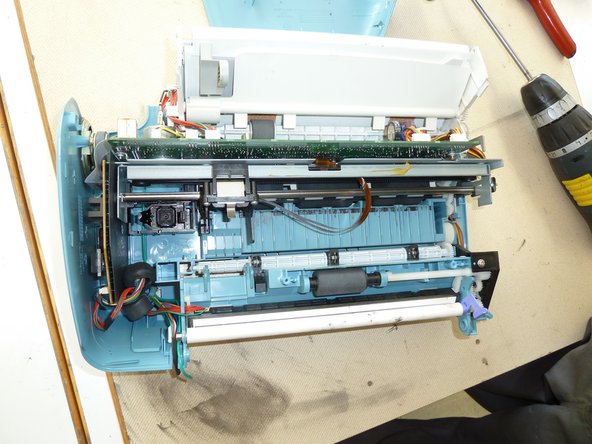
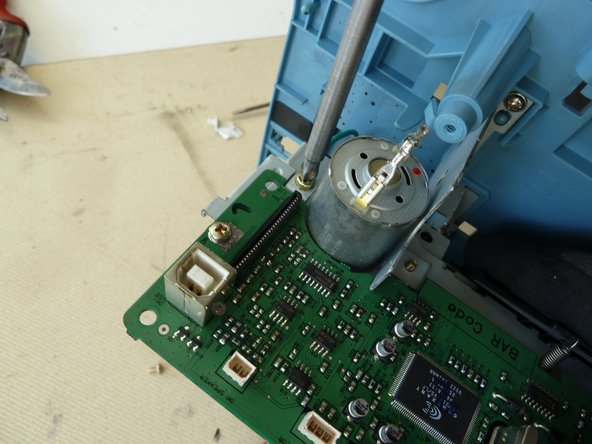
    • Unscrew the motor bracket.

    • Unscrew and remove the paper feed.

    Add Comment

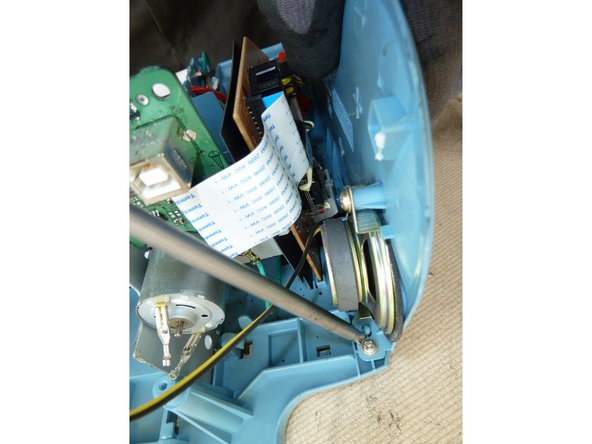
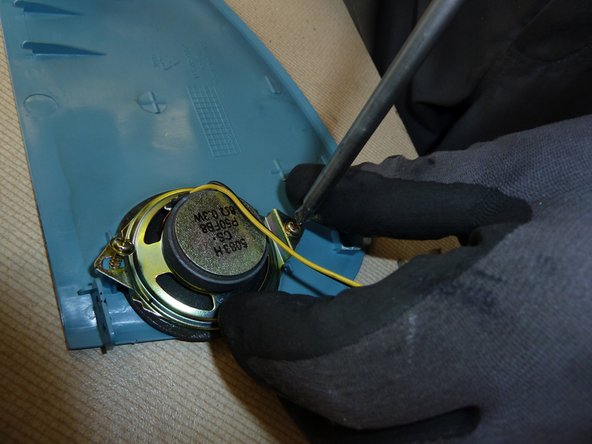
  7. Fax Machine: step 7, image 1 of 2 Fax Machine: step 7, image 2 of 2
    • Unscrew and remove the speaker.

    Add Comment

  8. Fax Machine: step 8, image 1 of 2 Fax Machine: step 8, image 2 of 2
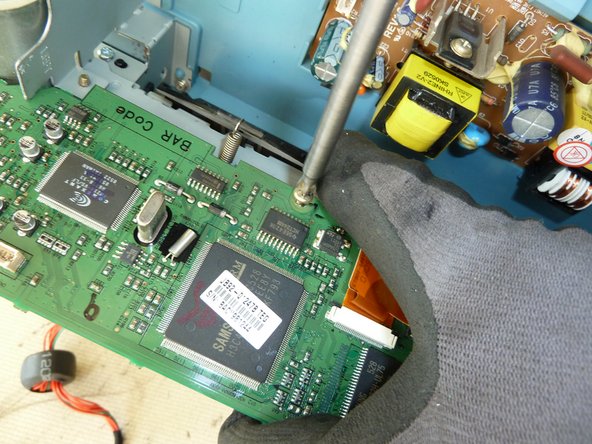
    • Unscrew the connection PWB.

    • Unhinge the connection PWB and remove it.

    Add Comment

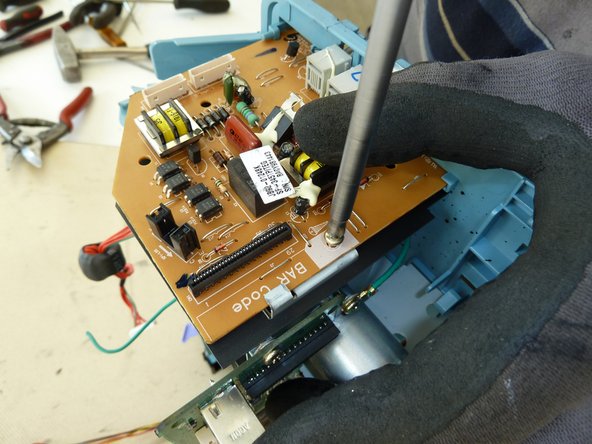
  9. Fax Machine: step 9, image 1 of 3 Fax Machine: step 9, image 2 of 3 Fax Machine: step 9, image 3 of 3
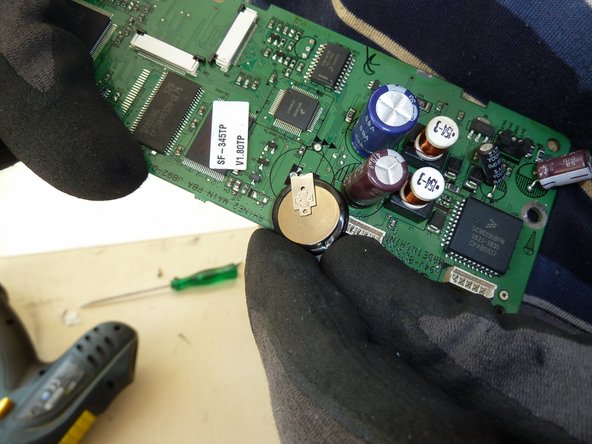
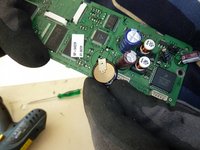
    • Unscrew and remove the second PWB.

    • Remove the battery from the PWB.

    Add Comment

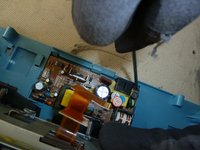
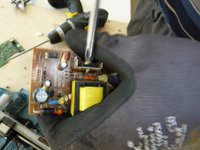
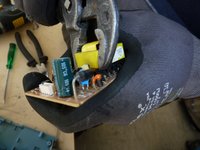
  10. Fax Machine: step 10, image 1 of 3 Fax Machine: step 10, image 2 of 3 Fax Machine: step 10, image 3 of 3
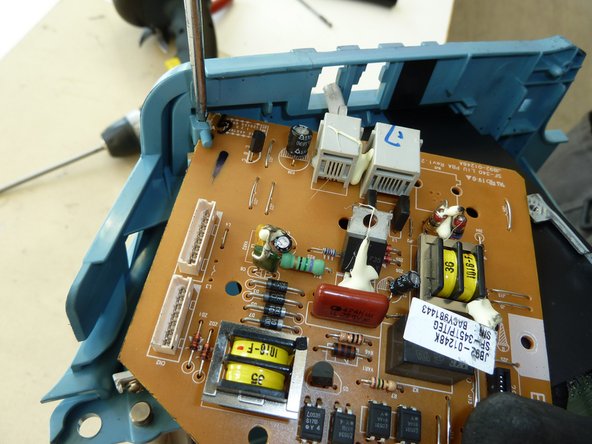
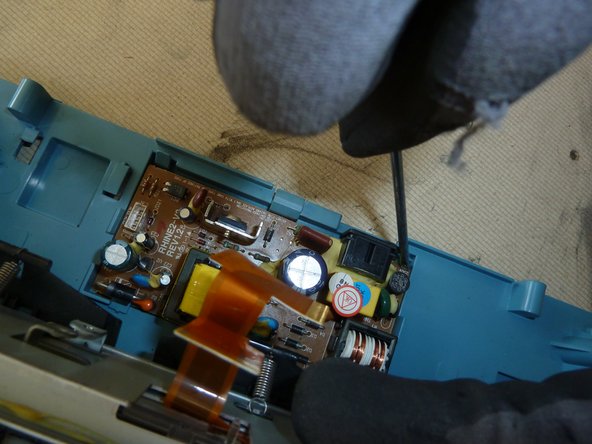
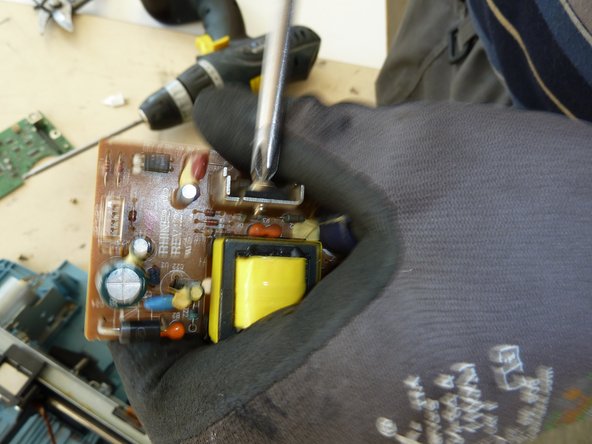
    • Unscrew the power PWB.

    • Remove aluminium heat sinks from the power PWB.

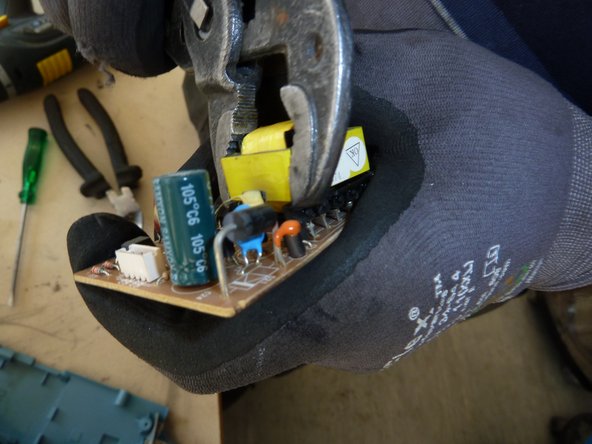
    • Remove the coil from the power PWB.

    Add Comment

  11. Fax Machine: step 11, image 1 of 1
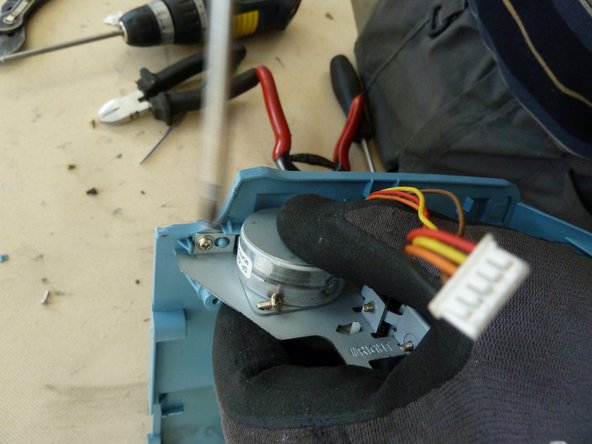
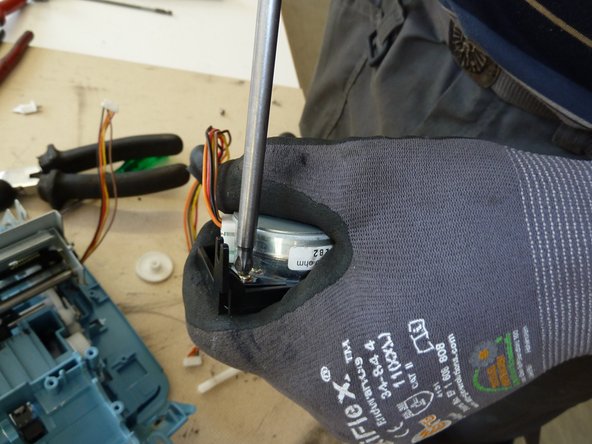
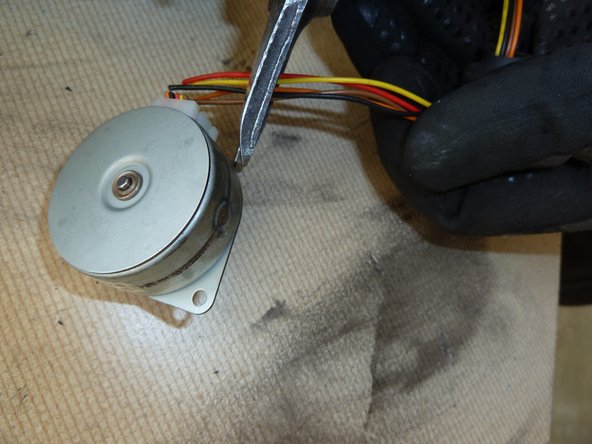
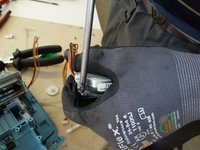
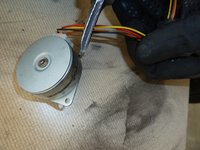
    • Remove the motor.

    Add Comment

  12. Fax Machine: step 12, image 1 of 2 Fax Machine: step 12, image 2 of 2
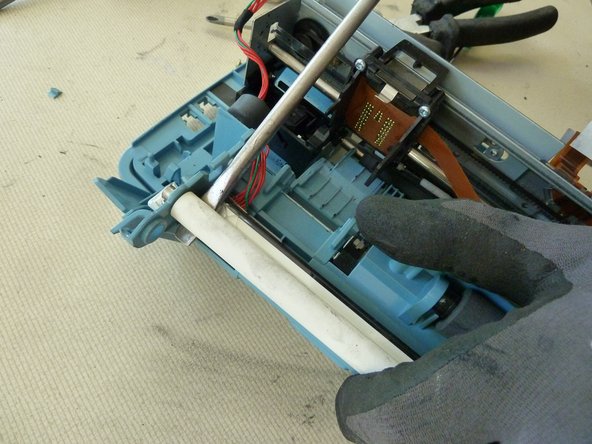
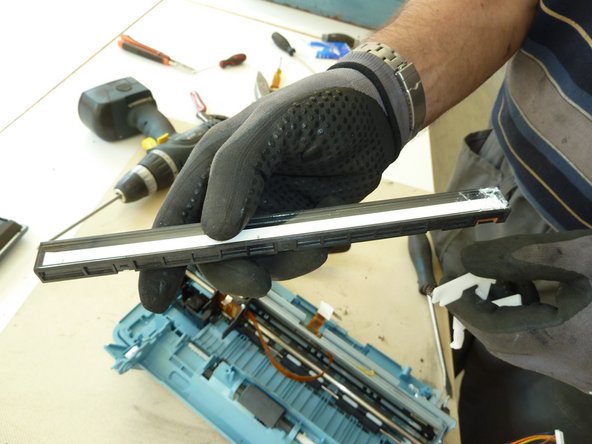
    • Remove the lamp.

    Add Comment

  13. Fax Machine: step 13, image 1 of 3 Fax Machine: step 13, image 2 of 3 Fax Machine: step 13, image 3 of 3
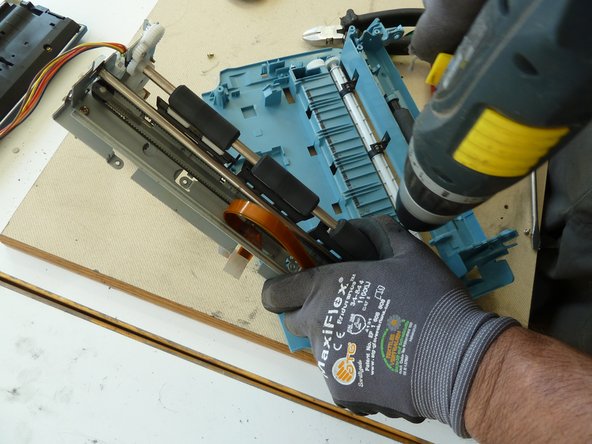
    • Remove the motor from the casing.

    Add Comment

  14. Fax Machine: step 14, image 1 of 3 Fax Machine: step 14, image 2 of 3 Fax Machine: step 14, image 3 of 3
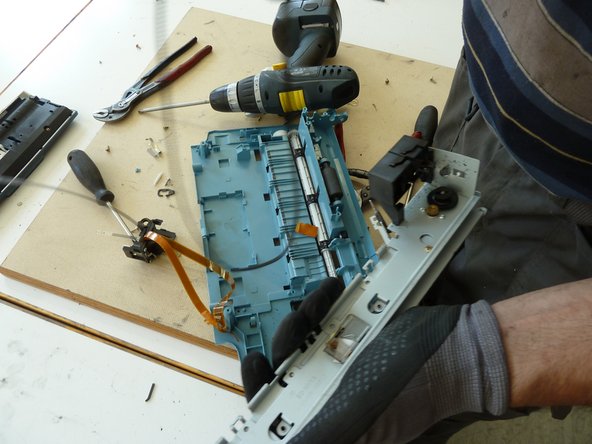
    • Remove the complete print head sled.

    • Remove the print head.

    • Remove the tooth belt.

    Add Comment

  15. Fax Machine: step 15, image 1 of 2 Fax Machine: step 15, image 2 of 2
    • Remove the second motor.

    • Remove any metal parts.

    Add Comment

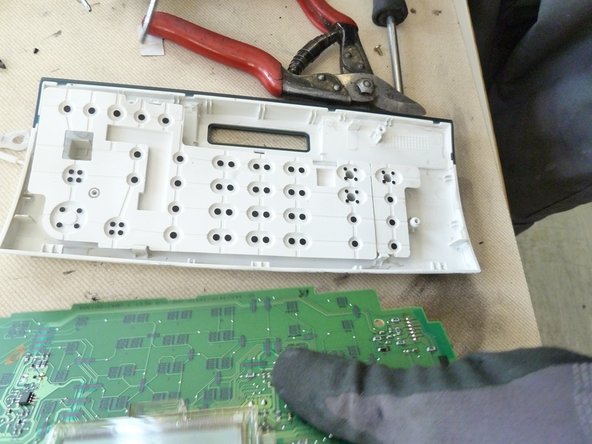
  16. Fax Machine: step 16, image 1 of 2 Fax Machine: step 16, image 2 of 2
    • Unscrew and remove the front panel.

    • Dismantle the front panel.

    Add Comment

  17. Fax Machine: step 17, image 1 of 3 Fax Machine: step 17, image 2 of 3 Fax Machine: step 17, image 3 of 3
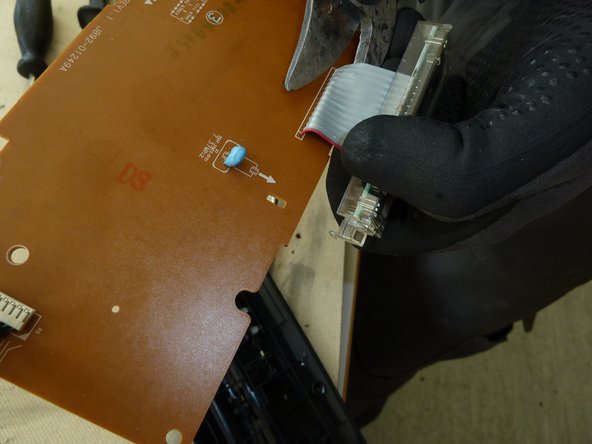
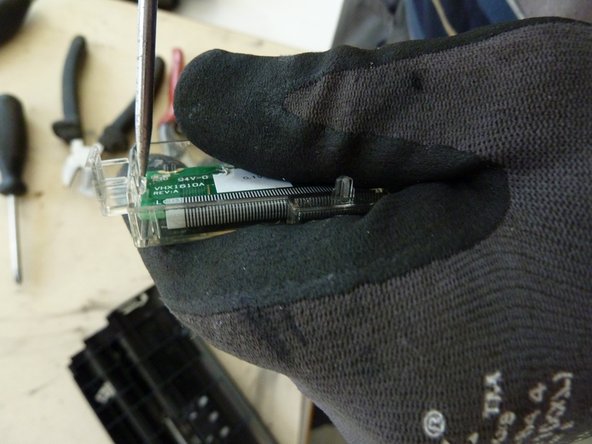
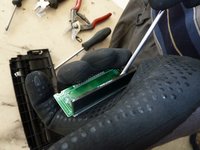
    • Cut the display loose from the PWB.

    • Unscrew the display.

    • Cut the wires from the display.

    Add Comment

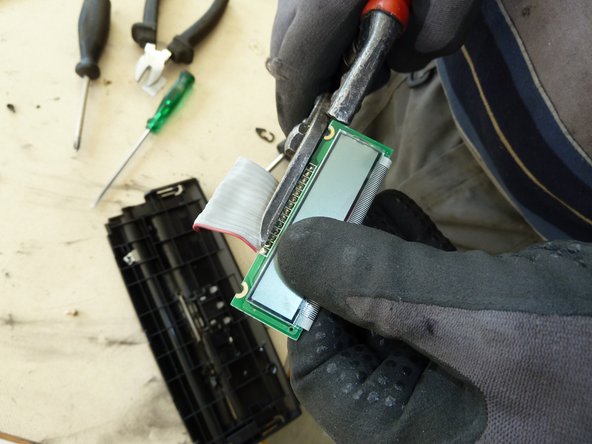
  18. Fax Machine: step 18, image 1 of 2 Fax Machine: step 18, image 2 of 2
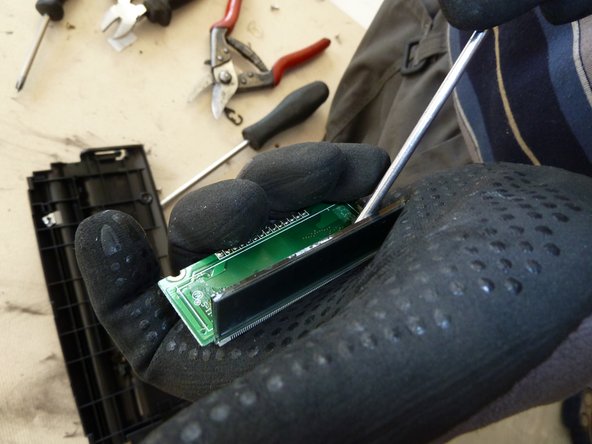
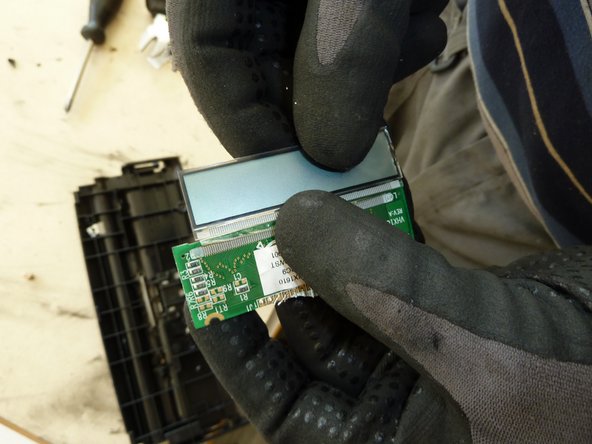
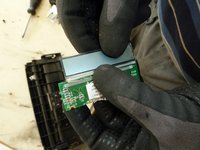
    • Bend the display from its PWB and remove it.

    Add Comment

  19. Fax Machine: step 19, image 1 of 1
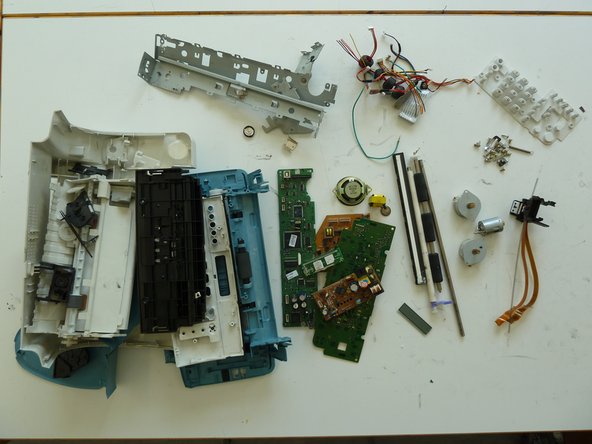
    • Separate the remaining materials according to their type and go on with the appropriate data sheet (e.g. aluminium, ferrous metals, plastic, further PWBs, etc.).

    • Make sure the plastic parts are completely free of metal pieces.

    Add Comment

Finish Line

Cancel: I did not complete this guide.

Elisabeth Herbeck

Member since: 09/24/15

10 Guides authored

0 Guide Comments

Add Comment

View Statistics:

Past 24 Hours: 1

Past 7 Days: 1

Past 30 Days: 2

All Time: 75