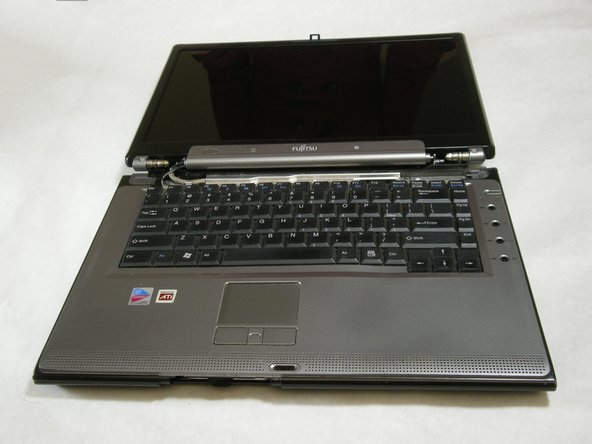
Fujitsu LifeBook N3510 Hinge Cover Replacement

What you need

    1. Fujitsu LifeBook N3510 Hinge Cover Replacement, Fujitsu LifeBook N3510 Hinge Cover Replacement: step 1, image 1 of 1
      • Start by locating the two clips on the bottom of the computer that support the battery.

      Add Comment

    2. Fujitsu LifeBook N3510 Hinge Cover Replacement: step 2, image 1 of 1
      • Use your fingers to push the clips inward and then upward.

      • Lift the battery out of the computer.

      Add Comment

    3. Fujitsu LifeBook N3510 Hinge Cover Replacement: step 3, image 1 of 3 Fujitsu LifeBook N3510 Hinge Cover Replacement: step 3, image 2 of 3 Fujitsu LifeBook N3510 Hinge Cover Replacement: step 3, image 3 of 3
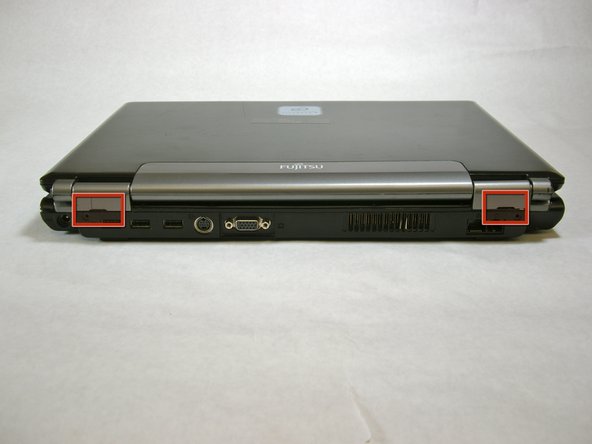
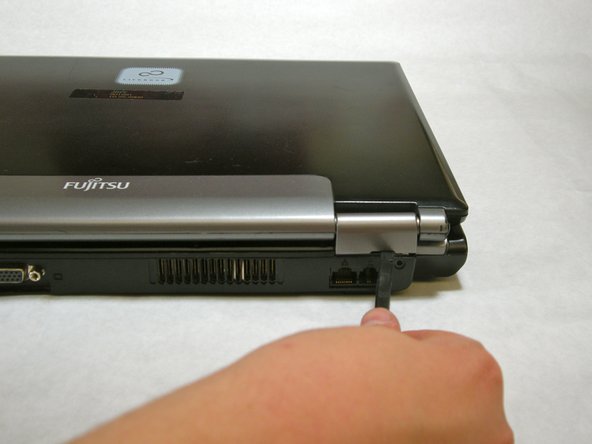
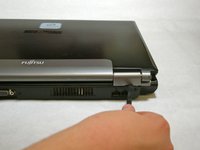
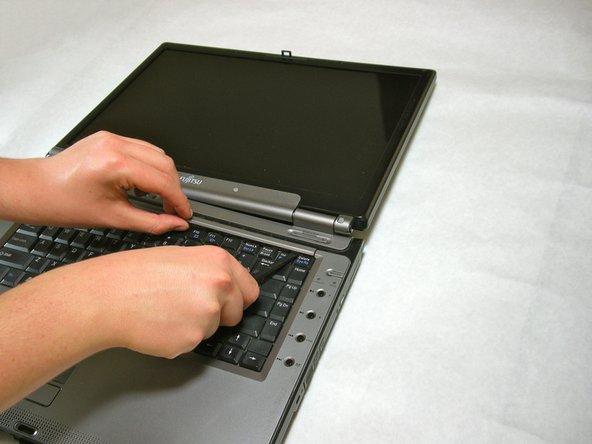
      • Use a spudger to lift the back of the hinge cover on the left and right sides of the computer.

      Add Comment

    4. Fujitsu LifeBook N3510 Hinge Cover Replacement: step 4, image 1 of 1
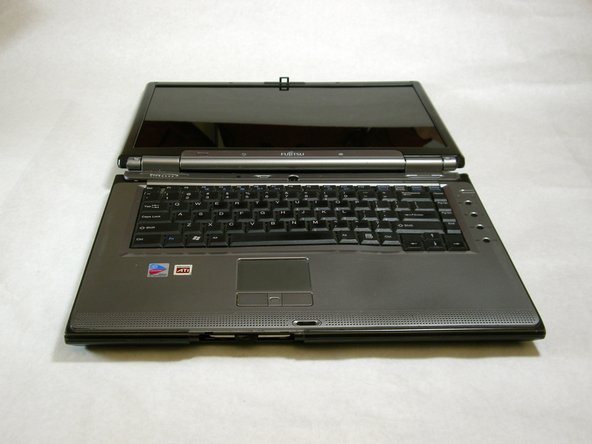
      • Lay the computer flat on a stable surface with the monitor pointing away from you.

      Add Comment

    5. Fujitsu LifeBook N3510 Hinge Cover Replacement: step 5, image 1 of 3 Fujitsu LifeBook N3510 Hinge Cover Replacement: step 5, image 2 of 3 Fujitsu LifeBook N3510 Hinge Cover Replacement: step 5, image 3 of 3
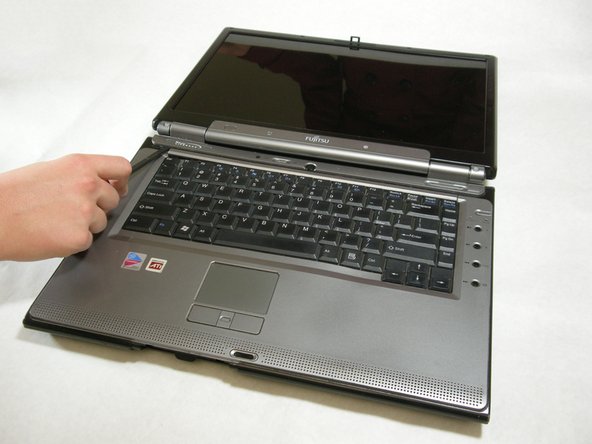
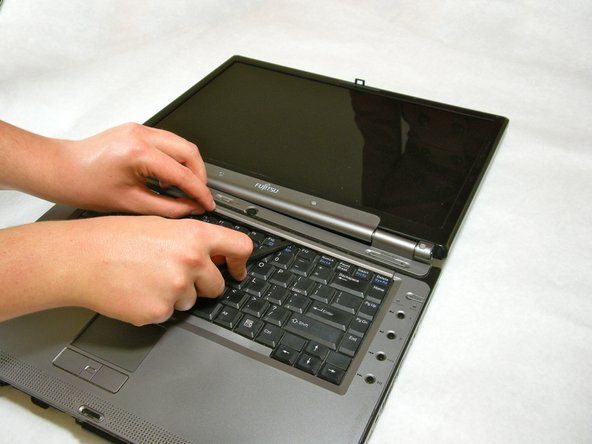
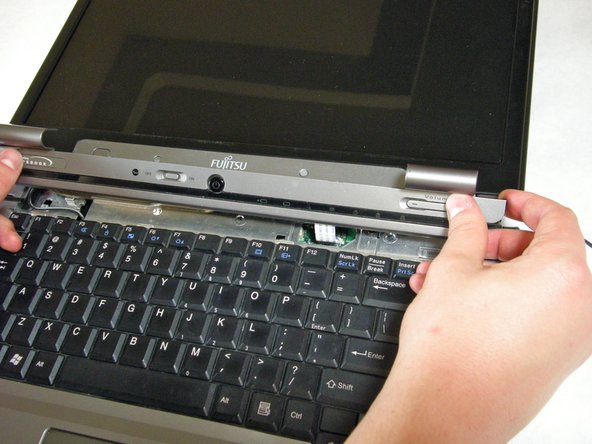
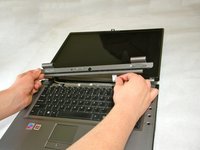
      • Use a spudger to partially lift the hinge cover.

      Add Comment

    6. Fujitsu LifeBook N3510 Hinge Cover Replacement: step 6, image 1 of 2 Fujitsu LifeBook N3510 Hinge Cover Replacement: step 6, image 2 of 2
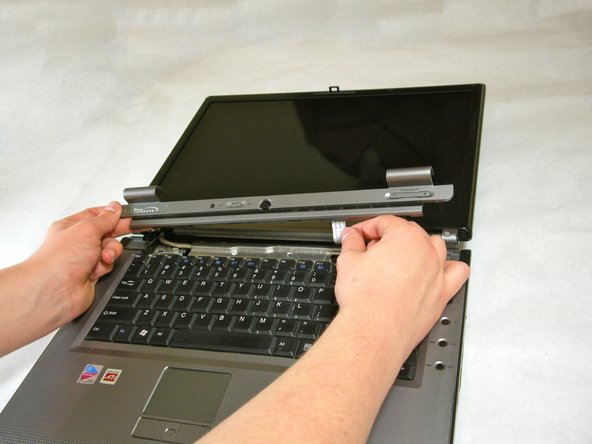
      • The hinge cover has a ribbon cable that is attached to the motherboard. To prevent damage, lift the hinge cover slowly.

      • Lift the hinge cover out of place enough to expose the ribbon cable.

      Add Comment

    7. Fujitsu LifeBook N3510 Hinge Cover Replacement: step 7, image 1 of 2 Fujitsu LifeBook N3510 Hinge Cover Replacement: step 7, image 2 of 2
      • Disconnect the ribbon cable from the motherboard and remove the hinge cover from the computer.

      Add Comment

Conclusion

To reassemble your device, follow these instructions in reverse order.

Cancel: I did not complete this guide.

System

Member since: 09/24/09

2,562 Guides authored

0 Guide Comments

Add Comment

View Statistics:

Past 24 Hours: 0

Past 7 Days: 0

Past 30 Days: 0

All Time: 9