Game Boy Advance Buttons Replacement

What you need

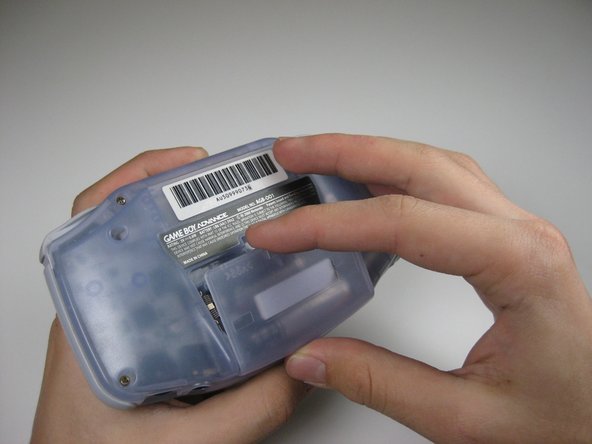
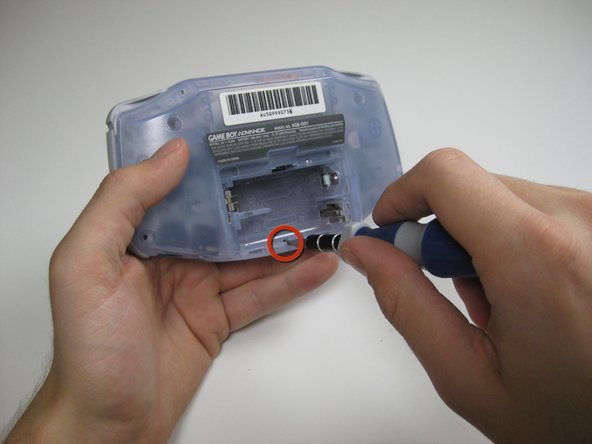
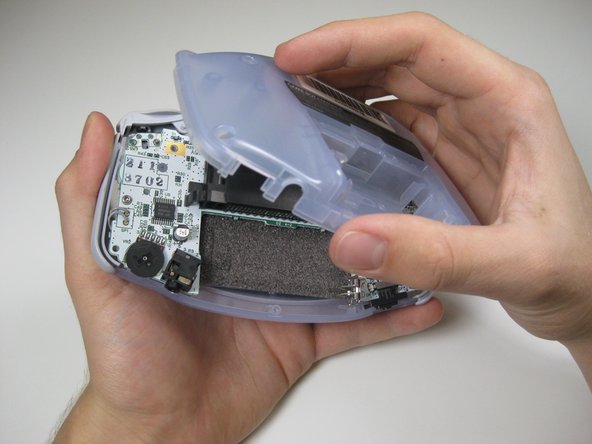
  1. Game Boy Advance Buttons Replacement, Game Boy Advance Buttons Replacement: step 1, image 1 of 3 Game Boy Advance Buttons Replacement, Game Boy Advance Buttons Replacement: step 1, image 2 of 3 Game Boy Advance Buttons Replacement, Game Boy Advance Buttons Replacement: step 1, image 3 of 3
    • Take the battery cover off by releasing the locking tab and hinging the cover away.

    Add Comment

  2. Game Boy Advance Buttons Replacement: step 2, image 1 of 1
    • Remove the six back panel screws using a Tri-wing Screwdriver.

    Add Comment

  3. Game Boy Advance Buttons Replacement: step 3, image 1 of 1
    • Remove bottom back panel screw with a Phillips #1 screw driver.

    Add Comment

  4. Game Boy Advance Buttons Replacement: step 4, image 1 of 1
    • Remove the back panel by pulling away with one hand and the front secured in the other hand.

    • Removal of the back panel may cause shoulder buttons and side panels to come loose and fall off.

    Add Comment

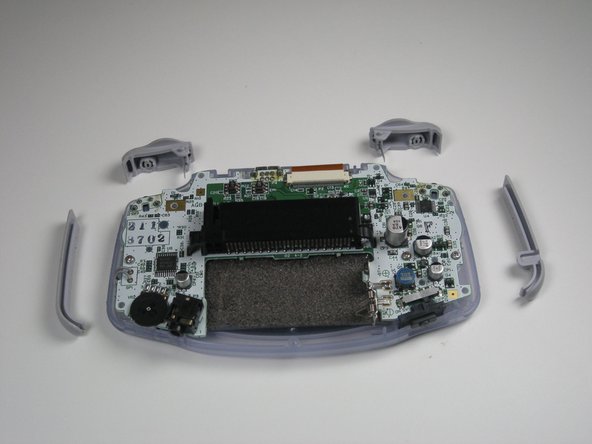
  5. Game Boy Advance Buttons Replacement: step 5, image 1 of 2 Game Boy Advance Buttons Replacement: step 5, image 2 of 2
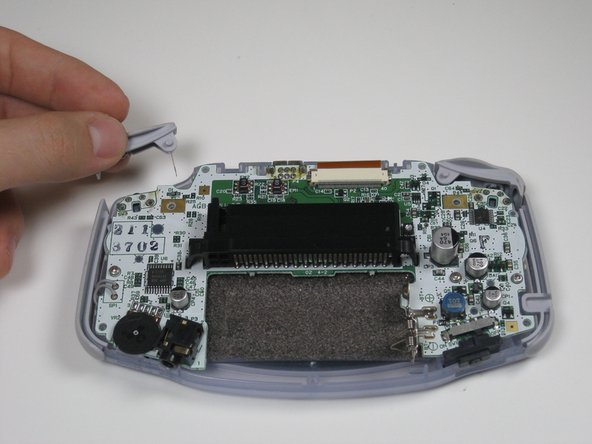
    • Remove left and right triggers by lifting and pulling them away from the system.

    • Do the same for side panels

    • For finicky or jammed triggers only. Adjust and correct triggers and reassemble. Most jammed triggers are caused by buttons misplaced or jammed in its enclosure.

    Add Comment

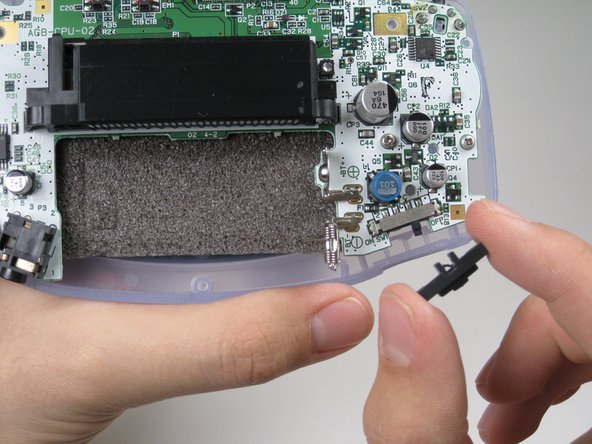
  6. Game Boy Advance Buttons Replacement: step 6, image 1 of 1
    • Remove the gray On/Off Switch by pulling up and away from the unit. Replace with another switch if necessary.

    Add Comment

  7. Game Boy Advance Buttons Replacement: step 7, image 1 of 1
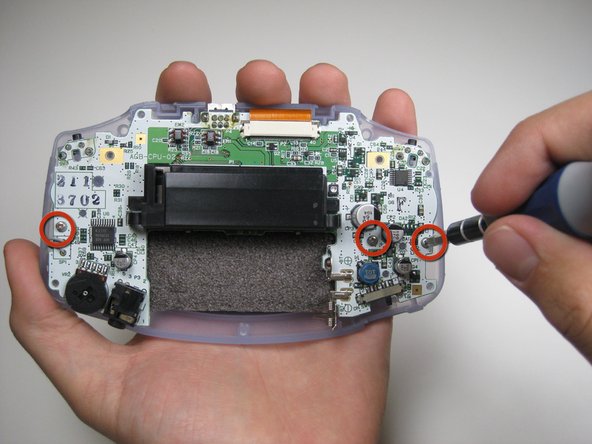
    • Remove the three screws on the circuit board with a Phillips #1 screw driver.

    Add Comment

  8. Game Boy Advance Buttons Replacement: step 8, image 1 of 2 Game Boy Advance Buttons Replacement: step 8, image 2 of 2
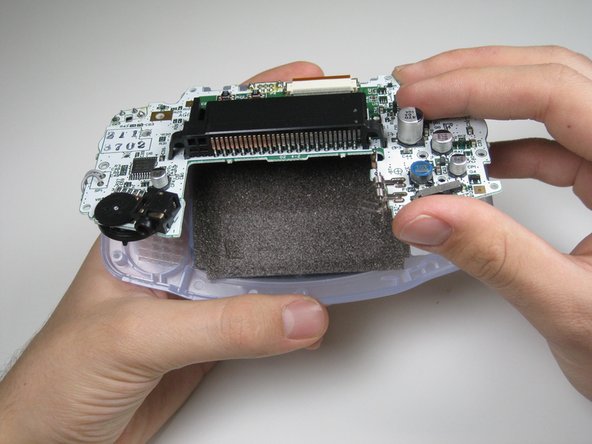
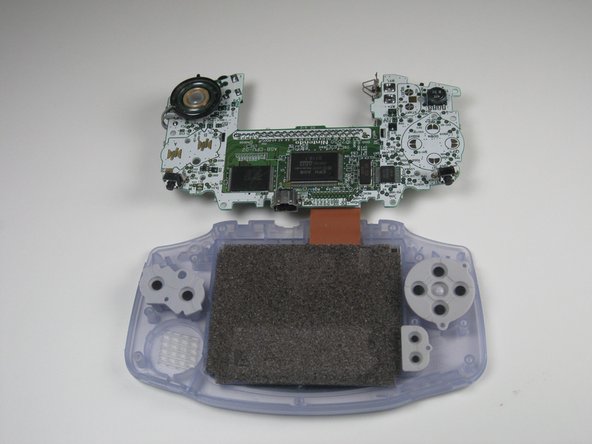
    • Pull circuit board away from the front panel by pulling up at the bottom of the circuit board, keeping the top ribbon still connected.

    • Handle with care! The ribbon connecting the circuit board to the LCD screen can easily be damaged and will require replacement if broken.

    Add Comment

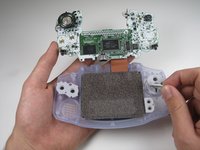
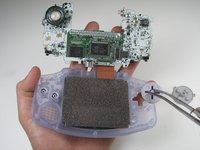
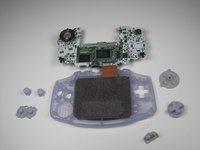
  9. Game Boy Advance Buttons Replacement: step 9, image 1 of 3 Game Boy Advance Buttons Replacement: step 9, image 2 of 3 Game Boy Advance Buttons Replacement: step 9, image 3 of 3
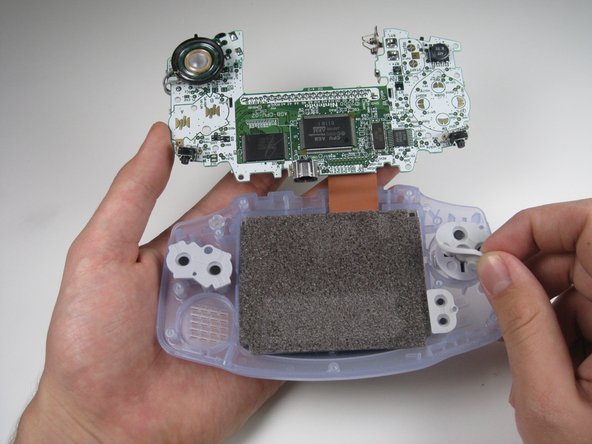
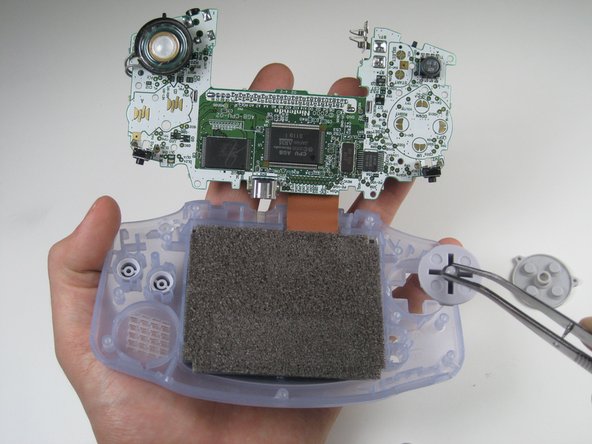
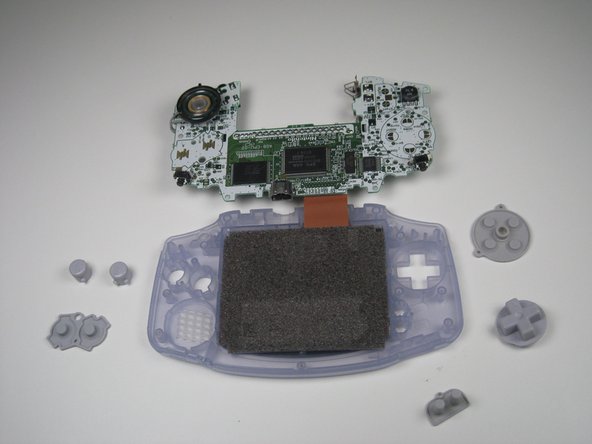
    • Remove the rubber button pads from their pockets.

    • Remove the plastic buttons and the D-pad from beneath the rubber pads with tweezers or by hand.

    Add Comment

Finish Line

Cancel: I did not complete this guide.

System

Member since: 09/24/09

2,562 Guides authored

0 Guide Comments

Add Comment

View Statistics:

Past 24 Hours: 0

Past 7 Days: 1

Past 30 Days: 8

All Time: 41