
HP Compaq NC6120 Monitor Replacement

Last updated on Sep 17, 2016
Views: 35
View statistics:
- Past 24 Hours:
- 0
- Past 7 Days:
- 0
- Past 30 Days:
- 2
- All Time:
- 35
Comments: 0
No one has left comments on this guide. Will you be first?
Go to guide commentsCompleted: 0 1
No one has marked this guide "completed." Will you be the first?
1 person has marked this guide "completed." It's you — great job!
Favorites: 0 1
No one has favorited (and subscribed to) this guide. Will you be the first?
1 person has favorited (and subscribed to) this guide — and that's you!
 Incorrect Bullets
This guide contains bullet colors that do not match markup, or improperly-used bullet types.
 Unsatisfactory Images
This guide has low-quality images. Pictures need to be either re-edited or re-taken.
Introduction
Go to step 1 ↓Should the monitor of the laptop stop functioning correctly, you may need to replace the monitor altogether. This is a simple replacement that can be done by removing a few easy screws.
What you need
-
-
-
Locate and remove four black 5.1mm Phillips #1 screws from the left and right sides of the monitor.
-
-
-
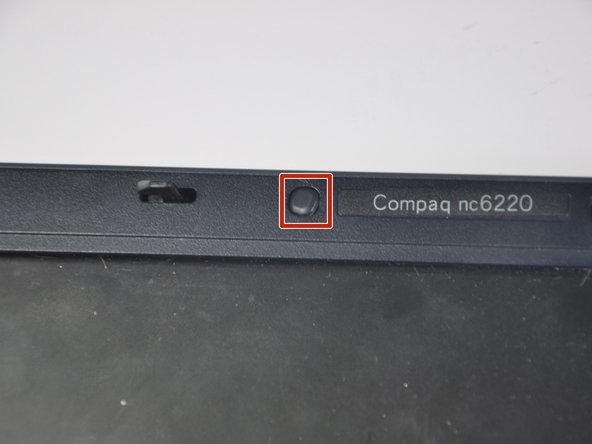
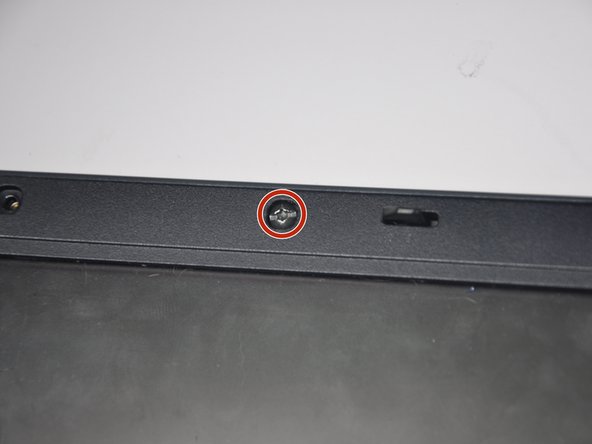
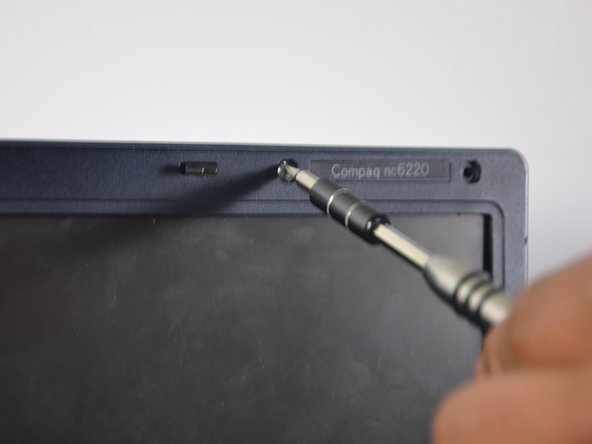
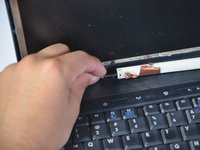
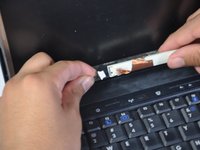
Using a small spudger, remove the four black plastic covers from above the monitor, revealing screws underneath.
-
-
-
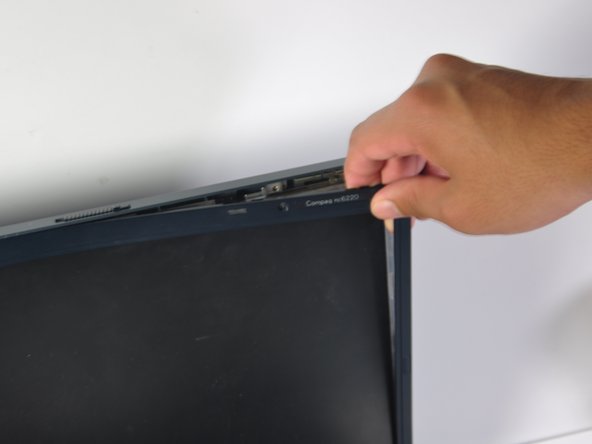
Pry off the plastic case surrounding the monitor.
-
A spudger may be needed to pry off the case.
-
-
-
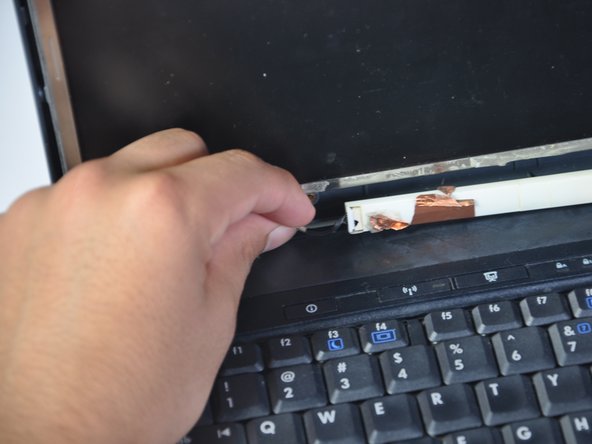
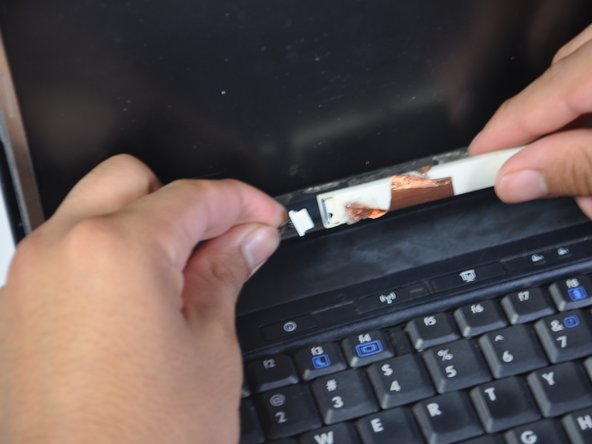
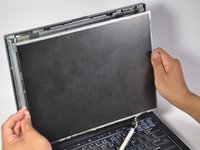
Remove the black and silver cable, located directly below the monitor.
-
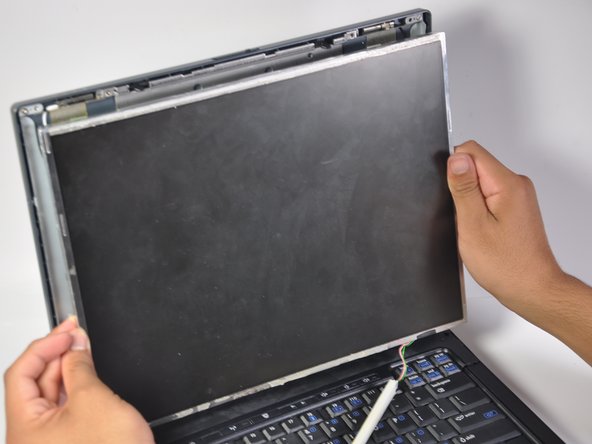
Proceed to pull monitor approximately 10cm away from the back of the laptop case.
-
-
-
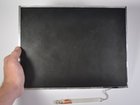
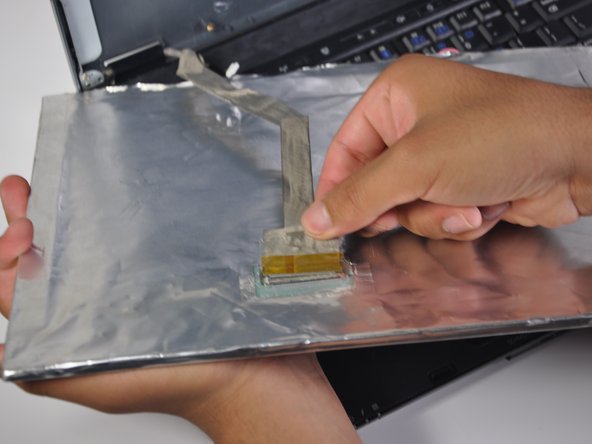
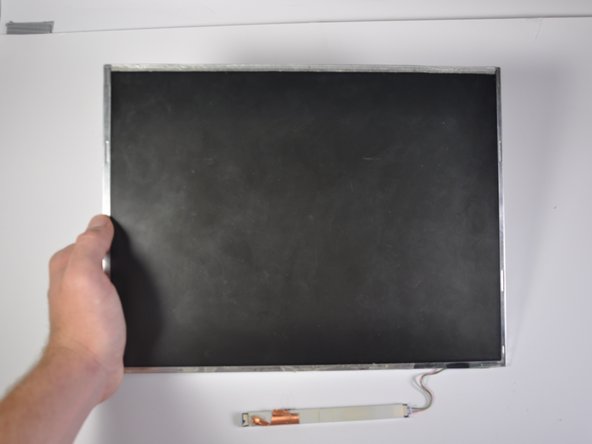
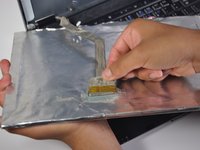
Remove the grey cable (with yellow tip) connecting the monitor to the back plastic casing and the monitor will be free from the rest of the laptop.
-
-




To reassemble your device, follow these instructions in reverse order.

