
HTC Maple 100 External Speaker Replacement

Last updated on Sep 17, 2016
Views: 11
View statistics:
- Past 24 Hours:
- 0
- Past 7 Days:
- 1
- Past 30 Days:
- 2
- All Time:
- 11
Comments: 0
No one has left comments on this guide. Will you be first?
Go to guide commentsCompleted: 0 1
No one has marked this guide "completed." Will you be the first?
1 person has marked this guide "completed." It's you — great job!
Favorites: 0 1
No one has favorited (and subscribed to) this guide. Will you be the first?
1 person has favorited (and subscribed to) this guide — and that's you!
Introduction
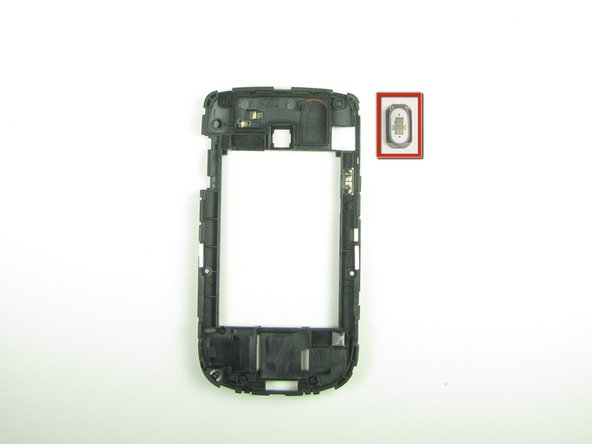
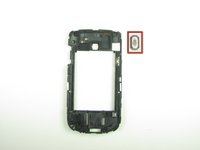
Go to step 1 ↓This guide will teach you how to replace the external speaker on your phone. The external speaker is the speaker that is used for louder noises produced from your phone such as music. This is different from the ear speaker that you hear during phone calls.
-
-
-
First remove the back cover of your phone to expose the battery.
-
-
-
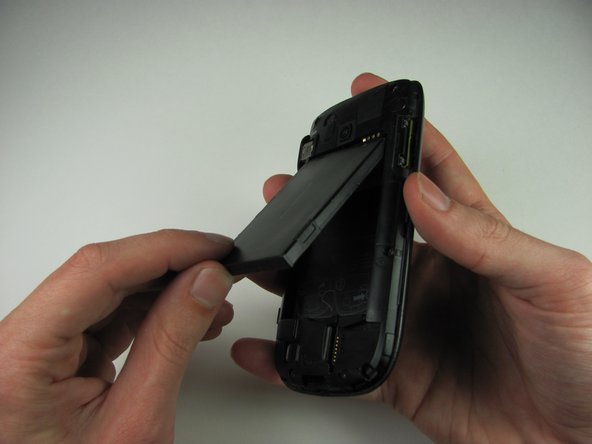
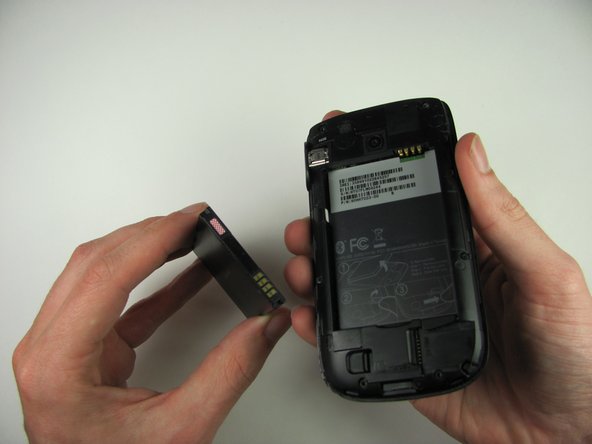
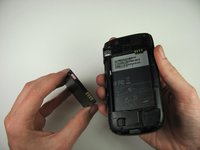
Turn the phone over and remove the battery by using your thumb to push forward on the battery and then lift it.
-
-
-
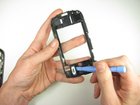
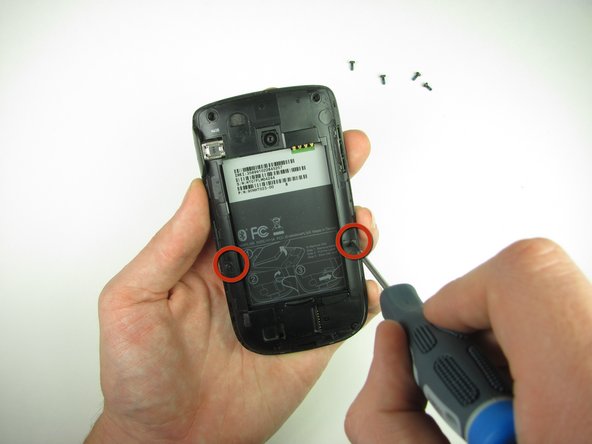
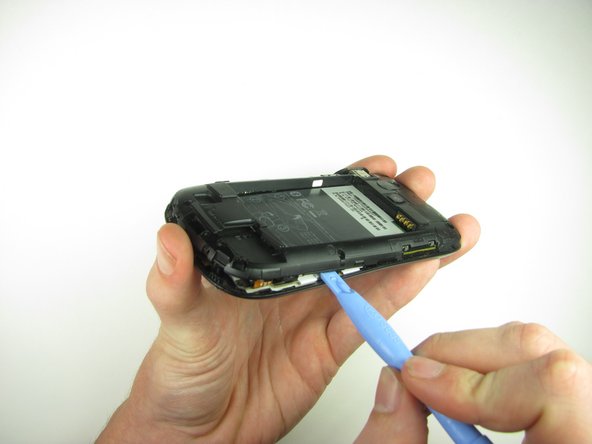
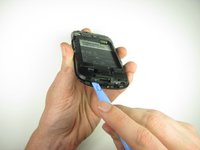
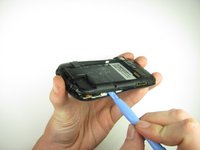
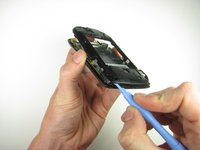
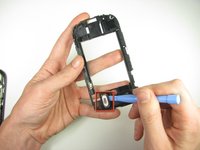
Use the plastic opening tool to pry the clips off
-
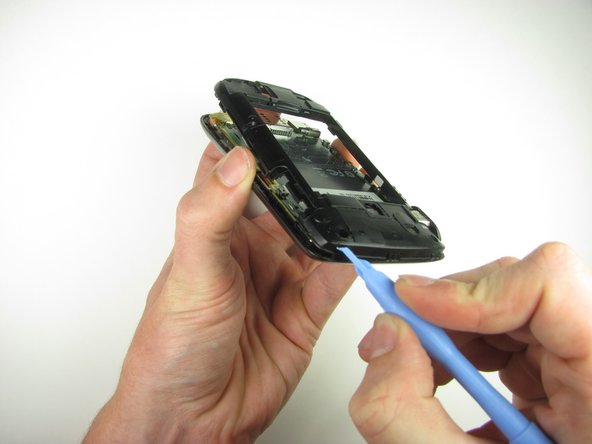
Insert the plastic opening tool along the seams at different points to it pry up
-
-




To reassemble your device, follow these instructions in reverse order.

