
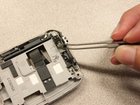
HTC Wizard 200 Vibrator Replacement

Last updated on Sep 17, 2016
Views: 12
View statistics:
- Past 24 Hours:
- 0
- Past 7 Days:
- 0
- Past 30 Days:
- 2
- All Time:
- 12
Comments: 0
No one has left comments on this guide. Will you be first?
Go to guide commentsCompleted: 0 1
No one has marked this guide "completed." Will you be the first?
1 person has marked this guide "completed." It's you — great job!
Favorites: 0 1
No one has favorited (and subscribed to) this guide. Will you be the first?
1 person has favorited (and subscribed to) this guide — and that's you!
Introduction
Go to step 1 ↓Takes you through the steps to install the vibrator.
-
-
-
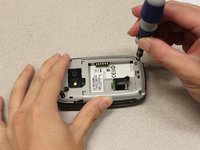
Remove the back case with your fingernail to expose the battery. (Not shown in picture)
-
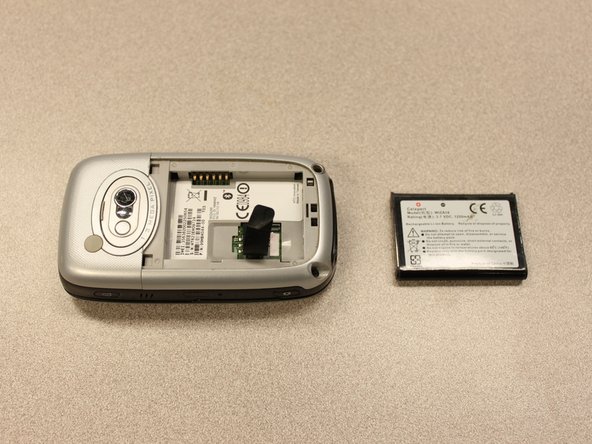
Pull the black tab to remove the battery.
-
-
-
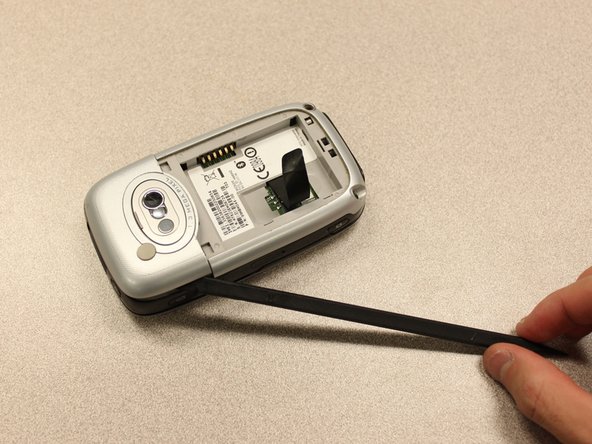
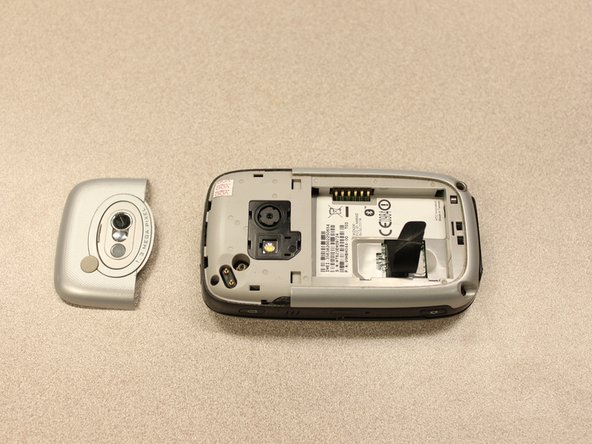
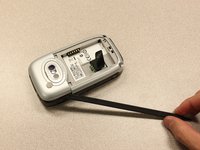
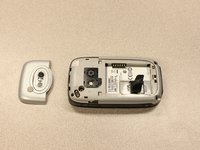
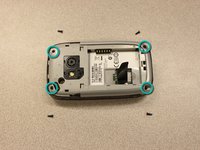
Use a spudger to begin removal of the camera cover by inserting the flat end into the two notches and gently pry them up one at a time.
-
-
-
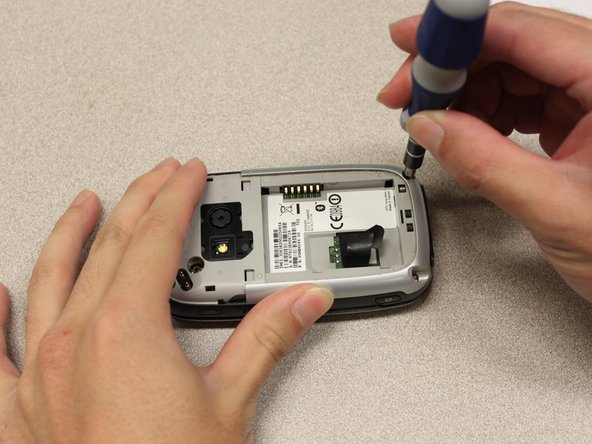
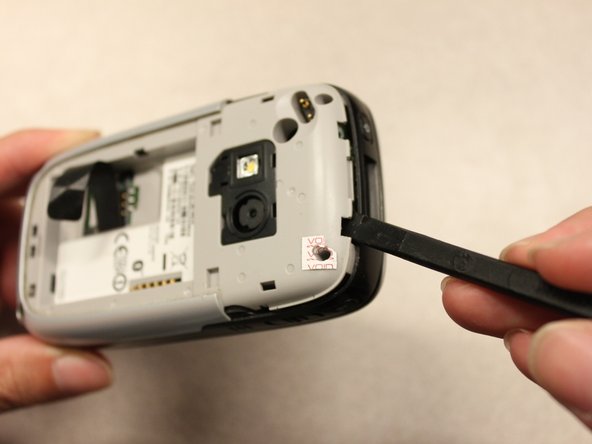
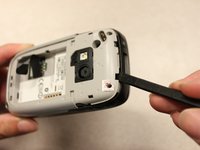
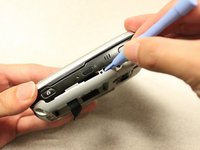
Insert the flat end of a spudger into the crack between the front and rear cover.
-
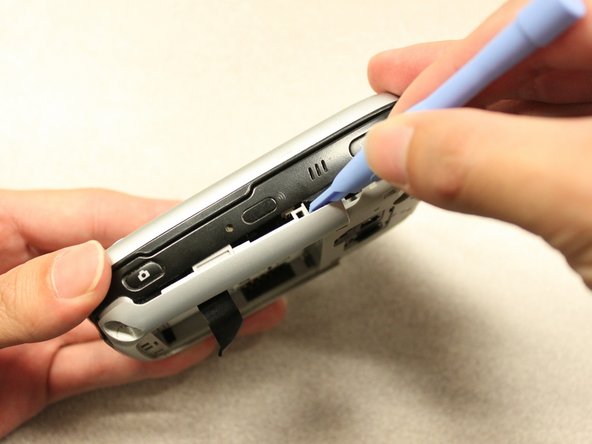
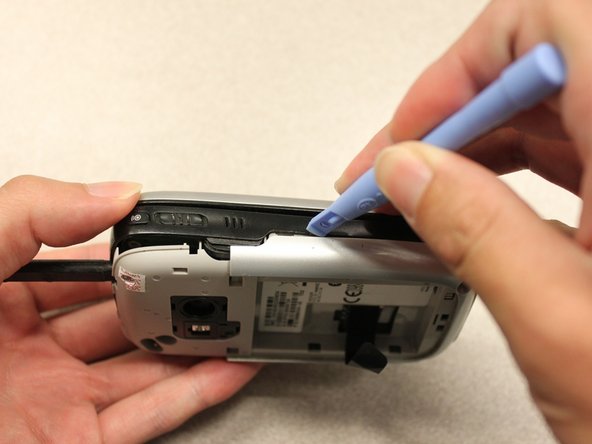
Once you have enough of a gap to fit a plastic opening tool into it, use the opening tool to release the clips.
-
-
-
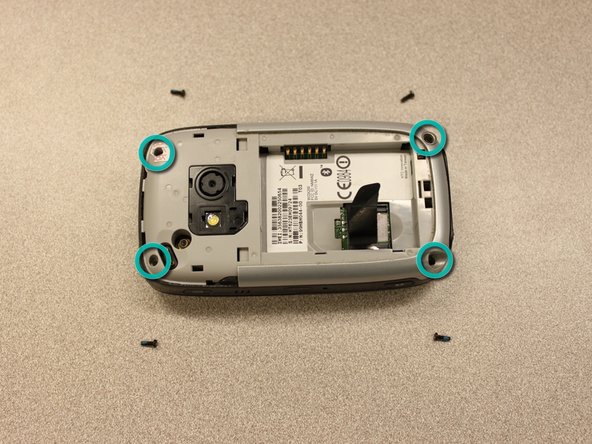
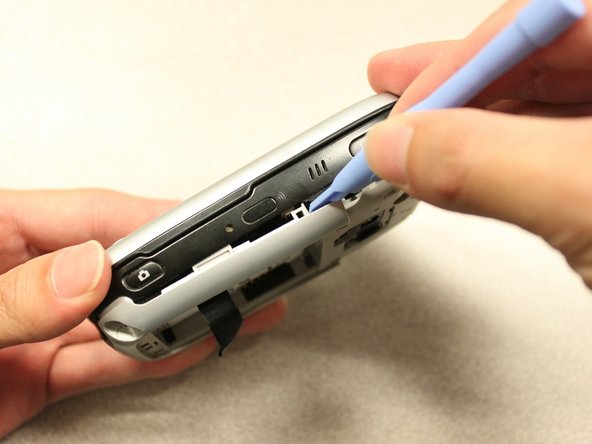
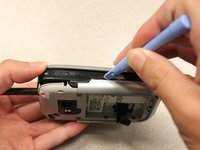
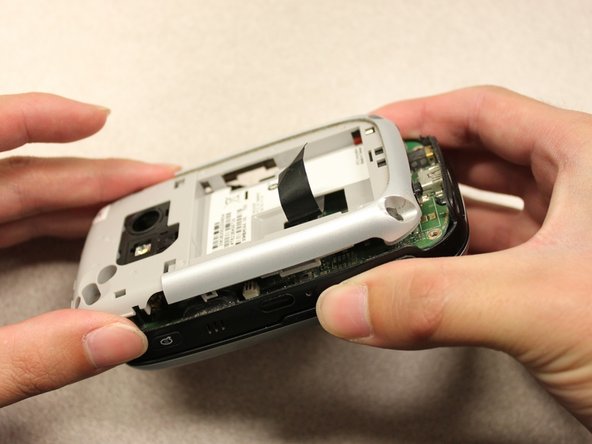
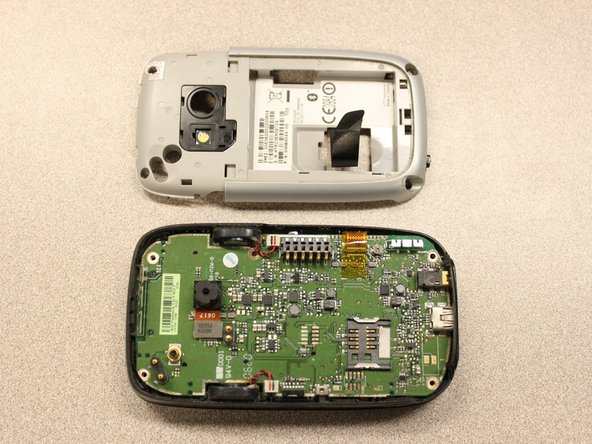
Use the plastic opening tool to continue releasing the clips until you have worked your way around the edge.
-
-





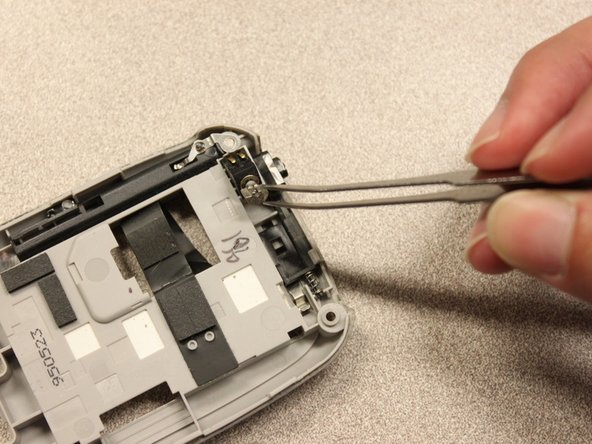
To reassemble your device, follow these instructions in reverse order.

