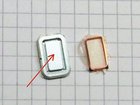
How to get neodymium from a smartphone speaker

Andre and one other contributor
Last updated on Jul 24, 2018
Views: 81
View statistics:
- Past 24 Hours:
- 0
- Past 7 Days:
- 0
- Past 30 Days:
- 3
- All Time:
- 81
Comments: 0
No one has left comments on this guide. Will you be first?
Go to guide commentsCompleted: 0 1
No one has marked this guide "completed." Will you be the first?
1 person has marked this guide "completed." It's you — great job!
Favorites: 0 1
No one has favorited (and subscribed to) this guide. Will you be the first?
1 person has favorited (and subscribed to) this guide — and that's you!
-
-
-
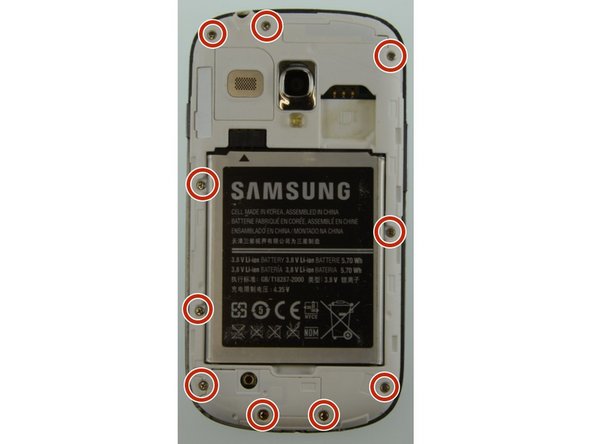
You see here the front and the back of the Samsung Galaxy S3 Mini
-
-
-
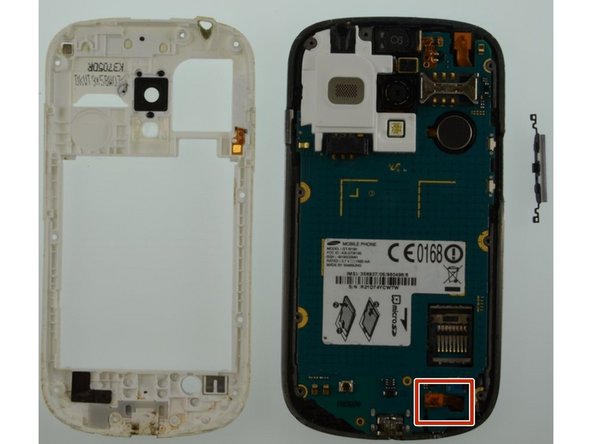
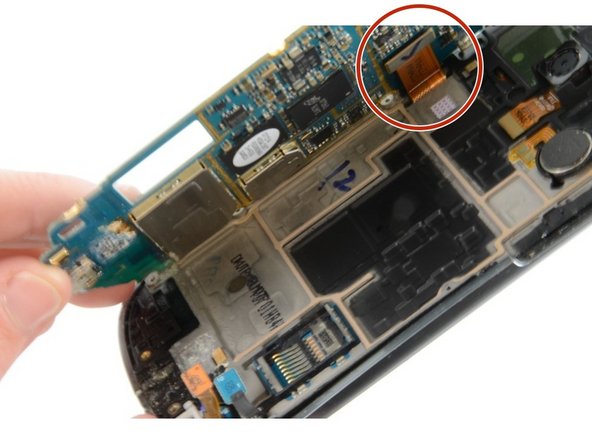
Lift up the motherboard and disconnect the flex cable from the display
-
Remove the motherboard
-
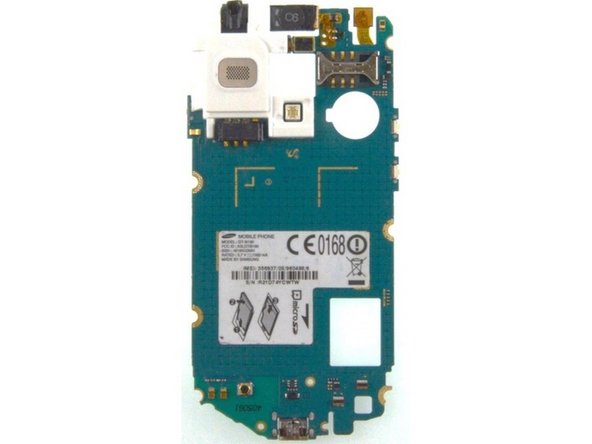
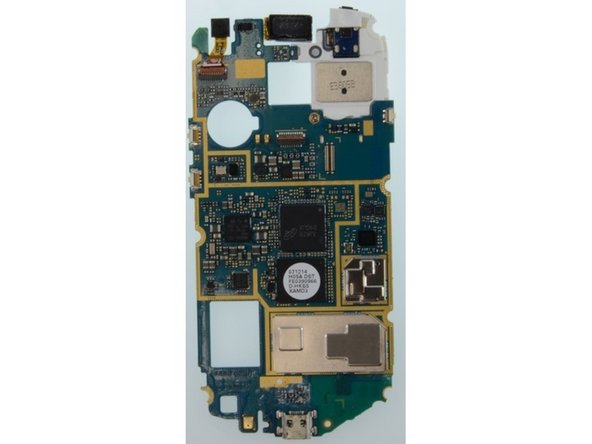
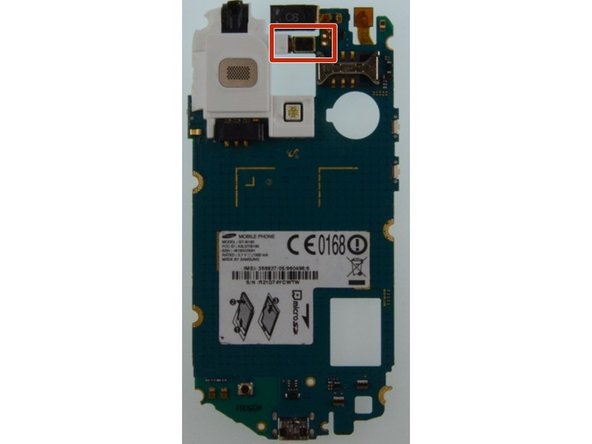
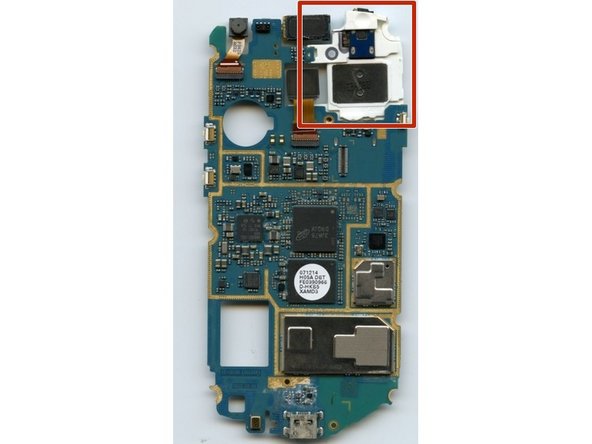
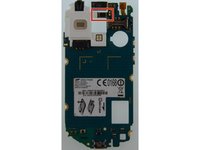
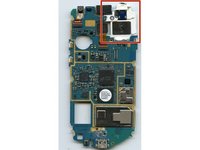
You can see the motherboard from the front and from the back
-
-
-
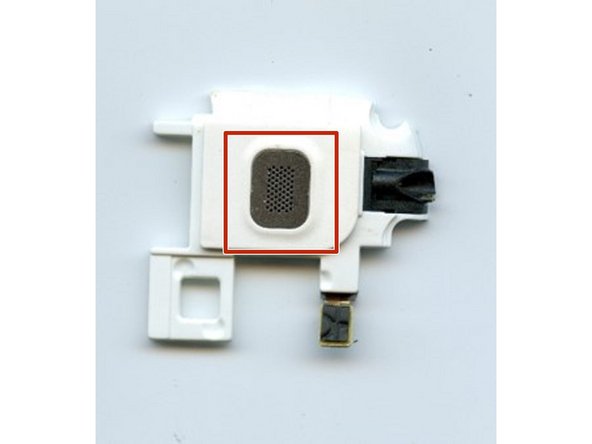
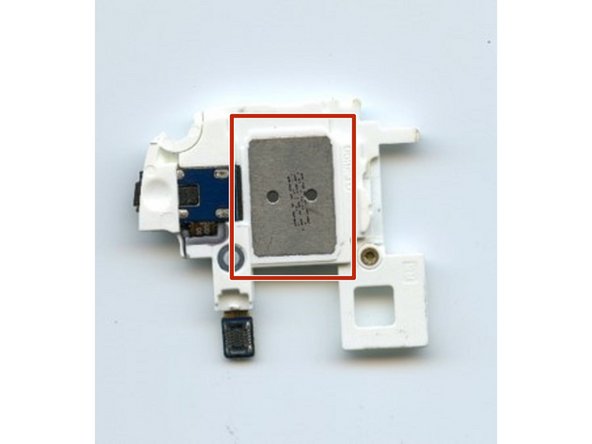
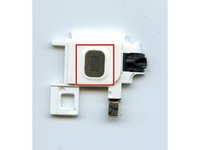
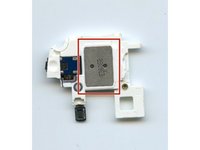
Here you see the speaker module from the front and from the back
-
Use a thin tool to remove the metal part from the speaker
-
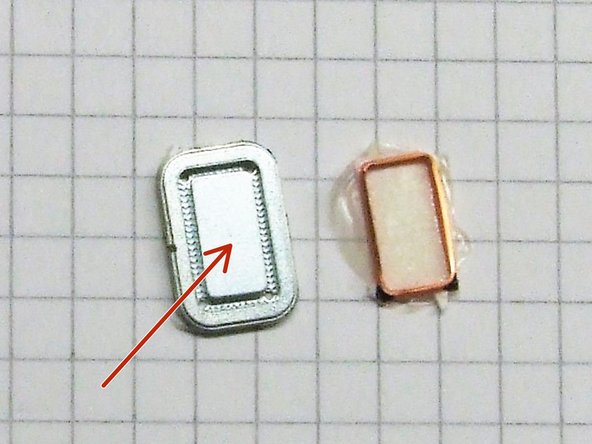
The metal part usually is composed of two parts - a copper part (orange) and the neodymium part (silver like).
-
Use a sharp tool to seperate the two metal components
-
NOTE: The last picture of the metal parts was taken from another sample, so the actual metal parts of the Samsung Galaxy S3 Mini may differ!
-
-