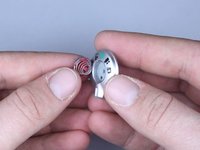
Kodak Easyshare C813 Shutter Button Replacement

What you need

  1. Kodak Easyshare C813 Shutter Button Replacement, Kodak Easyshare C813 Shutter Button Replacement: step 1, image 1 of 1
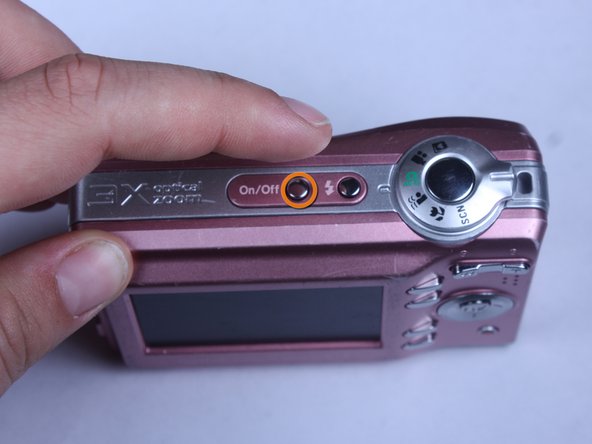
    • Turn off camera by firmly pressing the power button that is located on the top of the camera near the selector dial.

    Add Comment

  2. Kodak Easyshare C813 Shutter Button Replacement: step 2, image 1 of 3 Kodak Easyshare C813 Shutter Button Replacement: step 2, image 2 of 3 Kodak Easyshare C813 Shutter Button Replacement: step 2, image 3 of 3
    • Press thumb firmly on battery door and slide it in the direction of the arrow.

    • Lift thumb allowing the door to swing open.

    Add Comment

  3. Kodak Easyshare C813 Shutter Button Replacement: step 3, image 1 of 1

    Add Comment

  4. Kodak Easyshare C813 Shutter Button Replacement: step 4, image 1 of 1
    • Turn the camera off by firmly pressing the power button located on top of the camera.

    Add Comment

  5. Kodak Easyshare C813 Shutter Button Replacement: step 5, image 1 of 3 Kodak Easyshare C813 Shutter Button Replacement: step 5, image 2 of 3 Kodak Easyshare C813 Shutter Button Replacement: step 5, image 3 of 3
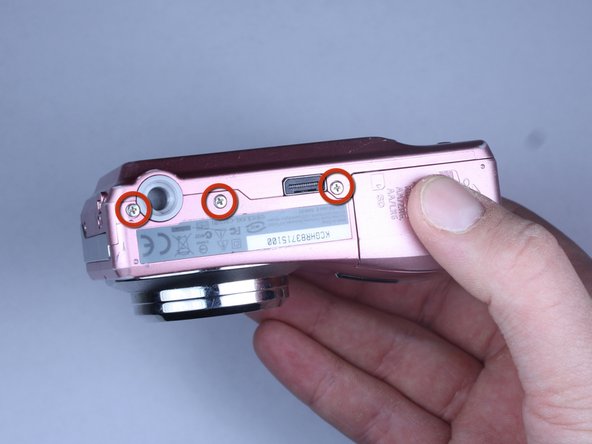
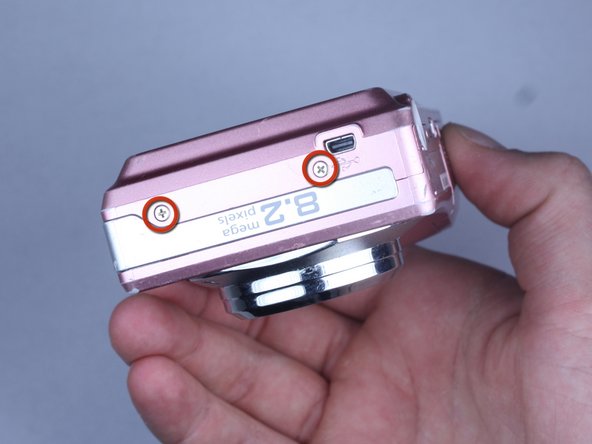
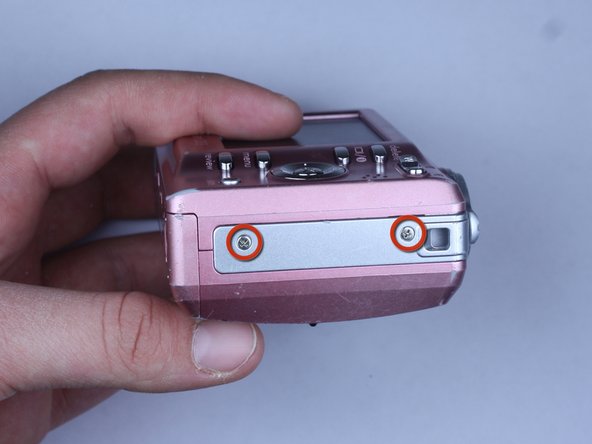
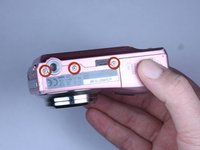
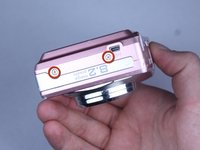
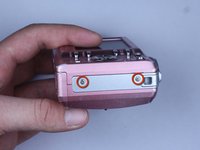
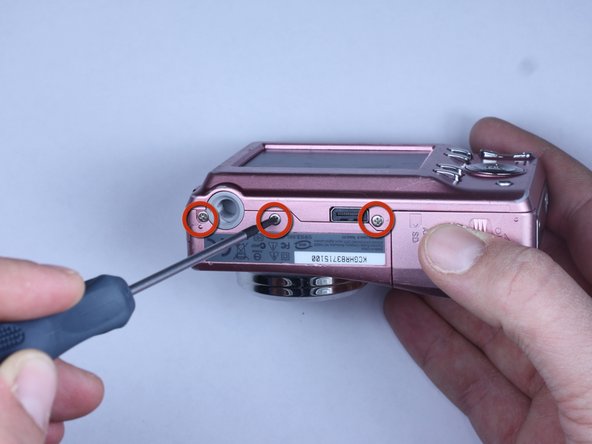
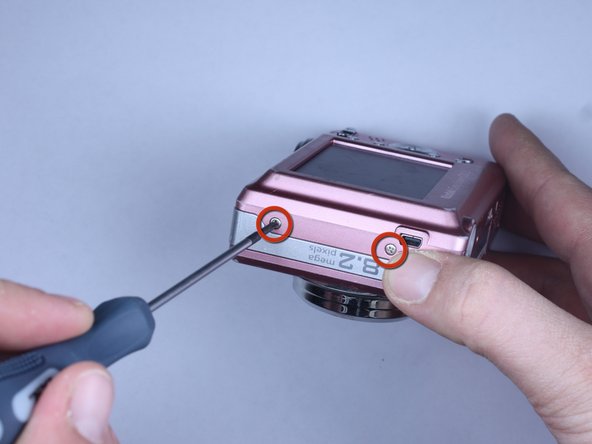
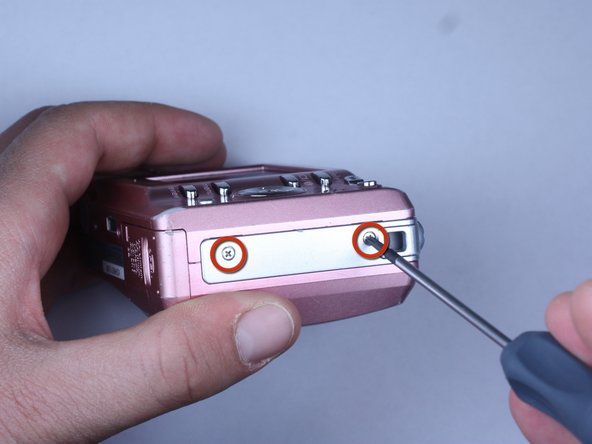
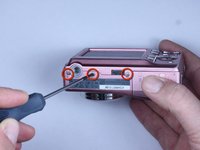
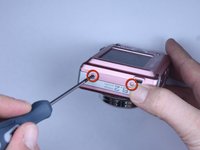
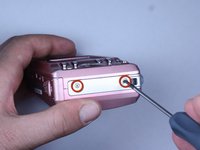
    • Locate the 7 screws holding the back cover on.

    • Three screws are located on the bottom of the camera.

    • Two screws are located on the side shown in the photograph.

    • Two final screws are located on the opposite side shown in the photograph.

    Add Comment

  6. Kodak Easyshare C813 Shutter Button Replacement: step 6, image 1 of 3 Kodak Easyshare C813 Shutter Button Replacement: step 6, image 2 of 3 Kodak Easyshare C813 Shutter Button Replacement: step 6, image 3 of 3
    • Remove all 7 screws:

    • Hold the camera firmly with one hand so that you can still see a screw.

    • Place the Philips 00(Found here)screwdriver into the screw.

    • Turn the screwdriver to the left until it is free.

    • Repeat for the remaining screws.

    Add Comment

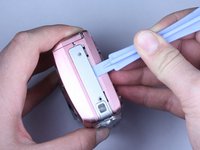
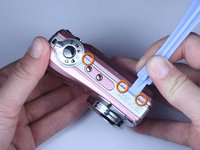
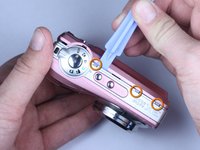
  7. Kodak Easyshare C813 Shutter Button Replacement: step 7, image 1 of 3 Kodak Easyshare C813 Shutter Button Replacement: step 7, image 2 of 3 Kodak Easyshare C813 Shutter Button Replacement: step 7, image 3 of 3
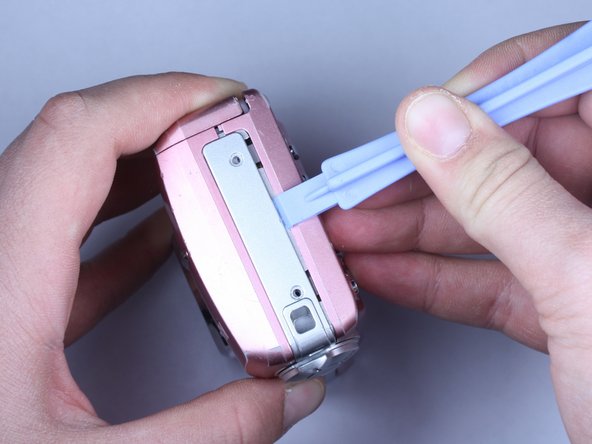
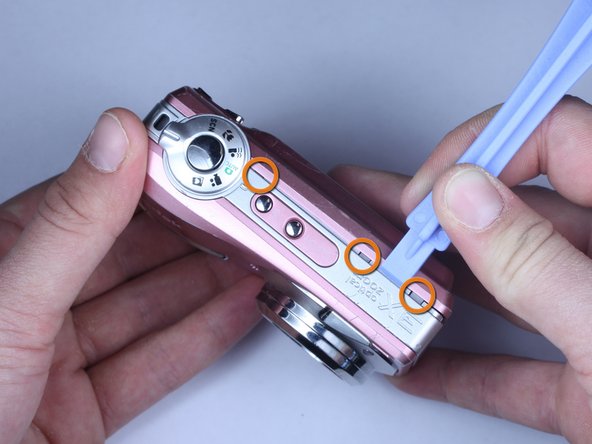
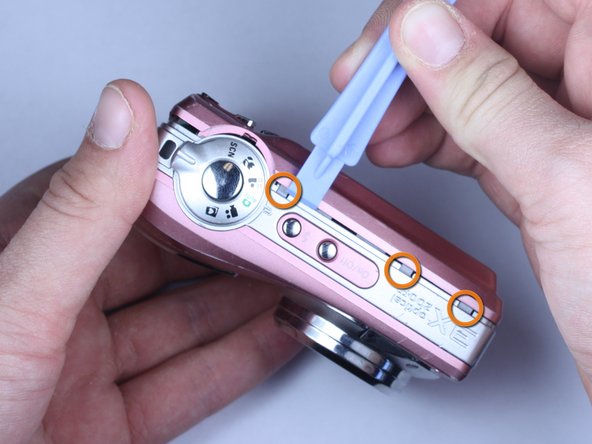
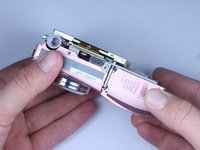
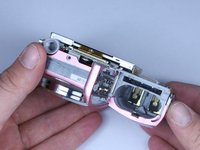
    • Use plastic opening tools to slightly open the side of the case.

    • Insert a plastic opening tool and apply pressure to the internal three tabs at the top.

    • The first two are near the words "3X Optical Zoom".

    • The third is near the shutter button.

    Add Comment

  8. Kodak Easyshare C813 Shutter Button Replacement: step 8, image 1 of 3 Kodak Easyshare C813 Shutter Button Replacement: step 8, image 2 of 3 Kodak Easyshare C813 Shutter Button Replacement: step 8, image 3 of 3
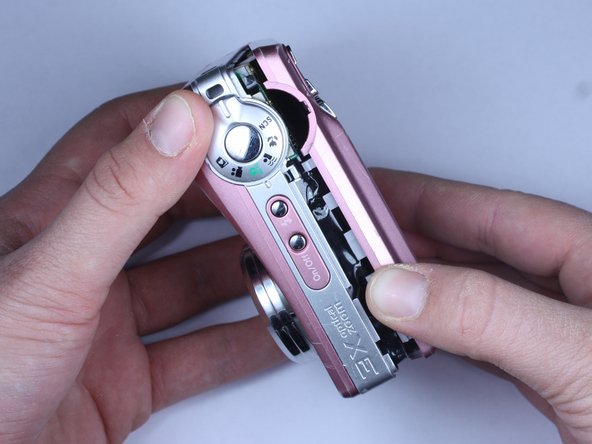
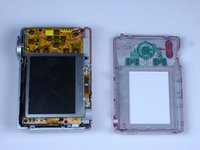
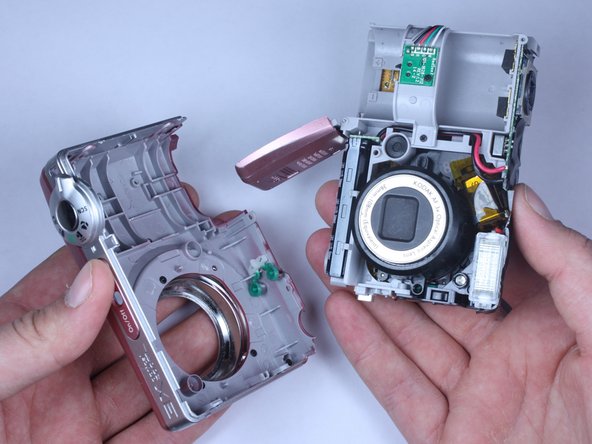
    • Gently pull apart the back cover from the rest of the camera.

    • Make sure there are no more screws or tabs keeping the cover on.

    • Use the plastic opening tool to separate any sides still closely connected.

    Add Comment

  9. Kodak Easyshare C813 Shutter Button Replacement: step 9, image 1 of 2 Kodak Easyshare C813 Shutter Button Replacement: step 9, image 2 of 2
    • Open the battery door.

    • Press thumb firmly on battery door and slide it in the direction of the arrow.

    • Lift thumb allowing the door to swing open.

    Add Comment

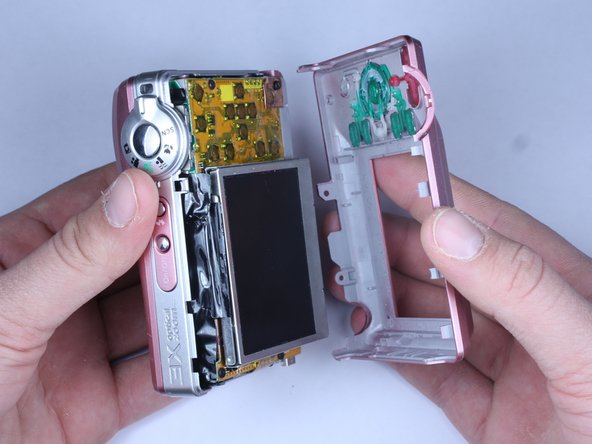
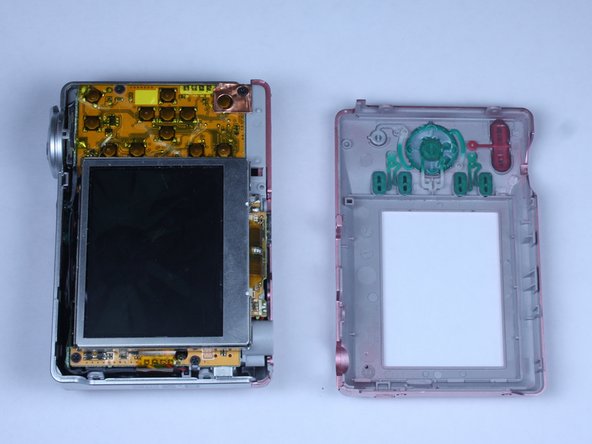
  10. Kodak Easyshare C813 Shutter Button Replacement: step 10, image 1 of 3 Kodak Easyshare C813 Shutter Button Replacement: step 10, image 2 of 3 Kodak Easyshare C813 Shutter Button Replacement: step 10, image 3 of 3
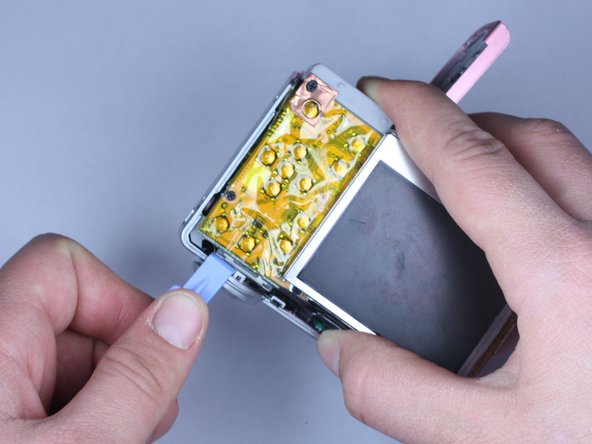
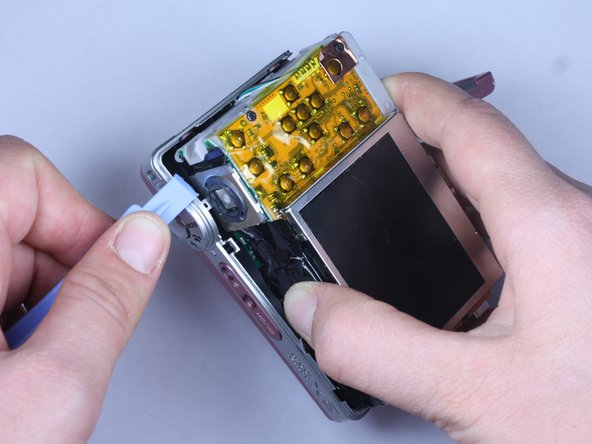
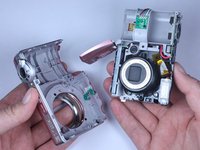
    • Use the plastic opening tool to lift the casing around the shutter button.

    • Gently remove the front cover from the device.

    Add Comment

  11. Kodak Easyshare C813 Shutter Button Replacement: step 11, image 1 of 1
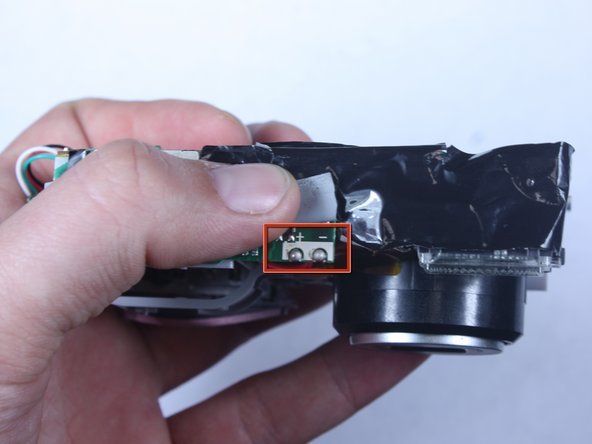
    • Do not touch the terminals shown in the photo. These link to the capacitor which could shock you if not discharged.

    • To discharge the capacitor follow this guide.

    Add Comment

  12. Kodak Easyshare C813 Shutter Button Replacement: step 12, image 1 of 2 Kodak Easyshare C813 Shutter Button Replacement: step 12, image 2 of 2
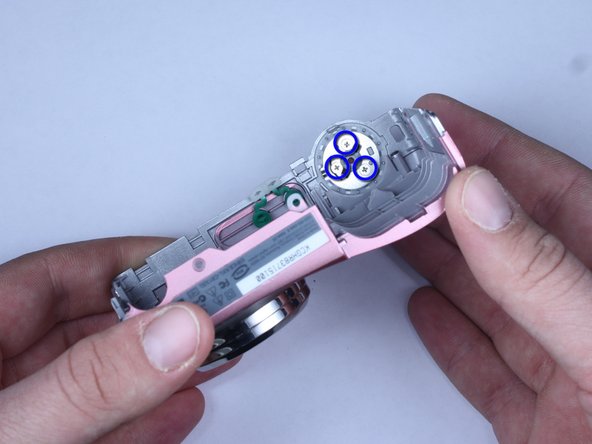
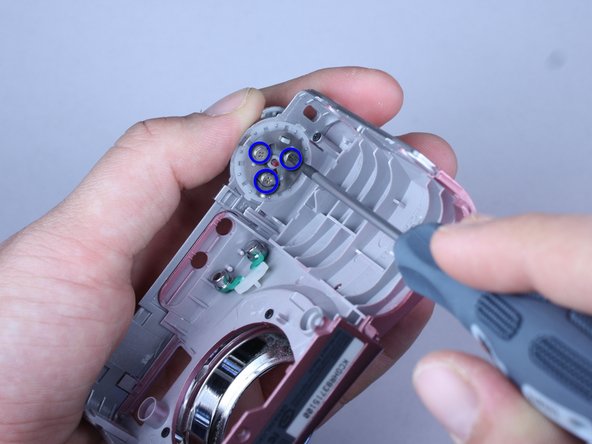
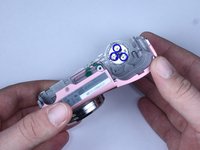
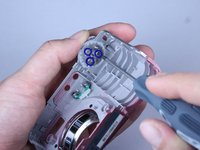
    • The shutter button is held on to the front cover by three screws

    • Hold the shutter button in place

    • Use a Philips 00 screwdriver to remove the screws.

    • Careful that the power and flash button do not fall off

    Add Comment

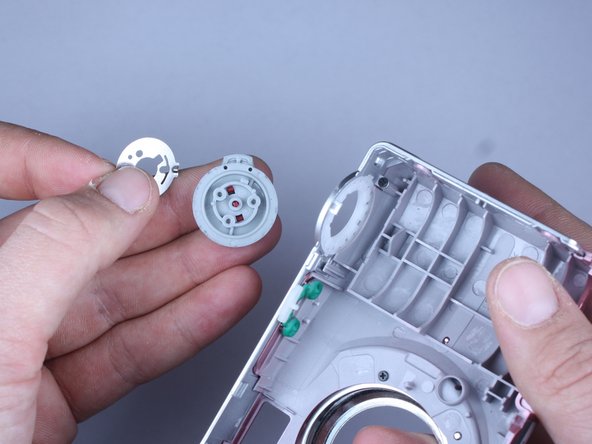
  13. Kodak Easyshare C813 Shutter Button Replacement: step 13, image 1 of 3 Kodak Easyshare C813 Shutter Button Replacement: step 13, image 2 of 3 Kodak Easyshare C813 Shutter Button Replacement: step 13, image 3 of 3
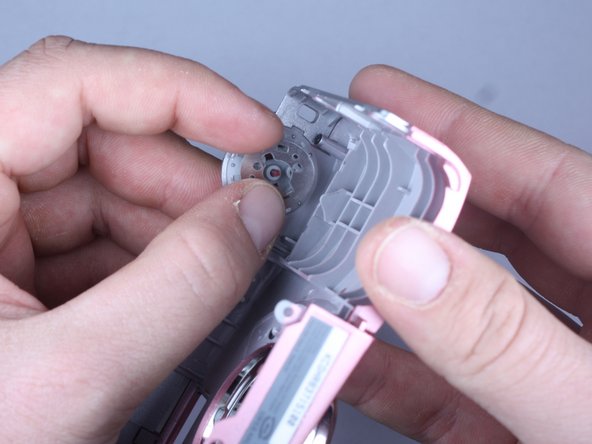
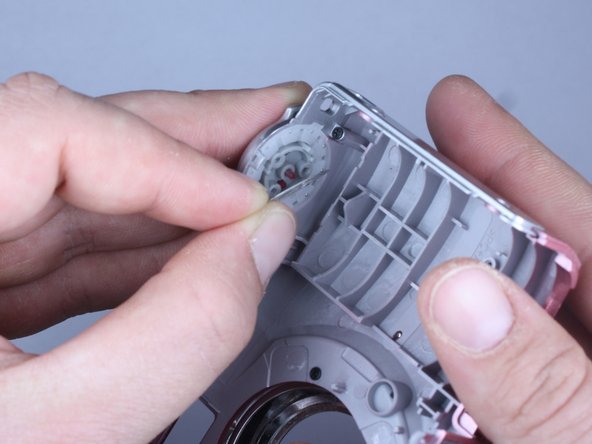
    • Keep the shutter button in place while removing the circular metal plate

    • Remove the shutter button by allowing it to fall into your hand

    Add Comment

  14. Kodak Easyshare C813 Shutter Button Replacement: step 14, image 1 of 3 Kodak Easyshare C813 Shutter Button Replacement: step 14, image 2 of 3 Kodak Easyshare C813 Shutter Button Replacement: step 14, image 3 of 3
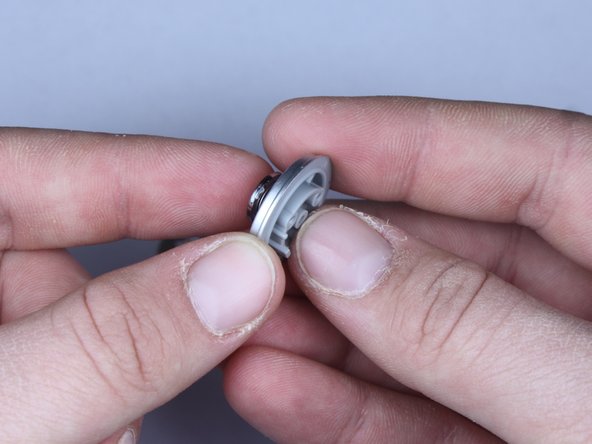
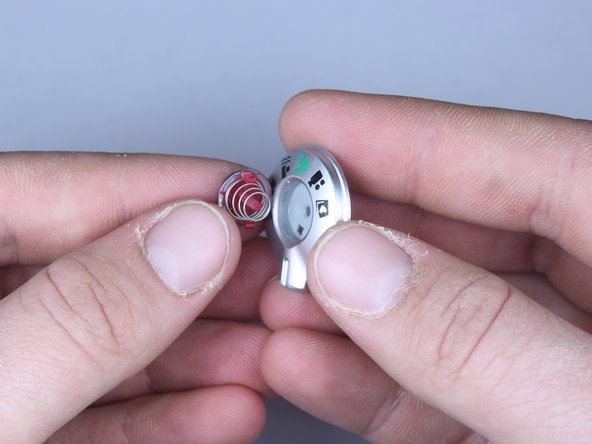
    • Hold down the shutter button portion of the selector dial

    • Press down the red tabs and slowly relieve pressure on the shutter button

    • Press down on the center red stick

    • Careful not to lose the spring

    • Tool shown is Found here

    Add Comment

  15. Kodak Easyshare C813 Shutter Button Replacement: step 15, image 1 of 1
    • If cleaning, remove dirt from button

    • When putting back together, the button should be be oriented so that the green automatic mode points towards the power button.

    Add Comment

Conclusion

To reassemble your device, follow these instructions in reverse order.

Cancel: I did not complete this guide.

System

Member since: 09/24/09

2,562 Guides authored

0 Guide Comments

Add Comment

View Statistics:

Past 24 Hours: 1

Past 7 Days: 4

Past 30 Days: 6

All Time: 17