LG 47LM760S TV set

Amaia and 3 other contributors
Last updated on Nov 27, 2018
Views: 174
View statistics:
- Past 24 Hours:
- 0
- Past 7 Days:
- 0
- Past 30 Days:
- 5
- All Time:
- 174
Comments: 0
No one has left comments on this guide. Will you be first?
Go to guide commentsCompleted: 0 1
No one has marked this guide "completed." Will you be the first?
1 person has marked this guide "completed." It's you — great job!
Favorites: 0 1
No one has favorited (and subscribed to) this guide. Will you be the first?
1 person has favorited (and subscribed to) this guide — and that's you!
-
-
-
Start the TV opening from the back side.
-
Using PH#2 screwdriver, begin to loose the twenty-four screws located all over the back-casing (highlighted in green boxes).
-
Manually pry open the interconnection between the two plastic pieces to loose the four clips.
-
Disconnect the connectors from cables and buttons.
-
Remove the plastic back cover.
-
-
-
Remove cables: Disconnect all fifteen connectors (highlighted in red boxes) and remove the tapes used to fix the cables to the metal casing.
-
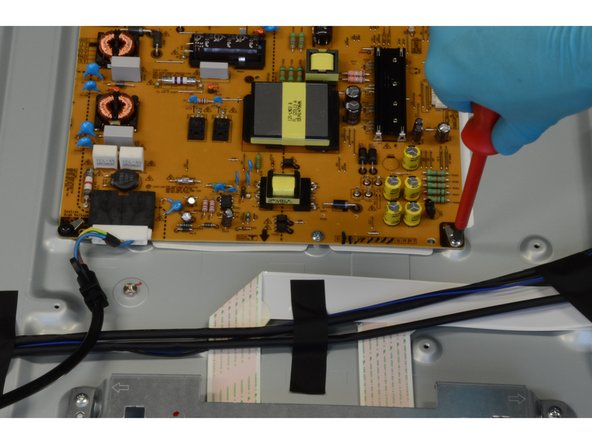
To remove the PCBs use PH#2 screwdriver (thirteen screws marked in green).
-
-
-
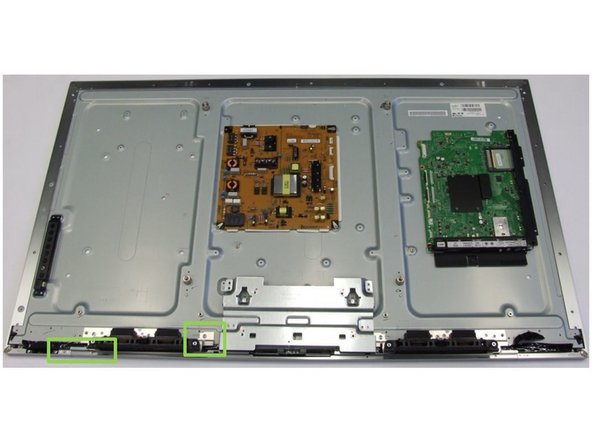
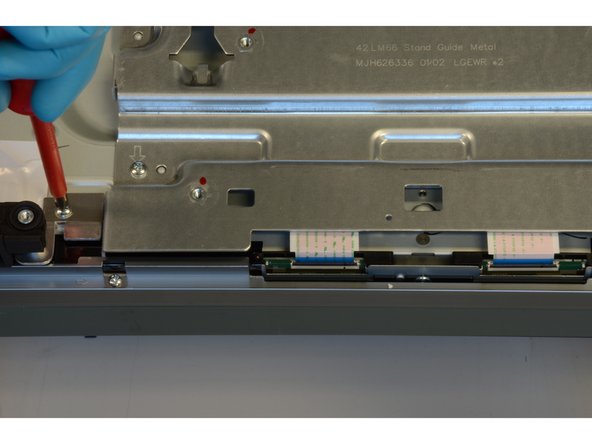
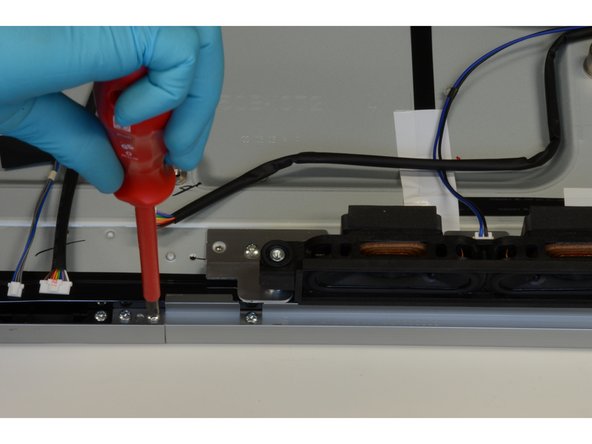
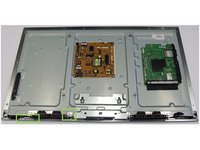
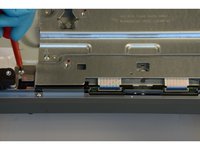
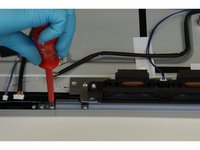
Using PH#2 screwdriver, loose four screws to remove the speakers.
-
Then, use the same tool to loose fourteen screws that fix the metallic mounting to protect the PCBs.
-
-
-
Loose the adhesives securing the front frame and carefully turn the screen up.
-
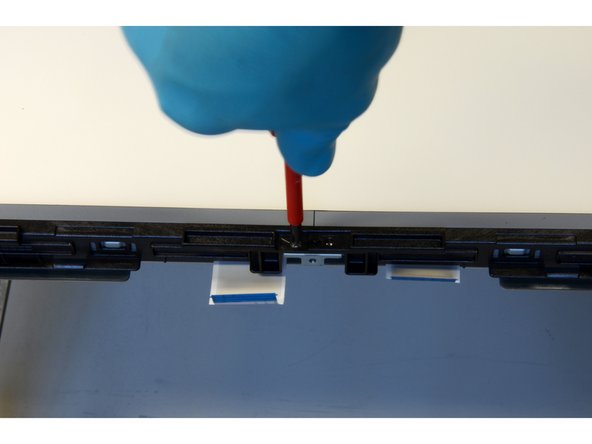
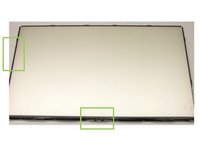
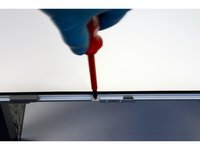
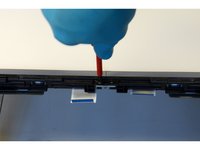
To remove the front frame, unscrew the twenty-four PH#1 screws (starting point marked in green).
-
-
-
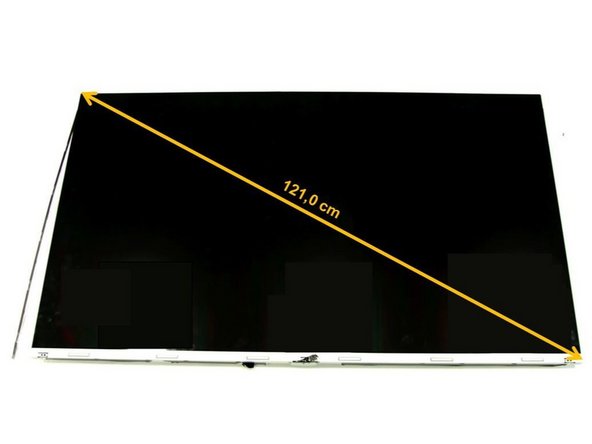
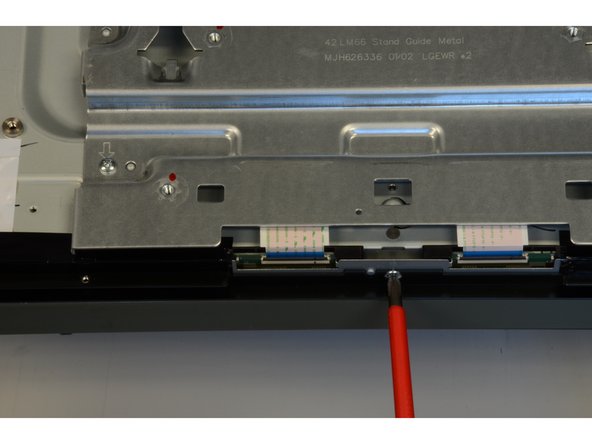
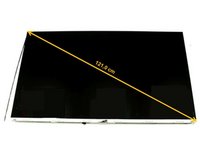
Detach manually the two connectors of the back side and remove the LCD panel.
-
-
-
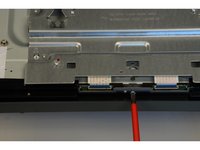
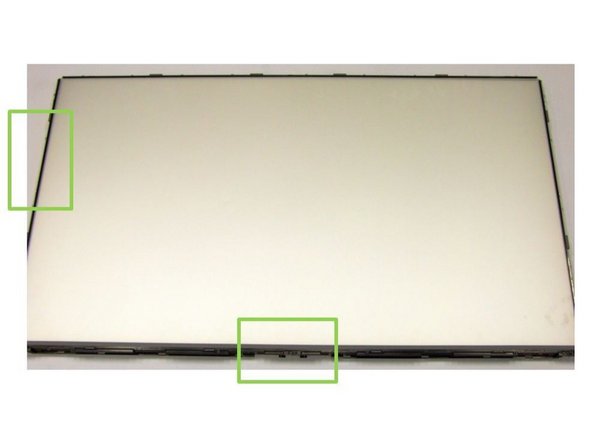
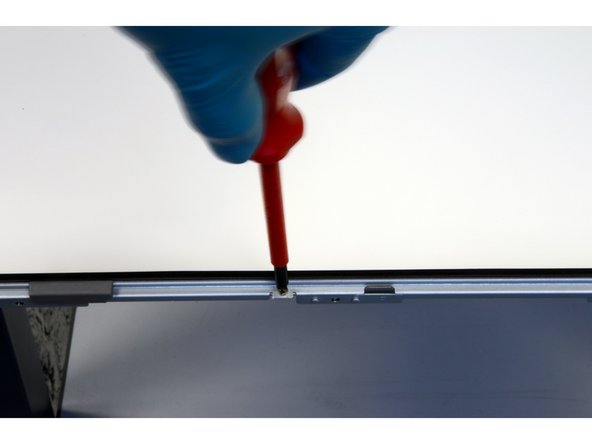
Using PH#1 screwdriver, loose twenty-two screws in two steps:
-
First, remove the metal frames that cover the sides and the top of the unit.
-
Second, unscrew the bottom part and loose eight clips in order to take it out.
-
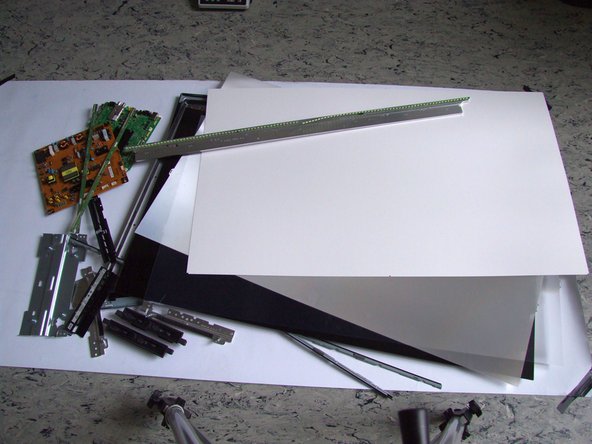
The polarizer foils can be removed as well.
-
-
-
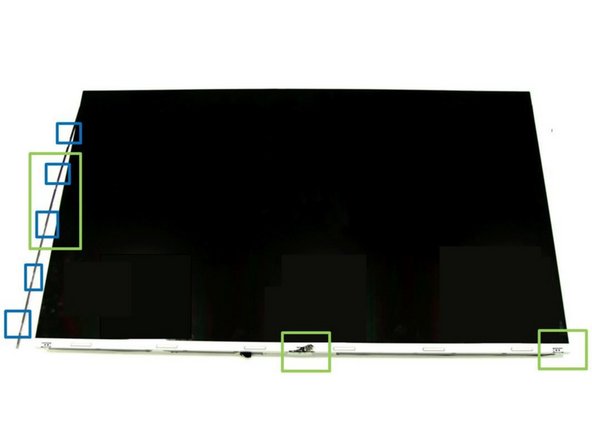
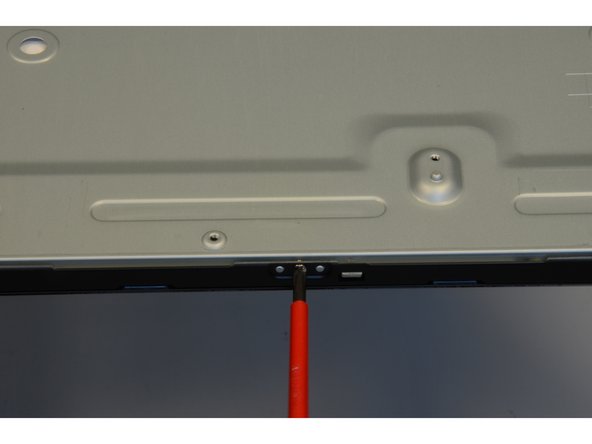
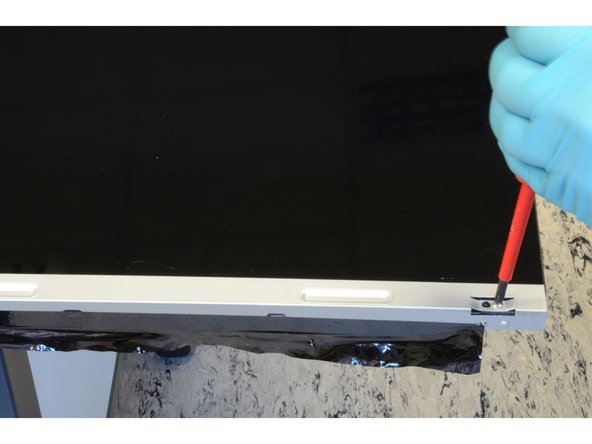
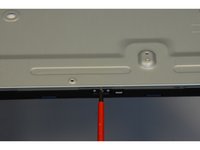
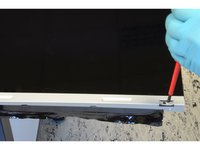
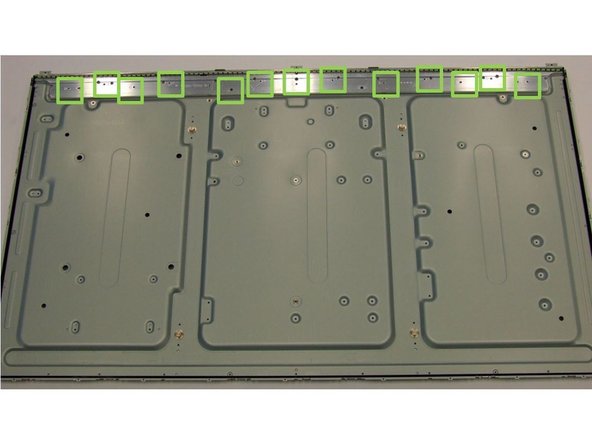
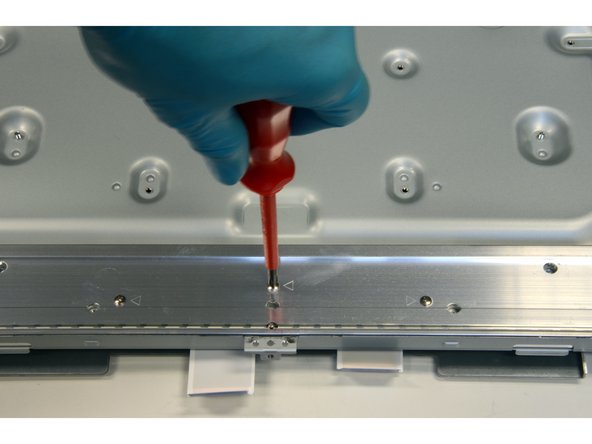
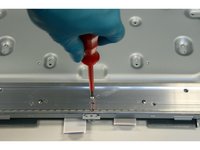
Using PH#1 screwdriver, loose thirteen screws (marked in green) and remove the metal casing with two PCBs.
-
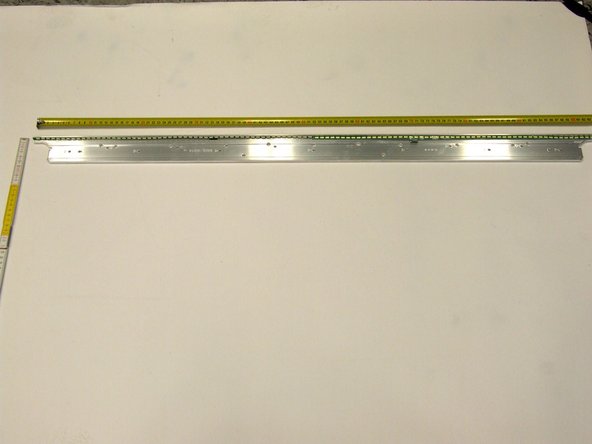
Using slotted screwdriver, remove the PCBs from the metal casing. Note that this step is destructive.
-
-