
Nikon Coolpix L18 LCD Screen Replacement

Last updated on Sep 17, 2016
Views: 10
View statistics:
- Past 24 Hours:
- 0
- Past 7 Days:
- 0
- Past 30 Days:
- 2
- All Time:
- 10
Comments: 0
No one has left comments on this guide. Will you be first?
Go to guide commentsCompleted: 0 1
No one has marked this guide "completed." Will you be the first?
1 person has marked this guide "completed." It's you — great job!
Favorites: 0 1
No one has favorited (and subscribed to) this guide. Will you be the first?
1 person has favorited (and subscribed to) this guide — and that's you!
Introduction
Go to step 1 ↓In this guide, we will give you step-by-step instructions on how to detach the LCD screen so that it can be replaced or repaired.
What you need
-
-
-
Remove the memory stick from the camera.
-
Remove the batteries from the camera.
-
-
-
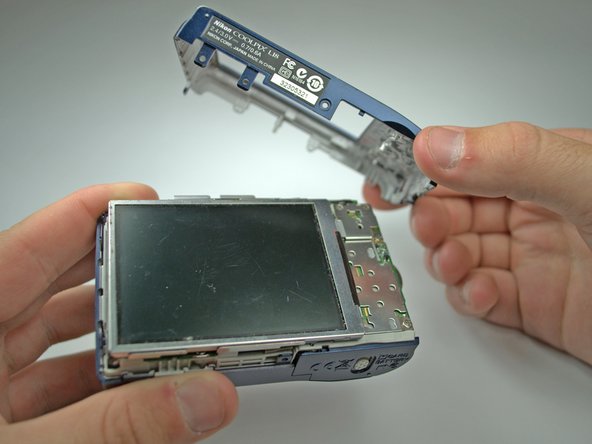
Remove all six 4.3mm silver screws along the perimeter of the camera using the Phillips #00 screwdriver.
-
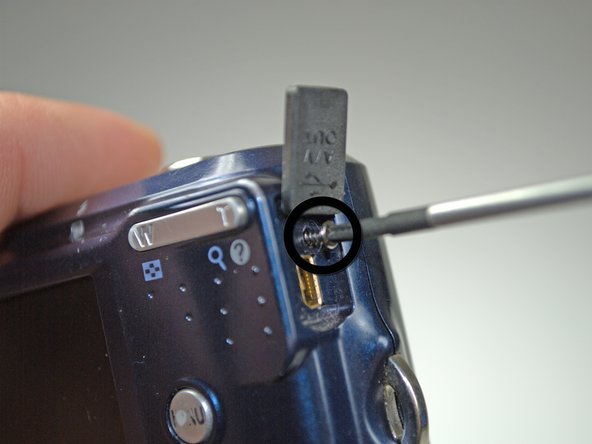
There is one screw hidden under the AV cover that also needs to be removed.
-
-
-
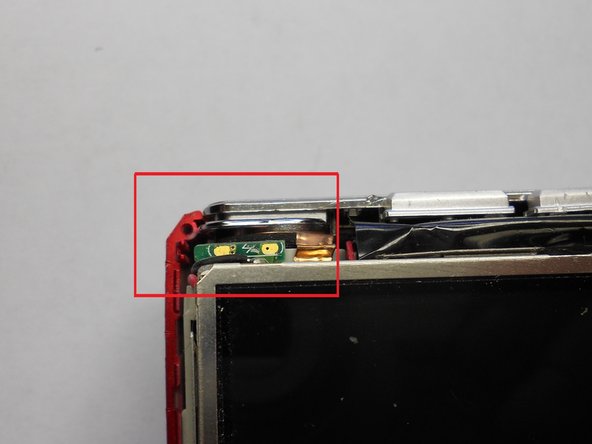
Remove the tape on the right side of the LCD screen.
-
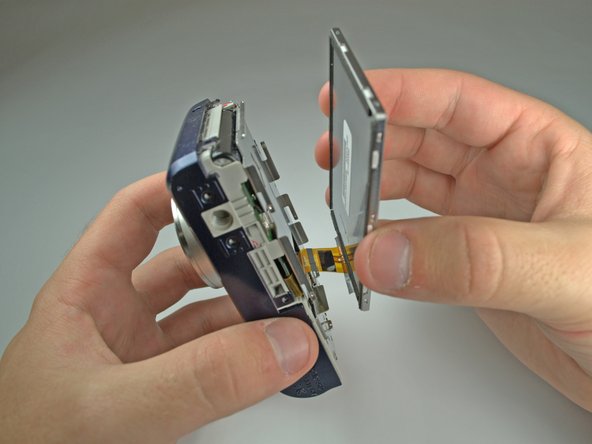
Gently lift the LCD screen from its base.
-
-
-
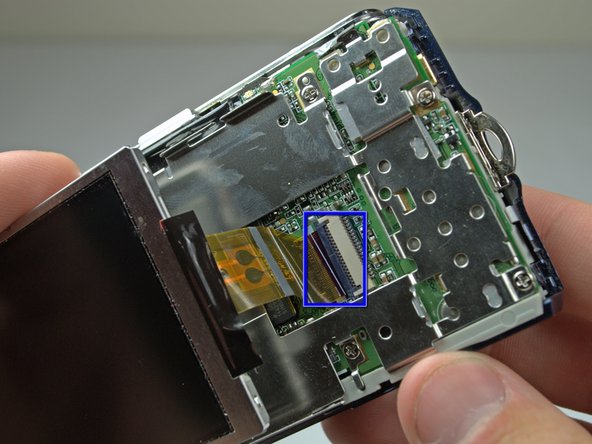
Lift the black latch connecting the LCD ribbon to the logic board.
-
Gently pull the LCD ribbon out.
-
-




To reassemble your device, follow these instructions in reverse order.

