
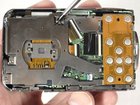
Nikon Coolpix S210 Circuit Board Cover Replacement

Last updated on Sep 17, 2016
Views: 16
View statistics:
- Past 24 Hours:
- 0
- Past 7 Days:
- 0
- Past 30 Days:
- 3
- All Time:
- 16
Comments: 0
No one has left comments on this guide. Will you be first?
Go to guide commentsCompleted: 0 1
No one has marked this guide "completed." Will you be the first?
1 person has marked this guide "completed." It's you — great job!
Favorites: 0 1
No one has favorited (and subscribed to) this guide. Will you be the first?
1 person has favorited (and subscribed to) this guide — and that's you!
Introduction
Go to step 1 ↓Remove the circuit board cover so they can proceed to remove the circuit board or fix the lens.
What you need
-
-
-
Place thumb on the battery cover panel on the bottom of the device.
-
Slide the panel to the right away from the camera.
-
-
-
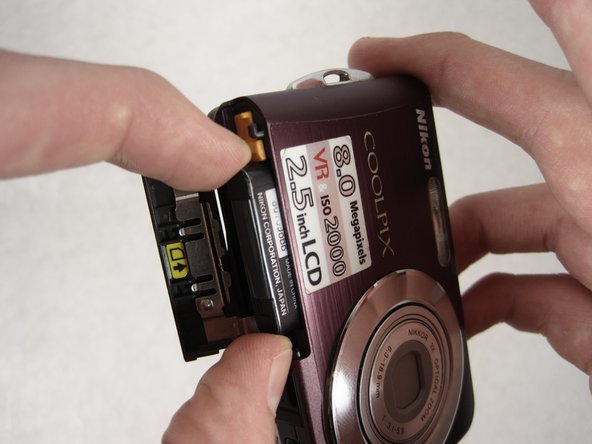
Slide the orange latch outward towards the corner of the camera.
-
The battery should pop out.
-
Remove the battery and reattach the cover.
-
-
-
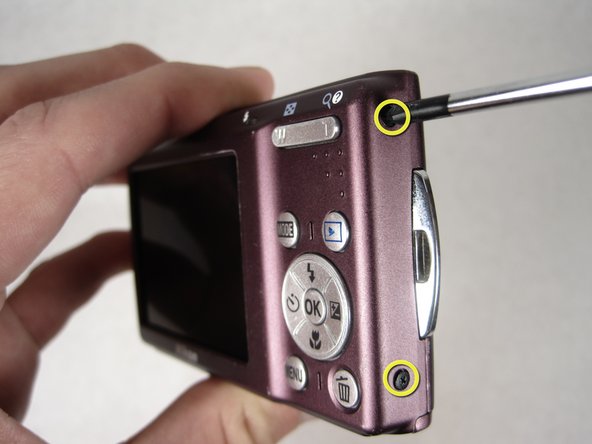
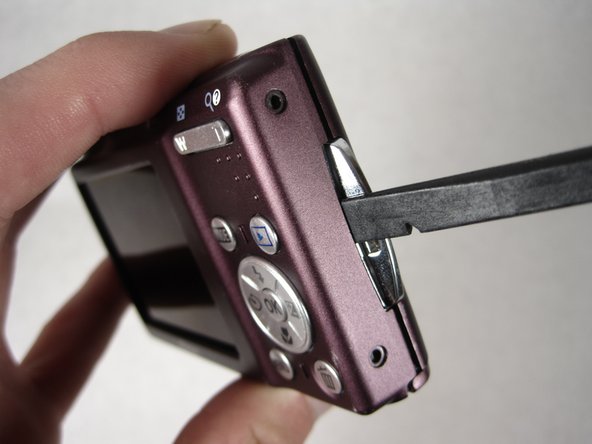
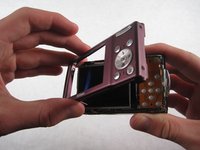
Gently wedge the flat end of the spudger between the back case and the wrist-strap mount.
-
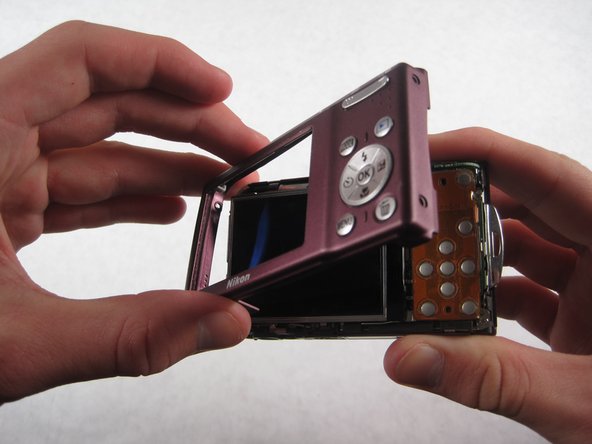
Carefully pry the back case away from the camera and then gently lift it off.
-
-
-
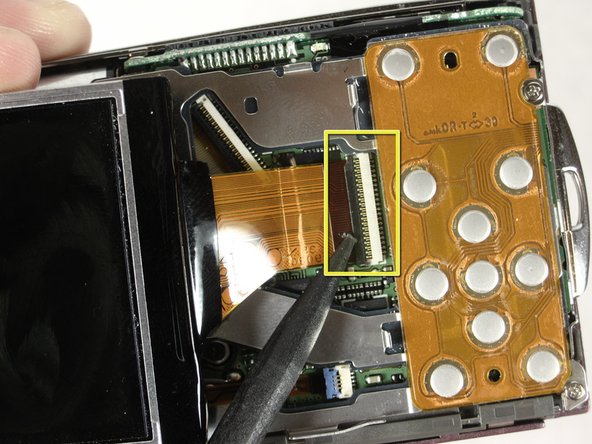
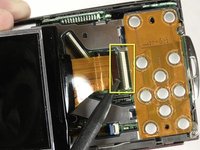
To remove the wide ribbon, gently pry the spudger underneath the black plastic latch where the ribbon connects and lift up. The ribbon should slide out easily.
-
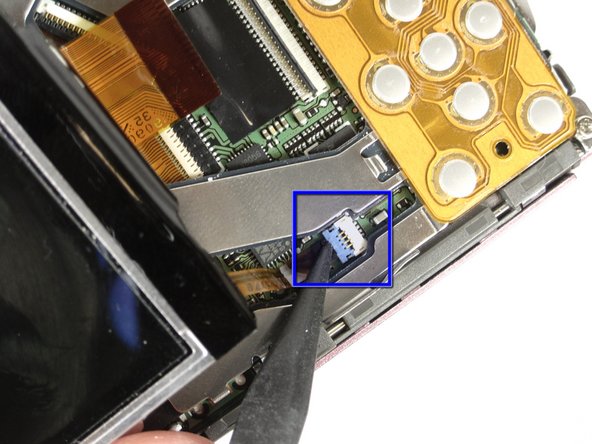
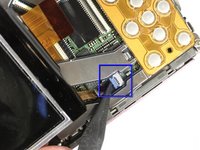
Repeat the same process with the smaller ribbon, this time looking for a light blue latch.
-
-
-
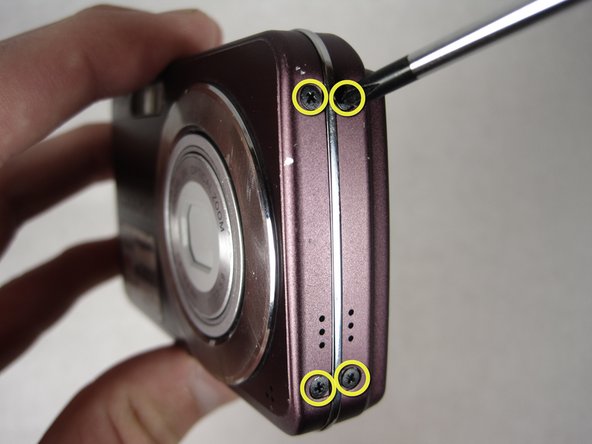
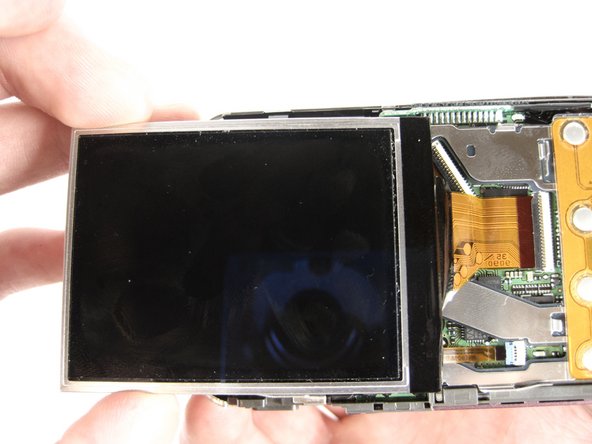
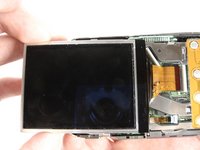
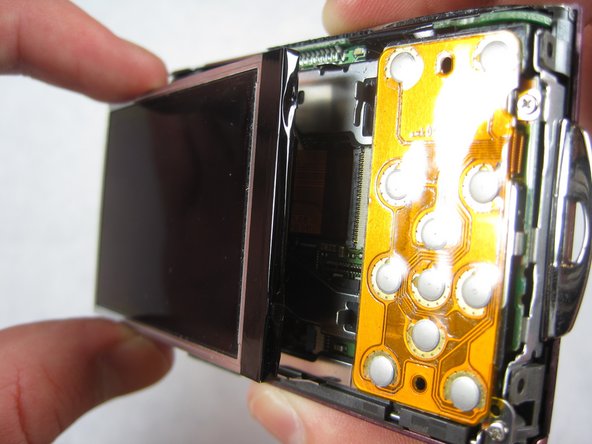
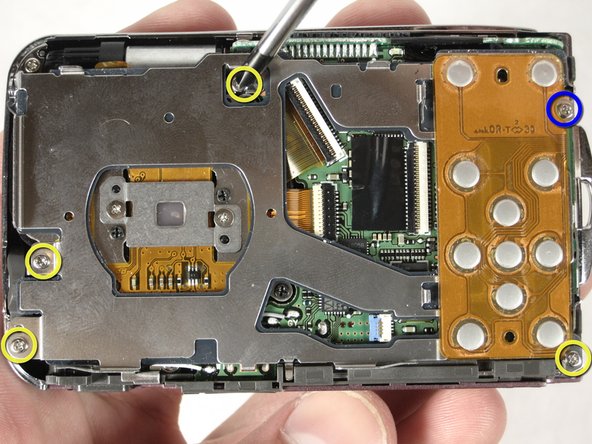
After removing the LCD screen, unscrew the four 3.8mm screws that hold down the metal plate
-
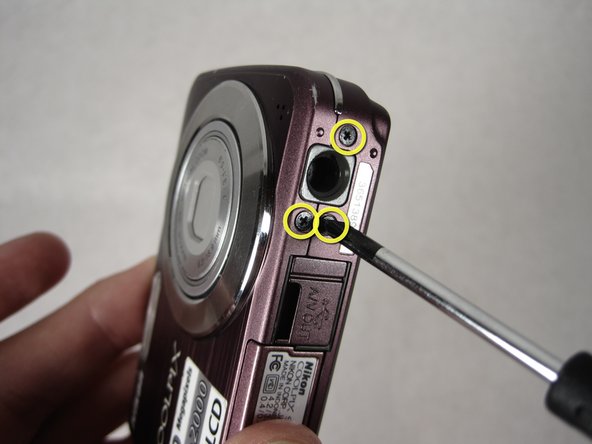
Unscrew the 2.5mm screw next to the wrist-strap mount.
-
-
-
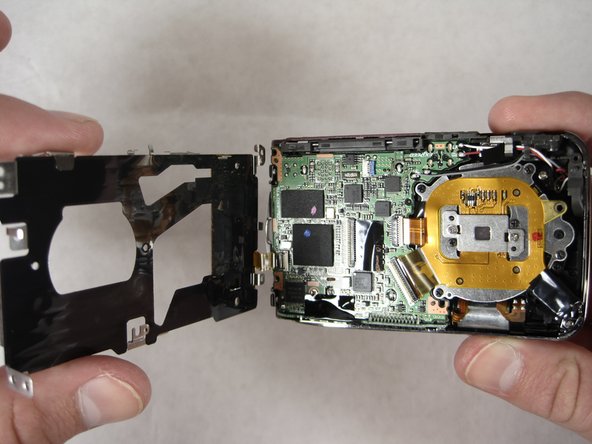
Position the camera with the lens facing down and the shutter button facing you.
-
Lift the metal plate away from the camera without removing it fully. There is a ribbon attaching the edge of the plate to the camera.
-
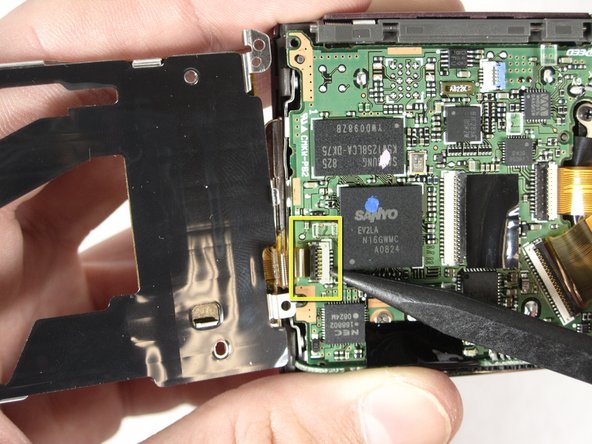
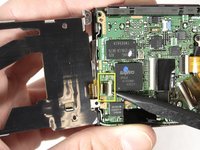
Carefully pry the spudger under the black latch and lift gently upward. The ribbon will slide out easily.
-
With the ribbon unlatched, the entire metal plate should now be detached.
-
-




To reassemble your device, follow these instructions in reverse order.

