Nintendo DS Lite Trigger Buttons Replacement

Views: 64

View statistics:

Past 24 Hours:
0
Past 7 Days:
0
Past 30 Days:
2
All Time:
64
Comments: 0

No one has left comments on this guide. Will you be first?

Go to guide comments
Completed: 0

No one has marked this guide "completed." Will you be the first?

Favorites: 0

No one has favorited (and subscribed to) this guide. Will you be the first?

Time Required: No estimate
Difficulty: Easy
Nintendo DS Lite Trigger Buttons Replacement

Introduction

Go to step 1 ↓

Replace the trigger buttons on your Nintendo DS Lite and get back in the game!

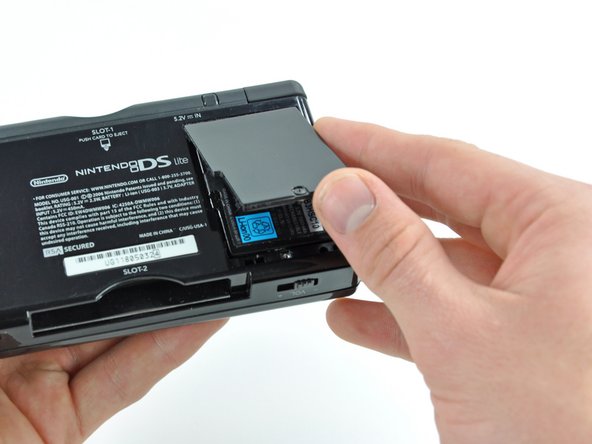
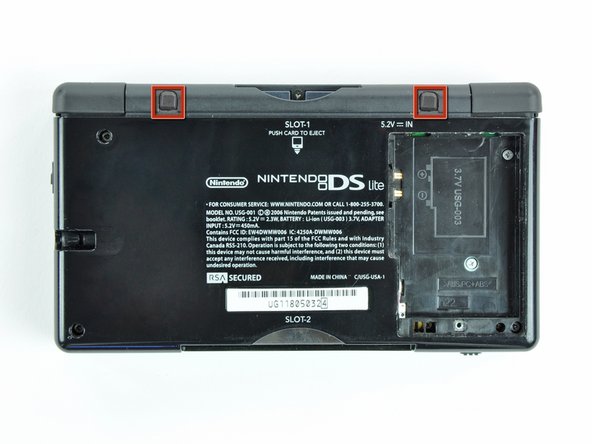
    1. Nintendo DS Lite Trigger Buttons Replacement, Nintendo DS Lite Trigger Buttons Replacement: step 1, image 1 of 2 Nintendo DS Lite Trigger Buttons Replacement, Nintendo DS Lite Trigger Buttons Replacement: step 1, image 2 of 2
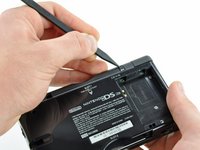
      • Unscrew the Phillips screw securing the battery cover to the lower case.

      • The screw remains captive to the battery cover.

      • Pry the battery cover upward with a spudger or fingernail, and lift out of the lower case.

      Add Comment

    2. Nintendo DS Lite Trigger Buttons Replacement: step 2, image 1 of 1
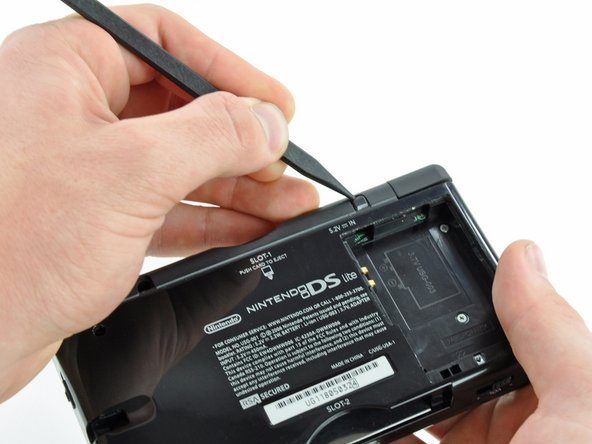
      • Wedge the edge of a spudger in between the side of the battery and the lower case housing and pry upward to dislodge the battery.

      • Remove the battery from the DS Lite.

      Add Comment

    3. Nintendo DS Lite Trigger Buttons Replacement: step 3, image 1 of 2 Nintendo DS Lite Trigger Buttons Replacement: step 3, image 2 of 2
      • Use the tip of a spudger to pry both rubber feet off the DS Lite.

      Add Comment

    4. Nintendo DS Lite Trigger Buttons Replacement: step 4, image 1 of 1
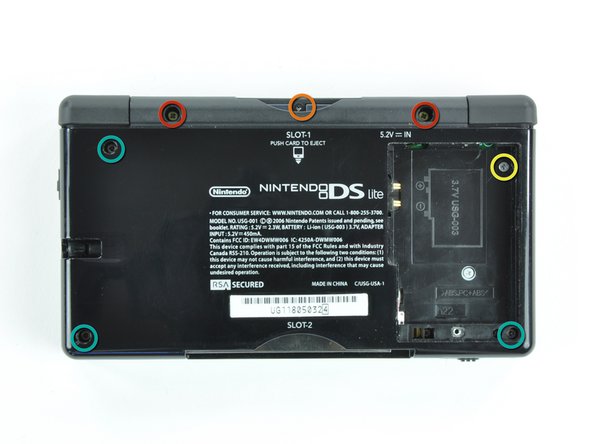
      • Remove the following screws securing the lower case to the body of the DS Lite:

      • Two 4.3 mm gold Phillips screws

      • One 3.9 mm black Tri-Wing screw

      • One 3.3 mm silver Phillips screw

      • Three 5.5 mm silver Tri-Wing screws

      Add Comment

    5. Nintendo DS Lite Trigger Buttons Replacement: step 5, image 1 of 3 Nintendo DS Lite Trigger Buttons Replacement: step 5, image 2 of 3 Nintendo DS Lite Trigger Buttons Replacement: step 5, image 3 of 3
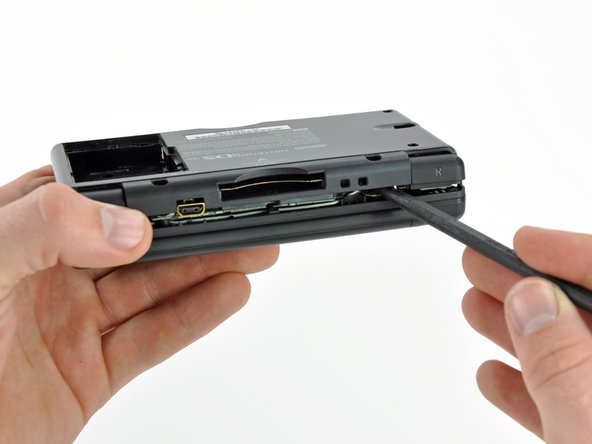
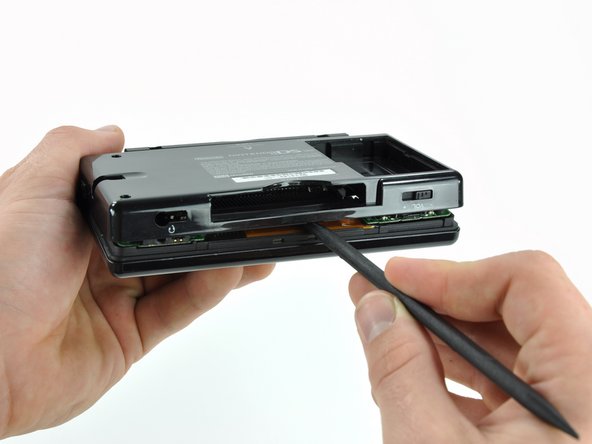
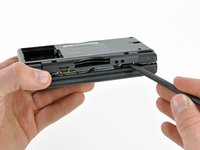
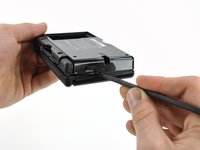
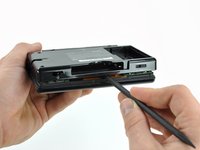
      • Insert the edge of a spudger in between the lower and upper case near the top right corner of the DS Lite.

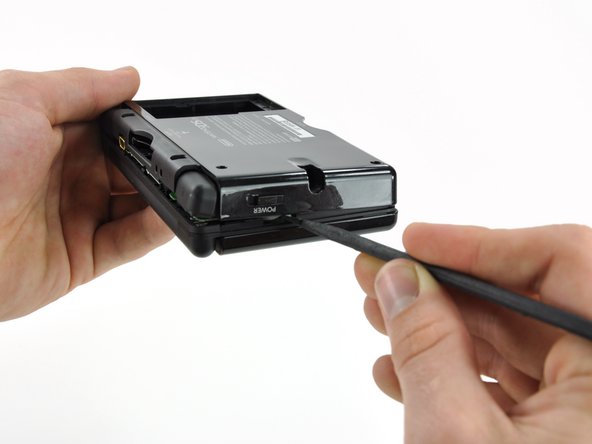
      • Carefully run the spudger along the right edge of the DS Lite, creating an opening in the process.

      • Continue running the spudger along the backside of the DS Lite until the majority of the lower case has been separated from the upper case.

      Add Comment

    6. Nintendo DS Lite Trigger Buttons Replacement: step 6, image 1 of 1
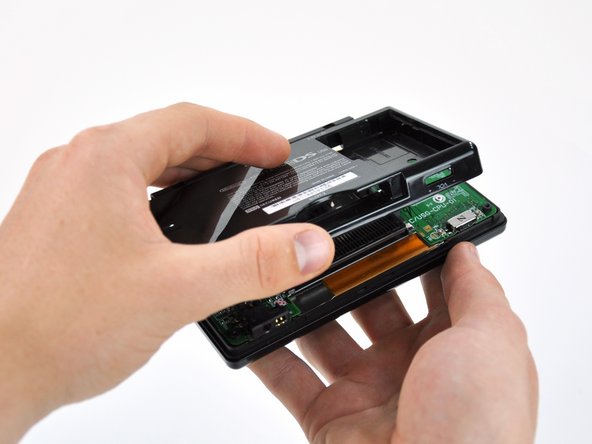
      • Lift the lower case away from the rest of the DS Lite.

      Add Comment

    7. Nintendo DS Lite Trigger Buttons Replacement: step 7, image 1 of 2 Nintendo DS Lite Trigger Buttons Replacement: step 7, image 2 of 2
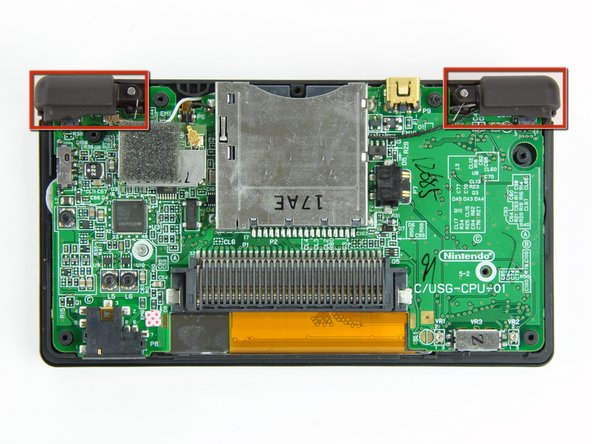
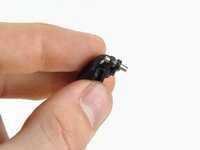
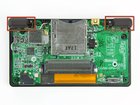
      • Lift both trigger buttons out of the DS Lite.

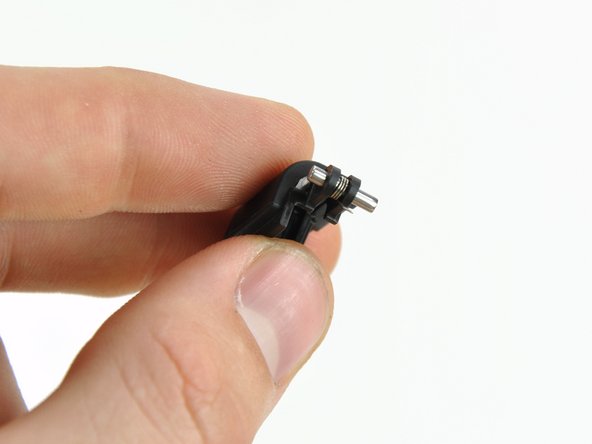
      • The trigger buttons are held in very loosely by small metal pegs and springs. Don't lose track of these pieces.

      • The second picture shows the correct configuration of the trigger assembly for reassembly purposes.

      Add Comment

Conclusion

To reassemble your device, follow these instructions in reverse order.

Cancel: I did not complete this guide.

System

Member since: 09/24/09

2,562 Guides authored

0 Guide Comments

Add Comment

View Statistics:

Past 24 Hours: 0

Past 7 Days: 0

Past 30 Days: 2

All Time: 64