

Nintendo Wii Outer Case Replacement

Last updated on Sep 17, 2016
Views: 57
View statistics:
- Past 24 Hours:
- 0
- Past 7 Days:
- 0
- Past 30 Days:
- 3
- All Time:
- 57
Comments: 0
No one has left comments on this guide. Will you be first?
Go to guide commentsCompleted: 0 1
No one has marked this guide "completed." Will you be the first?
1 person has marked this guide "completed." It's you — great job!
Favorites: 0 1
No one has favorited (and subscribed to) this guide. Will you be the first?
1 person has favorited (and subscribed to) this guide — and that's you!
Introduction
Go to step 1 ↓Use this guide to remove the white plastic outer case protecting the Wii's innards. Removing the outer case requires a Tri-wing screwdriver.
What you need
Parts
Tools
-
-
-
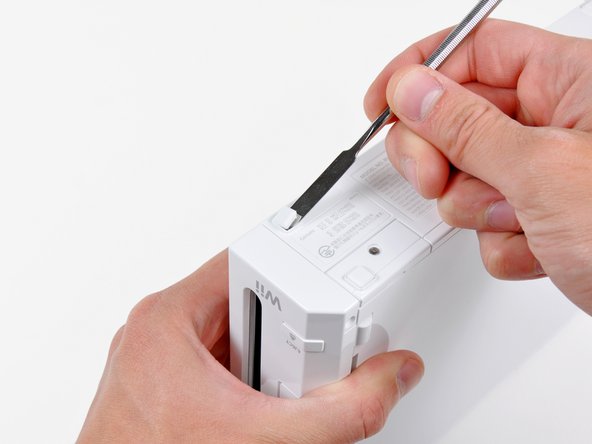
Use a metal spudger to remove the white plastic screw covers stuck to the lower case near the front of the Wii.
-
-
-
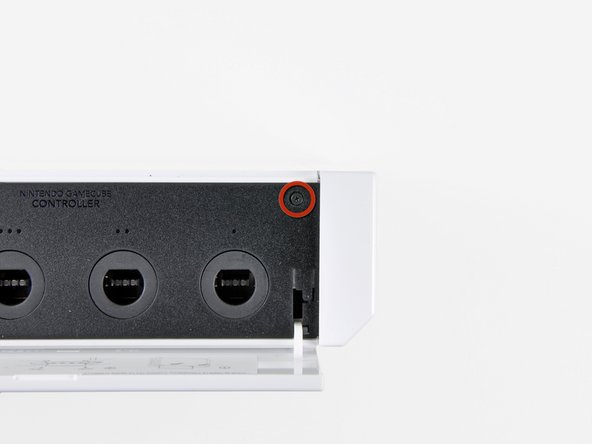
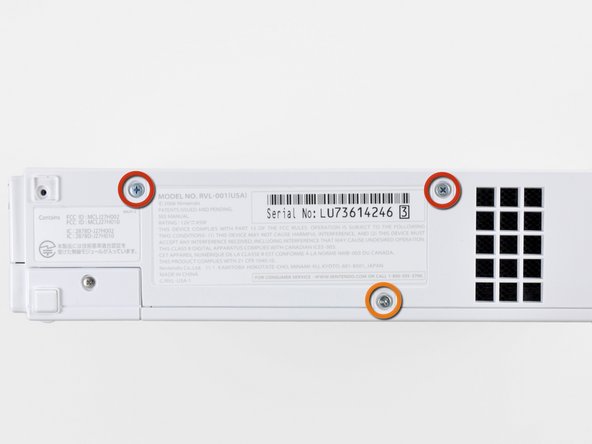
Remove the single 5.9 mm Phillips screw under the controller port door nearest the faceplate.
-
-
-
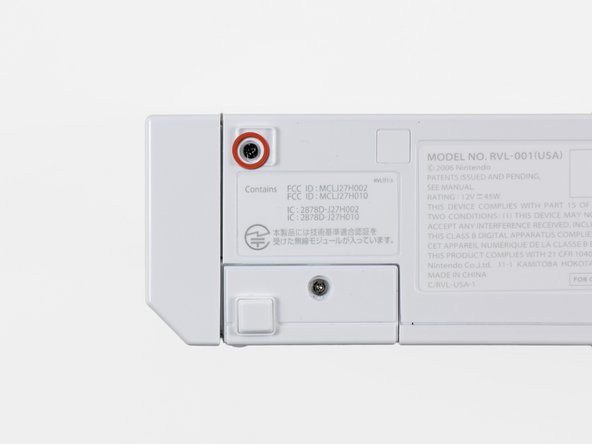
Use a metal spudger to remove the rubber foot stuck to the side of the Wii near the DVD drive opening.
-
-
-
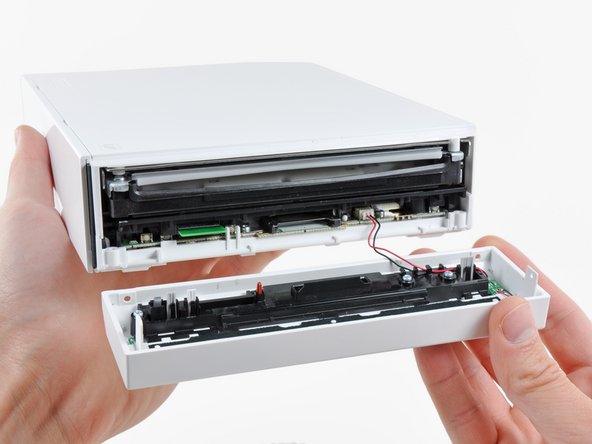
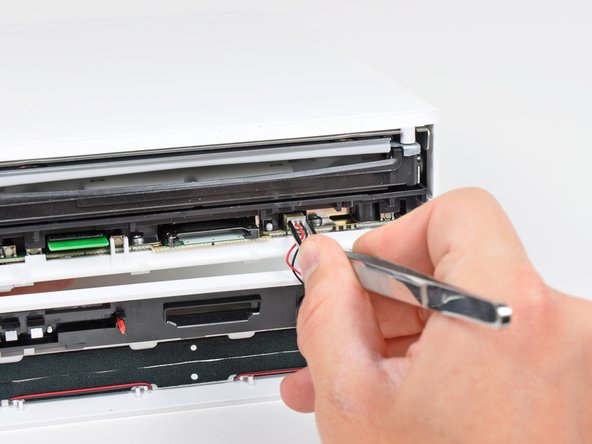
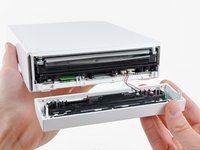
Carefully pull the faceplate away from the front of the Wii.
-
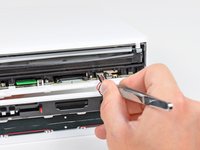
Use a pair of tweezers to disconnect the LED cable's plastic connector from the motherboard.
-
Remove the faceplate.
-
-
-
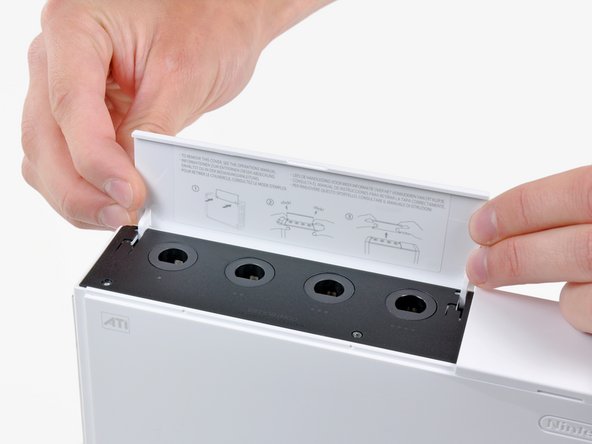
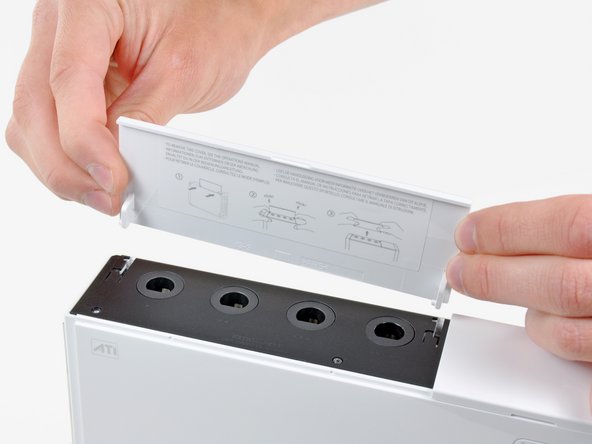
Open the controller port cover until it is perpendicular to the black controller port bezel.
-
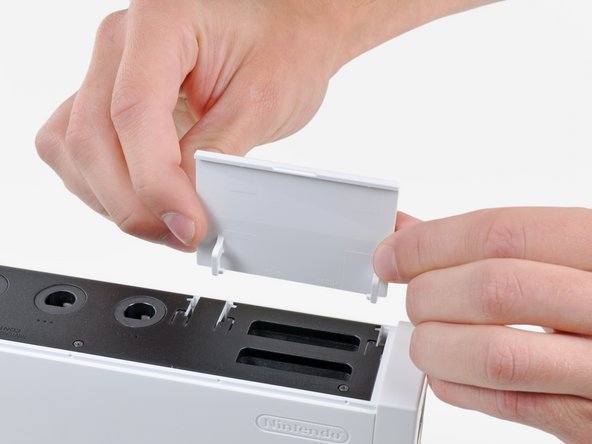
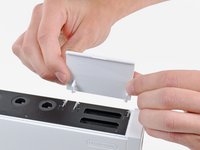
Pull the controller port cover straight up to release it from the outer case.
-
-
-
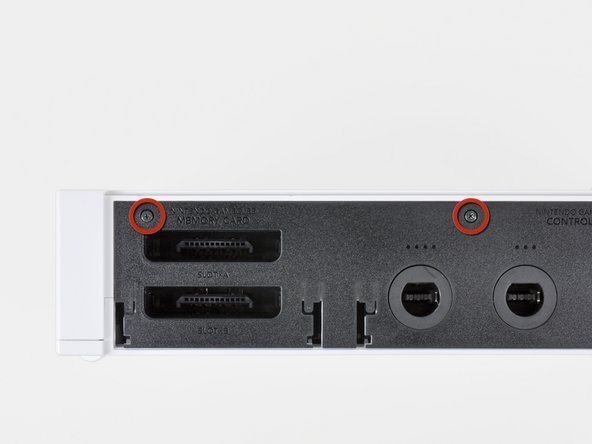
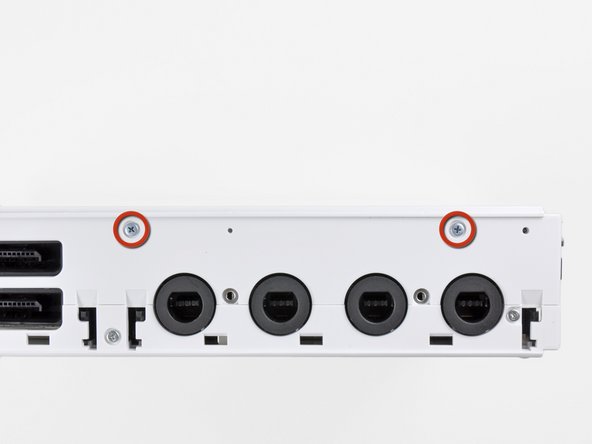
Remove the two remaining 4.1 mm Phillips screws along the top edge of the black plastic controller port bezel.
-
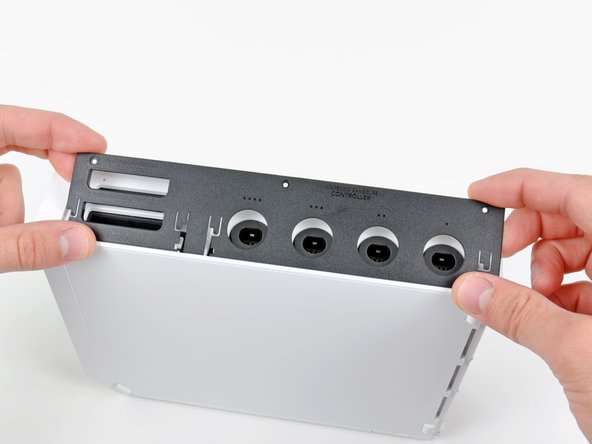
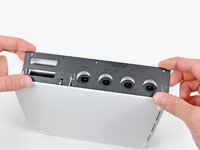
Lift the bezel from the long edge furthest away from the controller ports and remove it from the Wii.
-
-
-
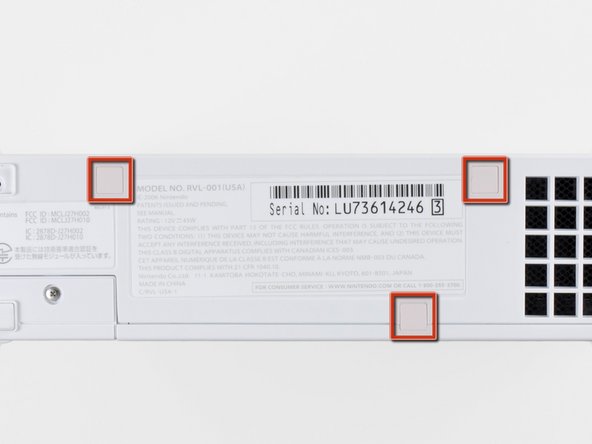
Use a metal spudger to remove the three highlighted screw covers stuck to the side of the Wii.
-
-
-
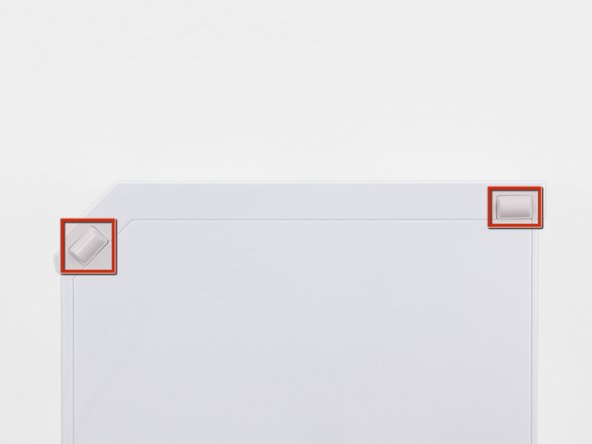
Use a metal spudger to remove the two rubber feet stuck to the bottom face of the Wii near the rear ports.
-
-


To reassemble your device, follow these instructions in reverse order.

