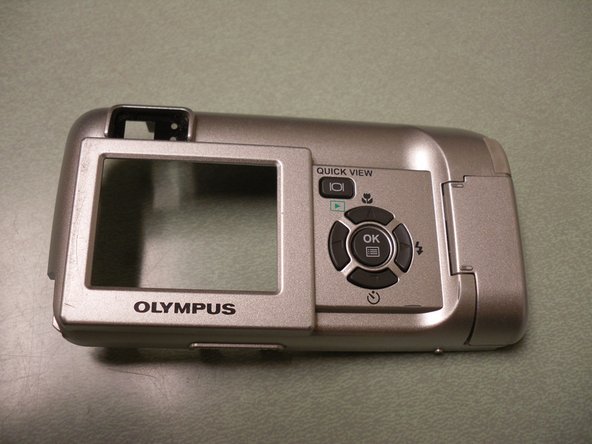
Olympus Camedia D560 Rear Panel Control Buttons Replacement

What you need

  1. Olympus Camedia D560 Rear Panel Control Buttons Replacement, Olympus Camedia D560 Rear Panel Control Buttons Replacement: step 1, image 1 of 2 Olympus Camedia D560 Rear Panel Control Buttons Replacement, Olympus Camedia D560 Rear Panel Control Buttons Replacement: step 1, image 2 of 2
    • Before disassembling your camera, be sure it is powered off.

    • Remove two screws from the video port located at the side panel of the camera.

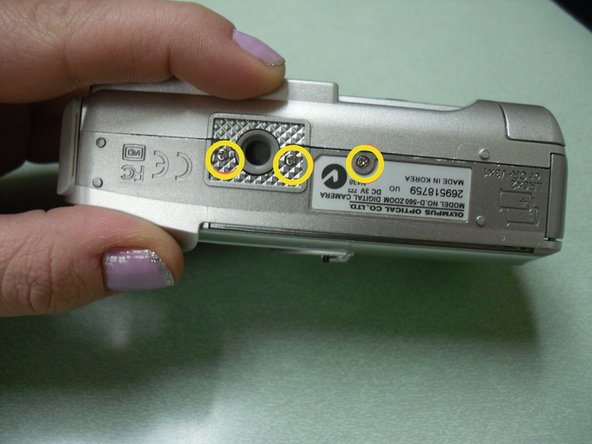
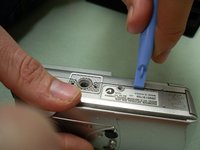
    • Remove three screws from the bottom panel of the camera.

  2. Olympus Camedia D560 Rear Panel Control Buttons Replacement: step 2, image 1 of 2 Olympus Camedia D560 Rear Panel Control Buttons Replacement: step 2, image 2 of 2
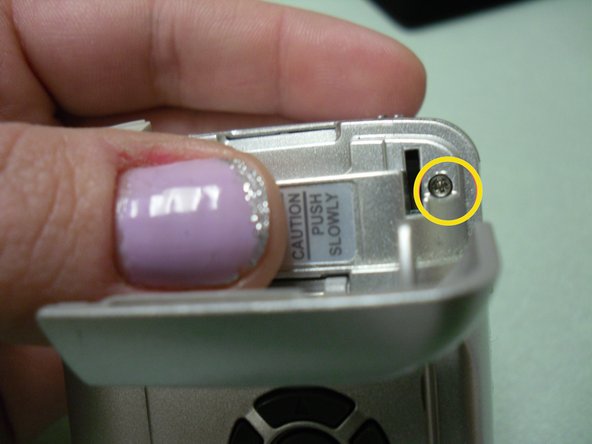
    • Open the USB port cover, and remove three screws from inside.

    • Next, open the memory slot cover and remove the screw.

  3. Olympus Camedia D560 Rear Panel Control Buttons Replacement: step 3, image 1 of 3 Olympus Camedia D560 Rear Panel Control Buttons Replacement: step 3, image 2 of 3 Olympus Camedia D560 Rear Panel Control Buttons Replacement: step 3, image 3 of 3
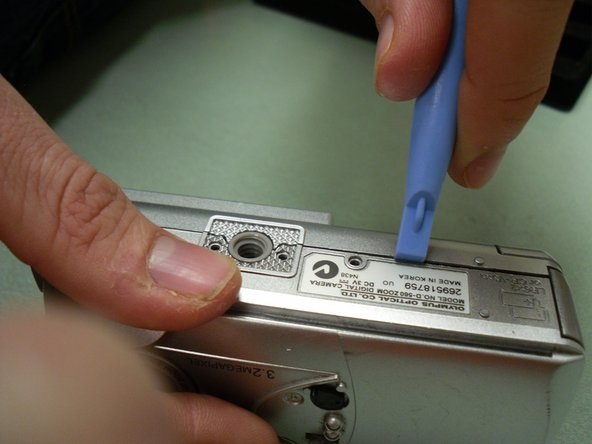
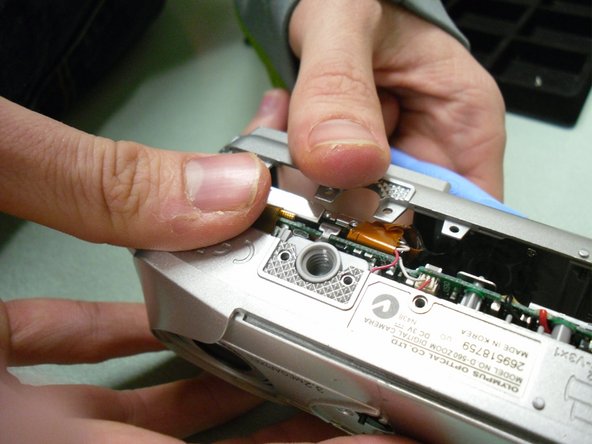
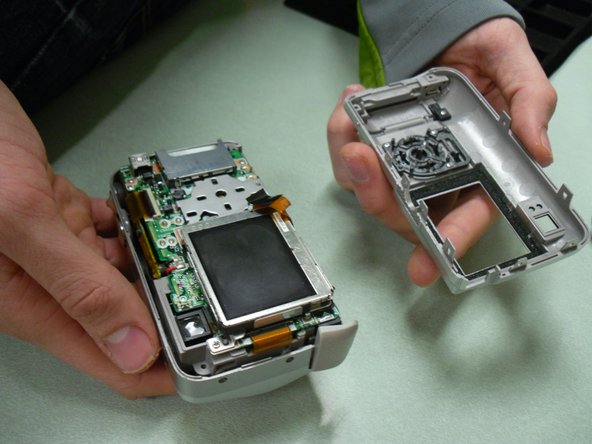
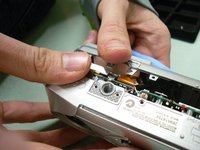
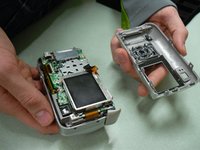
    • Use the blue opening tool to loosen and separate the back cover from the camera.

  4. Olympus Camedia D560 Rear Panel Control Buttons Replacement: step 4, image 1 of 3 Olympus Camedia D560 Rear Panel Control Buttons Replacement: step 4, image 2 of 3 Olympus Camedia D560 Rear Panel Control Buttons Replacement: step 4, image 3 of 3
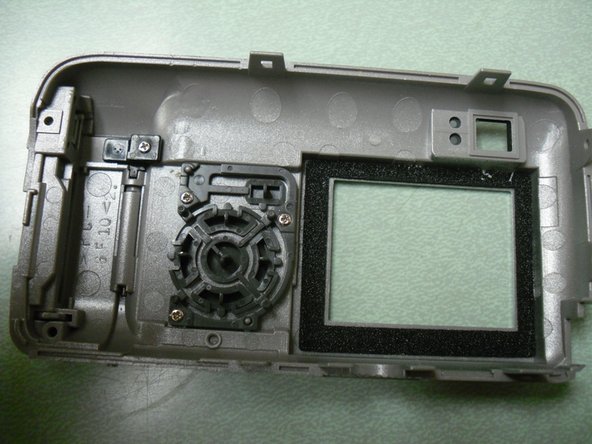
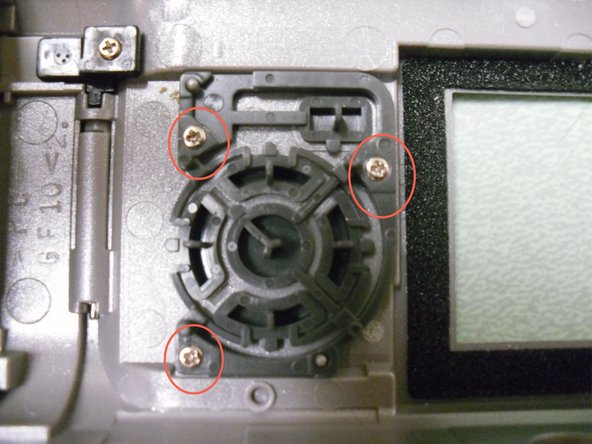
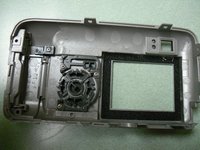
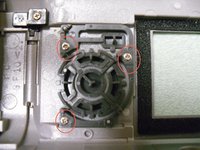
    • Locate and unscrew the three screws inside the back cover body (picture 3) .

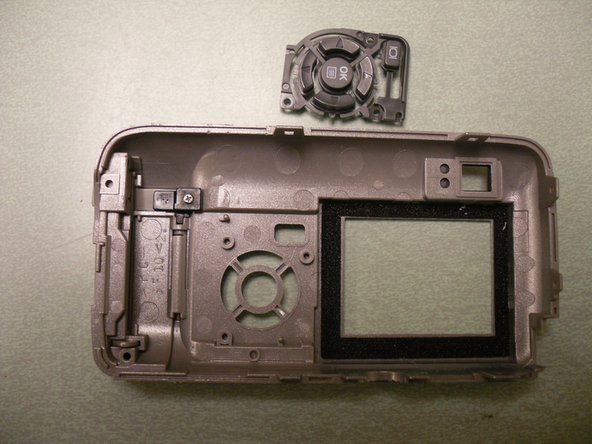
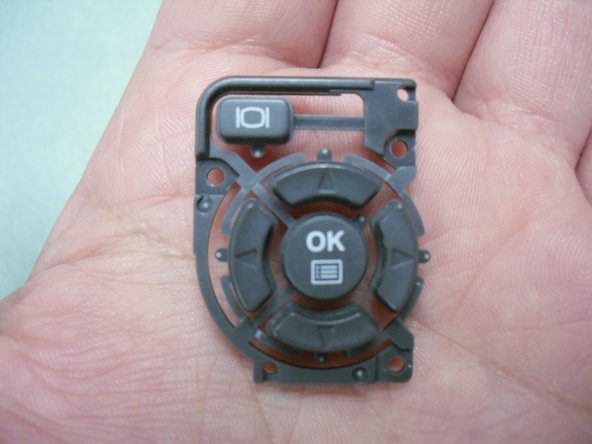
    • Remove button pad assembly from the back cover.

  5. Olympus Camedia D560 Rear Panel Control Buttons Replacement: step 5, image 1 of 3 Olympus Camedia D560 Rear Panel Control Buttons Replacement: step 5, image 2 of 3 Olympus Camedia D560 Rear Panel Control Buttons Replacement: step 5, image 3 of 3
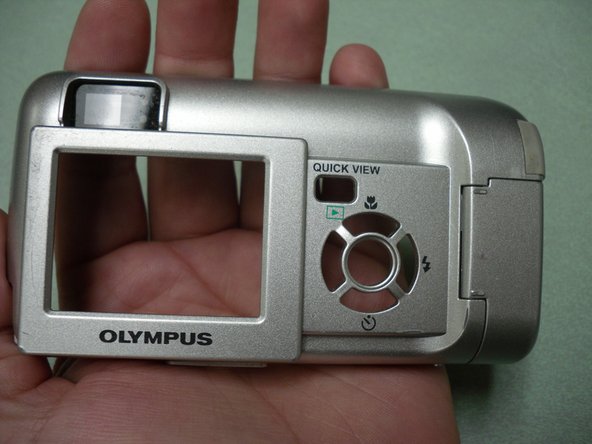
    • The button assembly is now separate from the back cover.

    • Inspect for broken areas. Replace or clean the button parts.

Conclusion

To reassemble your device, follow these instructions in reverse order.

System

Member since: 09/24/09

2,562 Guides authored

0 Guide Comments

Add Comment

View Statistics:

Past 24 Hours: 0

Past 7 Days: 0

Past 30 Days: 0

All Time: 11