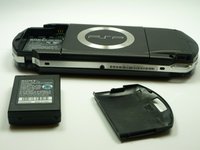
PSP 1000 Battery Replacement

What you need

    1. PSP 1000 Battery Replacement, PSP 1000 Battery Replacement: step 1, image 1 of 1
      • Turn the PSP over so its back is facing you.

      Add Comment

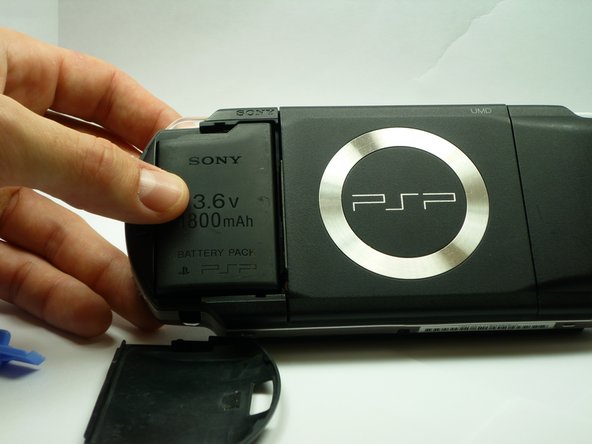
    2. PSP 1000 Battery Replacement: step 2, image 1 of 2 PSP 1000 Battery Replacement: step 2, image 2 of 2
      • Locate the battery casing button on the rear-left side of the PSP.

      • Press down the button and remove the battery cover.

      Add Comment

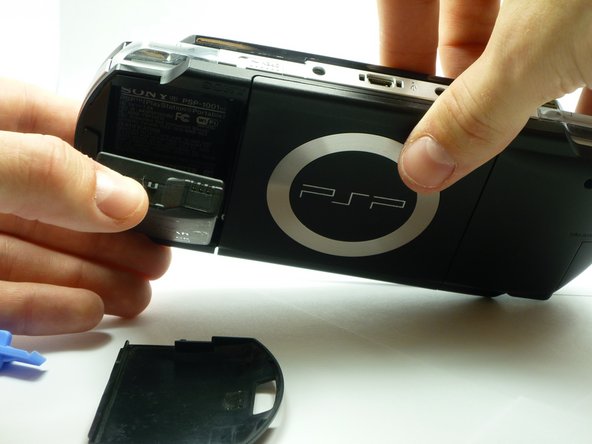
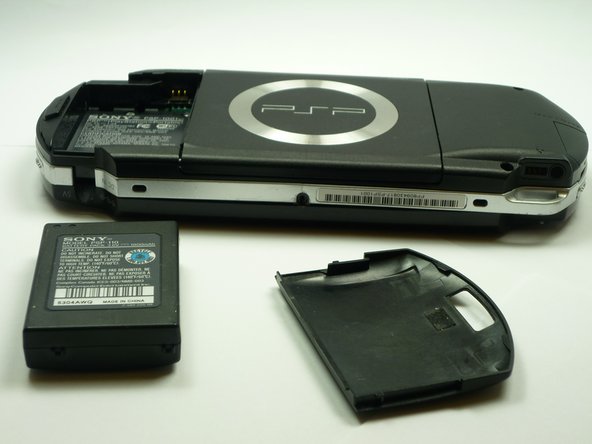
    3. PSP 1000 Battery Replacement: step 3, image 1 of 2 PSP 1000 Battery Replacement: step 3, image 2 of 2
      • Using your finger, remove the battery upwards from the system as shown.

      Add Comment

Conclusion

To reassemble your device, follow these instructions in reverse order.

Cancel: I did not complete this guide.

System

Member since: 09/24/09

2,562 Guides authored

0 Guide Comments

Add Comment

View Statistics:

Past 24 Hours: 0

Past 7 Days: 0

Past 30 Days: 0

All Time: 101