PSP 300xc Front Case Replacement

What you need

  1. PSP 300xc Front Case Replacement, PSP 300xc Front Case Replacement: step 1, image 1 of 2 PSP 300xc Front Case Replacement, PSP 300xc Front Case Replacement: step 1, image 2 of 2
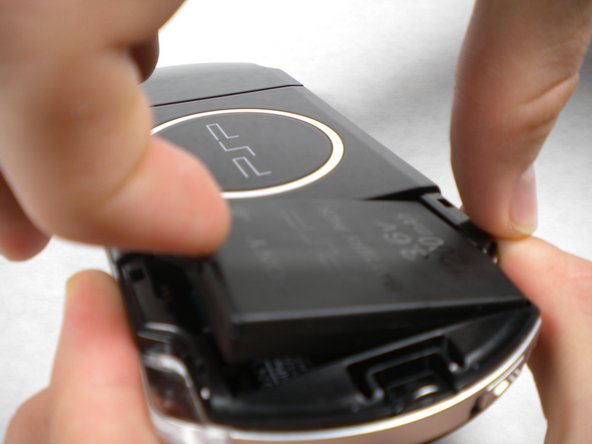
    • Press the button securing the battery door to the PSP 300xc, and lift the battery door off.

    • Lift the battery out of the PSP.

    Add Comment

  2. PSP 300xc Front Case Replacement: step 2, image 1 of 1
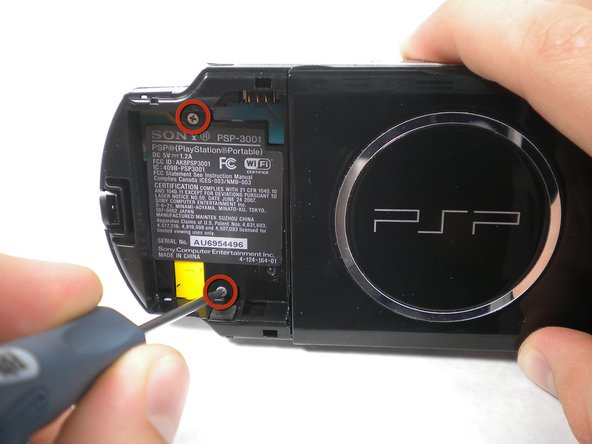
    • Use a spudger or your fingernail to remove the warranty sticker stuck to the inside of the battery tray

    Add Comment

  3. PSP 300xc Front Case Replacement: step 3, image 1 of 2 PSP 300xc Front Case Replacement: step 3, image 2 of 2
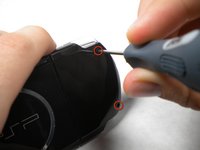
    • Remove four Phillips screws from the back of the PSP.

    Add Comment

  4. PSP 300xc Front Case Replacement: step 4, image 1 of 1
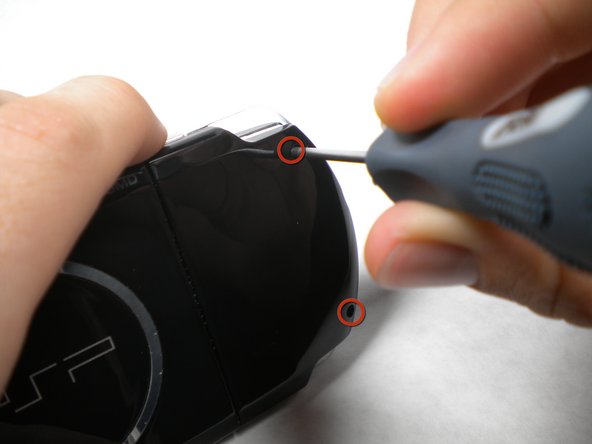
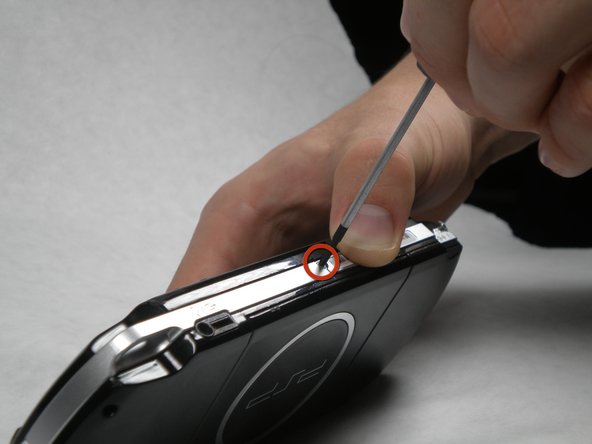
    • Remove two Phillips screws from the top of the PSP.

    Add Comment

  5. PSP 300xc Front Case Replacement: step 5, image 1 of 1
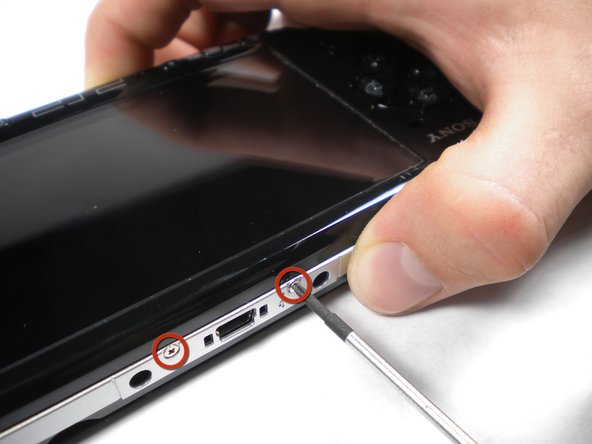
    • Remove a single screw from the bottom edge of the PSP.

    Add Comment

  6. PSP 300xc Front Case Replacement: step 6, image 1 of 2 PSP 300xc Front Case Replacement: step 6, image 2 of 2
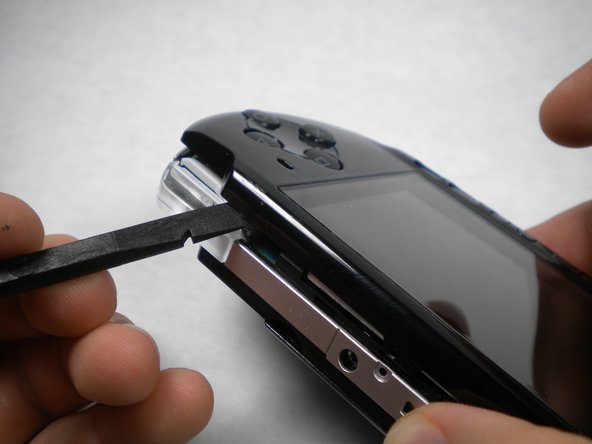
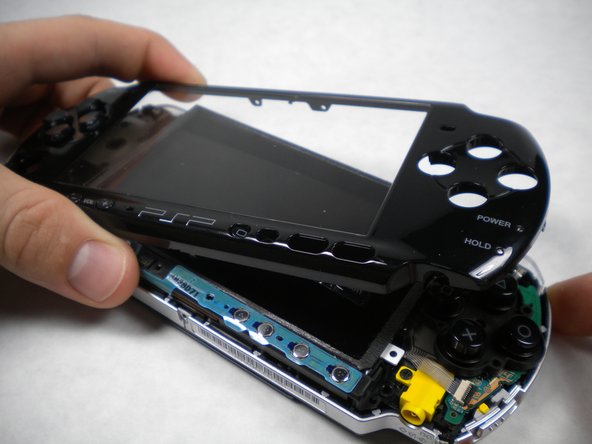
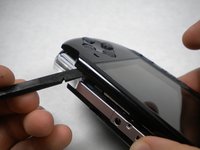
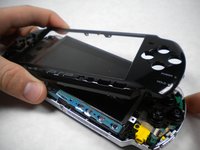
    • Insert a spudger between the front case and PSP, and slide the spudger along the perimeter of the front case to remove it.

    Add Comment

Conclusion

To reassemble your device, follow these instructions in reverse order.

Cancel: I did not complete this guide.

System

Member since: 09/24/09

2,562 Guides authored

0 Guide Comments

Add Comment

View Statistics:

Past 24 Hours: 0

Past 7 Days: 0

Past 30 Days: 4

All Time: 37