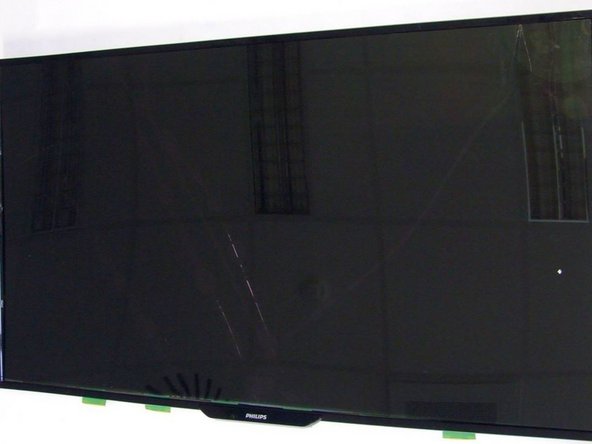
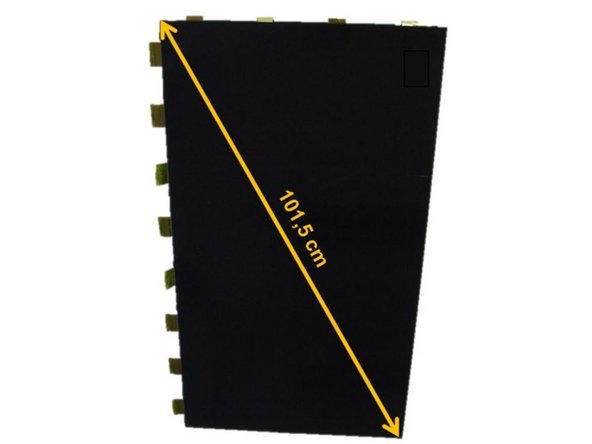
Philips 40PFK4509/12 TV set

Amaia and 3 other contributors
Last updated on Nov 27, 2018
Views: 146
View statistics:
- Past 24 Hours:
- 0
- Past 7 Days:
- 0
- Past 30 Days:
- 7
- All Time:
- 146
Comments: 0
No one has left comments on this guide. Will you be first?
Go to guide commentsCompleted: 0 1
No one has marked this guide "completed." Will you be the first?
1 person has marked this guide "completed." It's you — great job!
Favorites: 0 1
No one has favorited (and subscribed to) this guide. Will you be the first?
1 person has favorited (and subscribed to) this guide — and that's you!
-
-
-
Start the TV opening from the back side.
-
The back cover is fastened with sixteen Philips #2 screws (green marking).
-
Next, to obtain the plastic back cover, release manually fourty-two clips (no tools required).
-
-
-
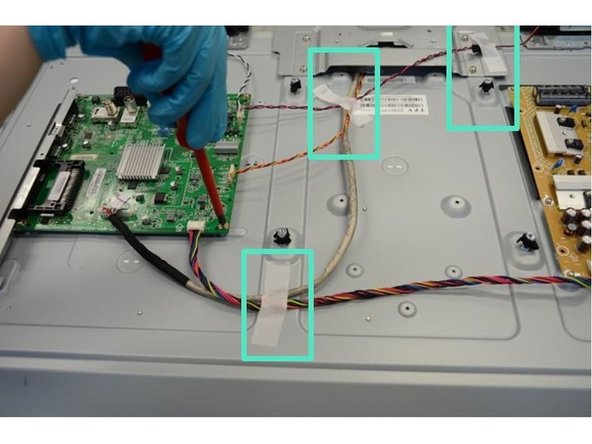
Detach all eight connectors (red boxes) and rip off the tapes used to fix the cables to the metal casing.
-
To remove the PCBs loose the thirteen PH#2 screws (green boxes).
-
Next, release the two clips (highlighted in blue boxes) and remove the PCBs.
-
-
-
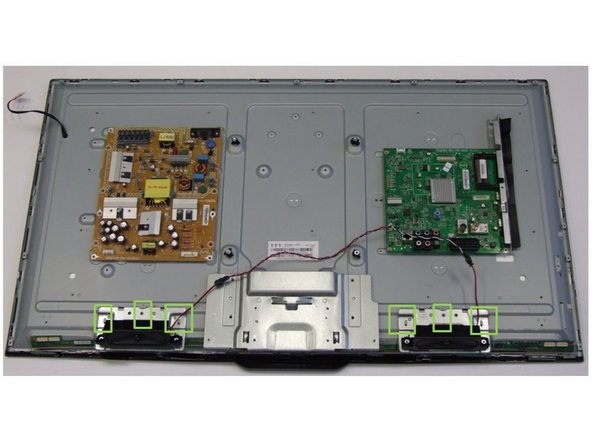
Using PH#2 screwdriver, loose six screws (green boxes).
-
Remove the Speakers.
-
-
-
To remove the front frame, loose twenty-seven PH#2.
-
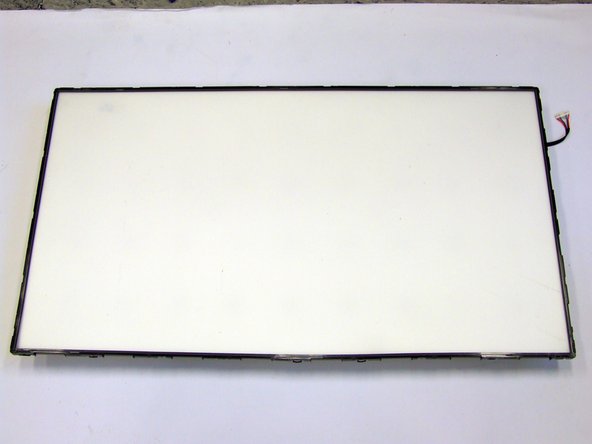
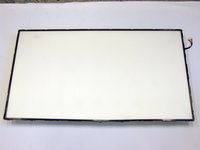
Remove the Liquid Crystal Display (LCD).
-
-
-
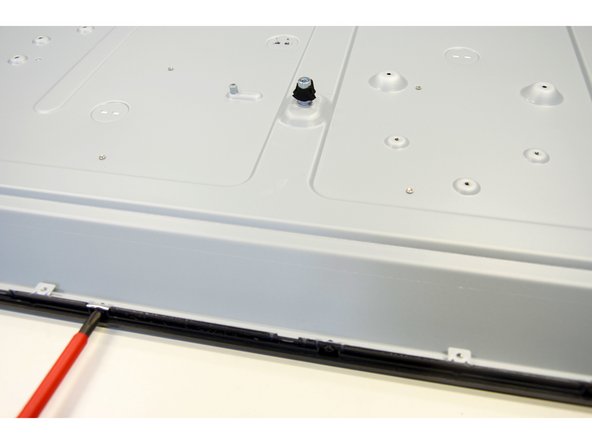
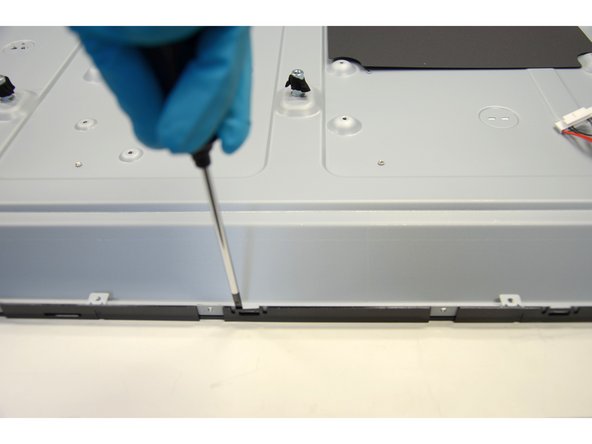
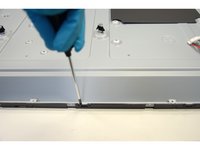
Using slotted screwdriver, begin to lever the twenty-three clips of the inner frame starting at the bottom of the TV.
-
Continue to work your way around the frame counterclockwise until you can pull the frame off.
-
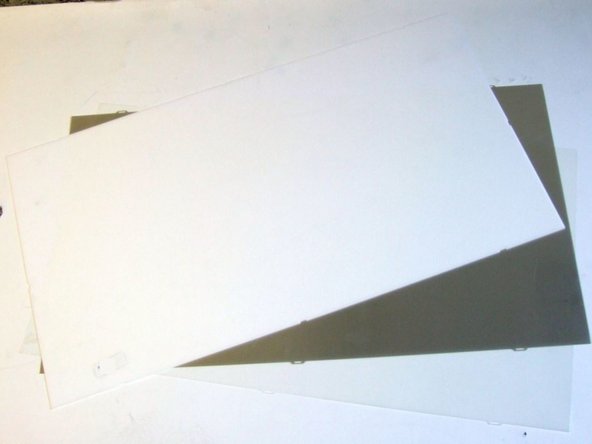
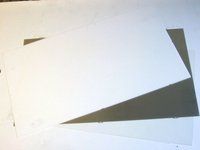
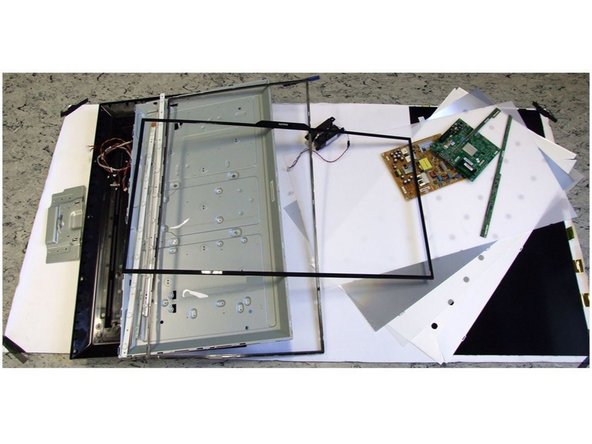
Remove the polarized foils.
-
-
-
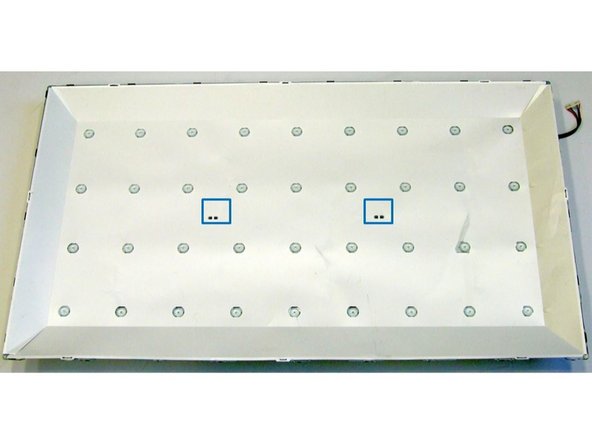
Using slotted screwdriver, loose the two clips (blue boxes). To access the backlight, remove the protective foil first.
-
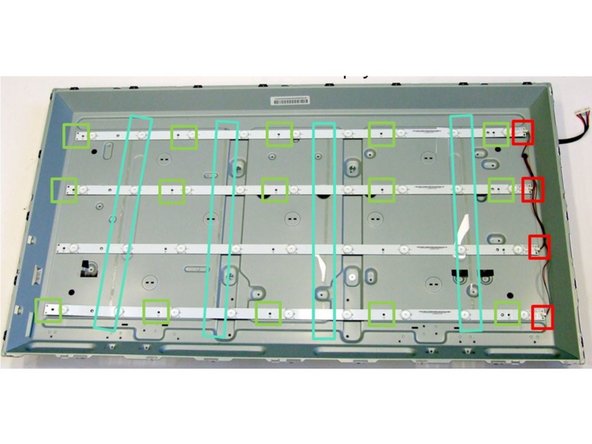
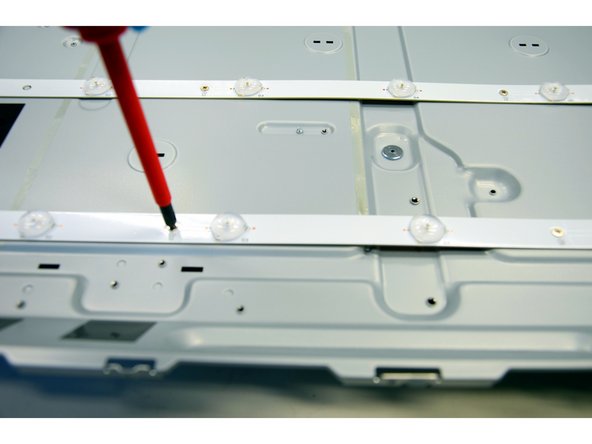
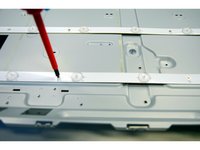
Using PH#2 screwdriver, loose five screws per LED stripe (green boxes).
-
Manually disconnect the four cable connectors (red boxes) and separate each PCB.
-
-