PlayStation 3 AC Inlet Replacement

What you need

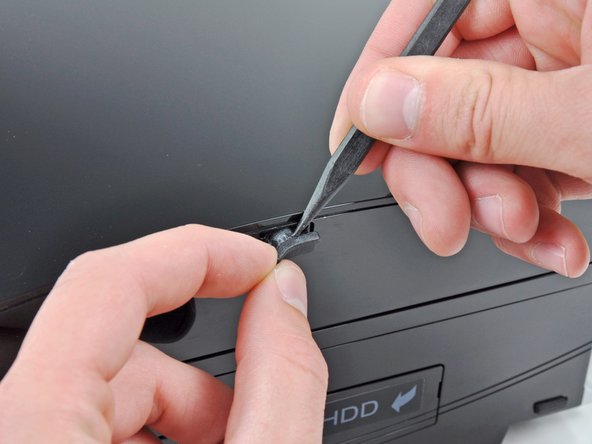
  1. PlayStation 3 AC Inlet Replacement, PlayStation 3 AC Inlet Replacement: step 1, image 1 of 2 PlayStation 3 AC Inlet Replacement, PlayStation 3 AC Inlet Replacement: step 1, image 2 of 2
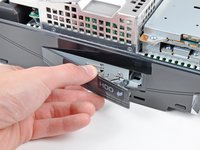
    • Use the tip of a spudger to remove the black rubber screw cover from the side of the PS3.

    • The screw cover may be underneath a warranty sticker. This sticker will change appearance, and show "VOID" after it has been removed.

    Add Comment

  2. PlayStation 3 AC Inlet Replacement: step 2, image 1 of 1
    • Remove the single 8.5 mm T10 Security Torx screw from the smart plate.

    Add Comment

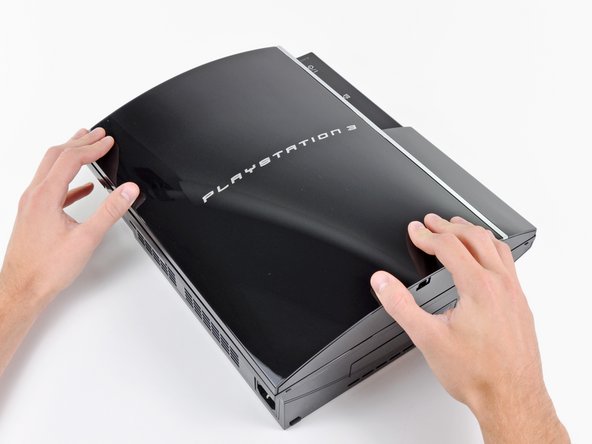
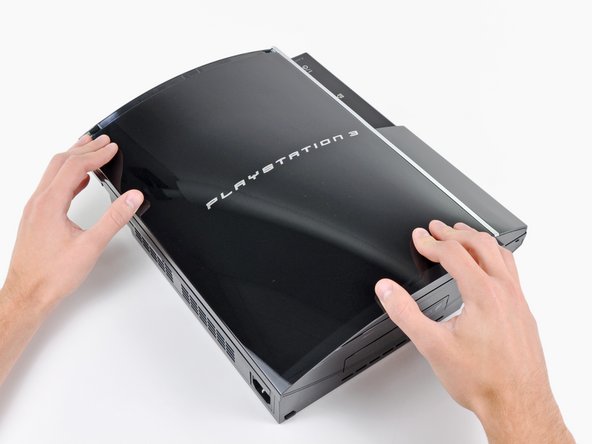
  3. PlayStation 3 AC Inlet Replacement: step 3, image 1 of 3 PlayStation 3 AC Inlet Replacement: step 3, image 2 of 3 PlayStation 3 AC Inlet Replacement: step 3, image 3 of 3
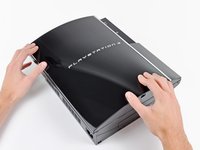
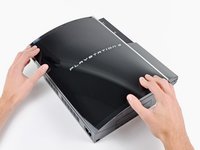
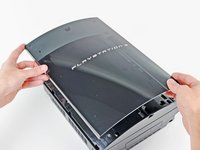
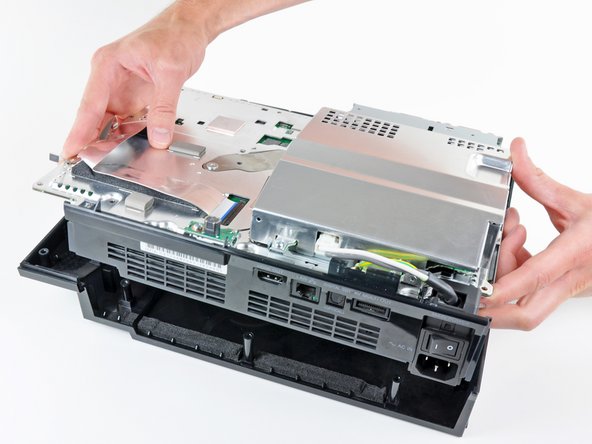
    • Pull the smart plate toward the hard drive bay, then lift it off the body of the PS3.

    Add Comment

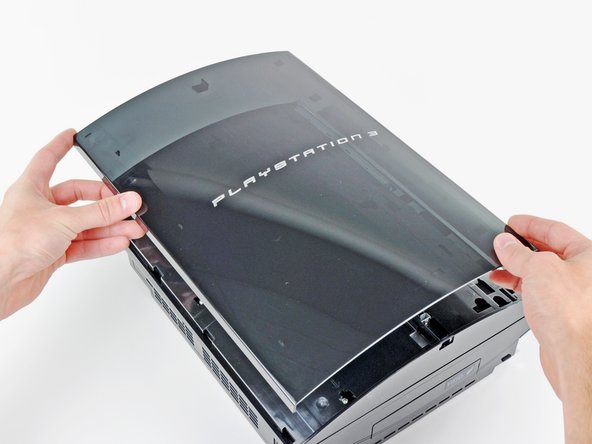
  4. PlayStation 3 AC Inlet Replacement: step 4, image 1 of 1
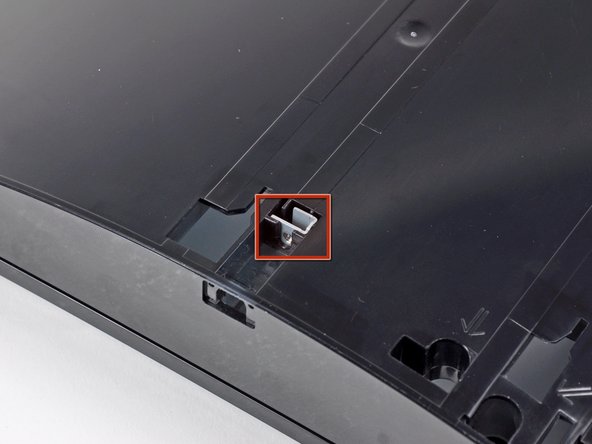
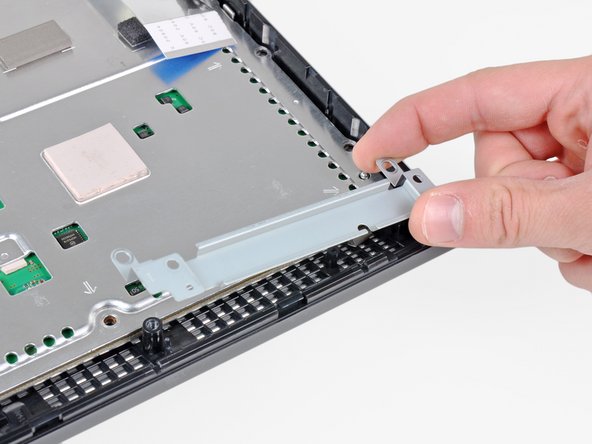
    • Be sure to keep track of the small metal bracket loosely held in the top cover, if equipped.

    Add Comment

  5. PlayStation 3 AC Inlet Replacement: step 5, image 1 of 1
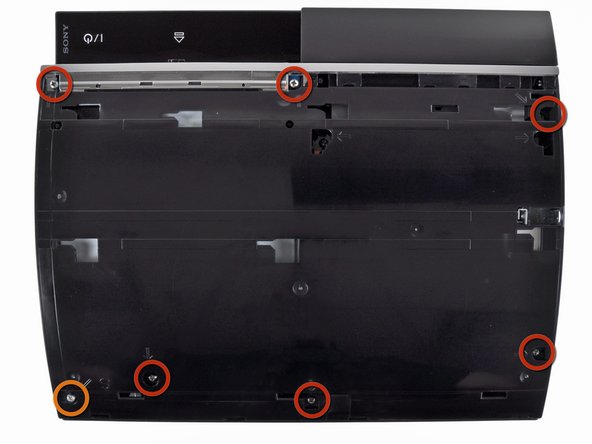
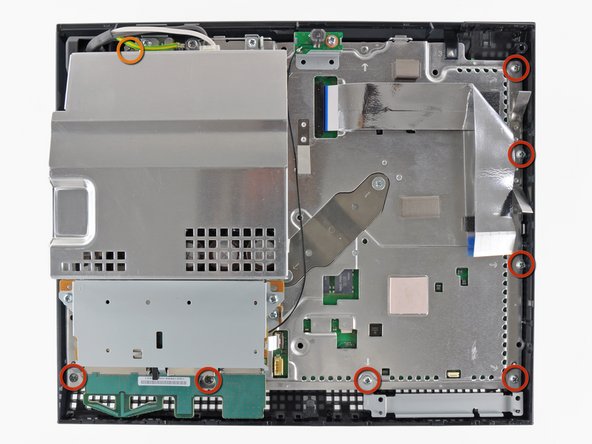
    • Remove the following seven screws:

    • Six 52 mm Phillips screws

    • One 30 mm Phillips screw

    Add Comment

  6. PlayStation 3 AC Inlet Replacement: step 6, image 1 of 1
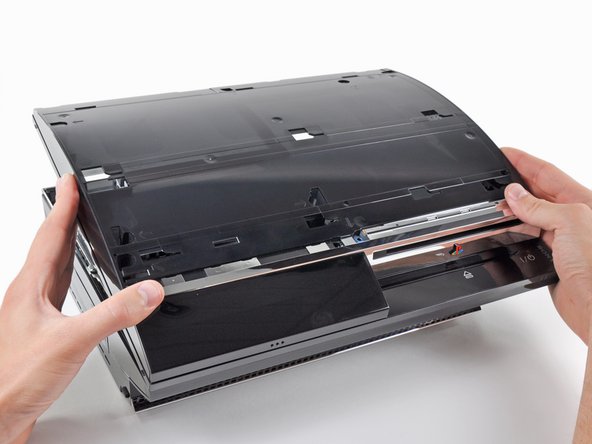
    • Lift the top cover from its rear edge and rotate it toward the front of the PS3.

    • Remove the top cover.

    Add Comment

  7. PlayStation 3 AC Inlet Replacement: step 7, image 1 of 1
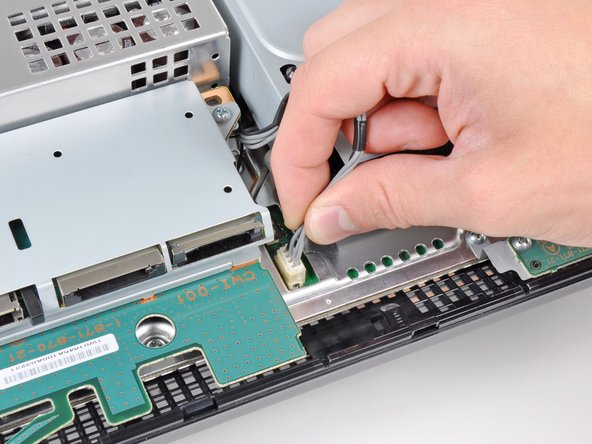
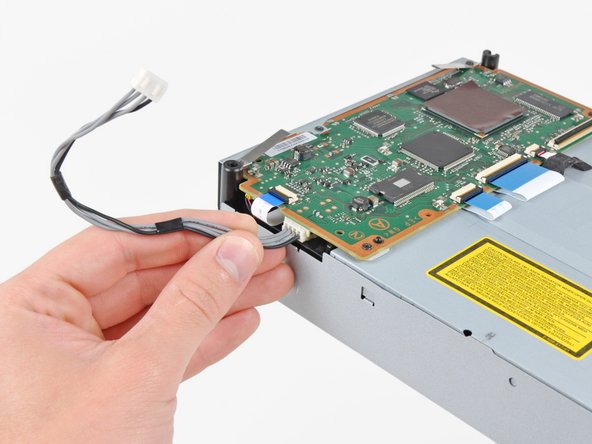
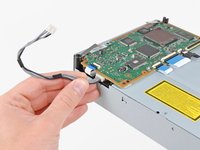
    • Disconnect the Blu-ray power cable from the motherboard.

    • Pull the connector straight up and out of its socket.

    Add Comment

  8. PlayStation 3 AC Inlet Replacement: step 8, image 1 of 1
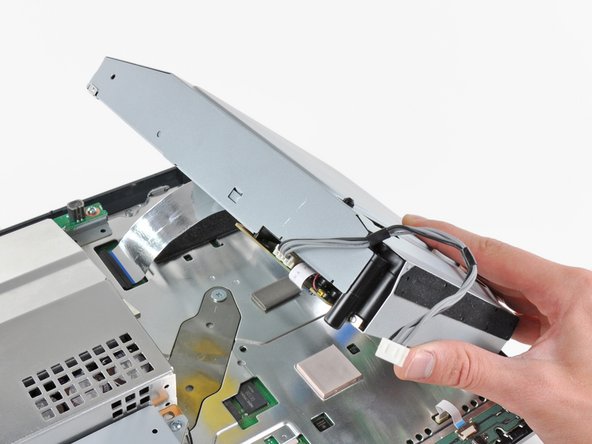
    • Lift the Blu-ray drive from the edge nearest the power supply and rotate it away from the chassis enough to access its ribbon cable.

    Add Comment

  9. PlayStation 3 AC Inlet Replacement: step 9, image 1 of 3 PlayStation 3 AC Inlet Replacement: step 9, image 2 of 3 PlayStation 3 AC Inlet Replacement: step 9, image 3 of 3
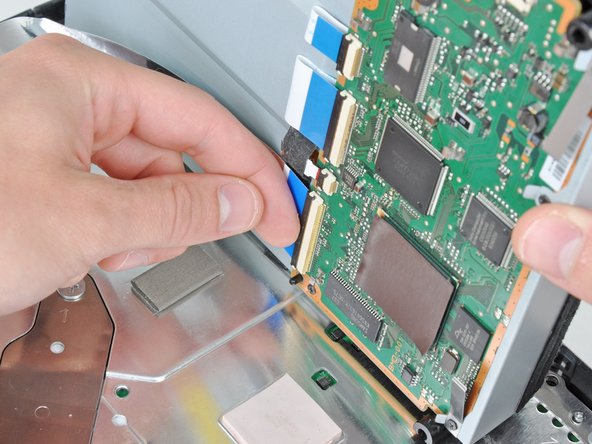
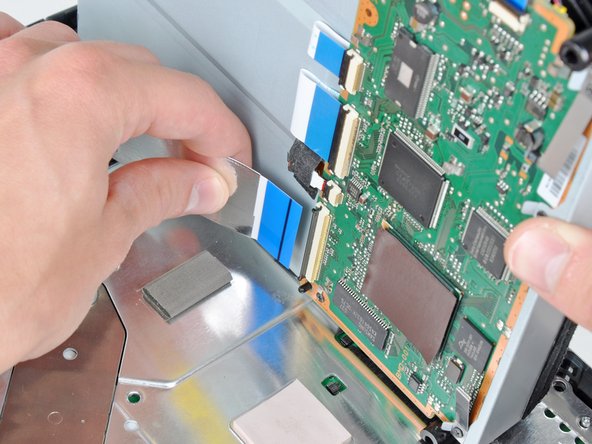
    • Use your fingernail to flip up the retaining flap on the Blu-ray ribbon cable socket.

    • Be sure you are prying up on the retaining flap, not the socket itself.

    • Pull the ribbon cable out of its socket.

    • Remove the Blu-ray drive from the PS3.

    • If replacing the Blu-ray drive, transfer the power cable to your new drive.

    Add Comment

  10. PlayStation 3 AC Inlet Replacement: step 10, image 1 of 1
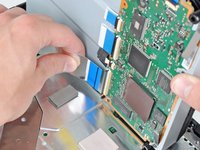
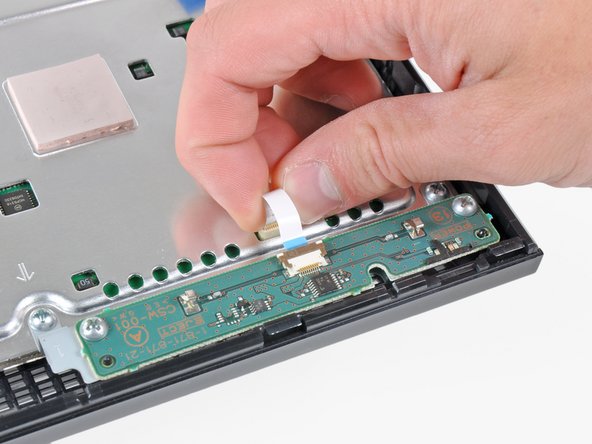
    • Pull the control board ribbon cable straight up and out of its socket on the motherboard.

    Add Comment

  11. PlayStation 3 AC Inlet Replacement: step 11, image 1 of 2 PlayStation 3 AC Inlet Replacement: step 11, image 2 of 2
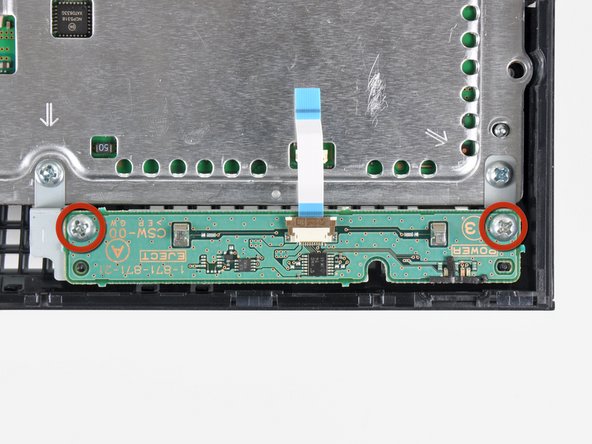
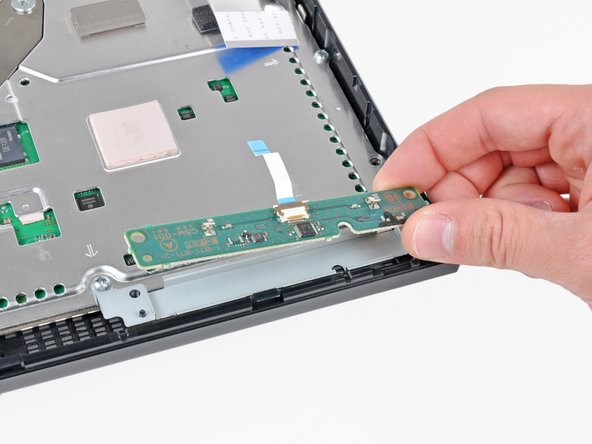
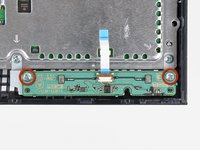
    • Remove the two 12 mm Phillips screws securing the control board to the lower case.

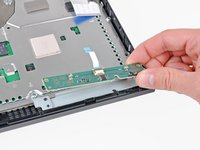
    • Remove the control board and its attached cable from the PS3.

    Add Comment

  12. PlayStation 3 AC Inlet Replacement: step 12, image 1 of 1
    • Remove the following eight screws securing the motherboard assembly to the lower case:

    • Seven 12 mm Phillips screws (ph2)

    • One 30 mm Phillips screw

    Add Comment

  13. PlayStation 3 AC Inlet Replacement: step 13, image 1 of 1
    • Remove the control board bracket.

    Add Comment

  14. PlayStation 3 AC Inlet Replacement: step 14, image 1 of 2 PlayStation 3 AC Inlet Replacement: step 14, image 2 of 2
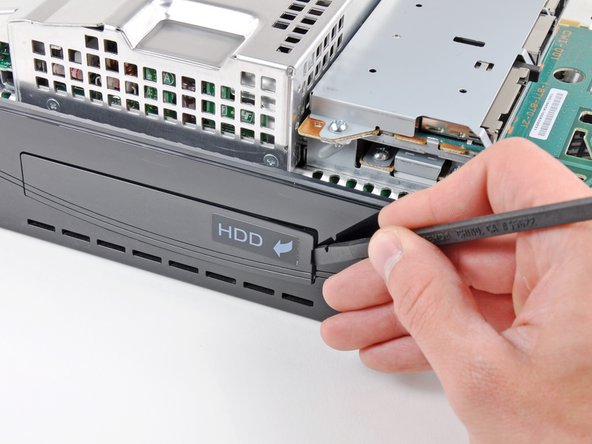
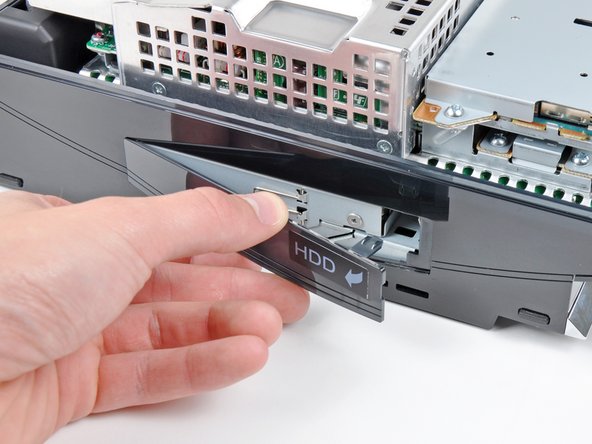
    • Use the flat end of a spudger to pry the hard drive bay cover away from the lower case.

    • Remove the hard drive bay cover.

    Add Comment

  15. PlayStation 3 AC Inlet Replacement: step 15, image 1 of 1
    • Lift the motherboard assembly out of the lower case.

    Add Comment

  16. PlayStation 3 AC Inlet Replacement: step 16, image 1 of 1
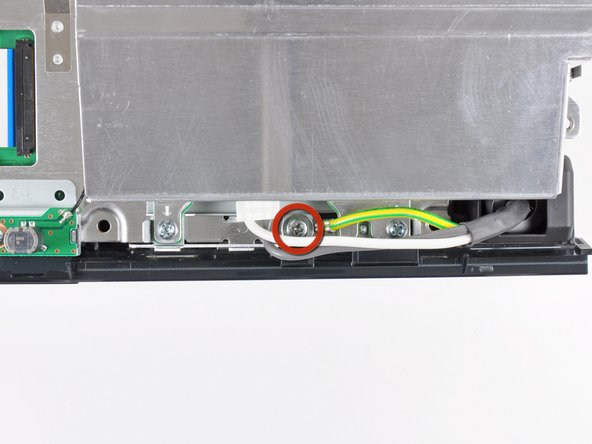
    • Remove the 7.7 mm Phillips screw securing the ground strap to the chassis.

    Add Comment

  17. PlayStation 3 AC Inlet Replacement: step 17, image 1 of 2 PlayStation 3 AC Inlet Replacement: step 17, image 2 of 2
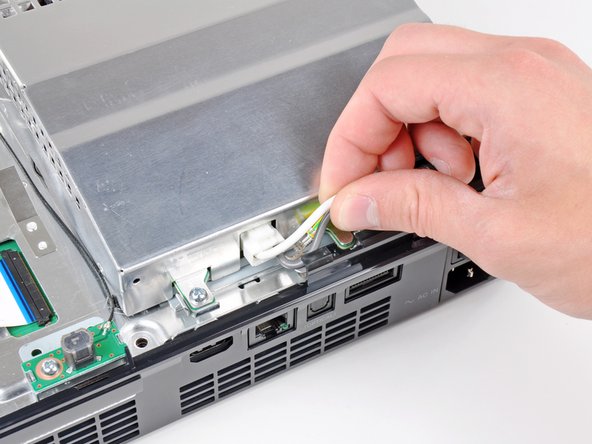
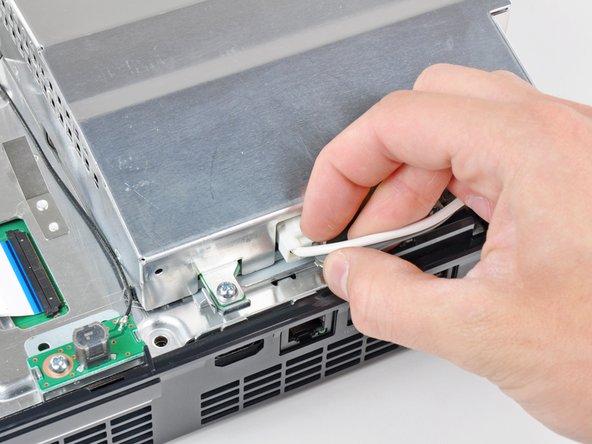
    • Pull the AC-In cables slightly away from the rear cover for clearance to access the AC-In connector.

    • While depressing its locking mechanism, pull the AC-In connector out of its socket on the power supply.

    Add Comment

  18. PlayStation 3 AC Inlet Replacement: step 18, image 1 of 1
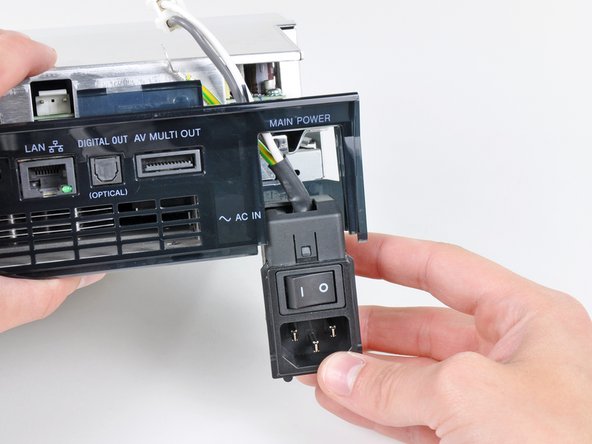
    • Pull the AC inlet out from the bottom of the rear cover, minding any of its cables that may get caught.

    Add Comment

Conclusion

To reassemble your device, follow these instructions in reverse order.

Cancel: I did not complete this guide.

System

Member since: 09/24/09

2,562 Guides authored

0 Guide Comments

Add Comment

View Statistics:

Past 24 Hours: 0

Past 7 Days: 0

Past 30 Days: 0

All Time: 15