PlayStation 3 Slim Hard Drive Replacement

What you need

  1. PlayStation 3 Slim Hard Drive Replacement, PlayStation 3 Slim Hard Drive Replacement: step 1, image 1 of 2 PlayStation 3 Slim Hard Drive Replacement, PlayStation 3 Slim Hard Drive Replacement: step 1, image 2 of 2
    • Turn the PS3 over and lay it on its backside.

    • Use the flat edge of a metal spudger to pop up the small access door on the bottom cover near the front of the PS3.

    • Remove the blue Phillips screw hidden under the access door.

    Add Comment

  2. PlayStation 3 Slim Hard Drive Replacement: step 2, image 1 of 1
    • Slide the hard drive bay cover toward the right side of the lower case, then pull it away from the front edge to remove it from the PS3.

    Add Comment

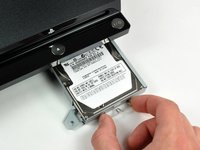
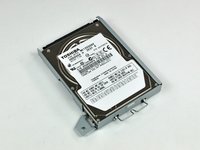
  3. PlayStation 3 Slim Hard Drive Replacement: step 3, image 1 of 2 PlayStation 3 Slim Hard Drive Replacement: step 3, image 2 of 2
    • Using its attached metal handle, pull the hard drive out of its bay.

    Add Comment

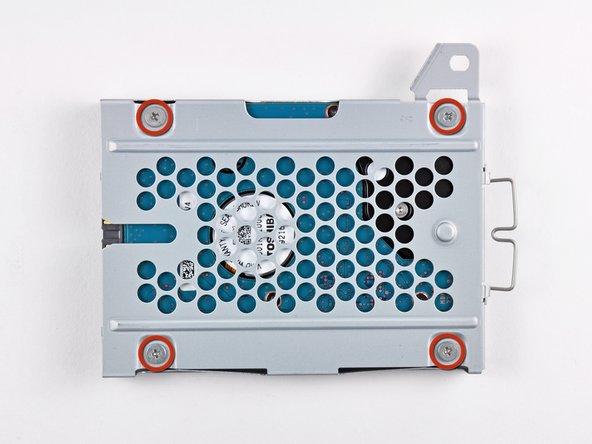
  4. PlayStation 3 Slim Hard Drive Replacement: step 4, image 1 of 1
    • Remove the four 4.3 mm Phillips screws securing the hard drive to its tray.

    Add Comment

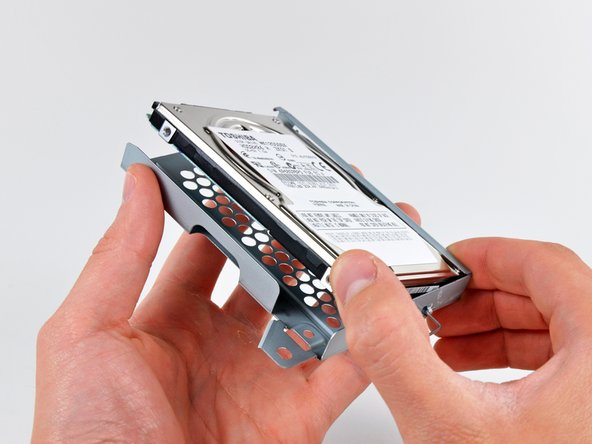
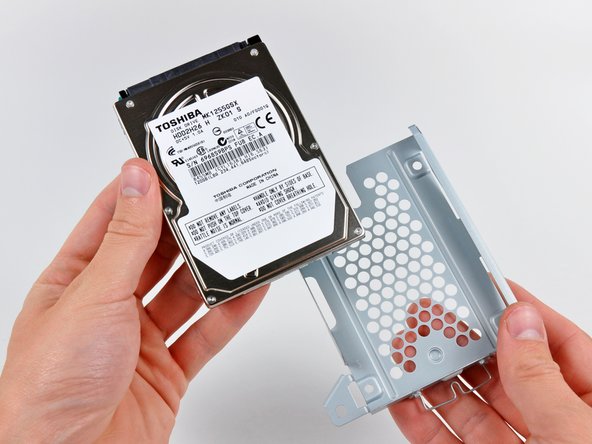
  5. PlayStation 3 Slim Hard Drive Replacement: step 5, image 1 of 2 PlayStation 3 Slim Hard Drive Replacement: step 5, image 2 of 2
    • Remove the hard drive from its tray.

    Add Comment

Conclusion

To reassemble your device, follow these instructions in reverse order.

Cancel: I did not complete this guide.

System

Member since: 09/24/09

2,562 Guides authored

0 Guide Comments

Add Comment

View Statistics:

Past 24 Hours: 0

Past 7 Days: 0

Past 30 Days: 0

All Time: 171