PlayStation 3 Top Cover Replacement

What you need

  1. PlayStation 3 Top Cover Replacement, PlayStation 3 Top Cover Replacement: step 1, image 1 of 2 PlayStation 3 Top Cover Replacement, PlayStation 3 Top Cover Replacement: step 1, image 2 of 2
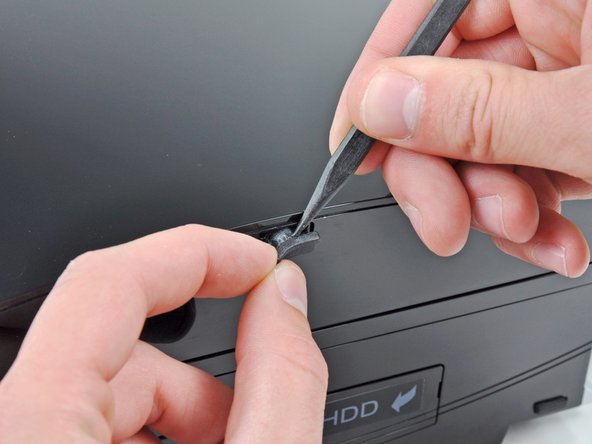
    • Use the tip of a spudger to remove the black rubber screw cover from the side of the PS3.

    • The screw cover may be underneath a warranty sticker. This sticker will change appearance, and show "VOID" after it has been removed.

    Add Comment

  2. PlayStation 3 Top Cover Replacement: step 2, image 1 of 1
    • Remove the single 8.5 mm T10 Security Torx screw from the smart plate.

    Add Comment

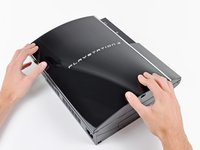
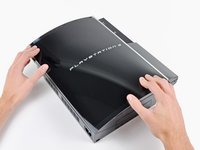
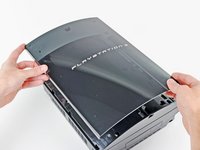
  3. PlayStation 3 Top Cover Replacement: step 3, image 1 of 3 PlayStation 3 Top Cover Replacement: step 3, image 2 of 3 PlayStation 3 Top Cover Replacement: step 3, image 3 of 3
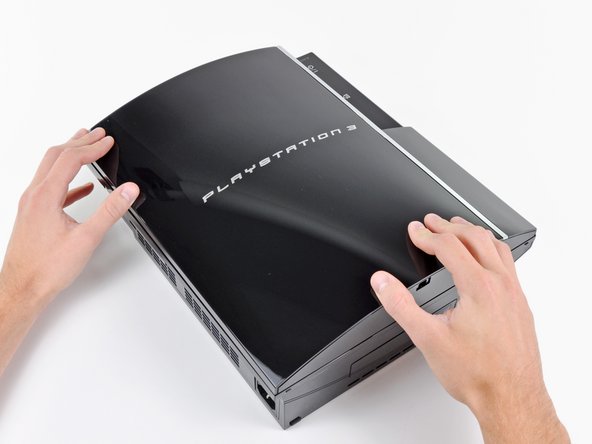
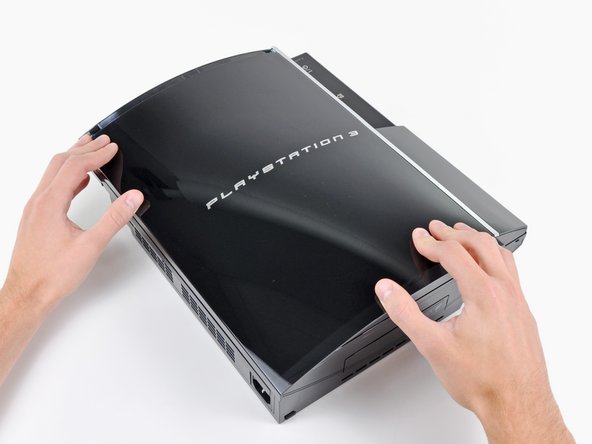
    • Pull the smart plate toward the hard drive bay, then lift it off the body of the PS3.

    Add Comment

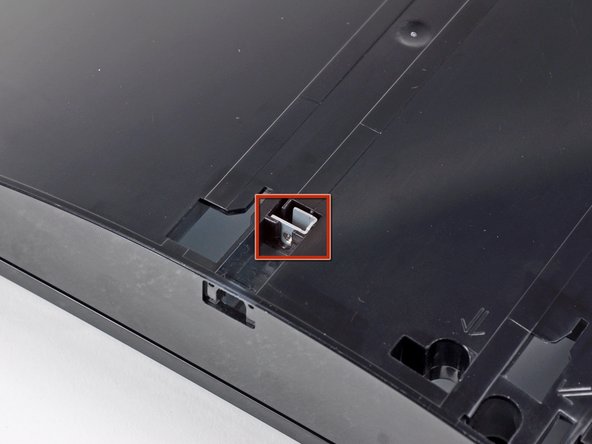
  4. PlayStation 3 Top Cover Replacement: step 4, image 1 of 1
    • Be sure to keep track of the small metal bracket loosely held in the top cover, if equipped.

    Add Comment

  5. PlayStation 3 Top Cover Replacement: step 5, image 1 of 1
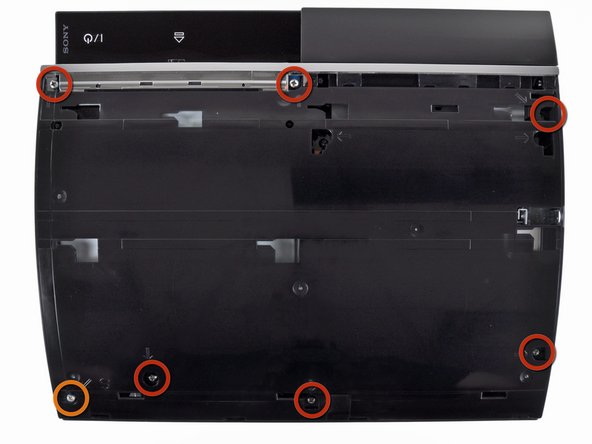
    • Remove the following seven screws:

    • Six 52 mm Phillips screws

    • One 30 mm Phillips screw

    Add Comment

  6. PlayStation 3 Top Cover Replacement: step 6, image 1 of 1
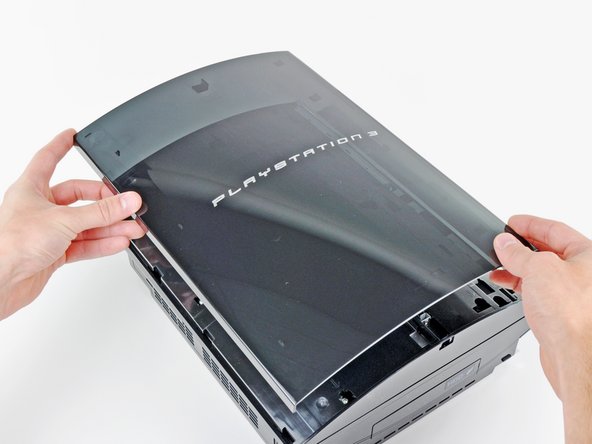
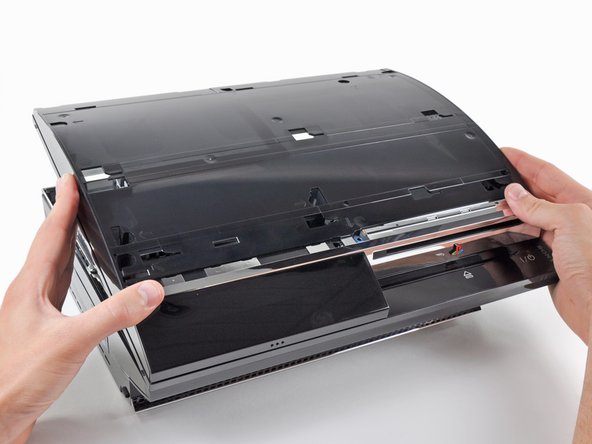
    • Lift the top cover from its rear edge and rotate it toward the front of the PS3.

    • Remove the top cover.

    Add Comment

Conclusion

To reassemble your device, follow these instructions in reverse order.

Cancel: I did not complete this guide.

System

Member since: 09/24/09

2,562 Guides authored

0 Guide Comments

Add Comment

View Statistics:

Past 24 Hours: 0

Past 7 Days: 2

Past 30 Days: 2

All Time: 16