Polaroid P50LED14 TV set

Amaia and 3 other contributors
Last updated on Nov 27, 2018
Views: 302
View statistics:
- Past 24 Hours:
- 0
- Past 7 Days:
- 2
- Past 30 Days:
- 5
- All Time:
- 302
Comments: 0
No one has left comments on this guide. Will you be first?
Go to guide commentsCompleted: 0 1
No one has marked this guide "completed." Will you be the first?
1 person has marked this guide "completed." It's you — great job!
Favorites: 0 1
No one has favorited (and subscribed to) this guide. Will you be the first?
1 person has favorited (and subscribed to) this guide — and that's you!
-
-
-
Start the TV opening from the back side.
-
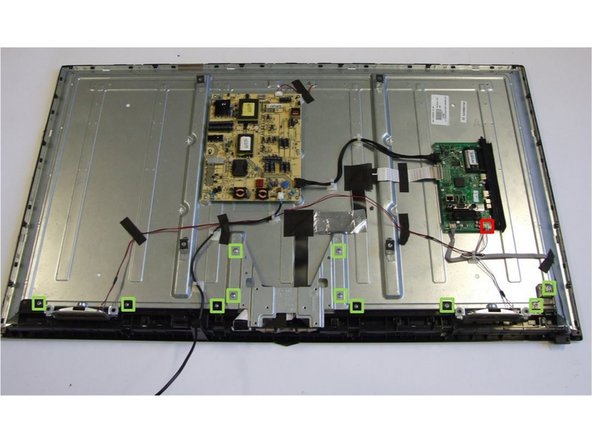
The back cover is fastened with PH#2 screws (green marking).
-
Using PH#1 screwdriver, finish loosening the two screws which are located in the connector's housing.
-
Manually pry open the back housing from the front-frame.
-
-
-
Manually pry open the connector (red box) and remove the speakers from their mountings (blue boxes).
-
-
-
Using PH#1 screwdriver, loose eleven screws to separate metal and plastic parts.
-
-
-
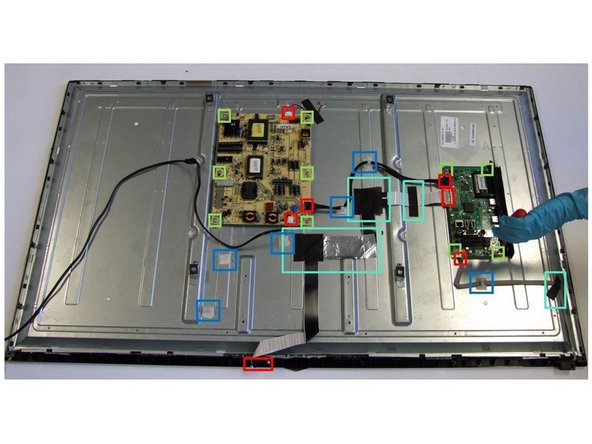
Remove cables: Detach all seven connectors (red boxes) and six clips (blue boxes). Next, rip off the tapes used to fix the cables to the metal casing.
-
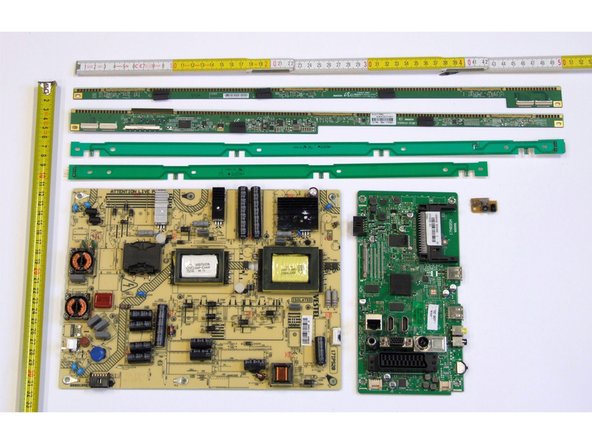
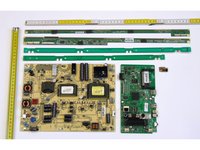
The two PCBs are removed by using PH#1 screwdriver for the right placed PCB (4 screws) and PH#2 screwdriver for the left placed PCB (6 screws).
-
-
-
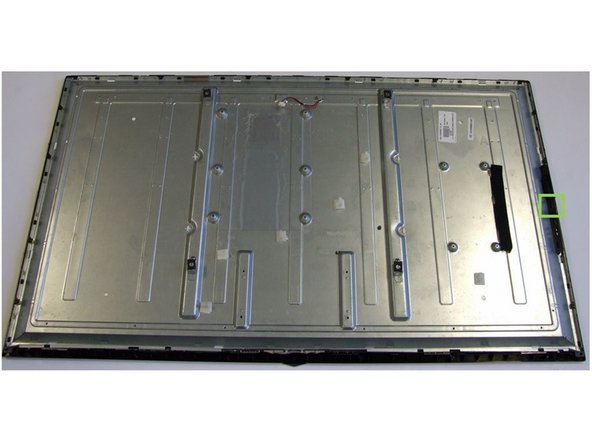
Using PH#1 screwdriver, loose the only screw of the frame (green box).
-
Using slotted screwdriver, lever fifteen clips in order to remove the front frame.
-
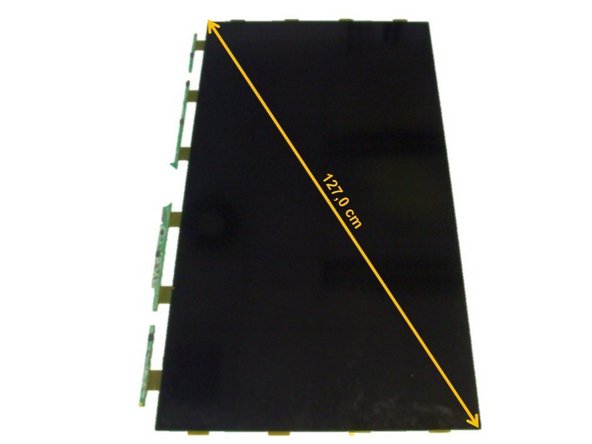
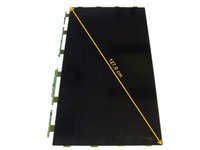
Place the TV screen side-up and remove the LCD panel.
-
-
-
Using slotted screwdriver, begin to lever the twenty-eight clips of the inner frame starting at the bottom of the TV.
-
Continue to work your way around the frame counterclockwise until you can pull off the frame.
-
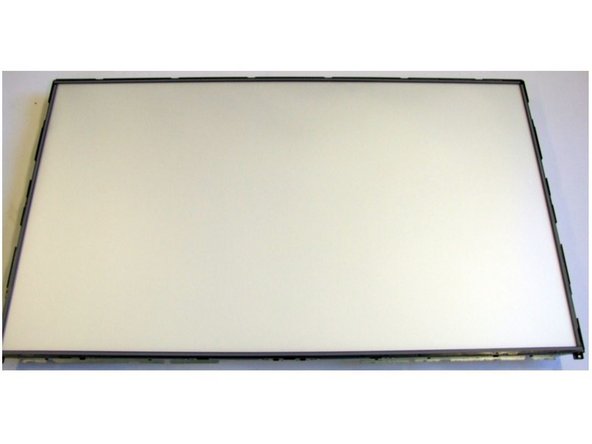
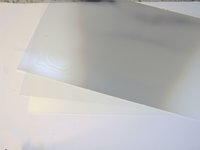
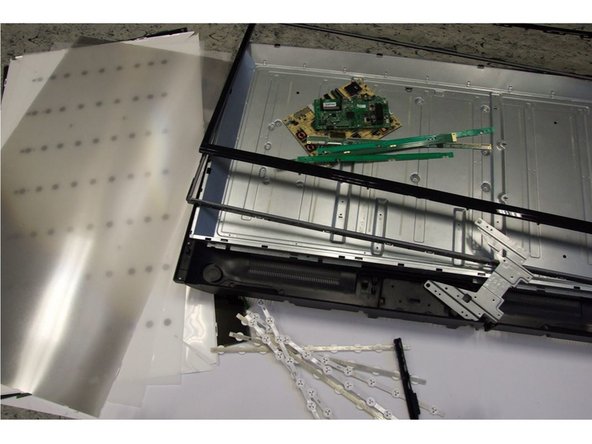
Remove the polarized foils.
-
-
-
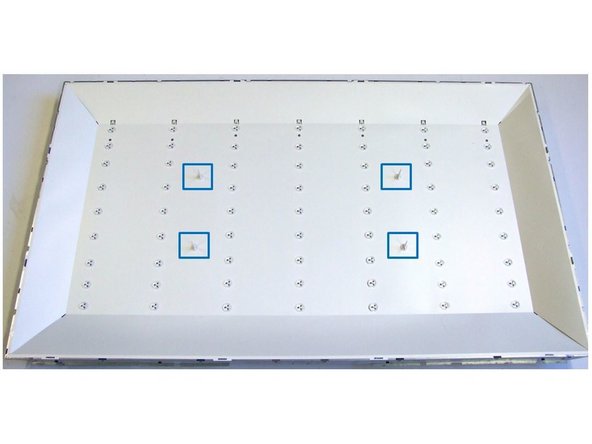
Using slotted screwdriver, loose the four clips (blue marking).
-
Remove the protective foil and access the backlight unit.
-
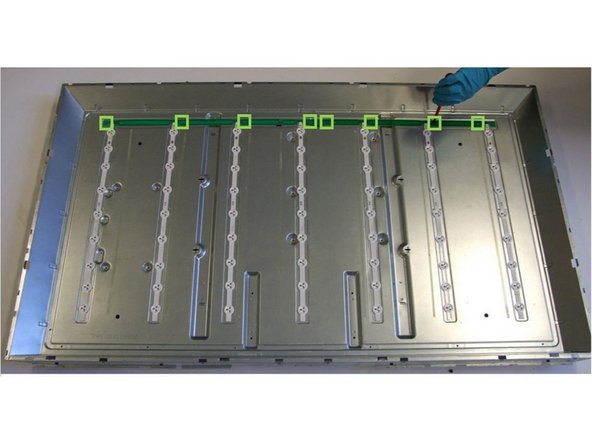
Using PH#1 screwdriver, loose the eight screws of the two PCBs (green boxes).
-
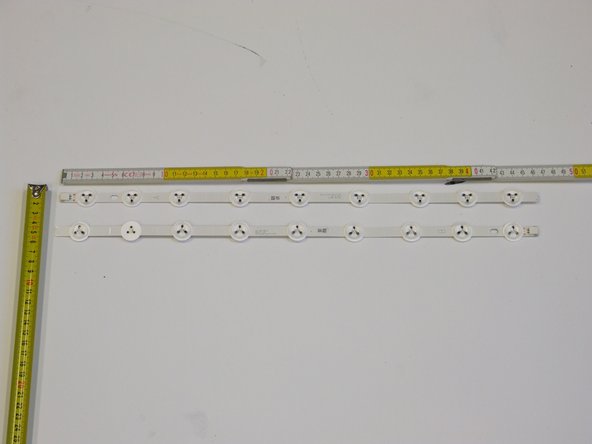
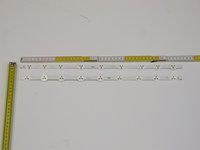
Using slotted screwdriver, lever the seven PCBs.
-
-