
Power Mac G5 CD-ROM Drive Replacement

Last updated on Sep 18, 2016
Views: 20
View statistics:
- Past 24 Hours:
- 0
- Past 7 Days:
- 0
- Past 30 Days:
- 2
- All Time:
- 20
Comments: 0
No one has left comments on this guide. Will you be first?
Go to guide commentsCompleted: 0 1
No one has marked this guide "completed." Will you be the first?
1 person has marked this guide "completed." It's you — great job!
Favorites: 0 1
No one has favorited (and subscribed to) this guide. Will you be the first?
1 person has favorited (and subscribed to) this guide — and that's you!
Time Required: No estimate
Difficulty: Very easy
Introduction
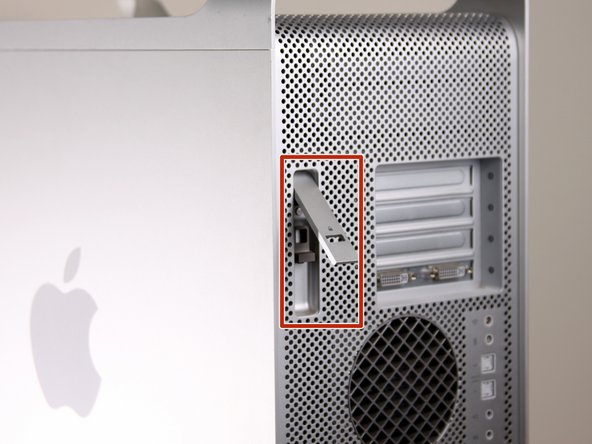
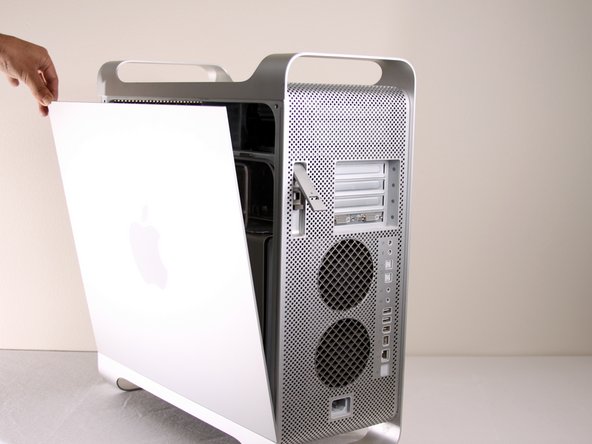
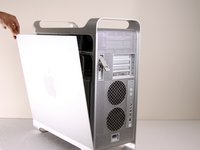
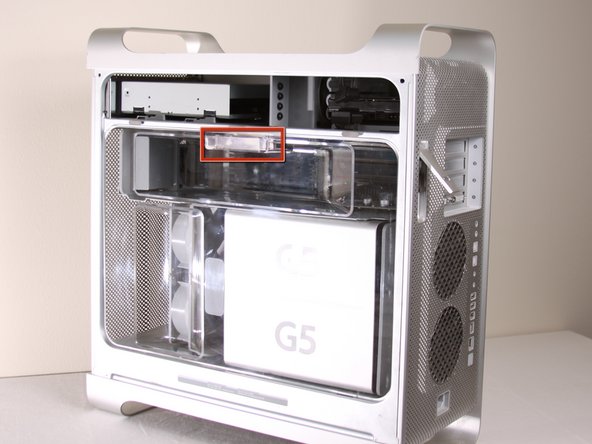
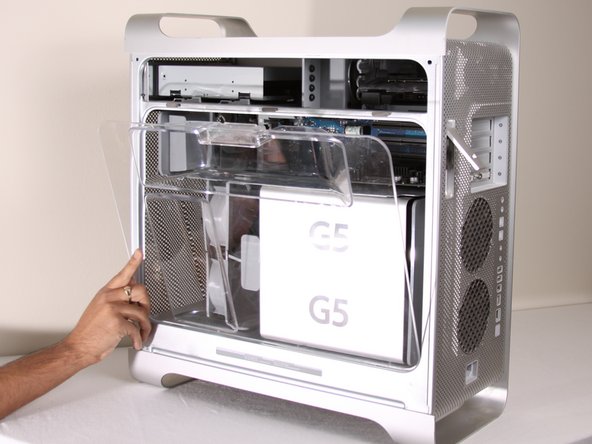
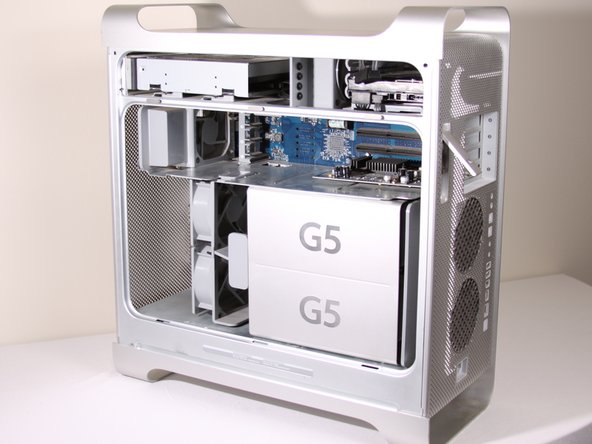
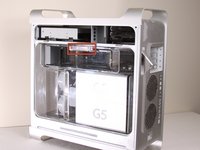
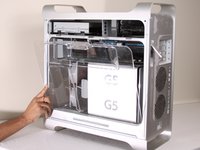
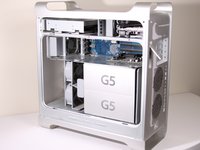
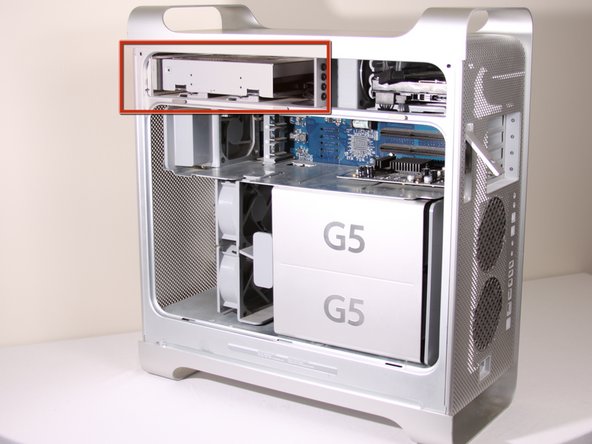
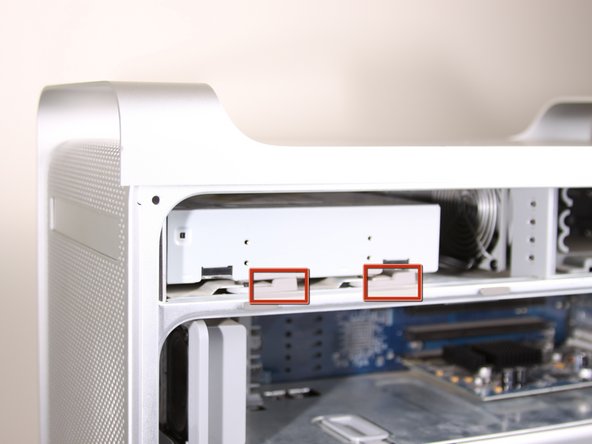
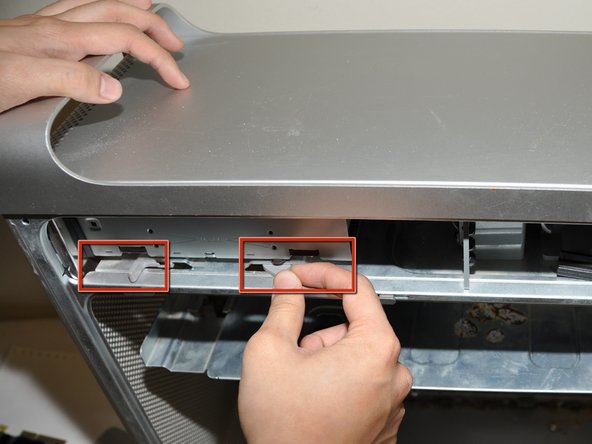
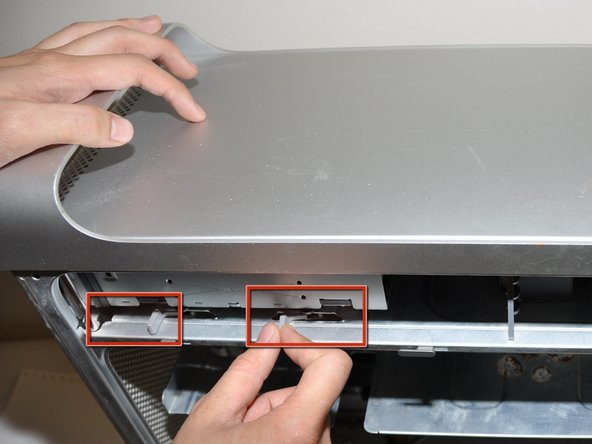
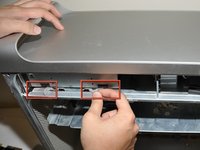
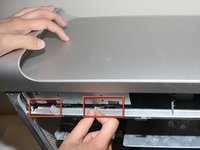
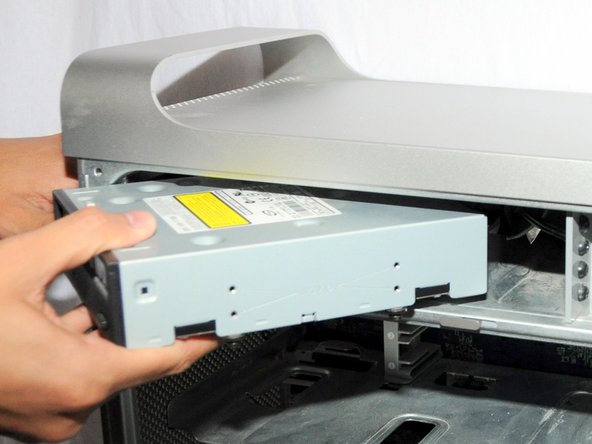
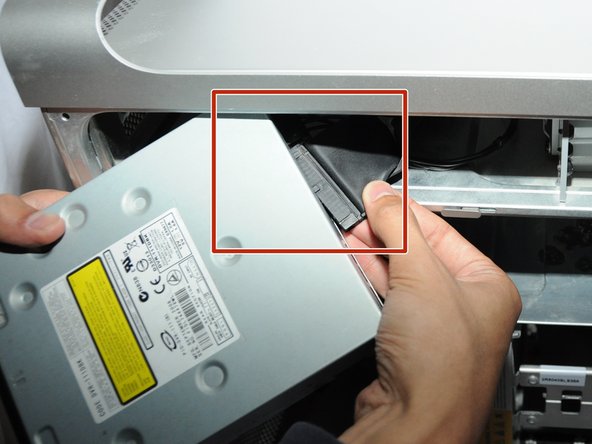
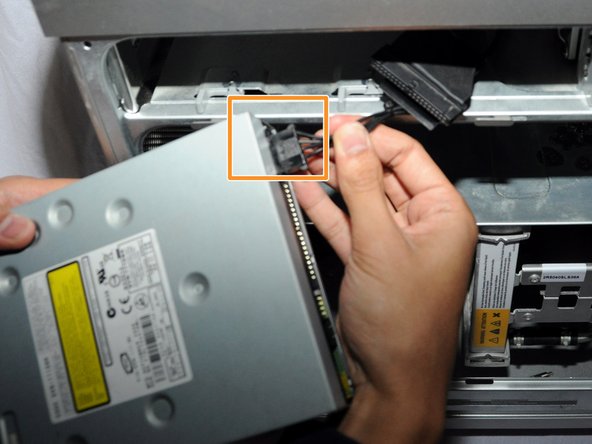
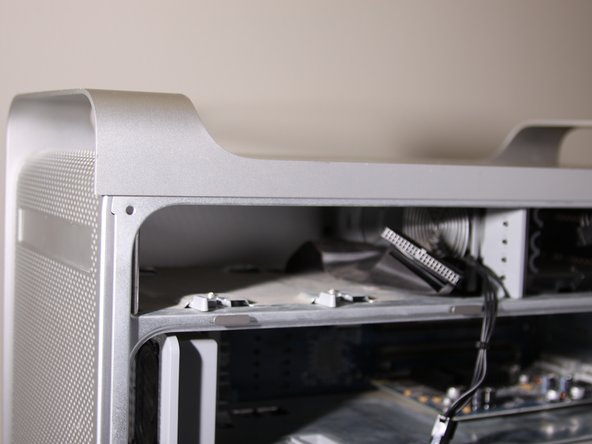
Go to step 1 ↓Use this guide to replace the CD-ROM drive in your Power Mac G5.


Conclusion
To reassemble your device, follow these instructions in reverse order.

