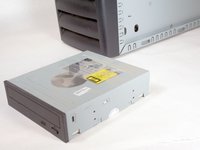
Removing the HP Compaq dx2000MT Optical (CD) Drive

What you need

  1. Removing the HP Compaq dx2000MT Optical (CD) Drive, Removing the HP Compaq dx2000MT Optical (CD) Drive: step 1, image 1 of 1
    • Turn off your computer and remove the power cable by pulling it straight out of its socket.

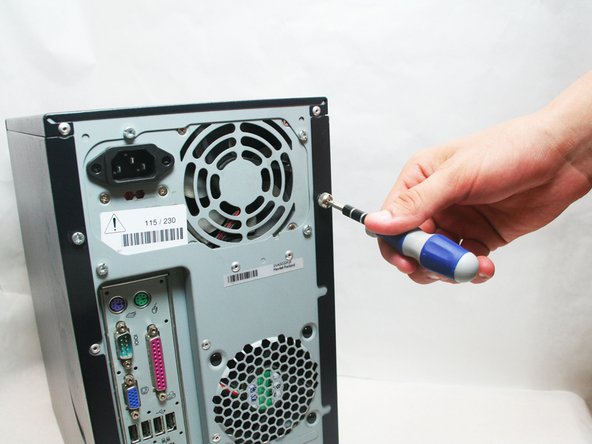
  2. Removing the HP Compaq dx2000MT Optical (CD) Drive: step 2, image 1 of 2 Removing the HP Compaq dx2000MT Optical (CD) Drive: step 2, image 2 of 2
    • Remove the 2 Phillips #2 screws that secure the case door to the device.

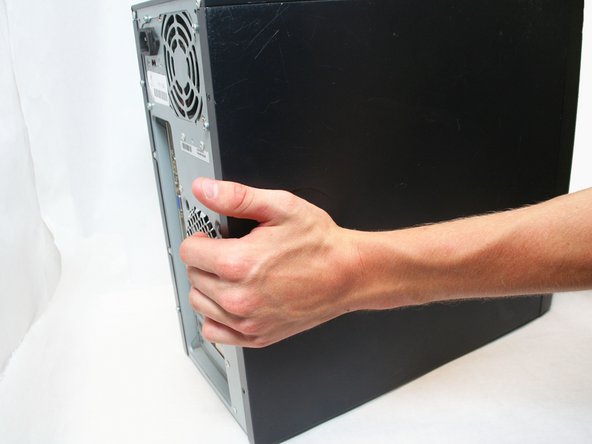
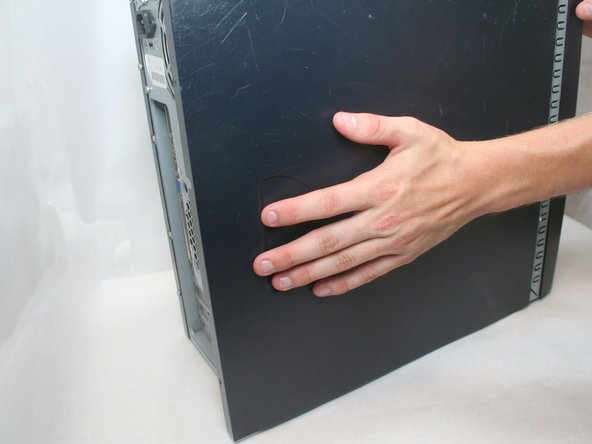
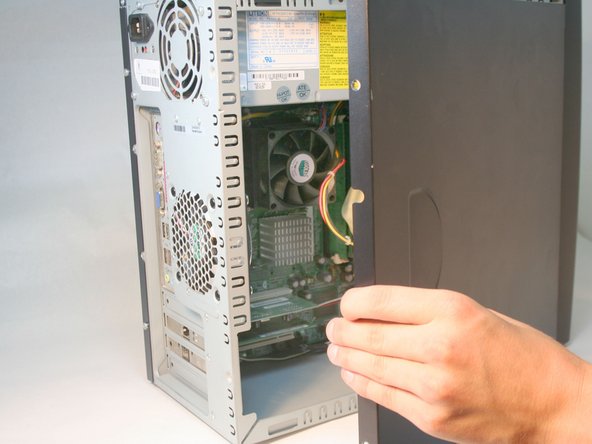
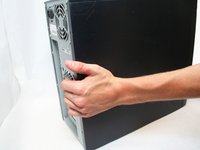
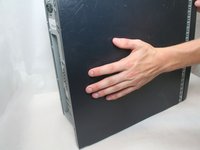
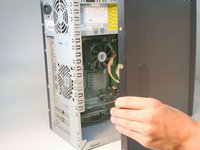
  3. Removing the HP Compaq dx2000MT Optical (CD) Drive: step 3, image 1 of 3 Removing the HP Compaq dx2000MT Optical (CD) Drive: step 3, image 2 of 3 Removing the HP Compaq dx2000MT Optical (CD) Drive: step 3, image 3 of 3
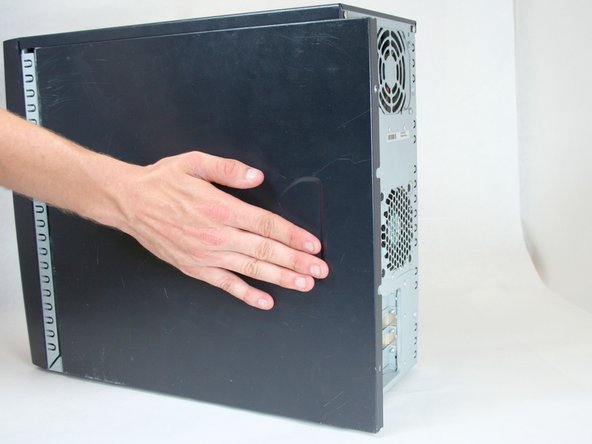
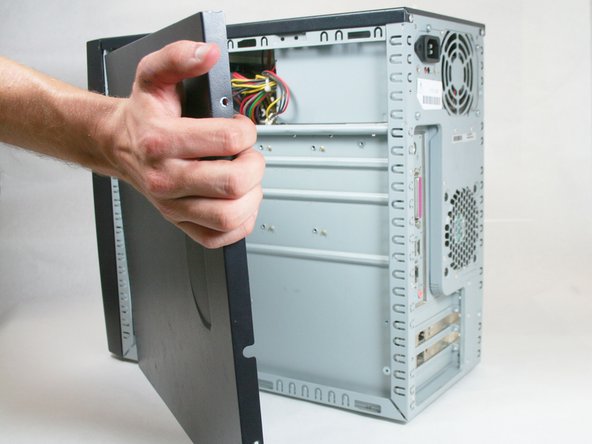
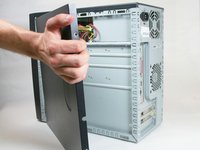
    • Remove the side case door by pushing towards the rear of the device with your hand.

    • This may take considerable force so keep pushing!

    • Once you slide the door back, remove it by pulling it outwards from the device.

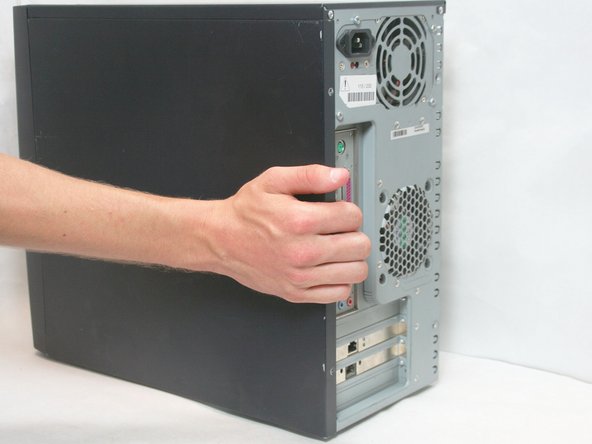
  4. Removing the HP Compaq dx2000MT Optical (CD) Drive: step 4, image 1 of 3 Removing the HP Compaq dx2000MT Optical (CD) Drive: step 4, image 2 of 3 Removing the HP Compaq dx2000MT Optical (CD) Drive: step 4, image 3 of 3
    • Remove the side case door by pushing towards the rear of the device with your hand.

    • Once again, this may take considerable force.

    • Once you slide the door back, remove it by pulling it outwards from the device.

  5. Removing the HP Compaq dx2000MT Optical (CD) Drive: step 5, image 1 of 3 Removing the HP Compaq dx2000MT Optical (CD) Drive: step 5, image 2 of 3 Removing the HP Compaq dx2000MT Optical (CD) Drive: step 5, image 3 of 3
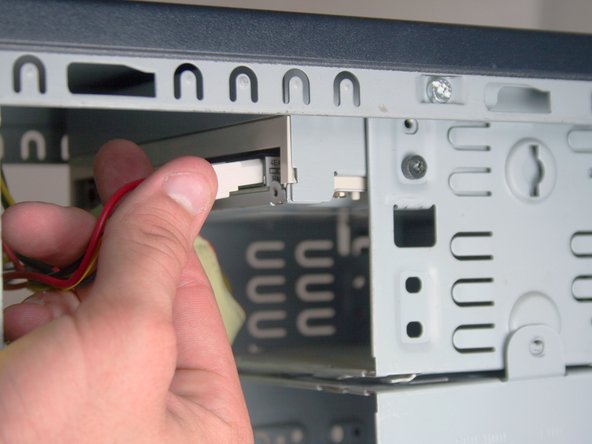
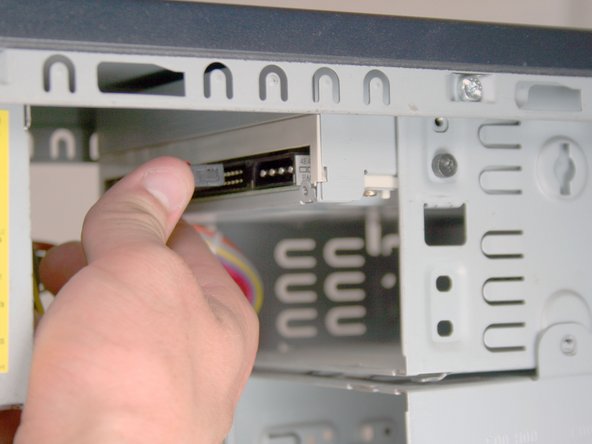
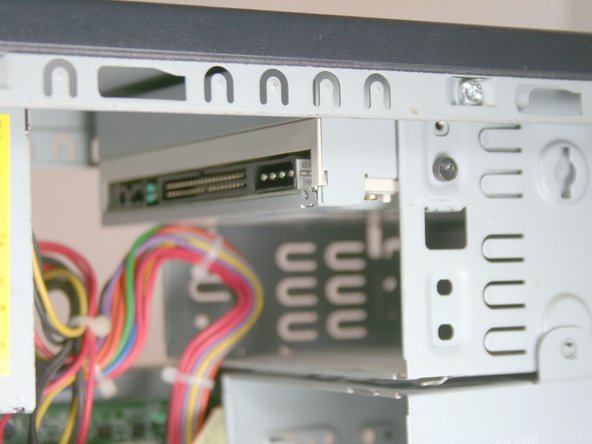
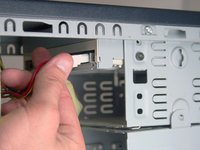
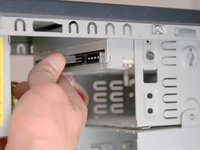
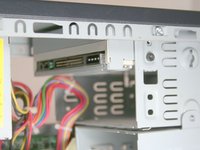
    • Remove the IDE data cable and the power cable from the optical drive by pulling away from the drive.

  6. Removing the HP Compaq dx2000MT Optical (CD) Drive: step 6, image 1 of 2 Removing the HP Compaq dx2000MT Optical (CD) Drive: step 6, image 2 of 2
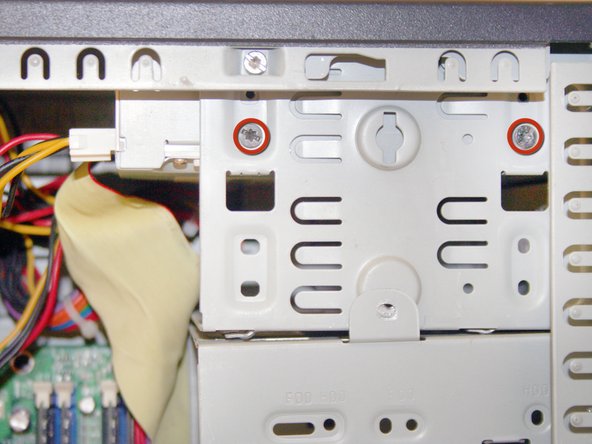
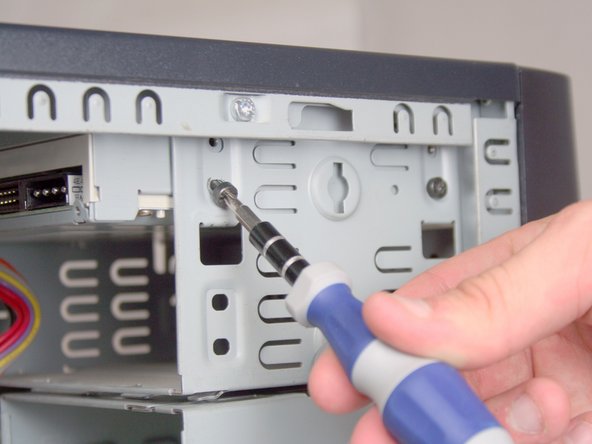
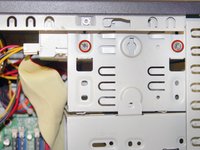
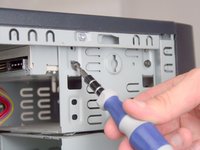
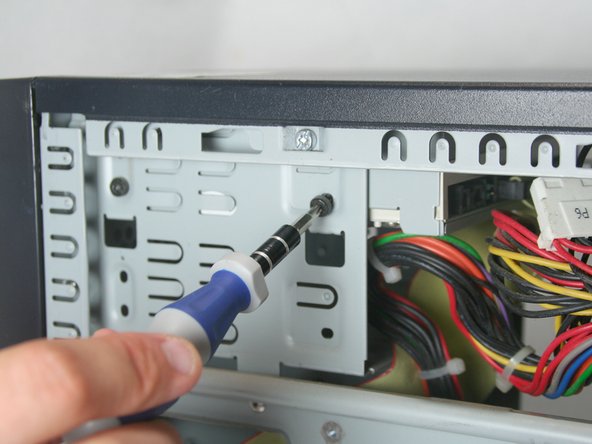
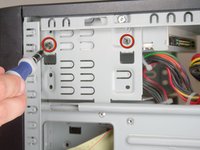
    • Remove the 2 Torx T15 screws holding the optical drive in place.

  7. Removing the HP Compaq dx2000MT Optical (CD) Drive: step 7, image 1 of 2 Removing the HP Compaq dx2000MT Optical (CD) Drive: step 7, image 2 of 2
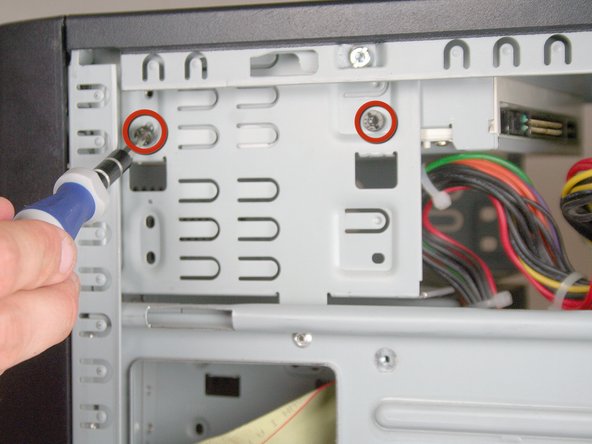
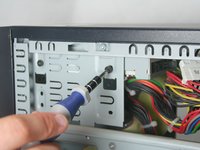
    • Remove the other 2 Torx T15 screws holding the other side of the drive in place.

  8. Removing the HP Compaq dx2000MT Optical (CD) Drive: step 8, image 1 of 3 Removing the HP Compaq dx2000MT Optical (CD) Drive: step 8, image 2 of 3 Removing the HP Compaq dx2000MT Optical (CD) Drive: step 8, image 3 of 3
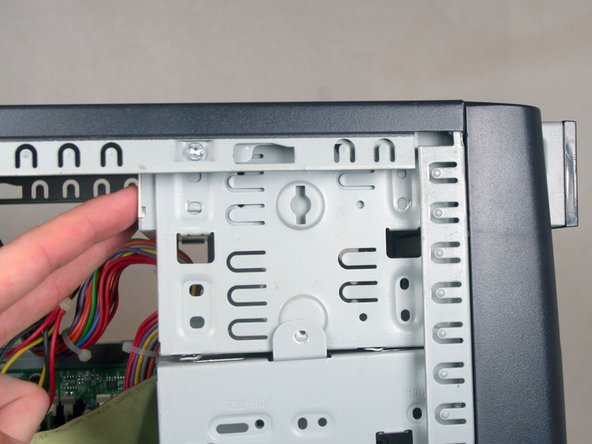
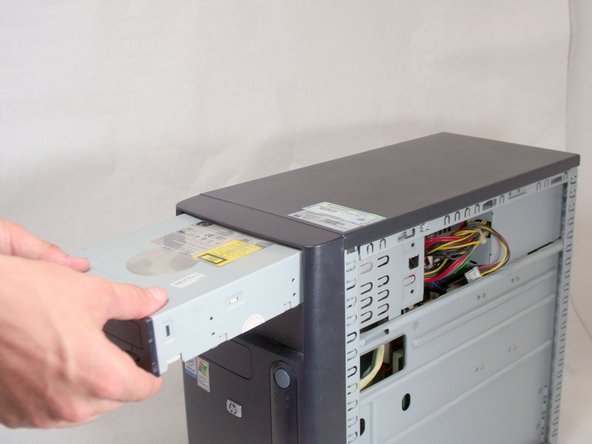
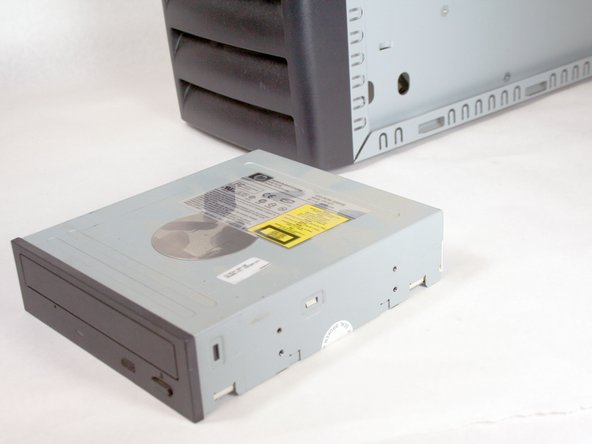
    • Remove the optical drive by sliding it out the front of the device.

Conclusion

To reassemble your device, follow these instructions in reverse order.

System

Member since: 09/24/09

2,562 Guides authored

0 Guide Comments

Add Comment

View Statistics:

Past 24 Hours: 0

Past 7 Days: 0

Past 30 Days: 0

All Time: 18