Samsung Captivate 3.5mm Headphone Jack Replacement

What you need

    1. Samsung Captivate 3.5mm Headphone Jack Replacement, Samsung Captivate 3.5mm Headphone Jack Replacement: step 1, image 1 of 1
      • Remove the back cover by pressing on the bottom section of the phone and sliding the bottom piece downward.

      • Lift up the back cover.

      Add Comment

    2. Samsung Captivate 3.5mm Headphone Jack Replacement: step 2, image 1 of 1
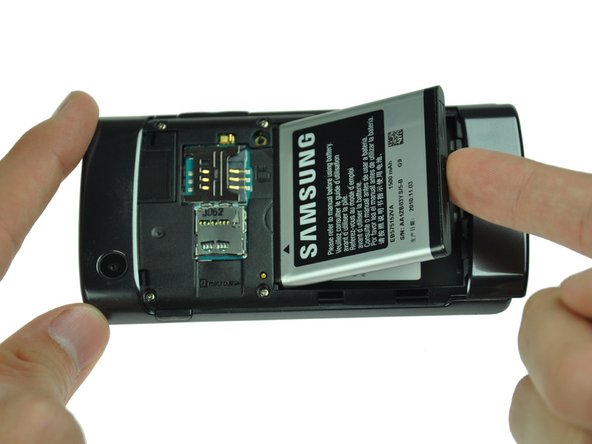
      • Place your finger on the bottom of the battery and lift to remove.

      Add Comment

    3. Samsung Captivate 3.5mm Headphone Jack Replacement: step 3, image 1 of 1
      • Replace the old battery with the new one.

      Add Comment

    4. Samsung Captivate 3.5mm Headphone Jack Replacement: step 4, image 1 of 1
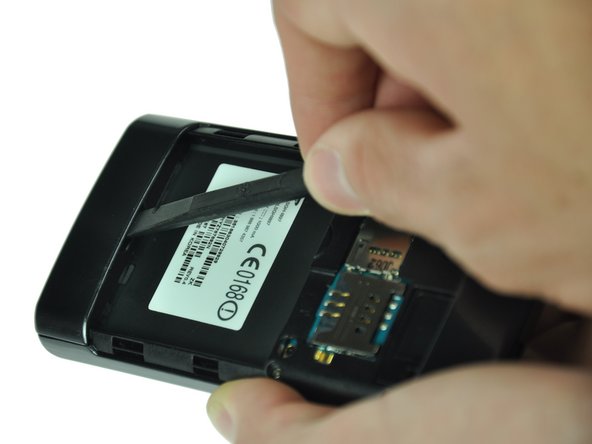
      • Insert the spudger underneath the bottom section of the phone.

      • Gently lift and push the spudger to slide the bottom section down to reveal two hidden screws.

      Add Comment

    5. Samsung Captivate 3.5mm Headphone Jack Replacement: step 5, image 1 of 1
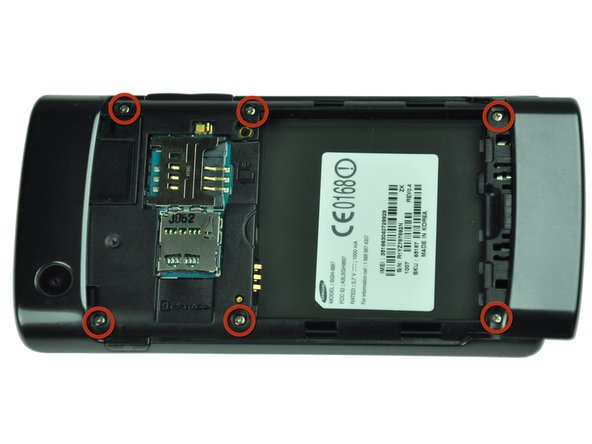
      • Remove the six 4.5mm #000 Phillips screws.

      Add Comment

    6. Samsung Captivate 3.5mm Headphone Jack Replacement: step 6, image 1 of 3 Samsung Captivate 3.5mm Headphone Jack Replacement: step 6, image 2 of 3 Samsung Captivate 3.5mm Headphone Jack Replacement: step 6, image 3 of 3
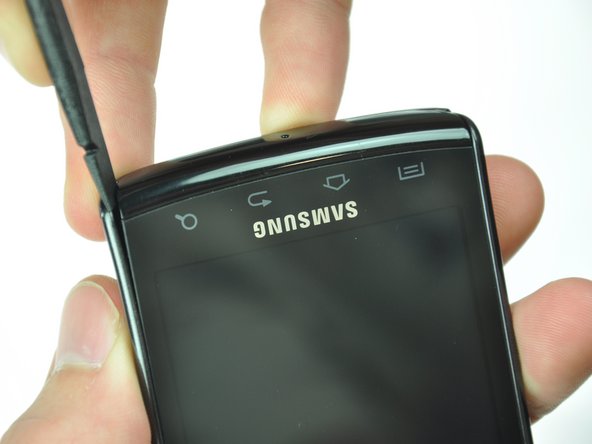
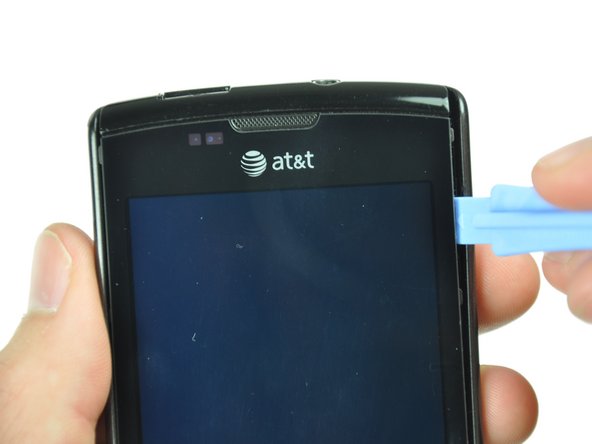
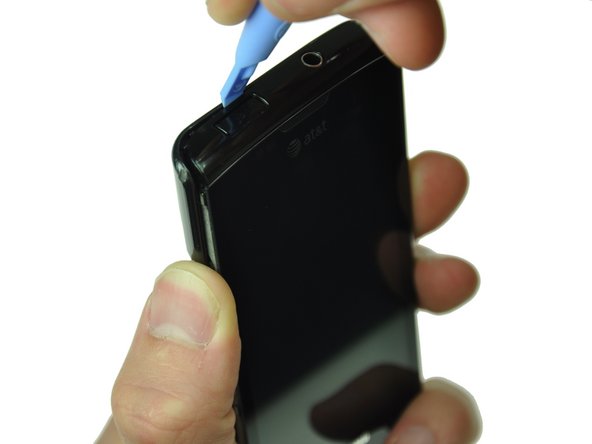
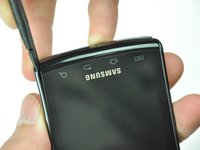
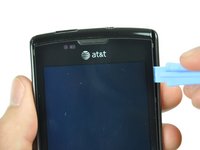
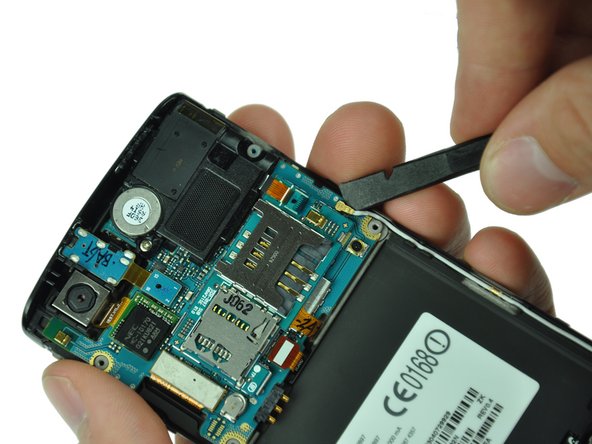
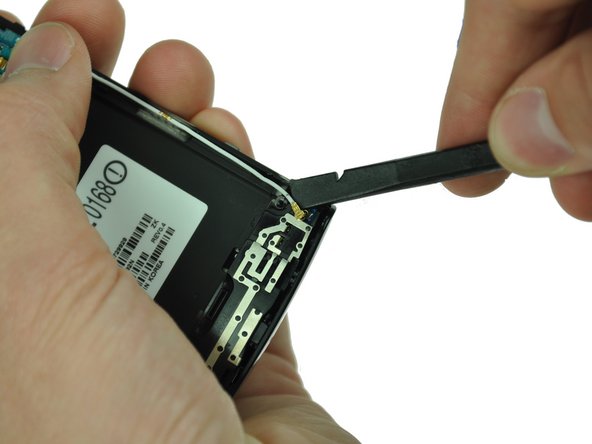
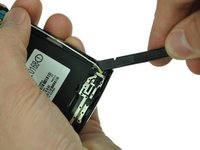
      • Starting at a bottom corner, use the spudger to separate the rear case from the front display.

      • Move the spudger towards the top on both sides. The plastic opening tool is easier to use for this step.

      • Be careful when detaching the top. Free each side, stopping short of the center of the cover. Apply backward pressure on both corners with a finger applying pressure on the center, and slide the whole back cover toward the bottom of the device. Note: forcing the cover can result in cracked plastic.

      Add Comment

    7. Samsung Captivate 3.5mm Headphone Jack Replacement: step 7, image 1 of 1
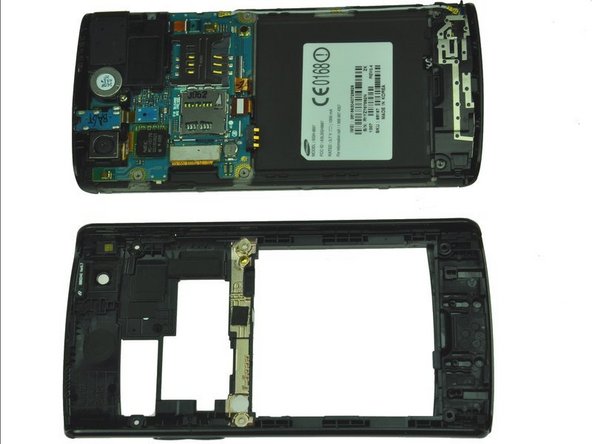
      • Separate the rear case from the phone.

      Add Comment

    8. Samsung Captivate 3.5mm Headphone Jack Replacement: step 8, image 1 of 2 Samsung Captivate 3.5mm Headphone Jack Replacement: step 8, image 2 of 2
      • Use a spudger tool to pry up the antenna cable from the connector on the motherboard.

      • Pry up the other end of the cable from the connector on the antenna array.

      Add Comment

    9. Samsung Captivate 3.5mm Headphone Jack Replacement: step 9, image 1 of 3 Samsung Captivate 3.5mm Headphone Jack Replacement: step 9, image 2 of 3 Samsung Captivate 3.5mm Headphone Jack Replacement: step 9, image 3 of 3
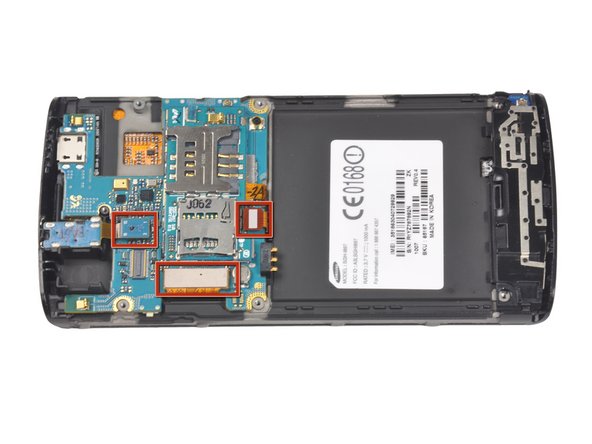
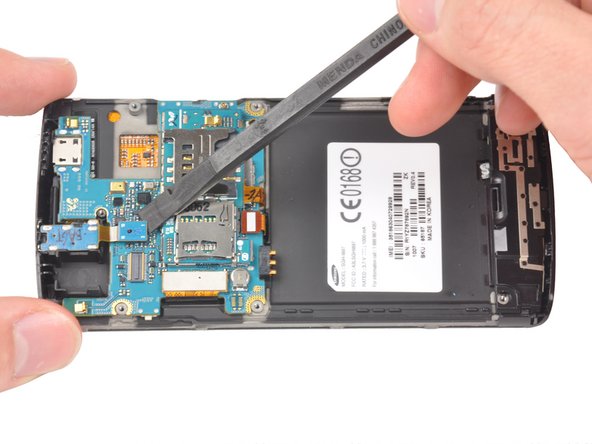
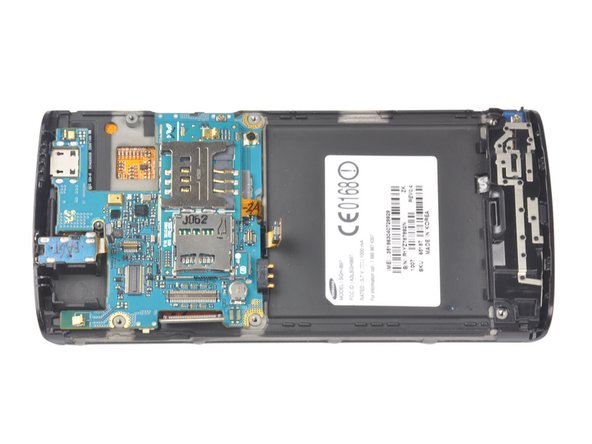
      • Use a spudger to disconnect the three highlighted connectors.

      • Pry straight up and be careful to pry against the connector, not the socket on the motherboard itself.

      Add Comment

    10. Samsung Captivate 3.5mm Headphone Jack Replacement: step 10, image 1 of 1
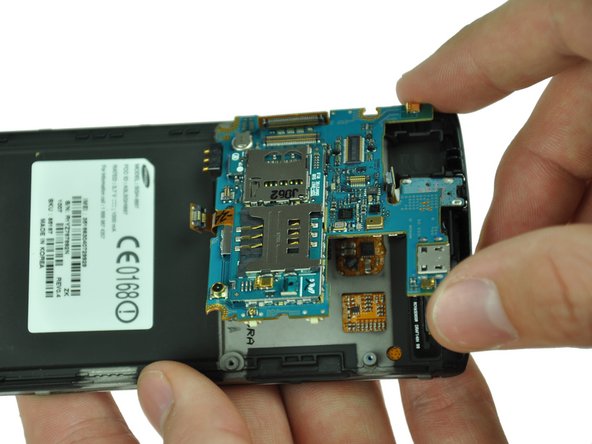
      • Use your fingers to lift up the logic board from the assembly.

      Add Comment

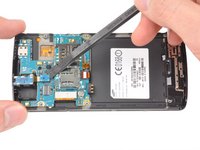
    11. Samsung Captivate 3.5mm Headphone Jack Replacement: step 11, image 1 of 2 Samsung Captivate 3.5mm Headphone Jack Replacement: step 11, image 2 of 2
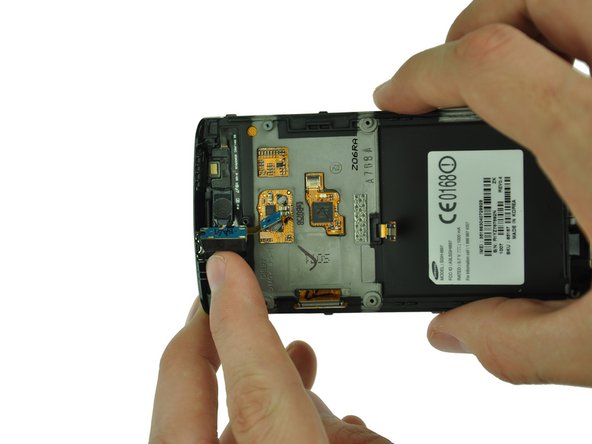
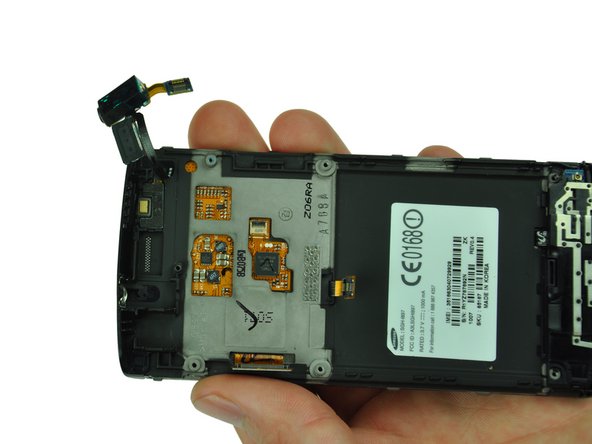
      • Gently pull up on the audio jack, taking the attached ribbon cable with it.

      • There is a small amount of glue holding the ribbon cable that attaches the audio jack to the earpiece.

      Add Comment

Conclusion

To reassemble your device, follow these instructions in reverse order.

Cancel: I did not complete this guide.

System

Member since: 09/24/09

2,562 Guides authored

0 Guide Comments

Add Comment

View Statistics:

Past 24 Hours: 0

Past 7 Days: 1

Past 30 Days: 6

All Time: 45