
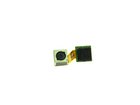
Samsung Captivate Camera Assembly Replacement

Last updated on Apr 11, 2016
Views: 38
View statistics:
- Past 24 Hours:
- 0
- Past 7 Days:
- 0
- Past 30 Days:
- 2
- All Time:
- 38
Comments: 0
No one has left comments on this guide. Will you be first?
Go to guide commentsCompleted: 0 1
No one has marked this guide "completed." Will you be the first?
1 person has marked this guide "completed." It's you — great job!
Favorites: 0 1
No one has favorited (and subscribed to) this guide. Will you be the first?
1 person has favorited (and subscribed to) this guide — and that's you!
Introduction
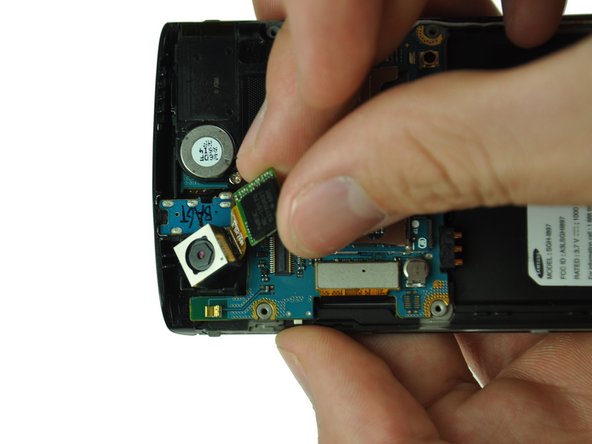
Go to step 1 ↓The camera assembly is susceptible to various environmental forces such as moisture, vibration, and shock. Replacing this part is easy.
What you need
-
-
-
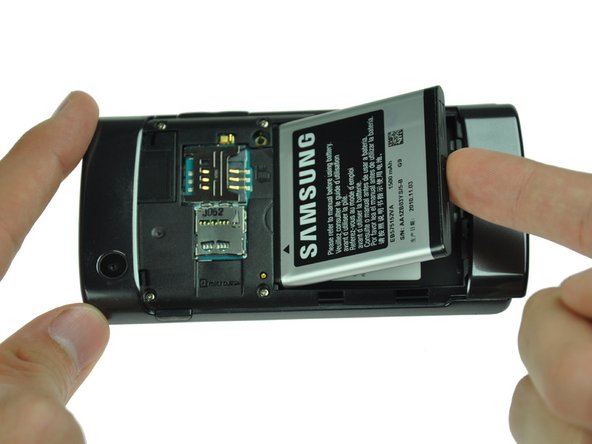
Remove the back cover by pressing on the bottom section of the phone and sliding the bottom piece downward.
-
Lift up the back cover.
-
-
-
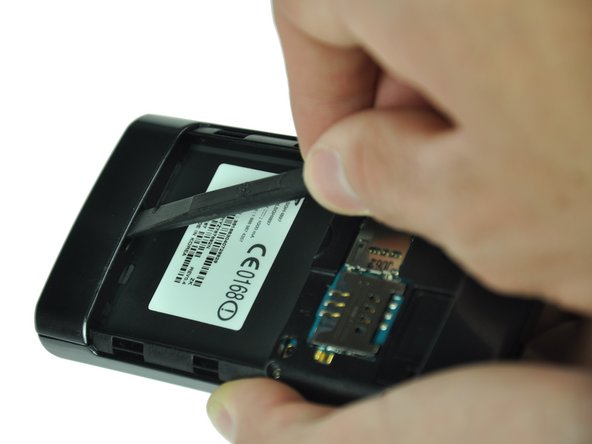
Insert the spudger underneath the bottom section of the phone.
-
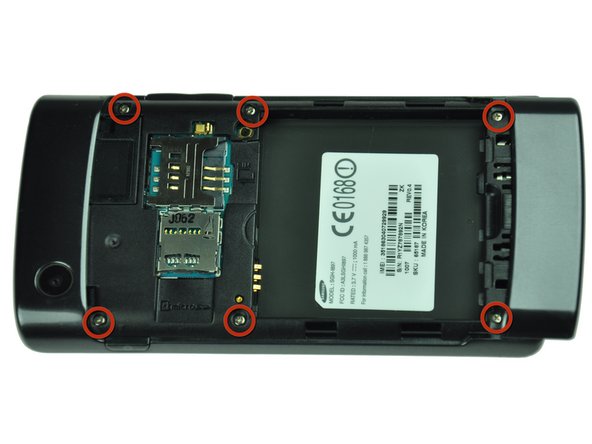
Gently lift and push the spudger to slide the bottom section down to reveal two hidden screws.
-
-
-
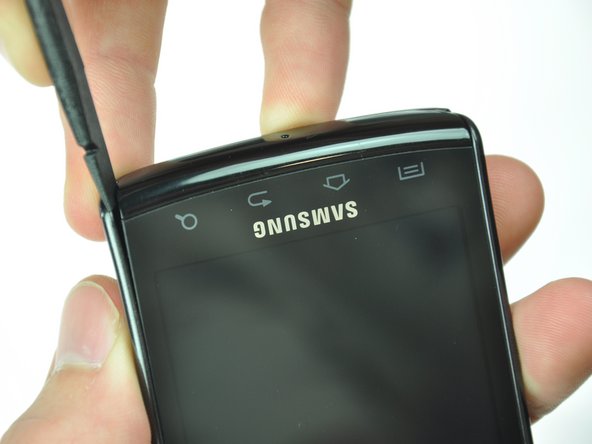
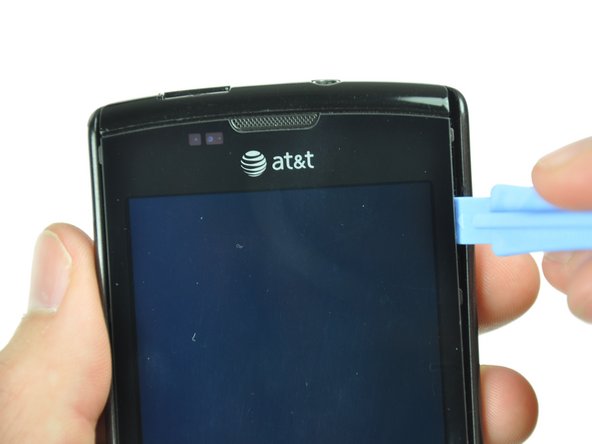
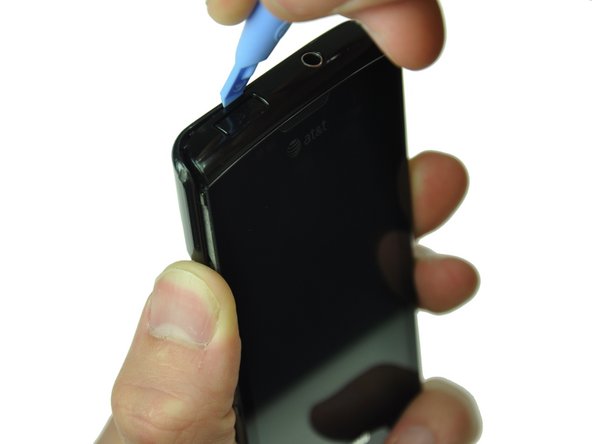
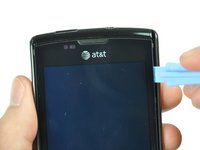
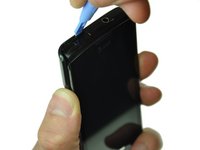
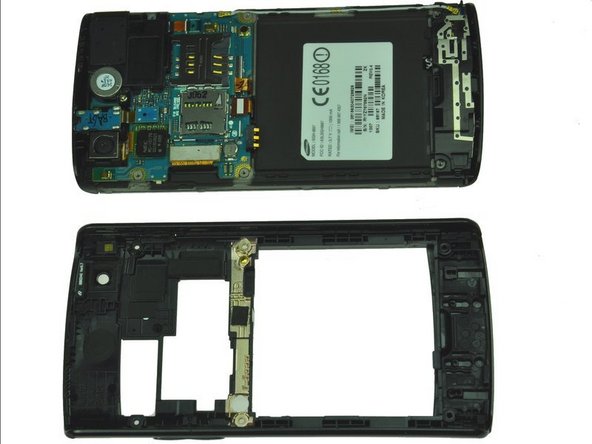
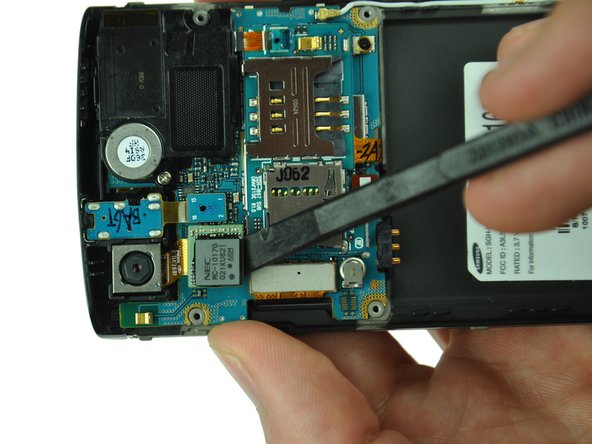
Starting at a bottom corner, use the spudger to separate the rear case from the front display.
-
Move the spudger towards the top on both sides. The plastic opening tool is easier to use for this step.
-
-


To reassemble your device, follow these instructions in reverse order.

