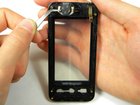
Samsung Instinct Speaker Replacement

What you need

  1. Samsung Instinct Speaker Replacement, Samsung Instinct Speaker Replacement: step 1, image 1 of 1
    • Applying pressure to the back cover, slide the cover forward towards the camera.

    • Lift the back cover off the phone.

    Add Comment

  2. Samsung Instinct Speaker Replacement: step 2, image 1 of 1
    • Hold the phone firmly in one hand and lift the battery up by using the notches to grip the battery.

    Add Comment

  3. Samsung Instinct Speaker Replacement: step 3, image 1 of 1
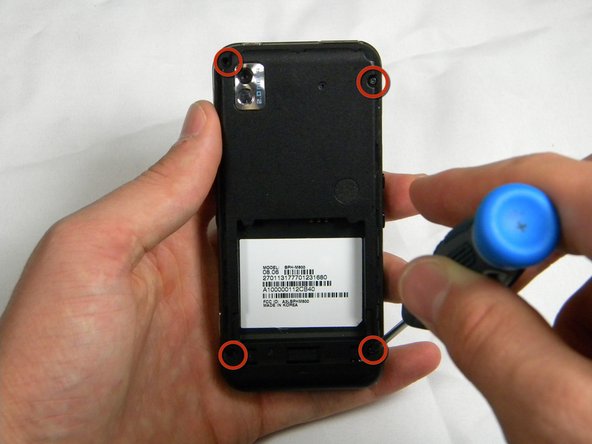
    • Remove the four 4.45mm screws at the corners of the phone.

    Add Comment

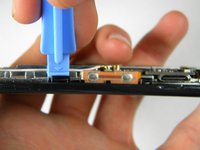
  4. Samsung Instinct Speaker Replacement: step 4, image 1 of 2 Samsung Instinct Speaker Replacement: step 4, image 2 of 2
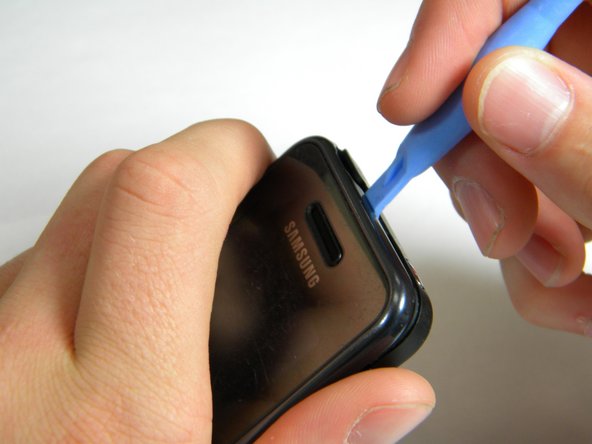
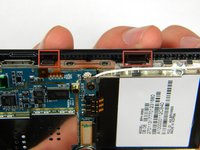
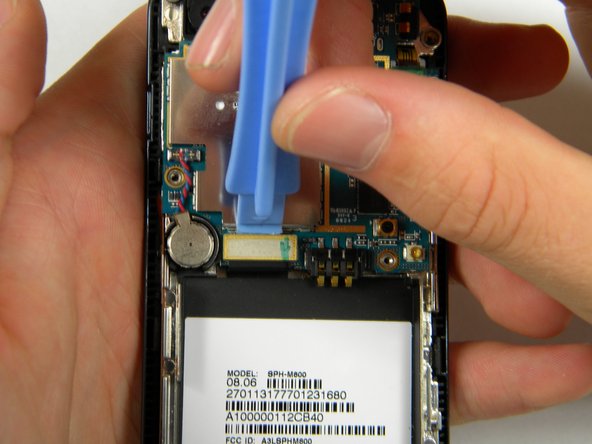
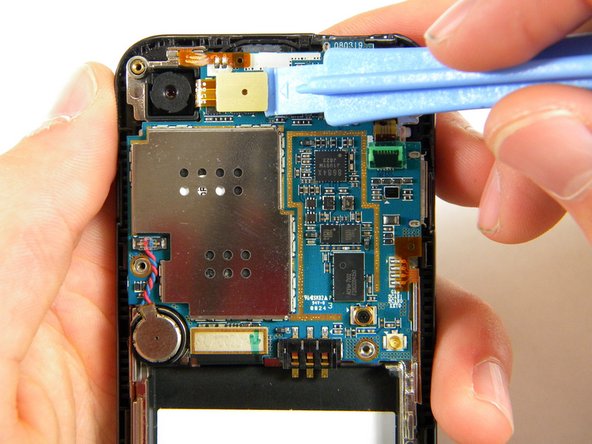
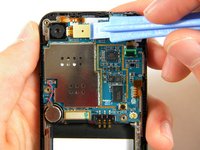
    • Use the plastic opener tool to unhinge the locks around the edges of the phone.

    • Do not worry about the inner components of the phone, they are not connected to this case.

    Add Comment

  5. Samsung Instinct Speaker Replacement: step 5, image 1 of 1
    • Lift the casing off of the phone.

    Add Comment

  6. Samsung Instinct Speaker Replacement: step 6, image 1 of 1
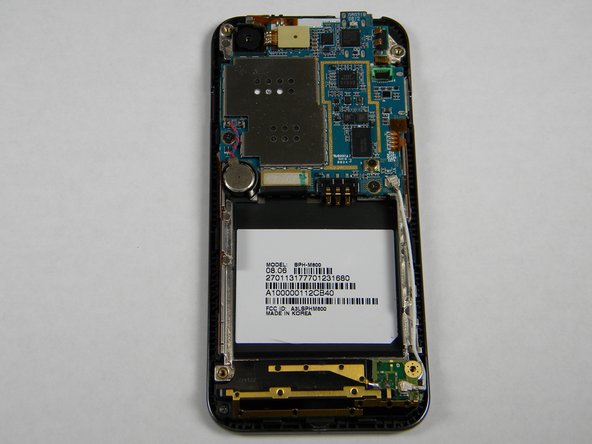
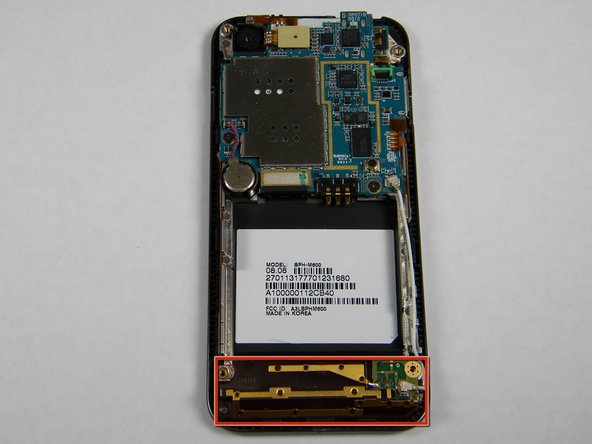
    • With the screws removed, locate the antenna.

    Add Comment

  7. Samsung Instinct Speaker Replacement: step 7, image 1 of 1
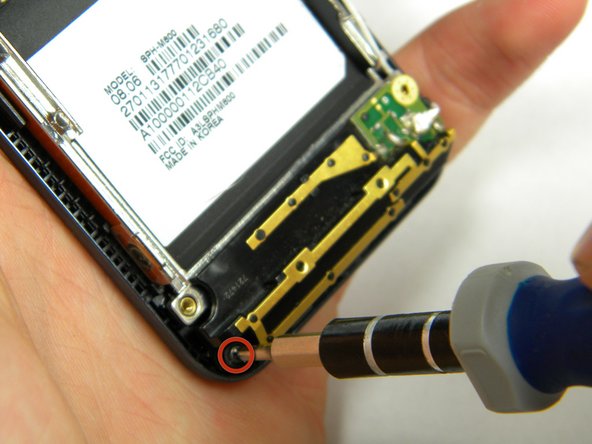
    • Using a phillips-head screwdriver, remove the 4.50mm screw holding the antenna in place.

    Add Comment

  8. Samsung Instinct Speaker Replacement: step 8, image 1 of 1
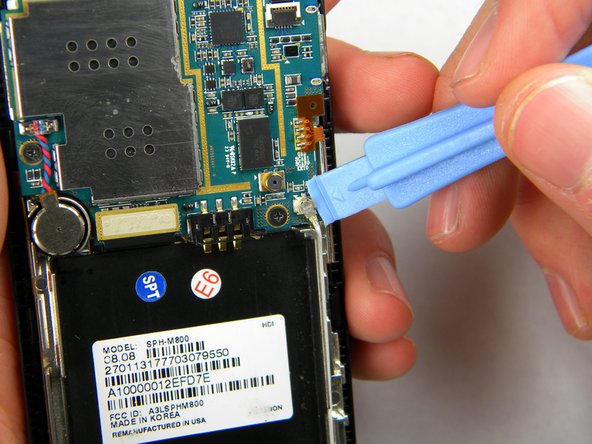
    • Using the plastic opener tool, squeeze gently on the antenna cable connector and lift to remove the connector from its position.

    Add Comment

  9. Samsung Instinct Speaker Replacement: step 9, image 1 of 1
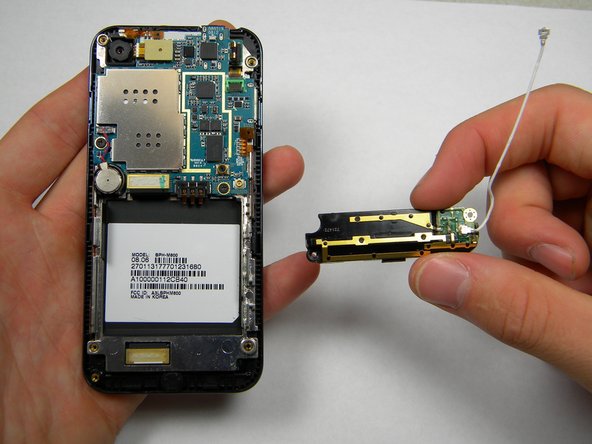
    • Gently lift up on the antenna and remove it from the back of the device.

    Add Comment

  10. Samsung Instinct Speaker Replacement: step 10, image 1 of 1
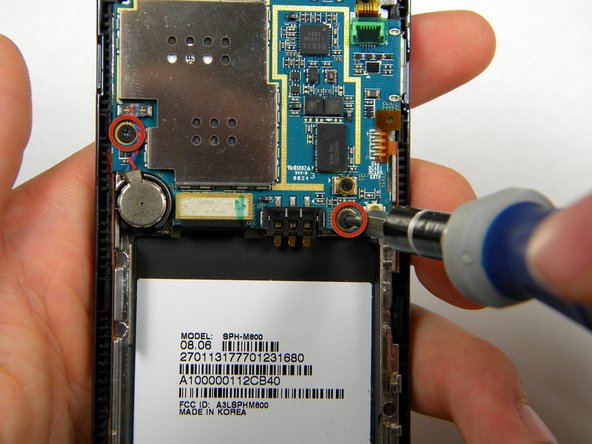
    • Remove the two 3.50mm screws connecting the motherboard to the case.

    Add Comment

  11. Samsung Instinct Speaker Replacement: step 11, image 1 of 3 Samsung Instinct Speaker Replacement: step 11, image 2 of 3 Samsung Instinct Speaker Replacement: step 11, image 3 of 3
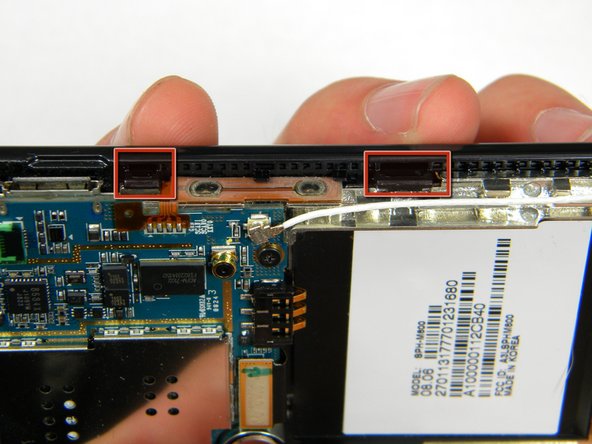
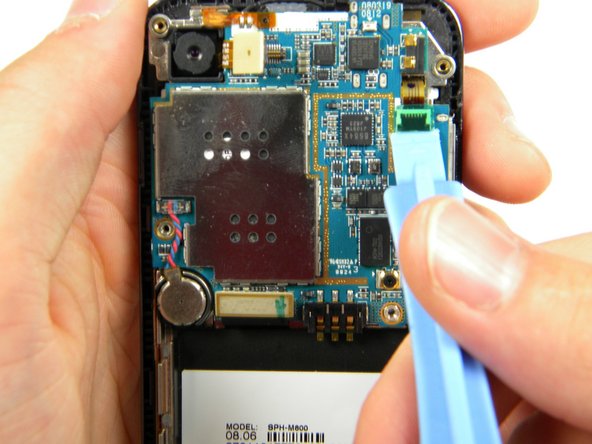
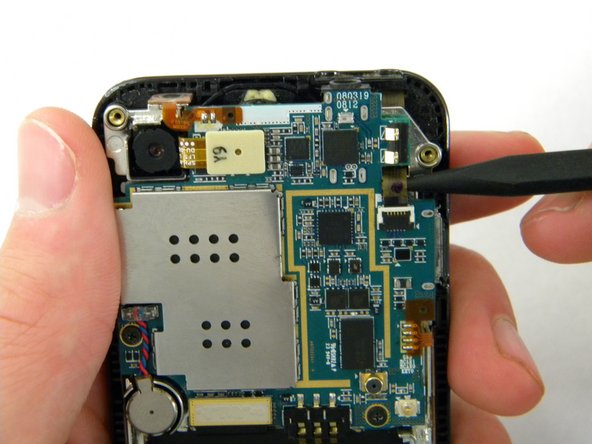
    • Use the plastic opener tool to detach the three ribbons on the motherboard.

    Add Comment

  12. Samsung Instinct Speaker Replacement: step 12, image 1 of 1
    • Lift out the top right ribbon from its slot on the motherboard.

    Add Comment

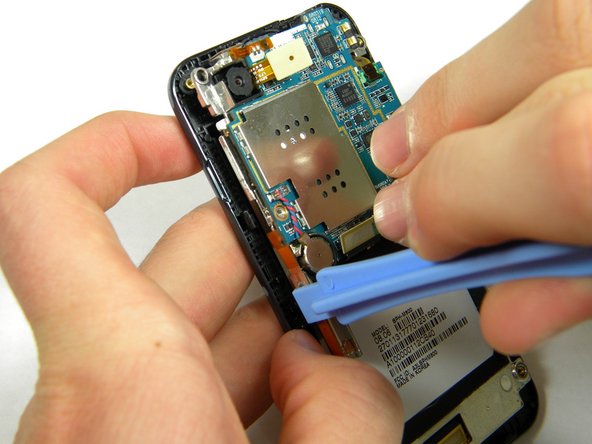
  13. Samsung Instinct Speaker Replacement: step 13, image 1 of 2 Samsung Instinct Speaker Replacement: step 13, image 2 of 2
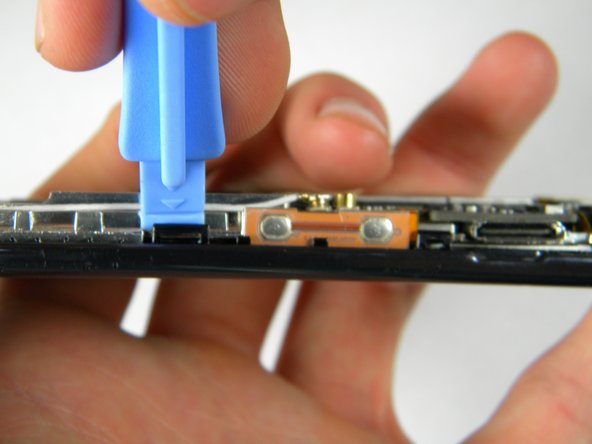
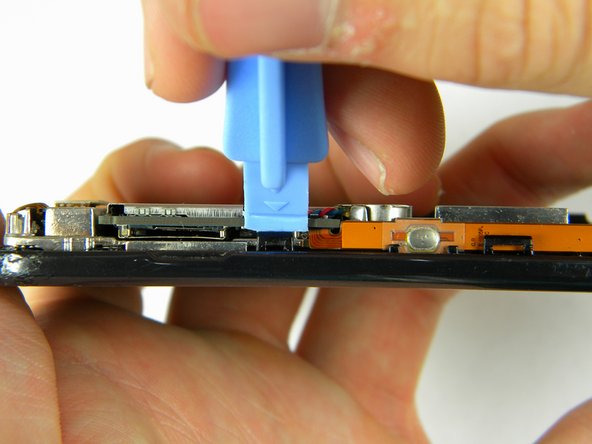
    • Use the plastic opener tool to unhinge the the locks on the side of the motherboard connecting it to the front casing.

    Add Comment

  14. Samsung Instinct Speaker Replacement: step 14, image 1 of 1
    • Lift the motherboard away from the front casing.

    Add Comment

  15. Samsung Instinct Speaker Replacement: step 15, image 1 of 1
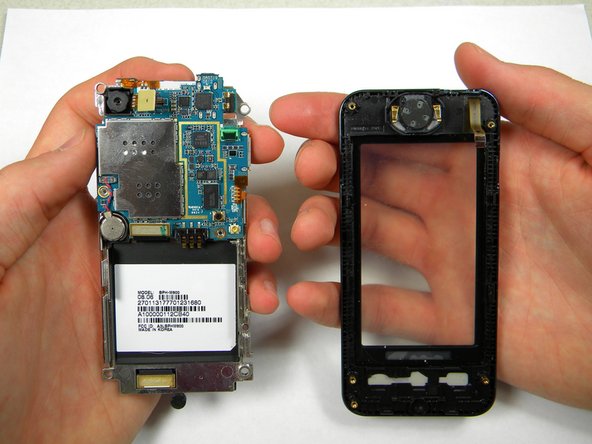
    • After removing lifting up on the motherboard, the front casing and center frame should be separated as shown.

    Add Comment

  16. Samsung Instinct Speaker Replacement: step 16, image 1 of 1
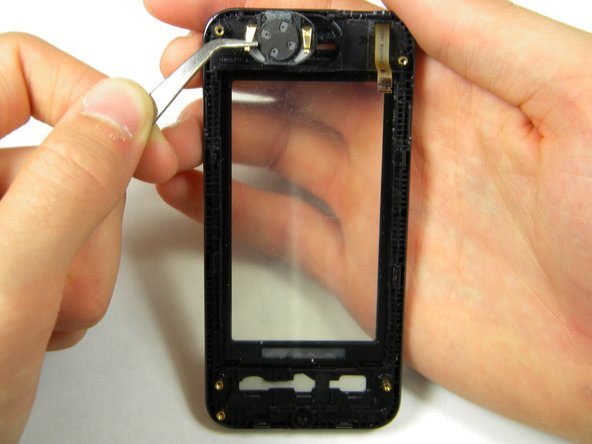
    • Using tweezers to grasp the pins of the speaker, gently lift the speaker up out of its setting in the front case.

    Add Comment

Conclusion

To reassemble your device, follow these instructions in reverse order.

Cancel: I did not complete this guide.

System

Member since: 09/24/09

2,562 Guides authored

0 Guide Comments

Add Comment

View Statistics:

Past 24 Hours: 0

Past 7 Days: 2

Past 30 Days: 5

All Time: 35