Sega Dreamcast Fan Replacement

Views: 94

View statistics:

Past 24 Hours:
0
Past 7 Days:
0
Past 30 Days:
3
All Time:
94
Comments: 0

No one has left comments on this guide. Will you be first?

Go to guide comments
Completed: 0

No one has marked this guide "completed." Will you be the first?

Favorites: 0

No one has favorited (and subscribed to) this guide. Will you be the first?

Time Required: No estimate
Difficulty: Easy
Sega Dreamcast Fan Replacement

Introduction

Go to step 1 ↓

This guide details how to replace a malfunctioning fan in the Sega Dreamcast.

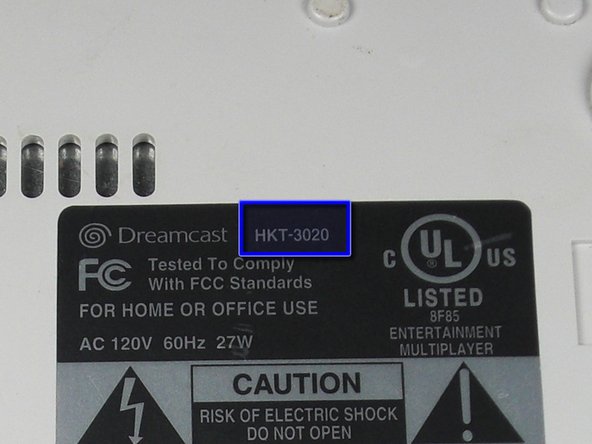
Be sure to replace the fan with one corresponding to your Model Number. Refer to the Top Cover Disassembly Guide for instructions on where to find your model number.

What you need

    1. Sega Dreamcast Fan Replacement, Sega Dreamcast Fan Replacement: step 1, image 1 of 2 Sega Dreamcast Fan Replacement, Sega Dreamcast Fan Replacement: step 1, image 2 of 2
      • Verify that the console is disconnected from the AC outlet before you begin.

      • Flip the console over on its back.

      • Take note of your model number, in case replacement parts are needed.

      Add Comment

    2. Sega Dreamcast Fan Replacement: step 2, image 1 of 3 Sega Dreamcast Fan Replacement: step 2, image 2 of 3 Sega Dreamcast Fan Replacement: step 2, image 3 of 3
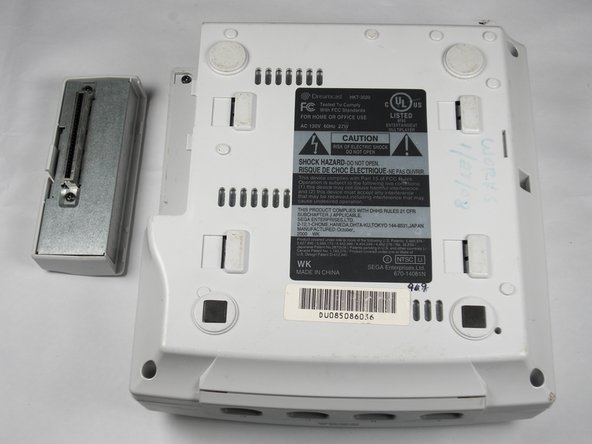
      • Remove the expansion bay by applying pressure to the small clip on the expansion bay while prying it away from the console.

      Add Comment

    3. Sega Dreamcast Fan Replacement: step 3, image 1 of 1
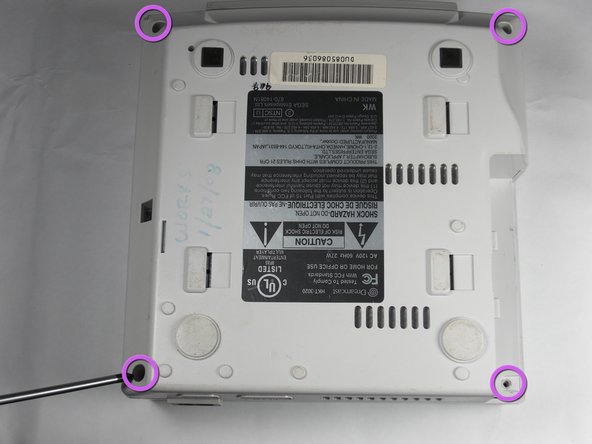
      • Locate and remove all four black 12mm Phillips #02 screws from the underside of the console.

      • The fourth screw is hidden under the expansion bay if it has not already been removed.

      Add Comment

    4. Sega Dreamcast Fan Replacement: step 4, image 1 of 1
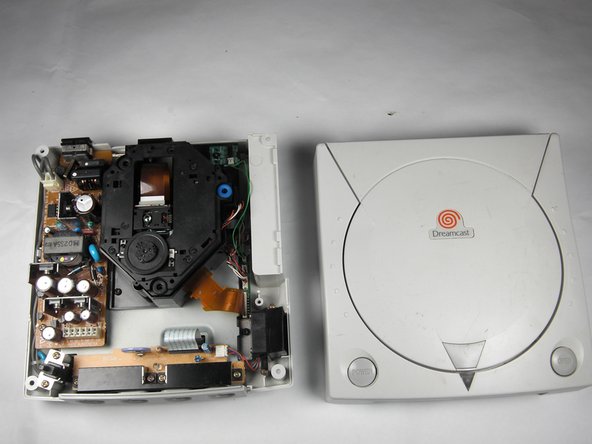
      • Be careful that the internal components do not topple out.

      • Flip the console topside up.

      • Remove the top cover of the chassis by gently lifting the upper portion of the console.

      Add Comment

    5. Sega Dreamcast Fan Replacement: step 5, image 1 of 1
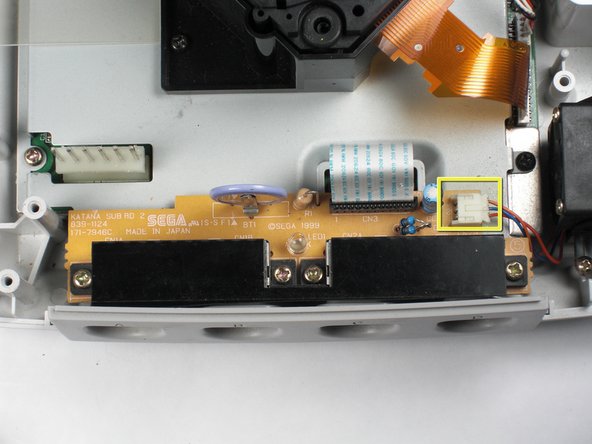
      • Remove the white fan header by gently pulling it away from from the controller port.

      • The white fan header may already be detached if you have completed the Controller Port Disassembly Guide.

      Add Comment

    6. Sega Dreamcast Fan Replacement: step 6, image 1 of 1
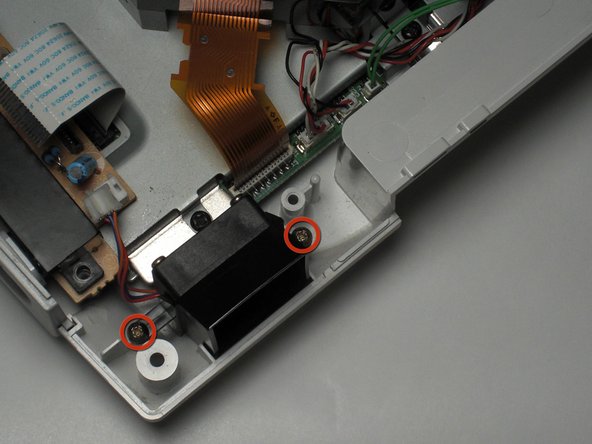
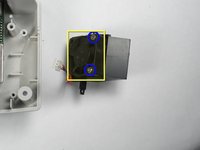
      • Remove the two 8.5mm Philips #00 screws from the fan bracket.

      Add Comment

    7. Sega Dreamcast Fan Replacement: step 7, image 1 of 2 Sega Dreamcast Fan Replacement: step 7, image 2 of 2
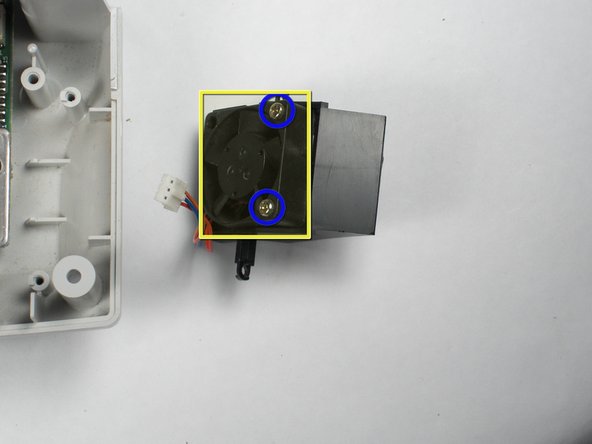
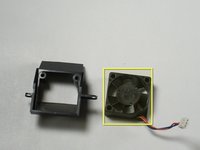
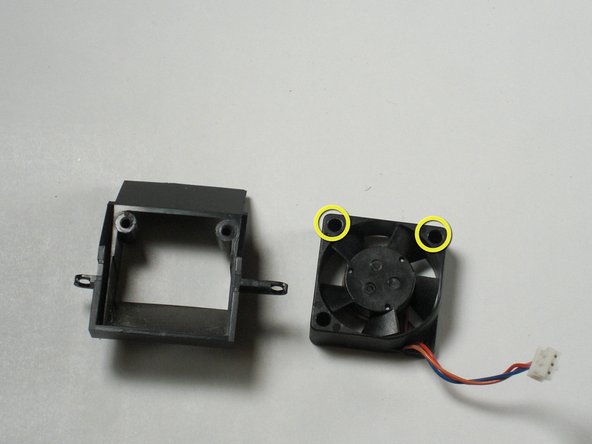
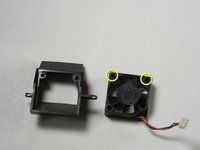
      • Remove the two 17.5mm Philips #00 screws from the fan bracket.

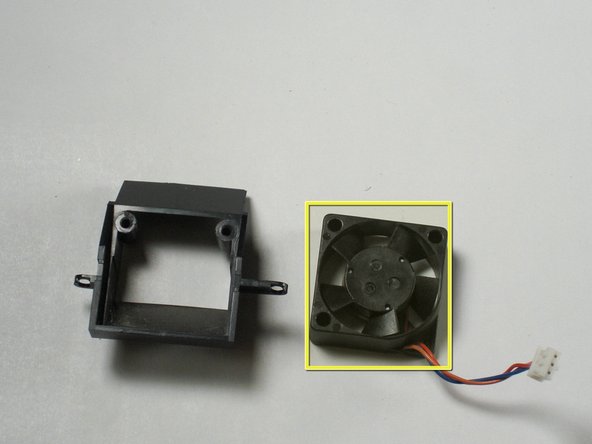
      • Remove the fan from the bracket.

      Add Comment

    8. Sega Dreamcast Fan Replacement: step 8, image 1 of 2 Sega Dreamcast Fan Replacement: step 8, image 2 of 2
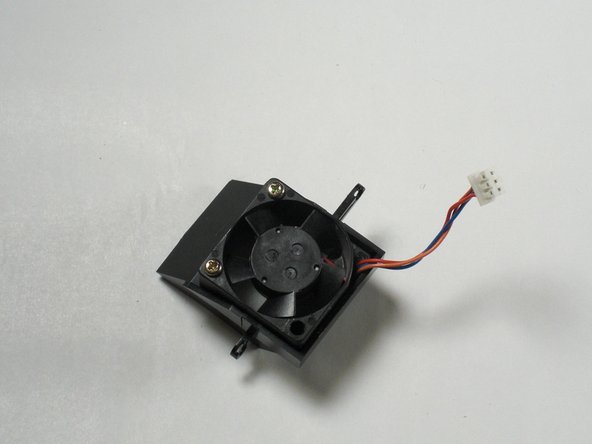
      • Connect the new fan to the fan bracket using two 17.5mm Philips #00 screws.

      • Replace the fan bracket in the Dreamcast using two 8.5mm Philips #00 screws.

      Add Comment

Conclusion

To reassemble your device, follow these instructions in reverse order.

Cancel: I did not complete this guide.

System

Member since: 09/24/09

2,562 Guides authored

0 Guide Comments

Add Comment

View Statistics:

Past 24 Hours: 0

Past 7 Days: 0

Past 30 Days: 3

All Time: 94