Xbox 360 Wireless Controller Front Case Replacement

What you need

  1. Xbox 360 Wireless Controller Front Case Replacement, Xbox 360 Wireless Controller Front Case Replacement: step 1, image 1 of 2 Xbox 360 Wireless Controller Front Case Replacement, Xbox 360 Wireless Controller Front Case Replacement: step 1, image 2 of 2
    • Depress the battery release button on the top of the controller.

    • Remove the battery holder from the controller.

    • The standard option for Xbox 360 Wireless Controllers Battery Packs is AA batteries. A rechargeable battery is also available, but both battery options are removed from the controller in the same way.

    Add Comment

  2. Xbox 360 Wireless Controller Front Case Replacement: step 2, image 1 of 1
    • Use a pair of tweezers to peel the barcode sticker from the battery compartment.

    Add Comment

  3. Xbox 360 Wireless Controller Front Case Replacement: step 3, image 1 of 1
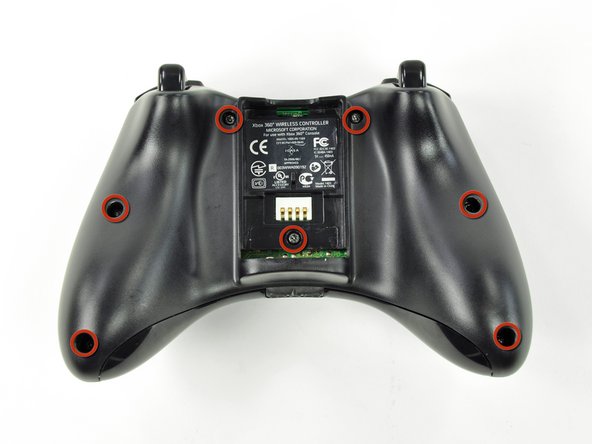
    • Remove the seven 9.3 mm T8 Security Torx screws securing the rear case to the front case.

    Add Comment

  4. Xbox 360 Wireless Controller Front Case Replacement: step 4, image 1 of 2 Xbox 360 Wireless Controller Front Case Replacement: step 4, image 2 of 2
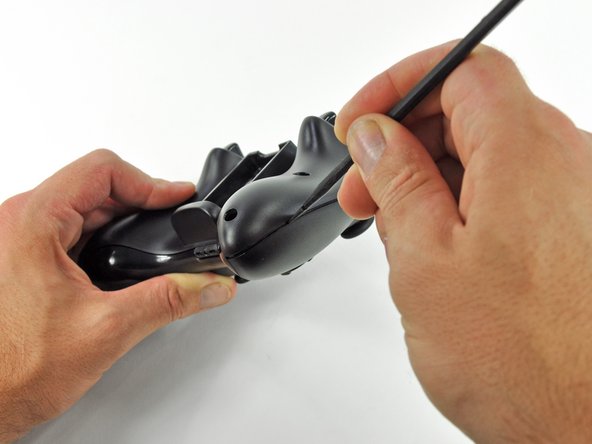
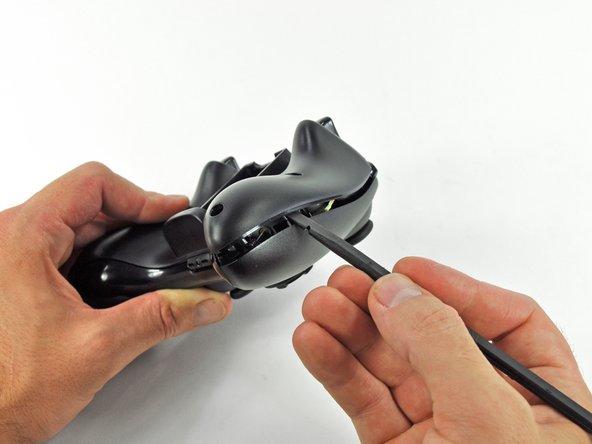
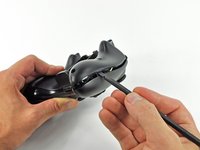
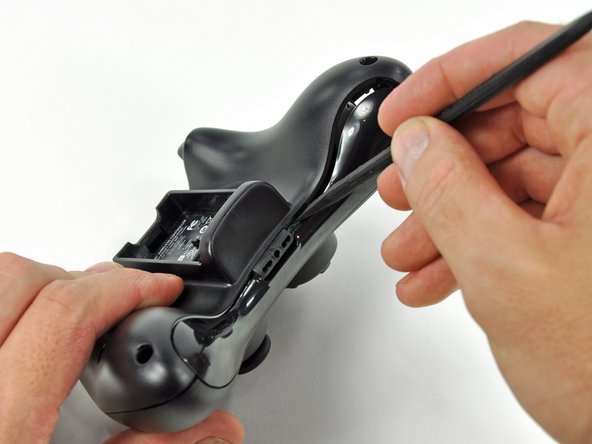
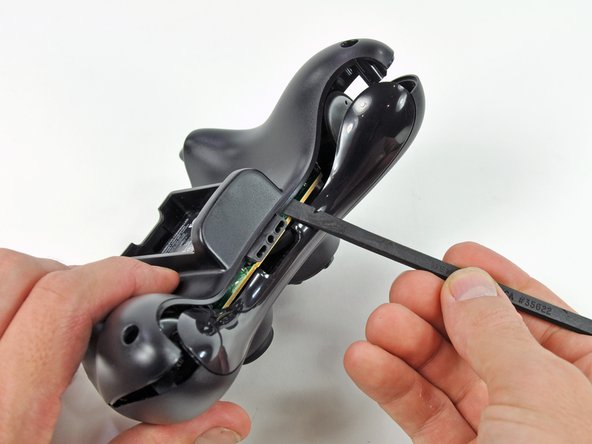
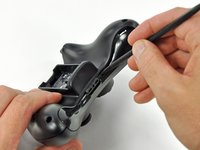
    • Insert a spudger between the front and rear cases along the left edge of the controller.

    • Rotate the spudger toward the front of the controller, prying the two cases apart.

    Add Comment

  5. Xbox 360 Wireless Controller Front Case Replacement: step 5, image 1 of 2 Xbox 360 Wireless Controller Front Case Replacement: step 5, image 2 of 2
    • Insert a spudger between the front and rear cases, near the headphone jack.

    • Rotate the spudger toward the front of the controller to pry the two cases apart.

    Add Comment

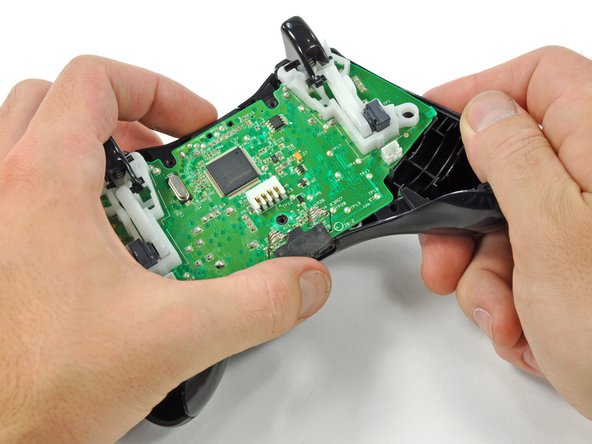
  6. Xbox 360 Wireless Controller Front Case Replacement: step 6, image 1 of 2 Xbox 360 Wireless Controller Front Case Replacement: step 6, image 2 of 2
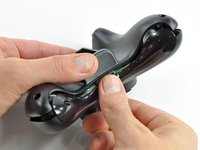
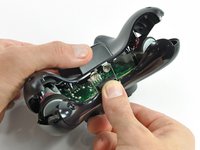
    • Grasp the controller by the battery compartment and the headphone jack.

    • Lift the battery compartment away from the headphone jack, separating the rear case from the front case and logic board.

    • The battery contact springs are held in place by slots in the battery housing in the rear case. Be sure to realign them properly during reassembly.

    Add Comment

  7. Xbox 360 Wireless Controller Front Case Replacement: step 7, image 1 of 2 Xbox 360 Wireless Controller Front Case Replacement: step 7, image 2 of 2
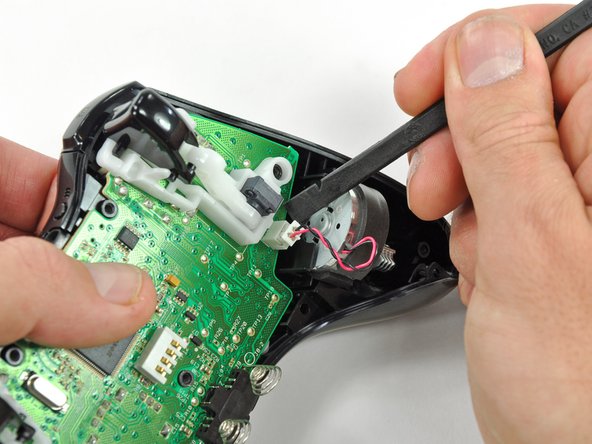
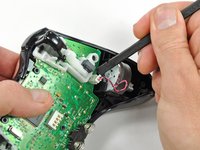
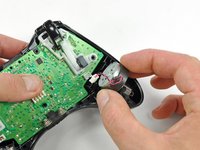
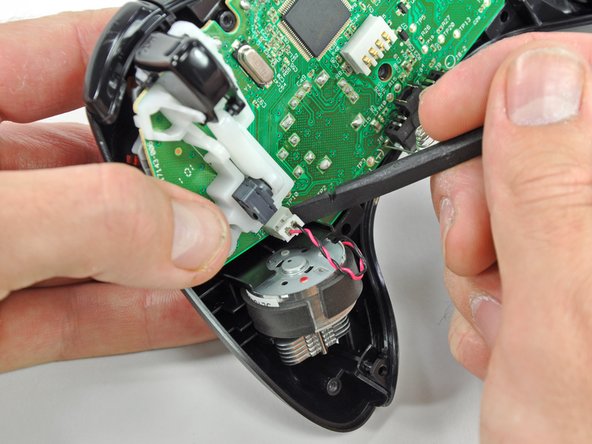
    • Use the flat end of a spudger to remove the vibration motor cable, moving it upward from its socket on the logic board.

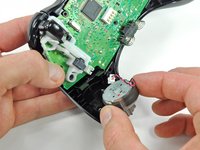
    • Lift the vibration motor out of the front case.

    Add Comment

  8. Xbox 360 Wireless Controller Front Case Replacement: step 8, image 1 of 2 Xbox 360 Wireless Controller Front Case Replacement: step 8, image 2 of 2
    • Remove the vibration motor from the other side of the controller using the same method previously described.

    • The right motor has significantly more counterweight than the left motor.

    Add Comment

  9. Xbox 360 Wireless Controller Front Case Replacement: step 9, image 1 of 2 Xbox 360 Wireless Controller Front Case Replacement: step 9, image 2 of 2
    • Lifting from the headphone jack and power plug, remove the logic board from the front case.

    Add Comment

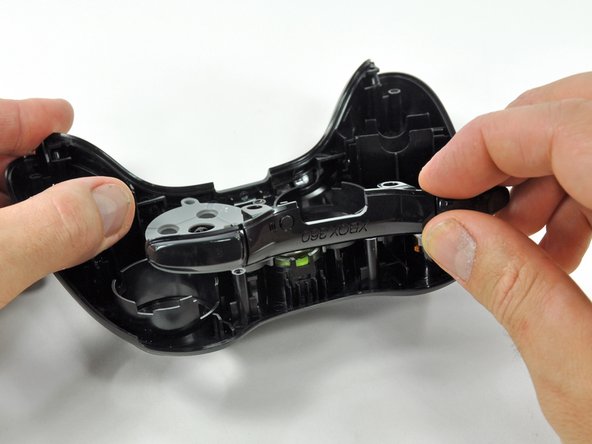
  10. Xbox 360 Wireless Controller Front Case Replacement: step 10, image 1 of 2 Xbox 360 Wireless Controller Front Case Replacement: step 10, image 2 of 2
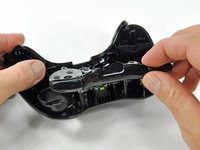
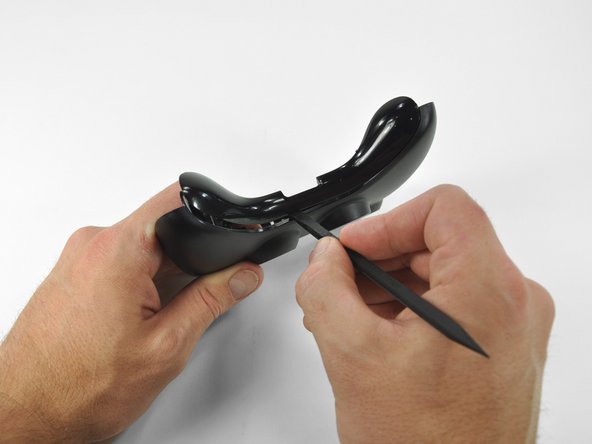
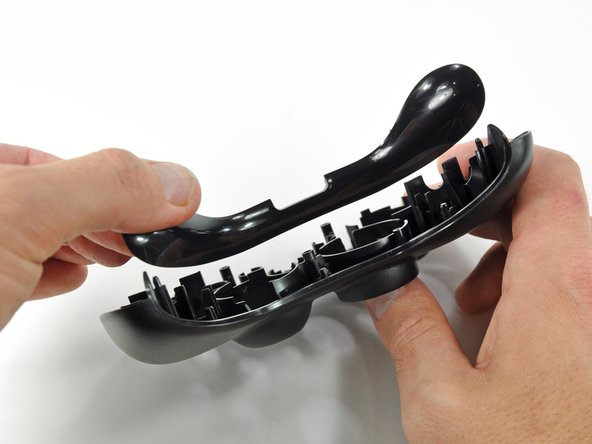
    • Lift the bumper panel off of the front case.

    Add Comment

  11. Xbox 360 Wireless Controller Front Case Replacement: step 11, image 1 of 1
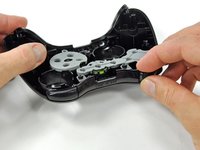
    • Remove the rubber pad from the back of the D-pad.

    Add Comment

  12. Xbox 360 Wireless Controller Front Case Replacement: step 12, image 1 of 1
    • Remove the two 7.0 mm silver Phillips screws from the back of the D-pad.

    Add Comment

  13. Xbox 360 Wireless Controller Front Case Replacement: step 13, image 1 of 2 Xbox 360 Wireless Controller Front Case Replacement: step 13, image 2 of 2
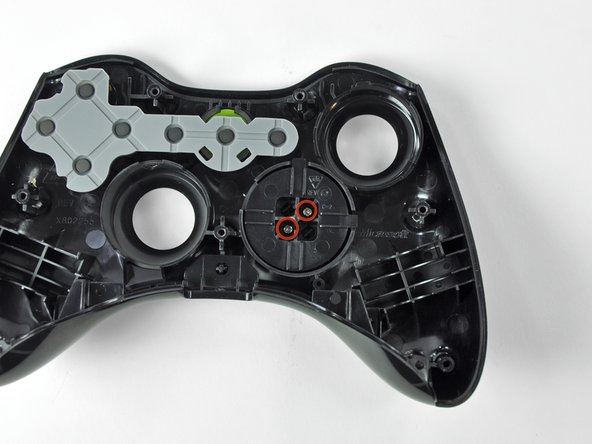
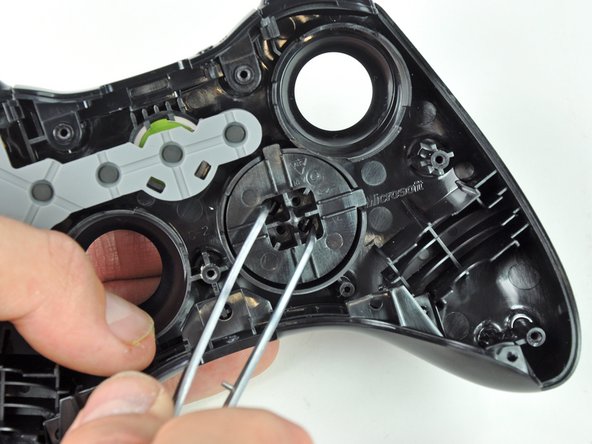
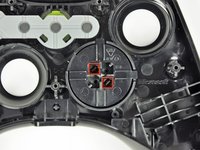
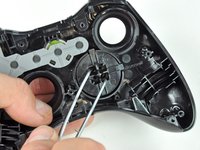
    • The D-pad is secured to its backing by two diagonal clips, shown in red.

    • Use a pair of tweezers and squeeze the clips together to release the D-pad from its backing.

    Add Comment

  14. Xbox 360 Wireless Controller Front Case Replacement: step 14, image 1 of 2 Xbox 360 Wireless Controller Front Case Replacement: step 14, image 2 of 2
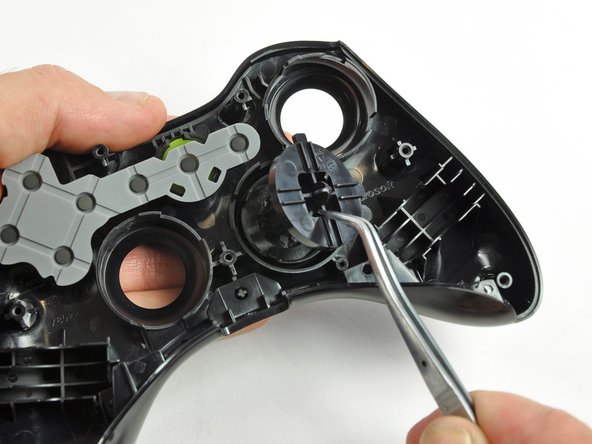
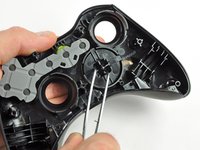
    • Lift the D-pad backing out of its compartment on the front case.

    • The D-pad remains below the front case.

    • The D-pad will fall once its backing is removed. Be sure to support it as you remove the backing.

    • The backing is slotted to its compartment to ensure that it will always be aligned properly.

    Add Comment

  15. Xbox 360 Wireless Controller Front Case Replacement: step 15, image 1 of 1
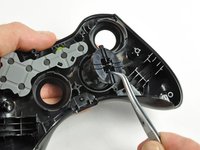
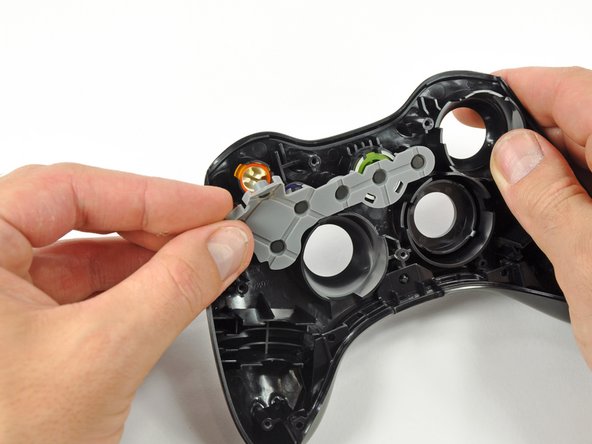
    • Remove the rubber pad from the back of the input buttons.

    Add Comment

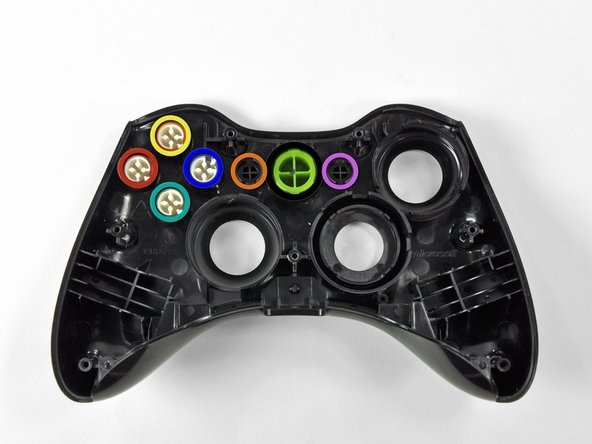
  16. Xbox 360 Wireless Controller Front Case Replacement: step 16, image 1 of 2 Xbox 360 Wireless Controller Front Case Replacement: step 16, image 2 of 2
    • Using a pair or tweezers, remove the following buttons from the front panel:

    • A Button

    • B Button

    • X Button

    • Y Button

    • Start Button

    • Select Button

    • Guide Button

    Add Comment

  17. Xbox 360 Wireless Controller Front Case Replacement: step 17, image 1 of 1
    • Using a pair of tweezers, remove the LED ring from the front panel.

    Add Comment

  18. Xbox 360 Wireless Controller Front Case Replacement: step 18, image 1 of 3 Xbox 360 Wireless Controller Front Case Replacement: step 18, image 2 of 3 Xbox 360 Wireless Controller Front Case Replacement: step 18, image 3 of 3
    • Insert a spudger between the lower panel and front case.

    • Slide the spudger along the gap between the two case components.

    • Lift the lower panel off of the front case.

    Add Comment

Conclusion

To reassemble your device, follow these instructions in reverse order.

Cancel: I did not complete this guide.

System

Member since: 09/24/09

2,562 Guides authored

0 Guide Comments

Add Comment

View Statistics:

Past 24 Hours: 0

Past 7 Days: 0

Past 30 Days: 7

All Time: 40