
Introduction
Replacing the plastic bottom case.
What you need
-
-
-
Use a coin to rotate the battery locking screw 90 degrees clockwise.
-
Lift the battery out of the computer.
-
-
-
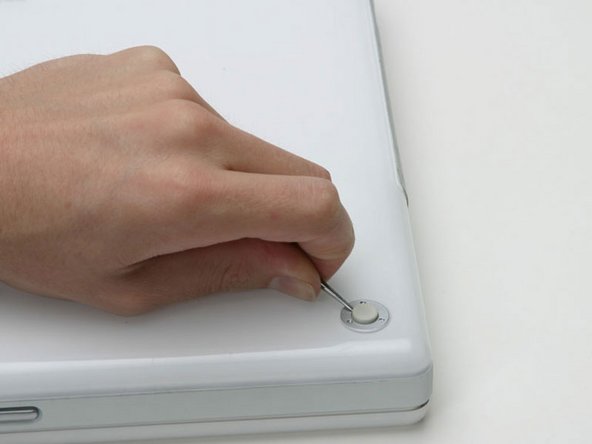
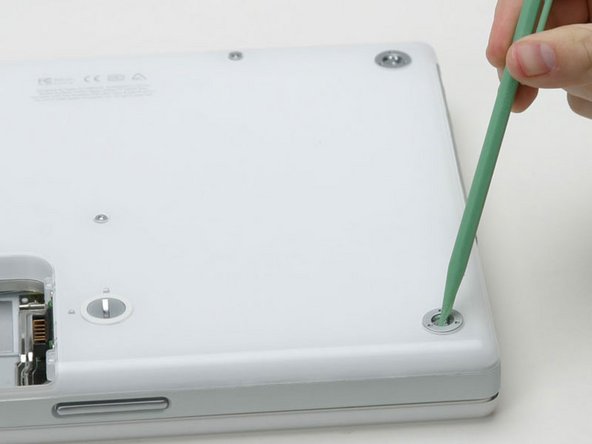
Use a spudger or small flathead screwdriver to pry up the three metal rings that housed the rubber bumpers.
-
-
-
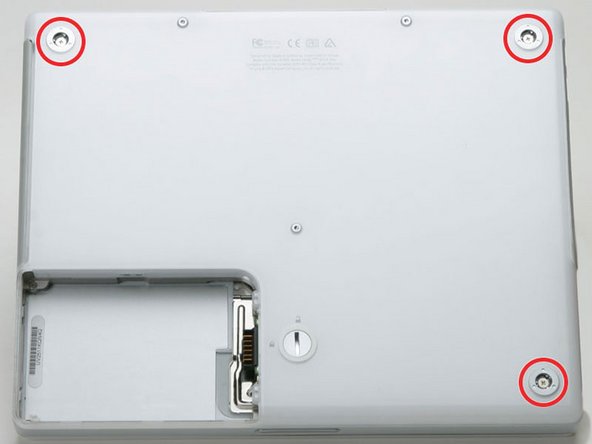
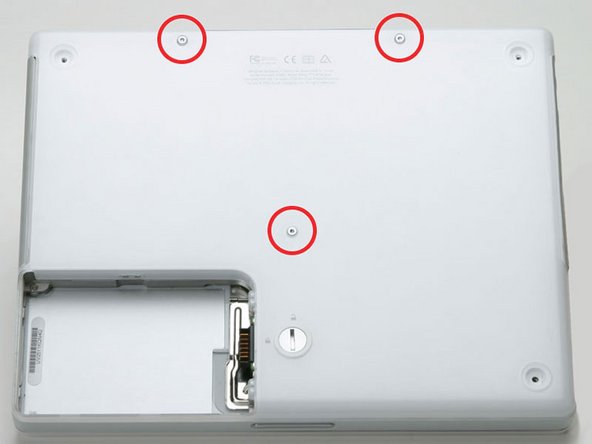
Remove the one 10 mm and two 20 mm hex screws using a 2mm hex. Alternatively, a T8 Torx screwdriver key will do.
-
-
-
Breathe deeply. Trying times are ahead, but we promise the lower case does come off.
-
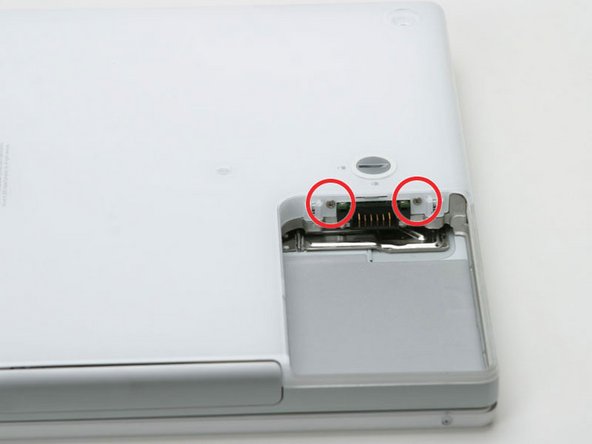
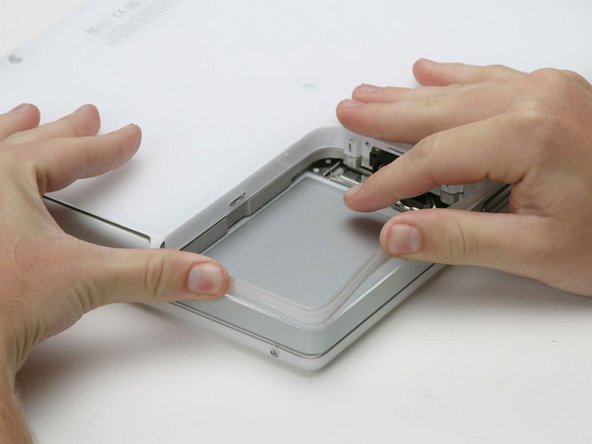
Push the thin rims of the lower case surrounding the battery compartment in, bending them past the tabs, and then lift up to free that corner of the lower case.
-
-
-
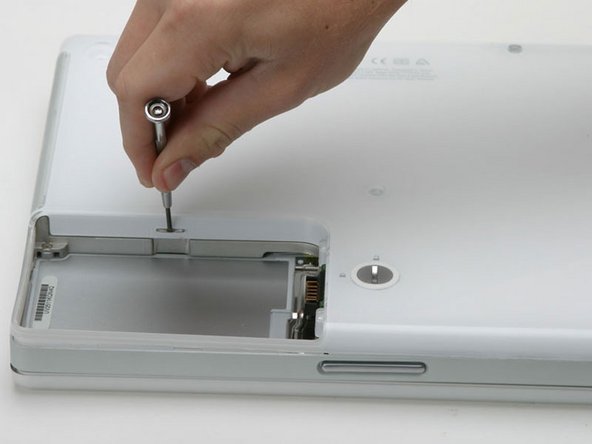
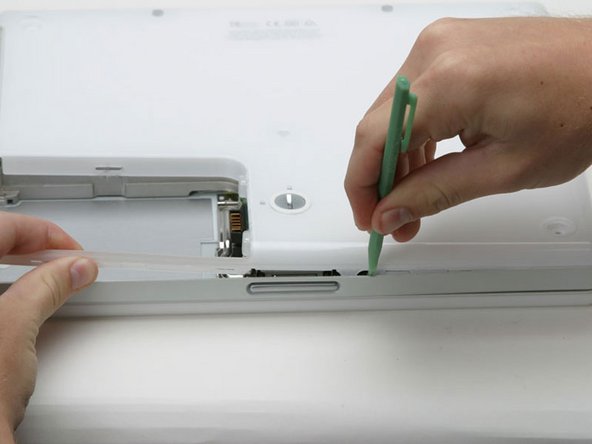
There is a slot on the wall of the battery compartment that locks the lower case in place. Use a small flathead screwdriver to pry out the slot's lower rim and pull up on the lower case to free the slot from the tabs holding it.
-
-
-
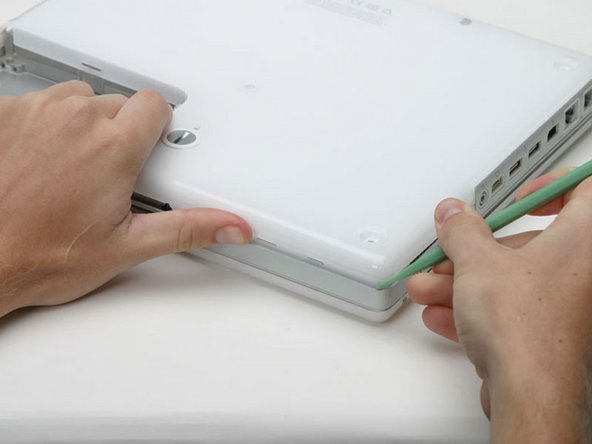
Run a spudger along the seam between the lower case and upper case on the front of the computer to free the tabs locking the lower case. Pull up on the lower case and continue to use the spudger as necessary until you hear three distinct clicks.
-
-
-
Continue to run the spudger around the front, right corner. There are two tabs on the port side of the computer, one near the front corner and one near the sound out port.
-
-
-
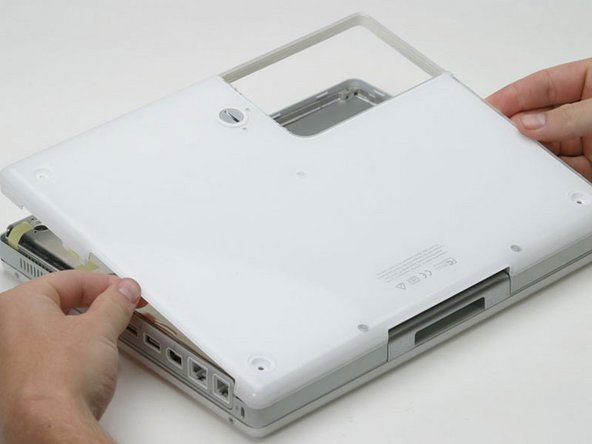
Once the front and sides of the lower case are free, turn the computer so that the back is facing you and pull the lower case up and toward you until the back tabs pop free (it may be helpful to jiggle the case up and down).
-
-
-
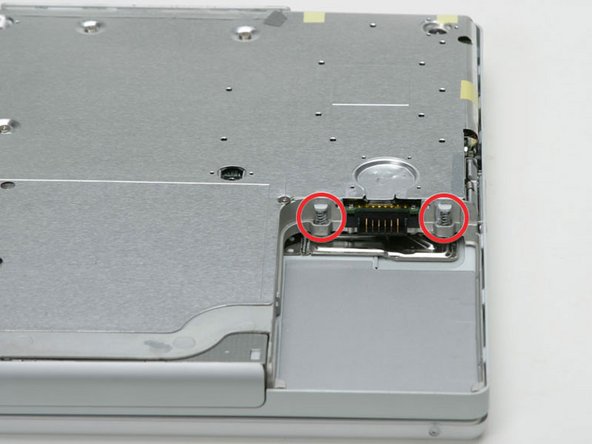
Remove the small greasy springs with white plastic caps from either side of the battery contacts.
-
-


To reassemble your device, follow these instructions in reverse order.

