iMac G3 Model M4984 Logic Board Replacement

What you need

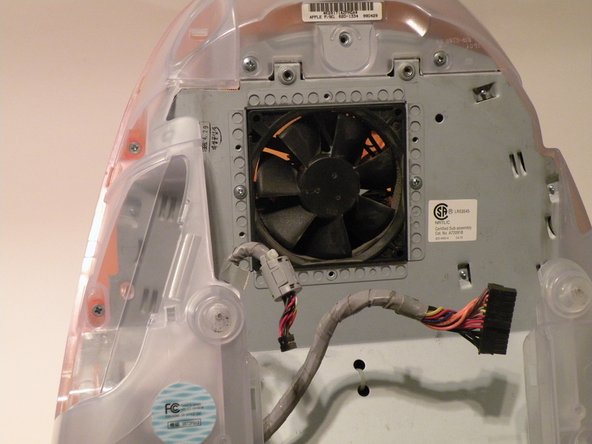
    1. iMac G3 Model M4984 Logic Board Replacement, iMac G3 Model M4984 Logic Board Replacement: step 1, image 1 of 1
      • The iMac G3. This was a great computer for the time, and had plenty of features.

      Add Comment

    2. iMac G3 Model M4984 Logic Board Replacement: step 2, image 1 of 1
      • Start by flipping the iMac upside-down. It may help to lay it on a towel, so you don't damage the screen, or scratch the face.

      Add Comment

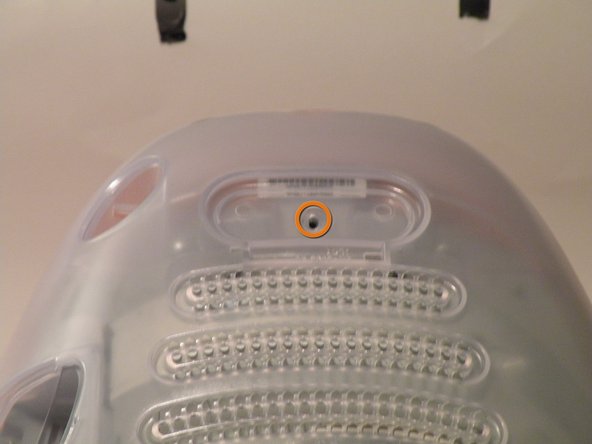
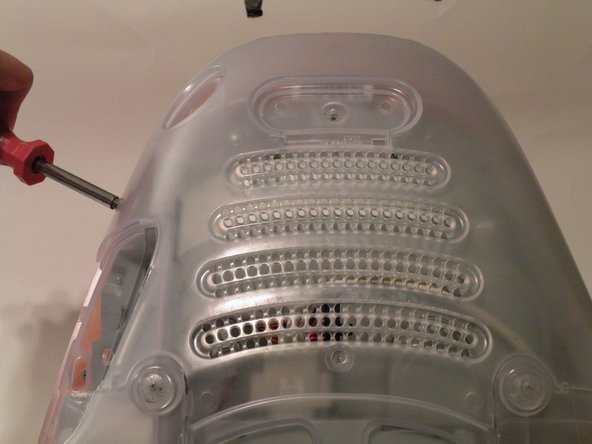
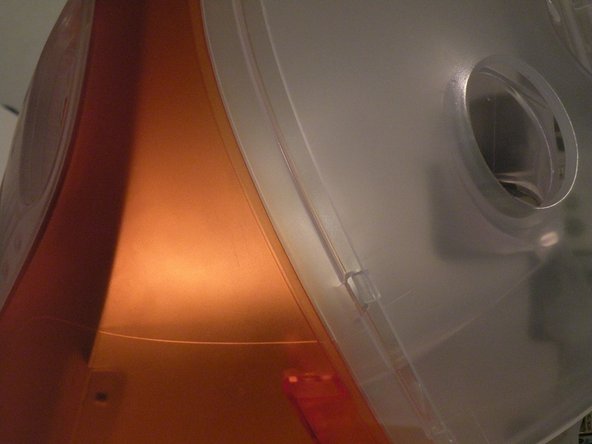
    3. iMac G3 Model M4984 Logic Board Replacement: step 3, image 1 of 3 iMac G3 Model M4984 Logic Board Replacement: step 3, image 2 of 3 iMac G3 Model M4984 Logic Board Replacement: step 3, image 3 of 3
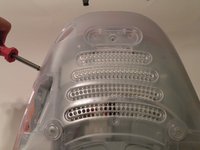
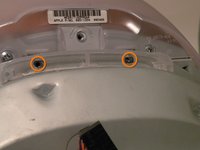
      • Remove this Phillips screw.

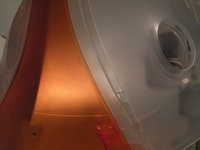
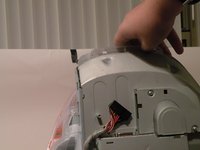
      • Using a flathead screwdriver, work your way around the bottom cover, until it comes off.

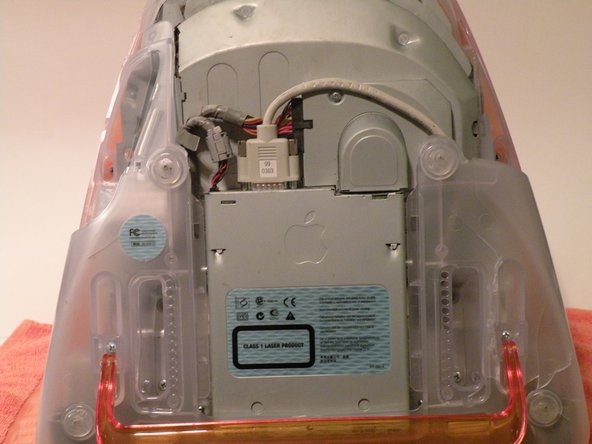
      • Then, lift the bottom cover up and out, and set it aside.

      Add Comment

    4. iMac G3 Model M4984 Logic Board Replacement: step 4, image 1 of 3 iMac G3 Model M4984 Logic Board Replacement: step 4, image 2 of 3 iMac G3 Model M4984 Logic Board Replacement: step 4, image 3 of 3
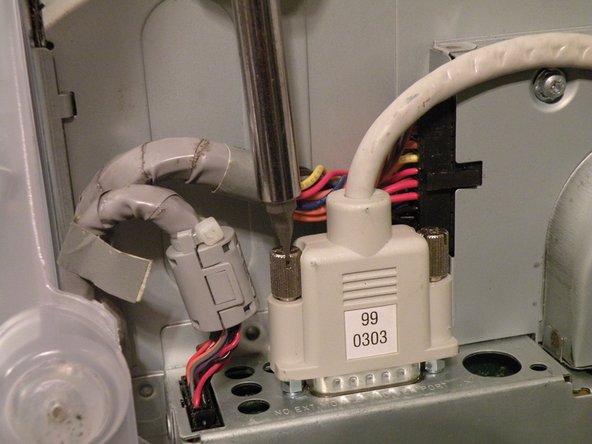
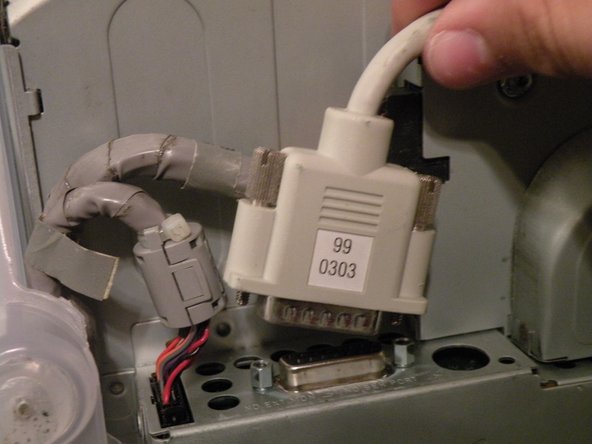
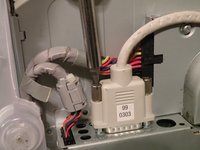
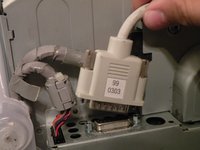
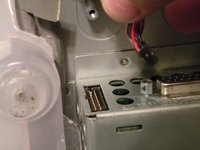
      • Now, remove the DB-15 Video connector from the logic board.

      • It may be helpful to use a Phillips screwdriver to remove the thumbscrews.

      Add Comment

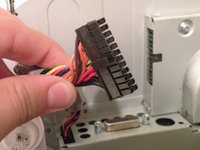
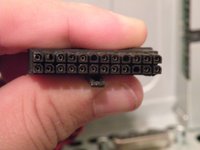
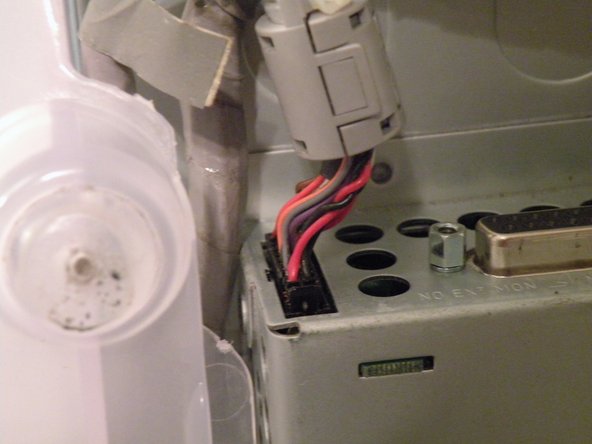
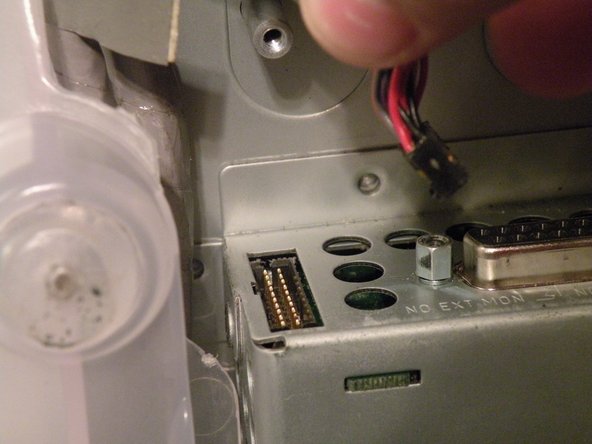
    5. iMac G3 Model M4984 Logic Board Replacement: step 5, image 1 of 3 iMac G3 Model M4984 Logic Board Replacement: step 5, image 2 of 3 iMac G3 Model M4984 Logic Board Replacement: step 5, image 3 of 3
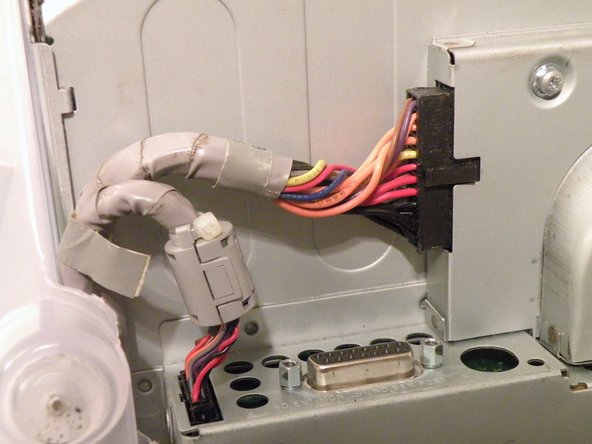
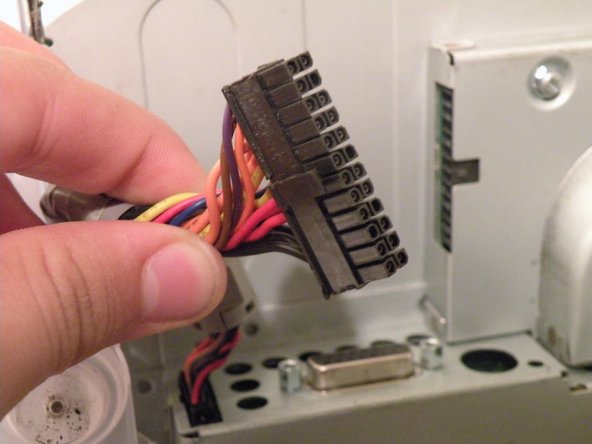
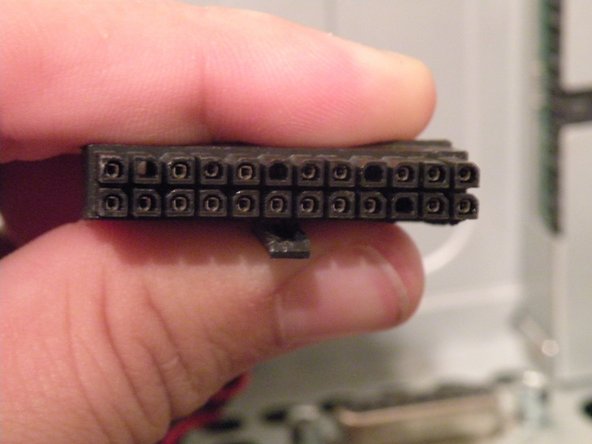
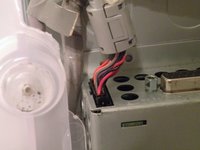
      • Remove the power cable from the logic board assembly.

      Add Comment

    6. iMac G3 Model M4984 Logic Board Replacement: step 6, image 1 of 2 iMac G3 Model M4984 Logic Board Replacement: step 6, image 2 of 2
      • Remove the front panel connector.

      Add Comment

    7. iMac G3 Model M4984 Logic Board Replacement: step 7, image 1 of 3 iMac G3 Model M4984 Logic Board Replacement: step 7, image 2 of 3 iMac G3 Model M4984 Logic Board Replacement: step 7, image 3 of 3
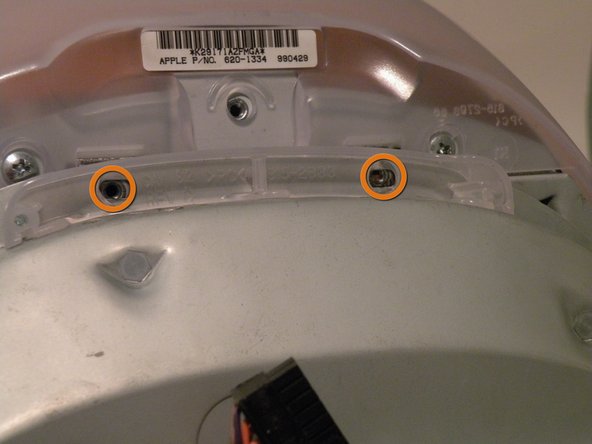
      • Now, remove these Phillips screws.

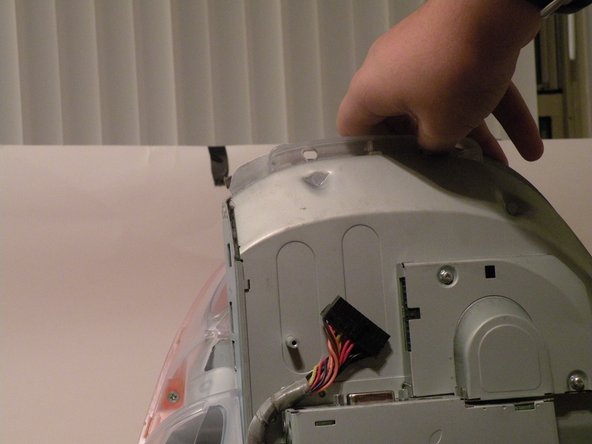
      • Now, grab the logic board assembly by the piece of plastic, and lift it out.

      Add Comment

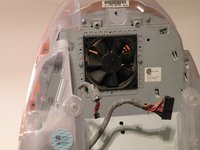
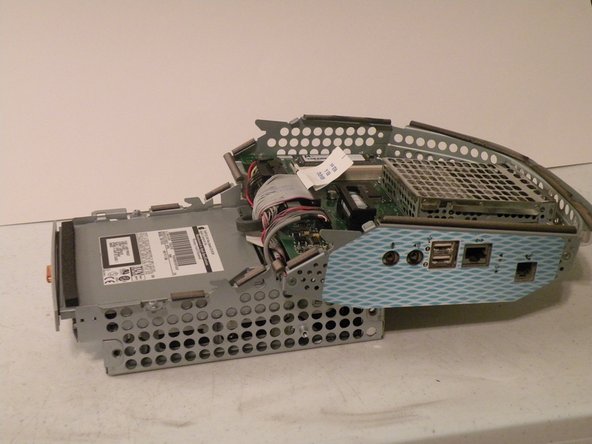
    8. iMac G3 Model M4984 Logic Board Replacement: step 8, image 1 of 1
      • The logic board assembly. This is the heart of the computer, it contains the motherboard, CPU, RAM, V-RAM, PRAM battery, the hard drive, and the optical drive.

      Add Comment

Conclusion

To reassemble your device, follow these instructions in reverse order.

Cancel: I did not complete this guide.

System

Member since: 09/24/09

2,562 Guides authored

0 Guide Comments

Add Comment

View Statistics:

Past 24 Hours: 0

Past 7 Days: 0

Past 30 Days: 0

All Time: 41