
iPod 1st Generation Logic Board Replacement

Last updated on Sep 17, 2016
Views: 11
View statistics:
- Past 24 Hours:
- 0
- Past 7 Days:
- 2
- Past 30 Days:
- 2
- All Time:
- 11
Comments: 0
No one has left comments on this guide. Will you be first?
Go to guide commentsCompleted: 0 1
No one has marked this guide "completed." Will you be the first?
1 person has marked this guide "completed." It's you — great job!
Favorites: 0 1
No one has favorited (and subscribed to) this guide. Will you be the first?
1 person has favorited (and subscribed to) this guide — and that's you!
Introduction
Go to step 1 ↓Your iPod's motherboard controls just about everything on the iPod.
-
-
-
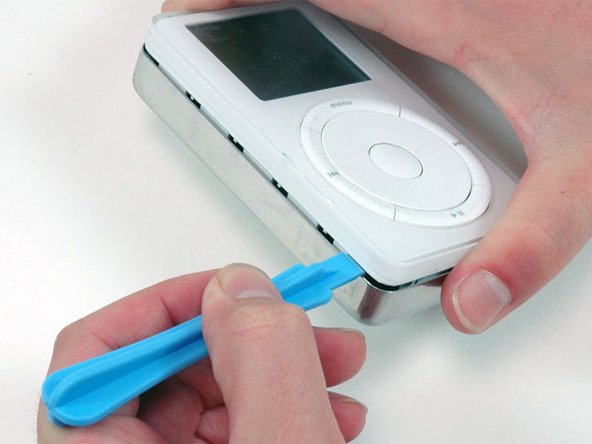
Insert a plastic iPod opening tool in the seam between the white plastic front and metal back of the iPod. It helps to hold the iPod at top and bottom as shown and squeeze to help pop out the edge. Once you've inserted the tool, run it along the seam to free the five tabs holding the iPod together.
-
-
-
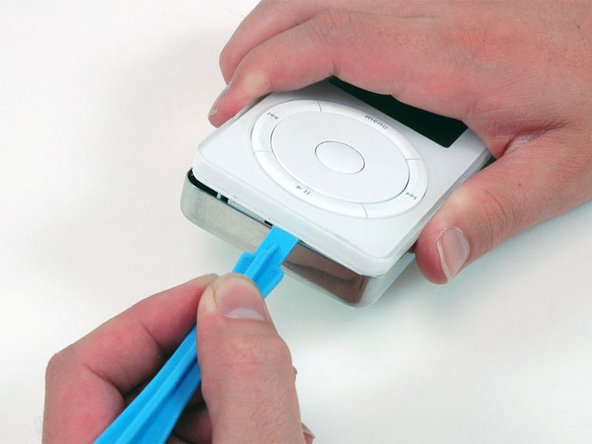
Continue to run the opening tool along the side of the case until all five tabs have been released.
-
-
-
Work around the corner of the iPod and release the two tabs holding the iPod together near the dock connector.
-
-
-
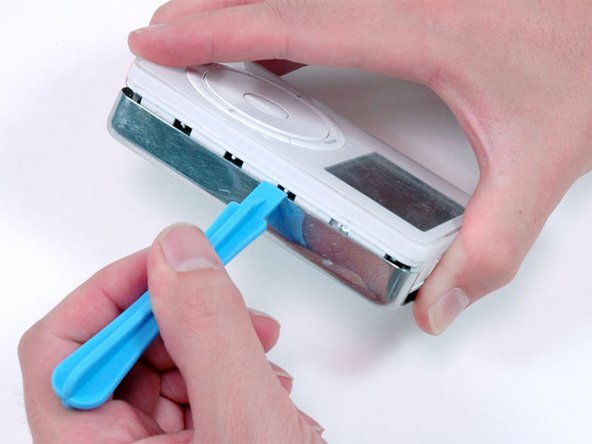
Free the five tabs holding the iPod together on the other side. You may be able to free the tabs by gently wiggling the front panel of the iPod.
-
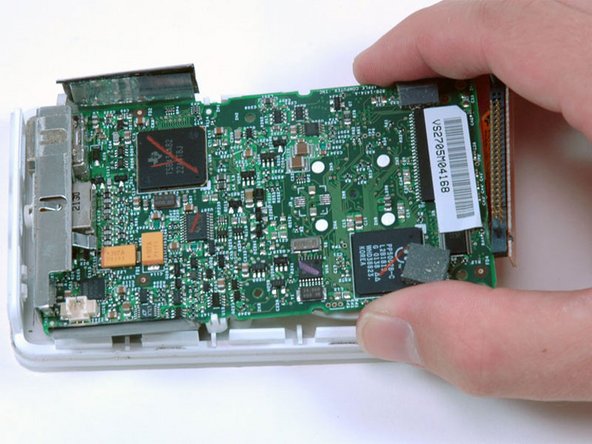
Lift the rear panel away from the iPod.
-
-
-
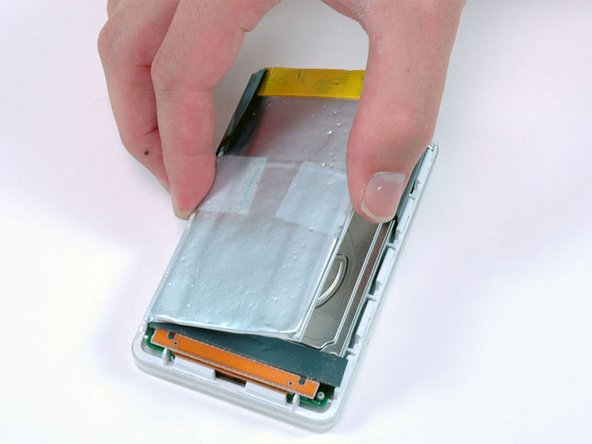
Lift the battery up from the adhesive holding it to the iPod.
-
Lay the battery next to the iPod (it is still connected to the logic board).
-
-
-
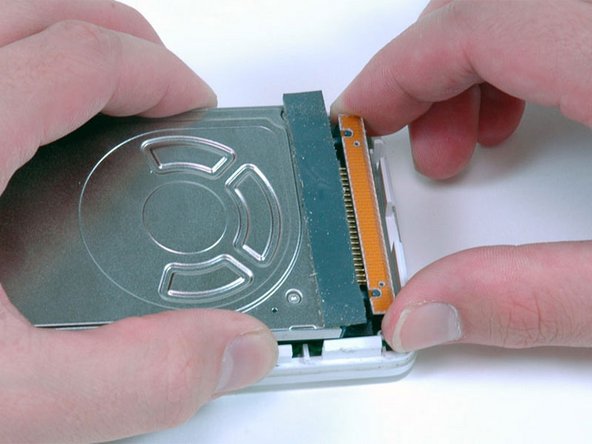
Carefully disconnect the orange ribbon cable from the hard drive.
-
If the cable doesn't come free easily, it may be helpful to gently wiggle the cable from side to side.
-
Lift the hard drive out of the iPod.
-
-
-
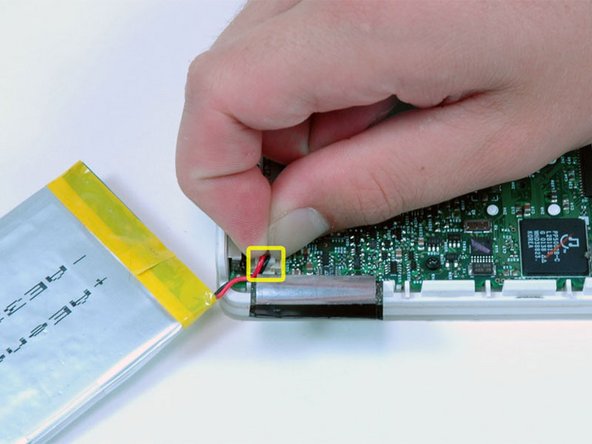
Carefully disconnect the white battery connector from the logic board. Be sure to pull only on the connector itself and not on the cables.
-
-
-
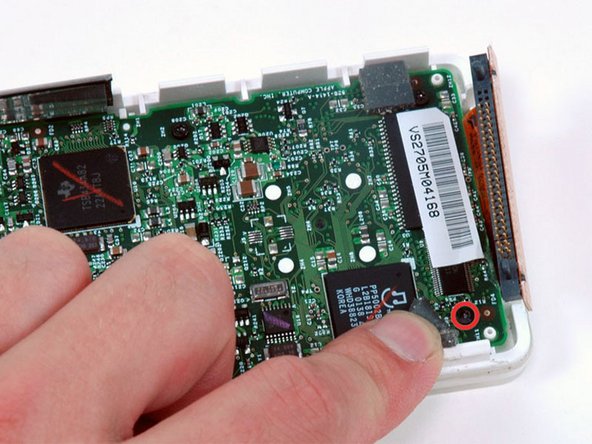
Peel up the gray rubber bumper near the hard drive ribbon to reveal the T6 Torx screw beneath.
-
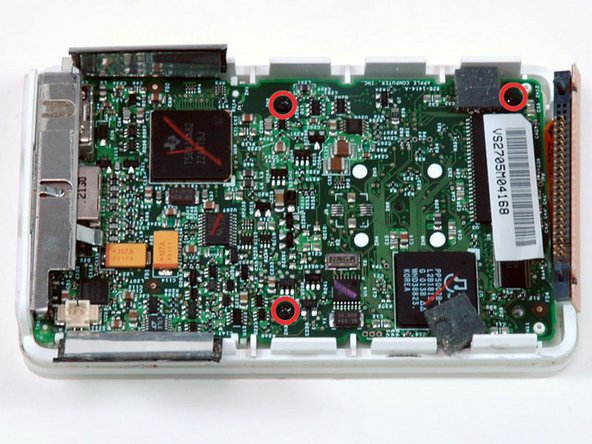
Remove the newly revealed T6 Torx screw.
-
-
-
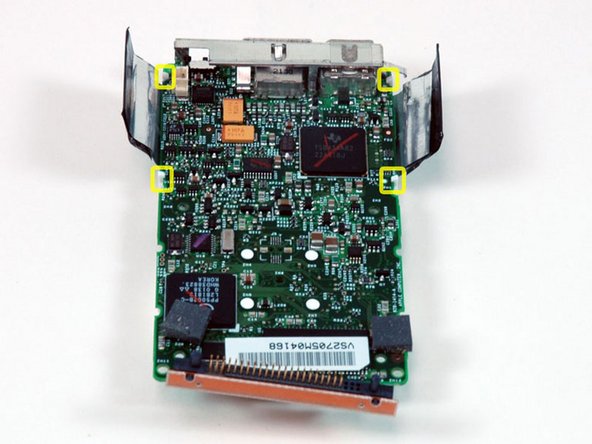
Note the location of the four white plastic tabs securing the display to the logic board. These tabs must be released before the display can be removed.
-
-
-
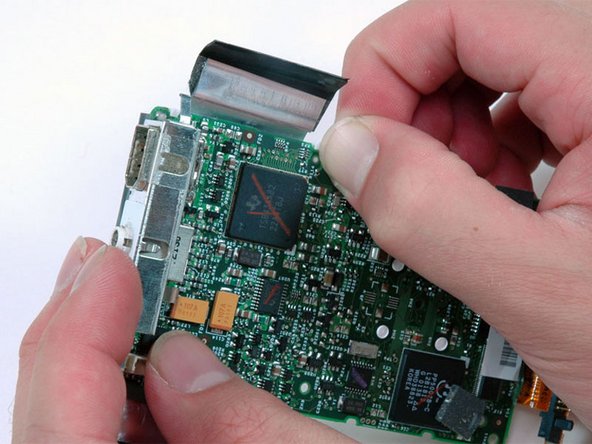
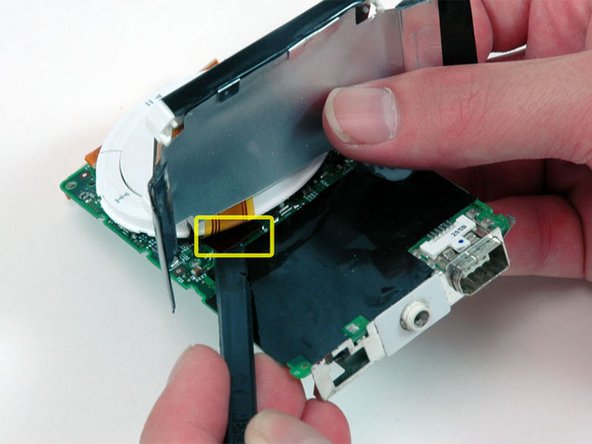
Use a spudger or your finger to free the four white plastic tabs indicated in the previous picture.
-
-
-
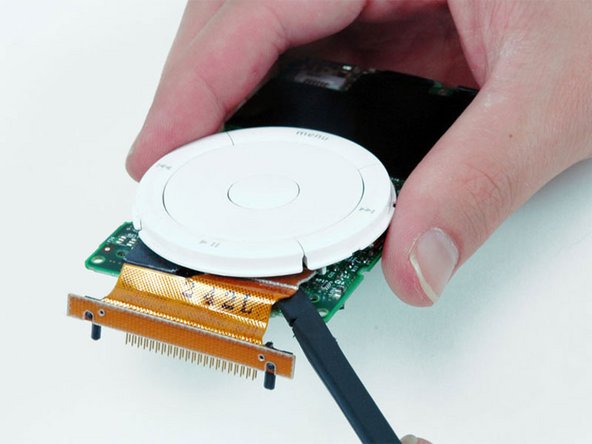
Use a spudger to carefully disconnect the display ribbon cable from beneath the scroll wheel.
-
-
-
Use a spudger to carefully disconnect the orange hard drive cable from beneath the scroll wheel.
-


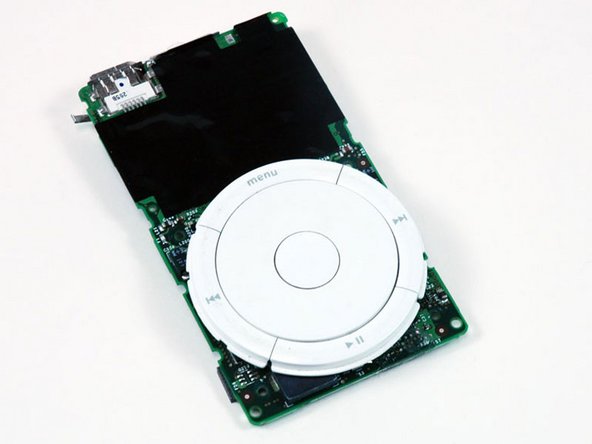
To reassemble your device, follow these instructions in reverse order.

